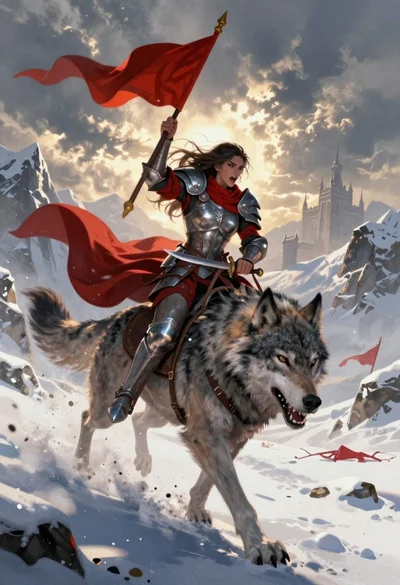
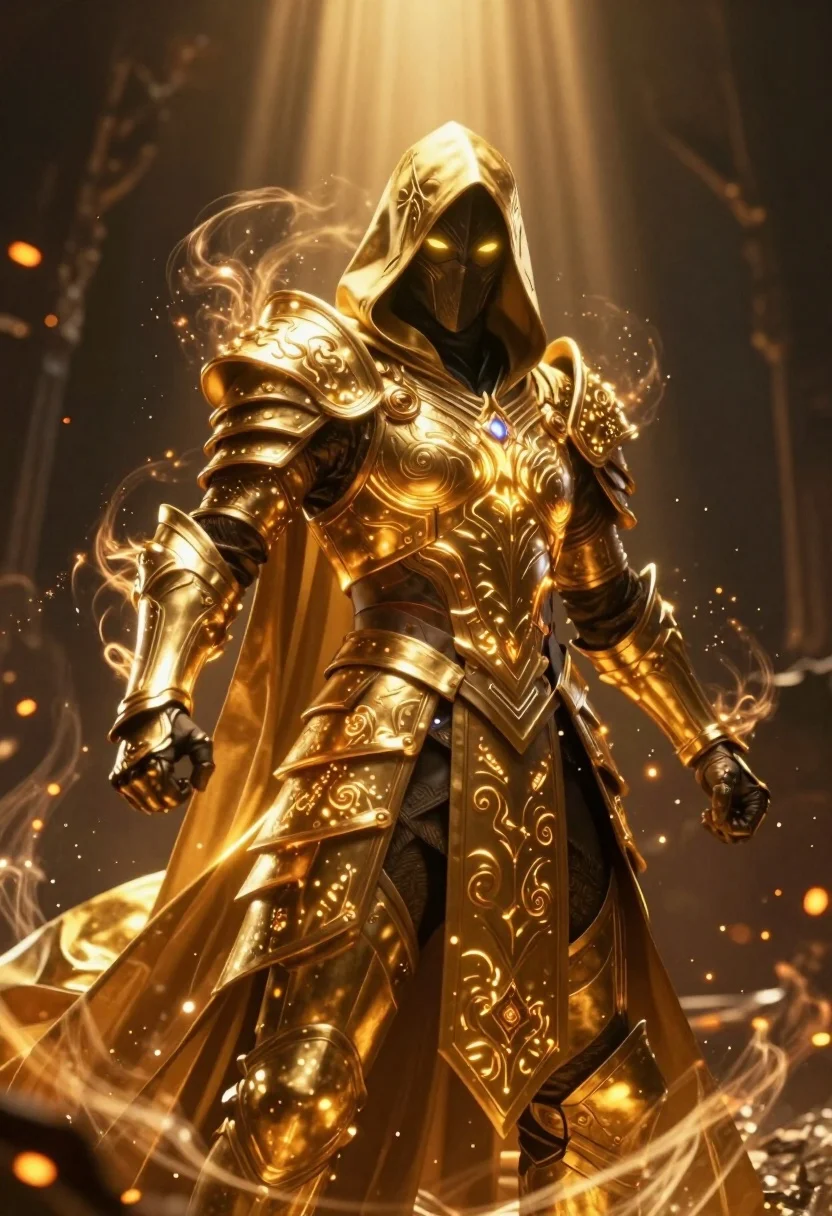
Mysterious armored warrior standing amidst swirling magical energy and embers
Prompt
A mysterious hooded figure clad in ornate golden armor stands amidst swirling magical energy and embers.

Subject: A cloaked warrior with glowing yellow eyes visible through a darkened face mask, wearing intricate golden plate armor etched with glowing runes.

Clothing: Heavy golden armor covering the torso and arms, detailed with swirling engraved patterns that emit light, paired with a flowing hooded cloak made of translucent golden fabric.

Action: The figure stands in a powerful, forward-facing pose with hands slightly clenched at their sides, exuding an aura of intense energy radiating outward from their body.

Environment: A dark, atmospheric setting filled with floating embers and wisps of smoke, illuminated by dramatic beams of light shining down from above against a shadowy background.

Lighting: High-contrast lighting dominated by warm golden tones emanating from the armor and magical effects, creating a halo effect around the figure while casting deep shadows in the surrounding darkness.

Style Details: Cinematic digital art style with hyper-realistic textures, volumetric lighting, glowing particle effects, and a dramatic color palette focused on golds, blacks, and oranges.
Description
This prompt is useful for creating concept art for fantasy video games, book cover illustrations, and cinematic movie posters depicting epic confrontations. The combination of 'high-contrast lighting' with 'glowing particle effects' ensures the armor details pop against the deep shadows, while the 'translucent golden fabric' prevents the cloak from looking like a solid block of color, maintaining visual interest in the smoky environment.
Suggestions
- Change 'golden armor' to 'obsidian and gold armor' for a more menacing look.
- Add 'smoke plumes rising from the ground' to enhance the environment.
- Swap 'glowing yellow eyes' for 'luminescent cyan eyes' for an alternative magical signature.
Category
Tags
ArmorDigital ArtFemaleFull BodyHigh AngleLow AnglePortrait ShotRobotRooftopWide Shot
Date added
July 12, 2026
Added by
PromptDexter Team
Related Prompts
More prompts with similar categories and tags.
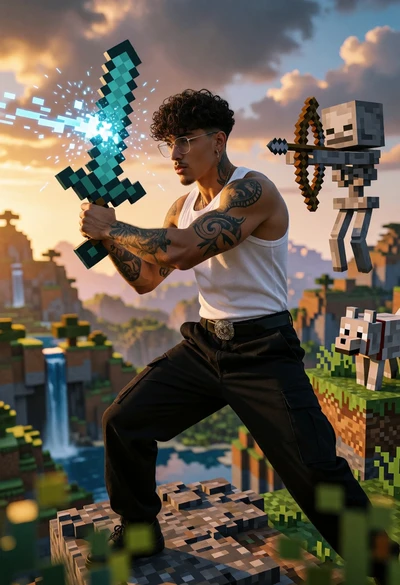
Muscular man in combat stance on cliff edge with pixelated sword
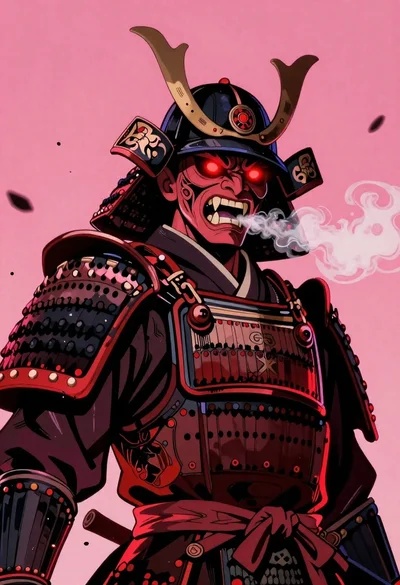
Samurai warrior roaring in dark armor against pink background
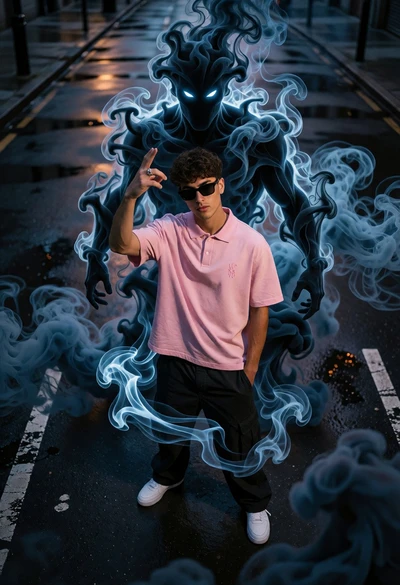
Young man on wet city street surrounded by blue spectral smoke entity
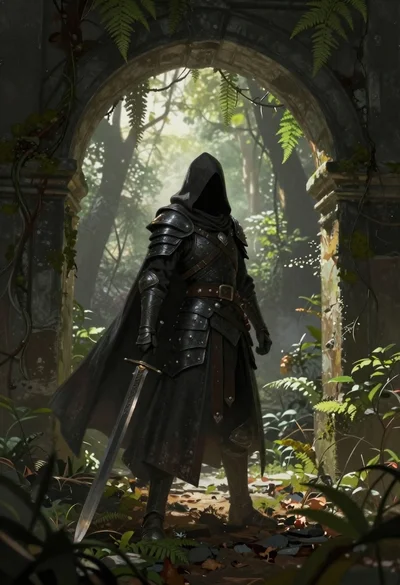
Warrior in dark armor within ancient overgrown stone archway

Cybernetic android portrait in red scifi setting
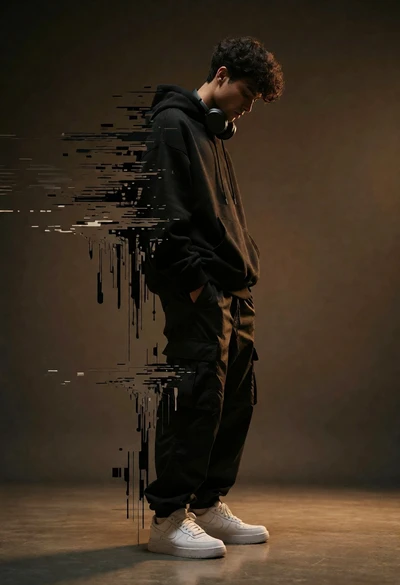
Young man dissolving into glitch artifacts against a brown studio backdrop
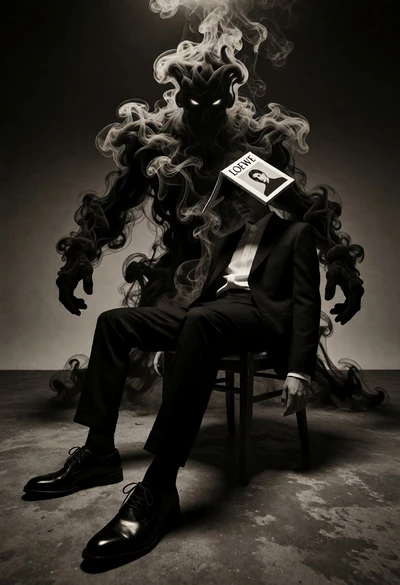
Surreal figure in suit seated on chair with smoke entity behind
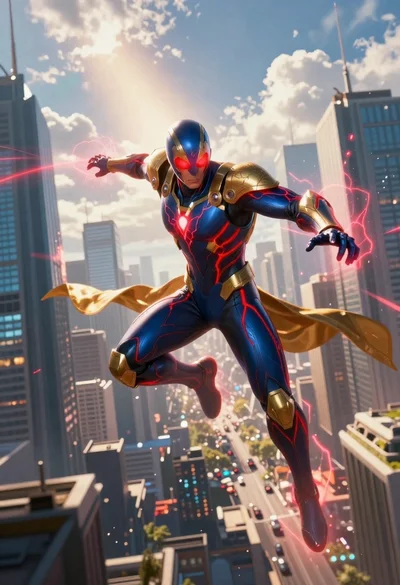
Superhero leaping through a futuristic cityscape under cloudy sky
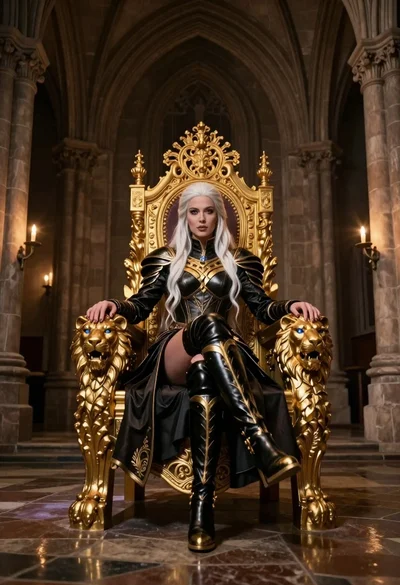
Queen in black armor on golden throne in cathedral
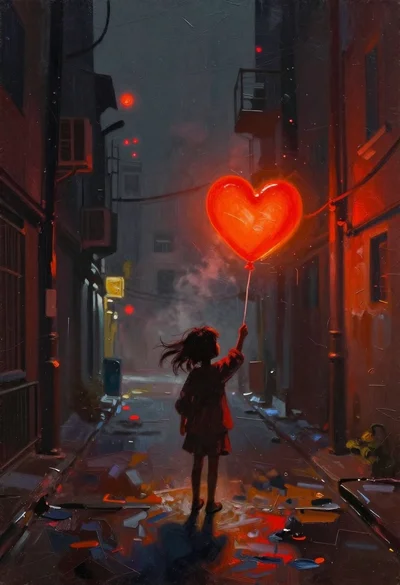
Child holding glowing balloon in dimly lit alleyway