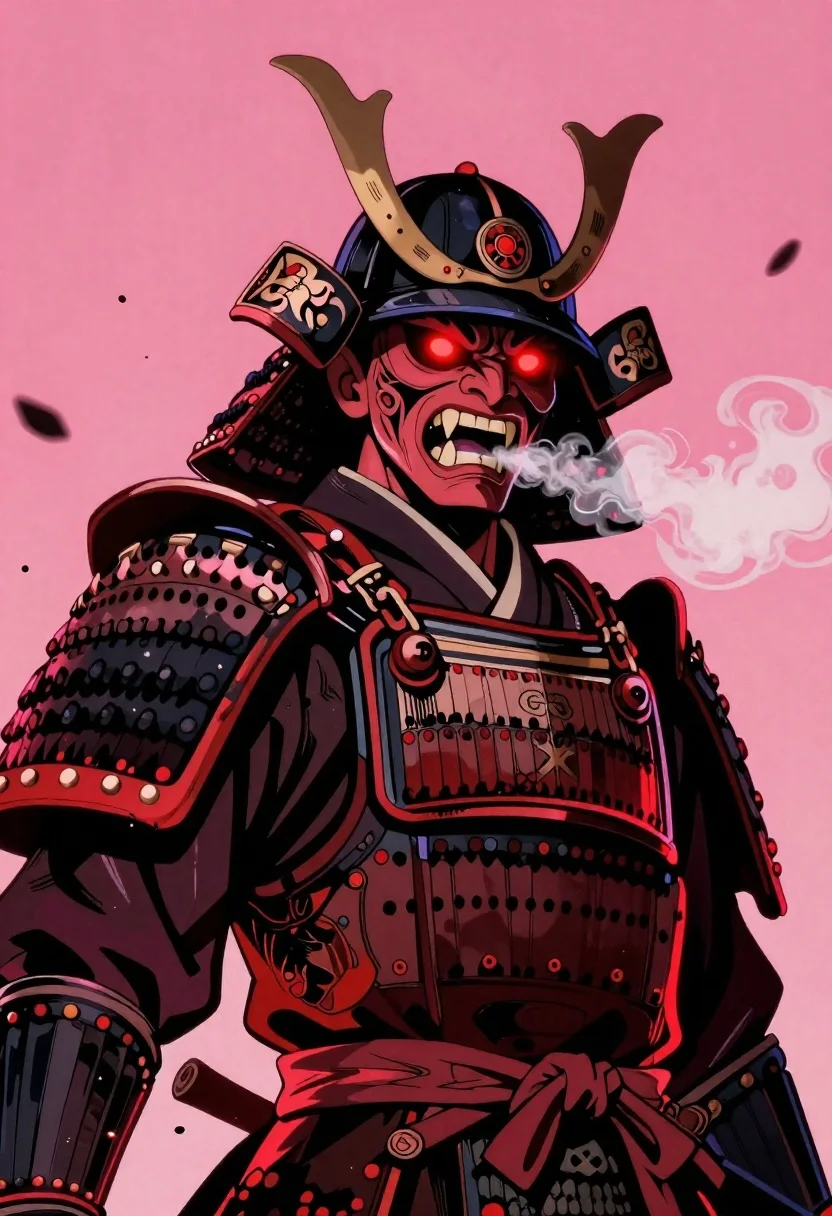
Samurai warrior roaring in dark armor against pink background
Prompt
Subject: A towering samurai warrior clad in dark traditional armor with a fierce demonic expression and glowing red eyes

Clothing: ornate black lacquered helmet featuring large curved horns, intricate facial mask carvings, detailed shoulder plates (sode), and chest guard adorned with emblems

Action: roaring aggressively while exhaling thick swirling smoke or steam from the mouth

Environment: stark solid pink background filled with floating debris particles suggesting violent motion or battlefield chaos

Camera: dramatic low-angle close-up emphasizing height and menace against a flat backdrop

Lighting: high-contrast neon lighting casting deep shadows on armor highlights, glowing red accents around eyes and smoke tendrils creating an intense mood

Style Details: bold graphic illustration style reminiscent of Japanese manga/anime aesthetics with heavy linework, saturated color palette dominated by crimson pink tones.
Description
This prompt is useful for creating dramatic character concept art, album cover visuals, and high-impact promotional key art for video games. The combination of 'high-contrast neon lighting' with the 'stark solid pink background' ensures that the deep shadows on the armor highlights prevent the image from looking flat, while the 'glowing red eyes' provide a necessary focal point against the saturated color palette.
Suggestions
- Change 'dark traditional armor' to 'weathered obsidian armor' for more texture.
- Replace 'floating debris particles' with 'shattered neon glass shards' for a different type of chaos.
- Adjust 'crimson pink tones' to 'magenta and cyan tones' for a cooler, more futuristic feel.
Category
Tags
ArmorDark SkinDigital ArtFictional CharacterFull BodyLow AnglePortrait ShotRobotRooftopStudioTraditional WearWide Shot
Date added
June 19, 2026
Added by
PromptDexter Team
Related Prompts
More prompts with similar categories and tags.
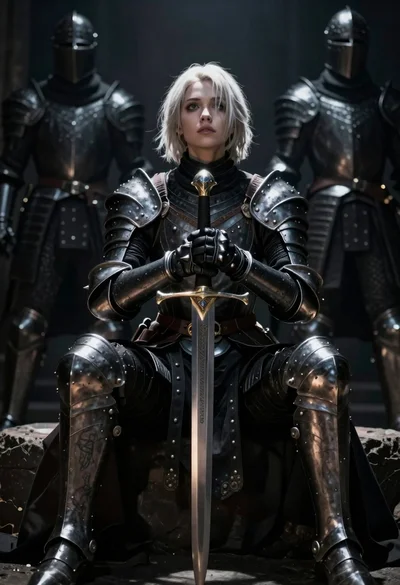
Warrior woman in dark armor seated with ornate sword
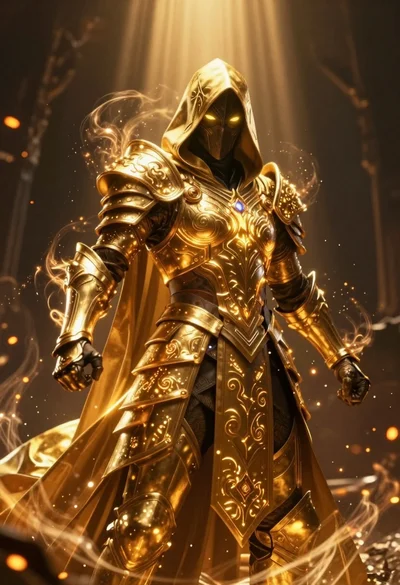
Mysterious armored warrior standing amidst swirling magical energy and embers
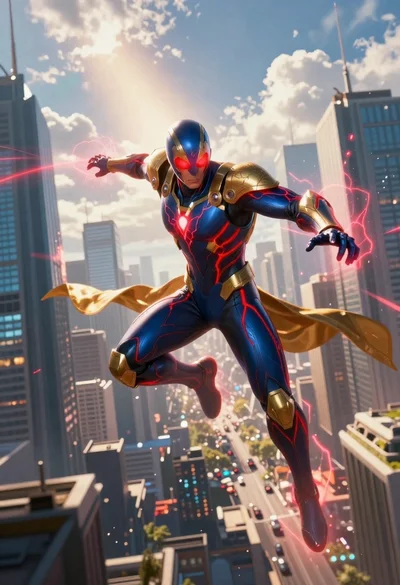
Superhero leaping through a futuristic cityscape under cloudy sky
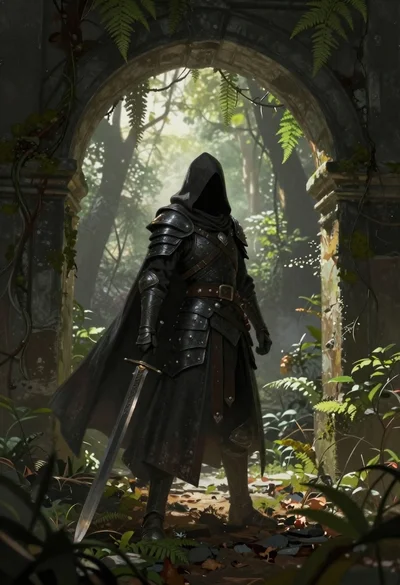
Warrior in dark armor within ancient overgrown stone archway
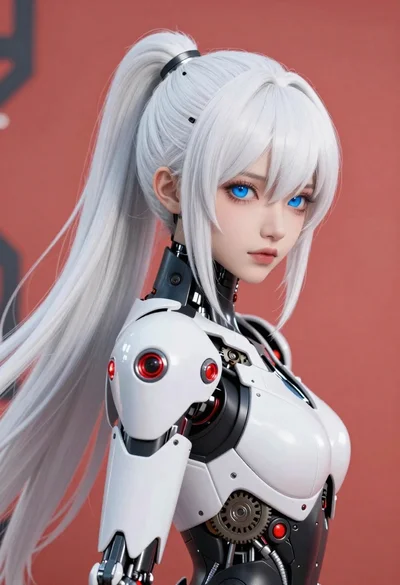
Cybernetic android portrait in red scifi setting
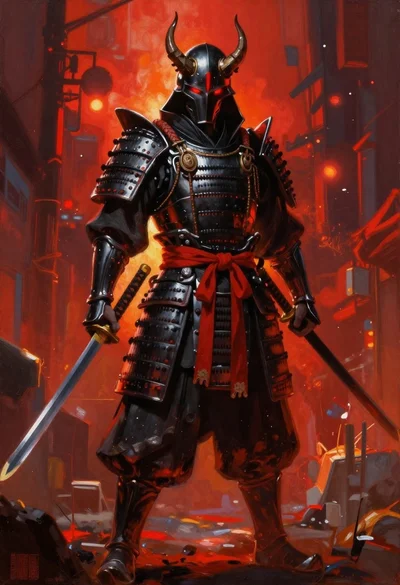
Futuristic samurai warrior in black armor on an urban street

Obsidian humanoid in neon cube holding glowing heart

Futuristic android woman in metallic corridor