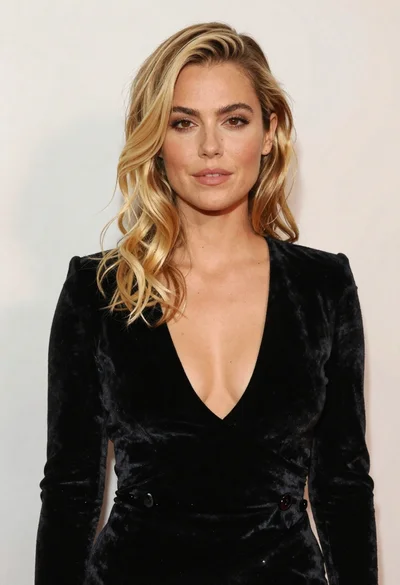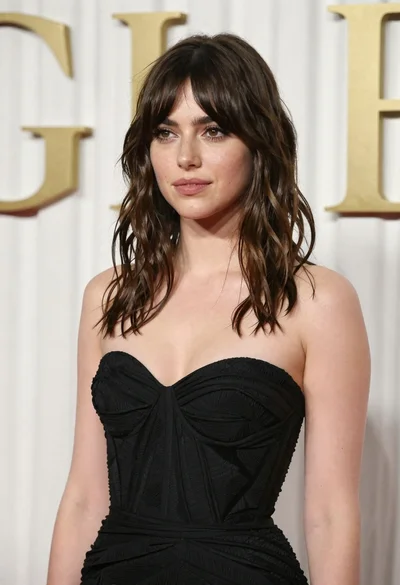

Photorealistic portrait of young woman in black biker jacket studio shot
Prompt
A striking portrait of a young woman with long, windswept dark brown hair and intense blue eyes looking directly at the camera.

Subject: A young woman with fair skin, deep blue eyes, and voluminous dark brown hair that is blowing across her face in the wind. She has a confident, direct gaze and full red lips.

Clothing: She wears a black leather biker jacket unzipped to reveal a black strapless top underneath. The jacket features prominent silver zippers along the shoulders and front placket.

Action: Her right hand is raised near her chest, holding the lapel of her jacket open. She wears two large, ornate rings on her fingers that are heavily encrusted with sparkling stones or crystals.

Lighting: Studio lighting illuminates her face from the front-left, creating soft shadows and highlighting the texture of her skin and hair against a neutral grey background.

Camera: A medium close-up shot framed to focus on her upper body and face, utilizing a shallow depth of field that keeps her features sharp while softly blurring the background.

Style Details: High-fashion editorial photography with a cinematic color palette, emphasizing high contrast between the black leather and skin tones, rendered in photorealistic detail.
Description
This prompt is useful for creating edgy magazine editorials, character concept art for film, and dramatic portrait branding materials. The combination of 'black leather biker jacket' against a 'neutral grey background' with 'high contrast between the black leather and skin tones' directs the model to emphasize texture and silhouette, preventing the image from looking flat by using defined shadows.
Suggestions
- Change 'deep blue eyes' to 'smoky gray eyes' for a more mysterious look.
- Add 'rim lighting' to enhance the separation of her hair from the background.
- Swap 'medium close-up shot' for 'headshot' to focus solely on the gaze.
Category
Tags
Fair SkinFemaleRealisticStudio
Date added
June 19, 2026
Added by
PromptDexter Team
Related Prompts
More prompts with similar categories and tags.

Close up portrait of blonde woman in champagne gown at gala

Fair blonde woman in metallic corset mini dress against light blue studio

Young woman in silver sequin top and lace dress against beige wall

Blonde woman looking back over shoulder against white wall
Woman with red hair leaning against white wall in studio setting

Smiling blonde woman in black dress at sports illustrated event backdrop
Fair blonde woman in deep red velvet dress posing against plain white

Fair skinned woman with red hair in brown satin dress against gray
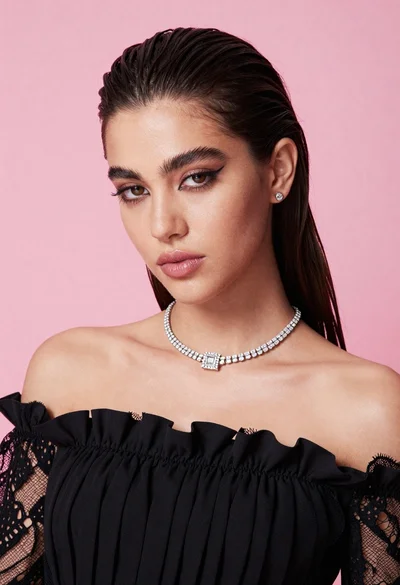
Glamorous portrait of young woman in black ruffled top against pink background
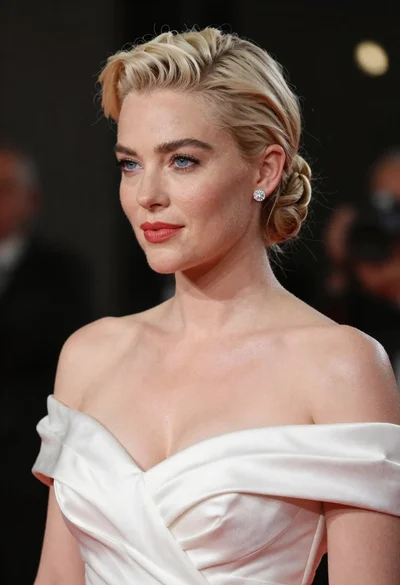
Glamorous woman with platinum blonde hair in white satin gown studio portrait