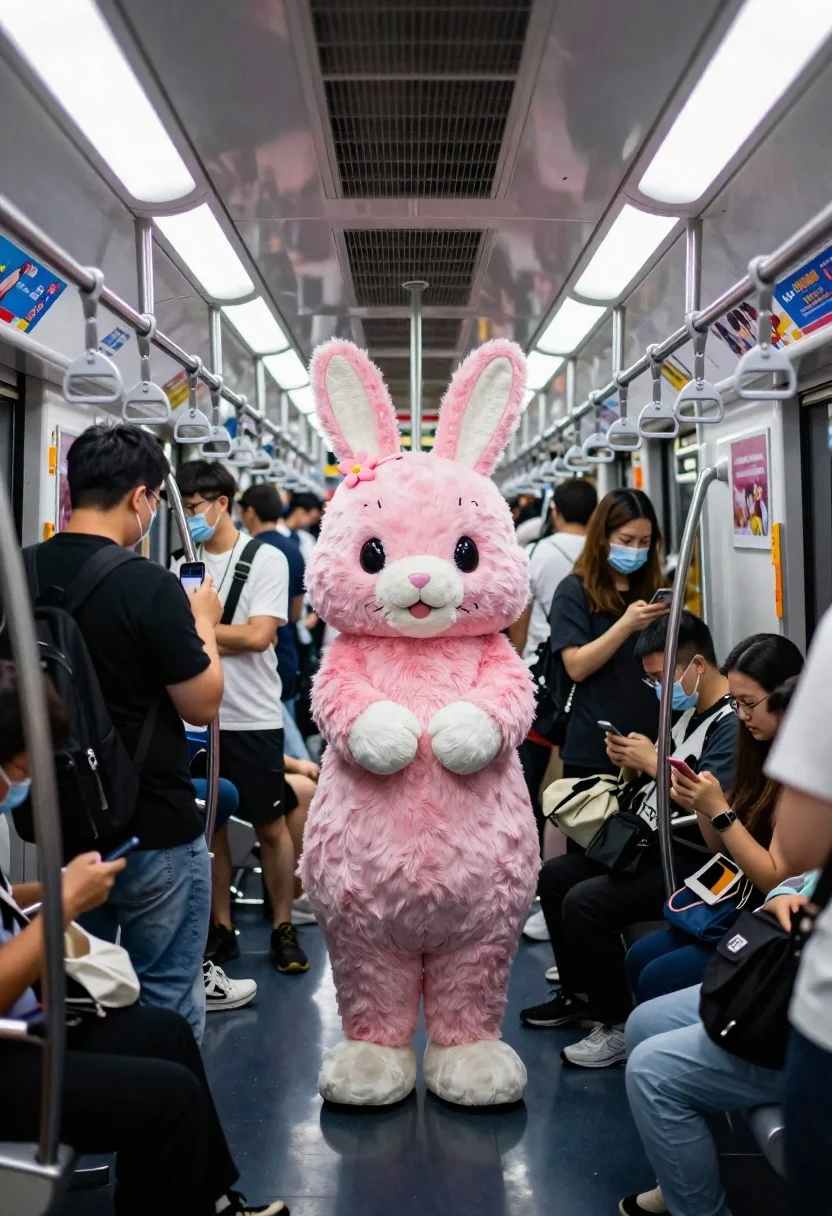
Pink rabbit mascot in crowded subway car interior
Prompt
A crowded subway car interior with overhead fluorescent lights and hanging hand straps

Subject: A large pink rabbit mascot standing in the center aisle of a packed train carriage

Clothing: The rabbit costume features fluffy faux fur, white paws and snout, black eyes, a small flower accessory on its left ear, and visible stitching details around ears and mouth.

Action: The crowd is densely packed with passengers facing various directions some looking at the mascot, others absorbed in phones or conversation; one woman stands close to the rabbit wearing a face mask.

Environment: Interior of a modern subway train with metallic ceiling panels, ventilation grilles, colorful advertisement posters on upper walls showing anime-style characters and Japanese text ('KONOSUBA'), white plastic hand straps along both sides, and reflective floor tiles beneath feet.

Lighting: Bright overhead fluorescent lighting creates even illumination across the scene; soft shadows under faces and clothing indicate diffuse ambient light sources typical of public transit interiors.

Camera: Eye-level perspective capturing depth into the carriage with slight fisheye distortion near edges suggesting wide-angle lens used to encompass full spatial context; composition centers on mascot while framing surrounding commuters naturally from rear-to-front view.Description
This prompt is useful for creating surreal character placements in mundane settings, concept art for themed advertising campaigns, and narrative illustrations depicting unexpected encounters. The combination of 'bright overhead fluorescent lighting' with the 'metallic ceiling panels' grounds the scene in a recognizable public space while the inclusion of specific details like 'anime-style characters' on posters prevents the mascot from looking isolated against a generic backdrop.
Suggestions
- Change 'pink rabbit mascot' to 'blue fox mascot' for color variation.
- Replace 'overhead fluorescent lights' with 'harsh sodium vapor lighting' for a different mood.
- Adjust 'fisheye distortion near edges' to 'straight-on perspective' for a more formal composition.
Category
Tags
AnimalsIndoorsRealisticUrbanWide Shot
Date added
June 19, 2026
Added by
PromptDexter Team
Related Prompts
More prompts with similar categories and tags.
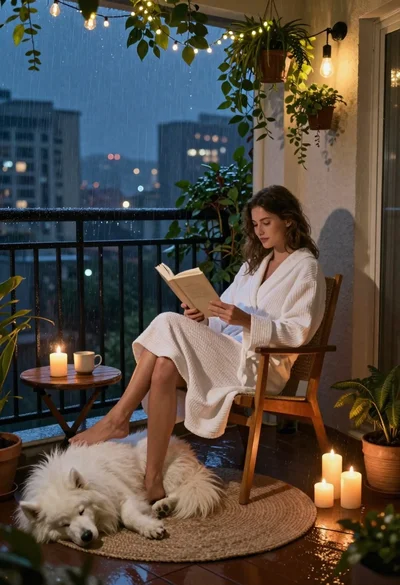
Woman reading to sleeping dog on rainy balcony at night
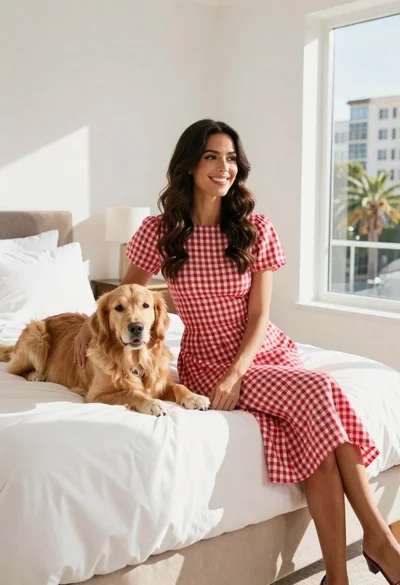
Woman in gingham dress sitting on bed with golden retriever dog indoors
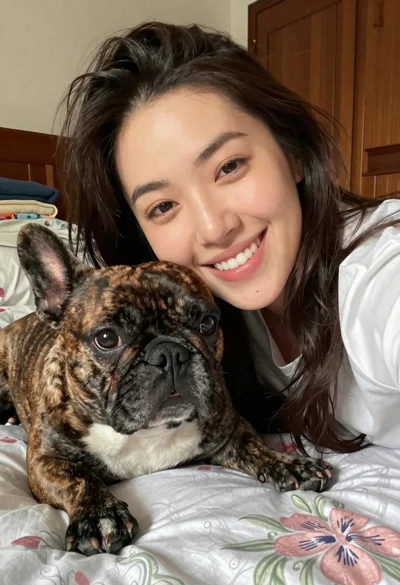
Close up selfie of smiling woman and brindle french bulldog in bedroom
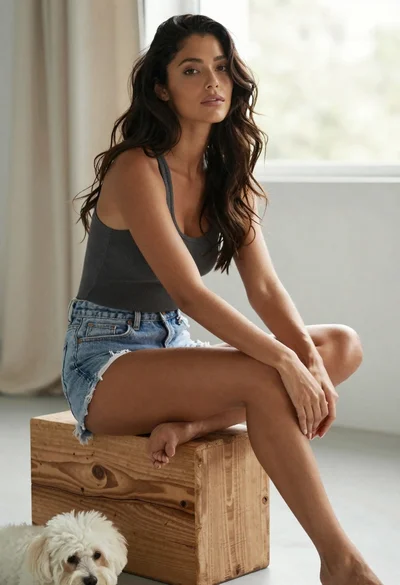
Woman with dark hair sitting on wood next to white dog indoors
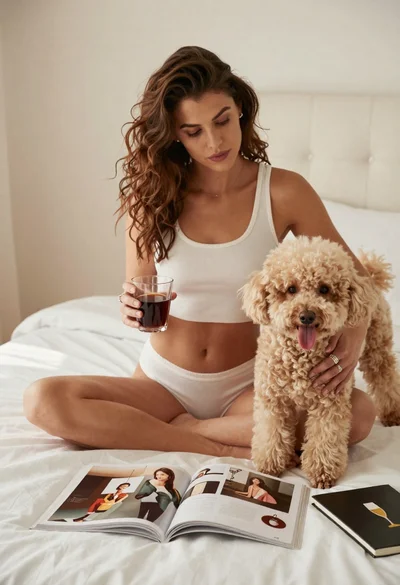
Woman with poodle on white bed reading magazine in bright bedroom
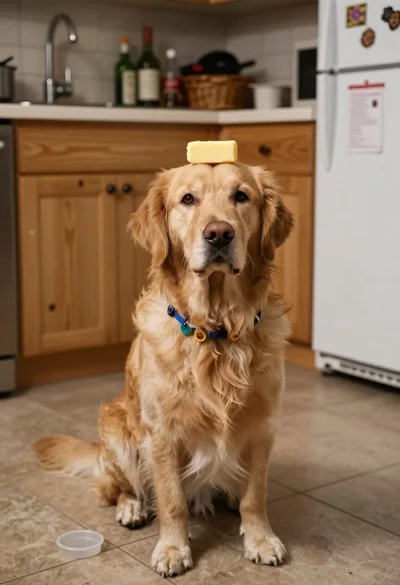
Golden retriever balancing butter on head in kitchen
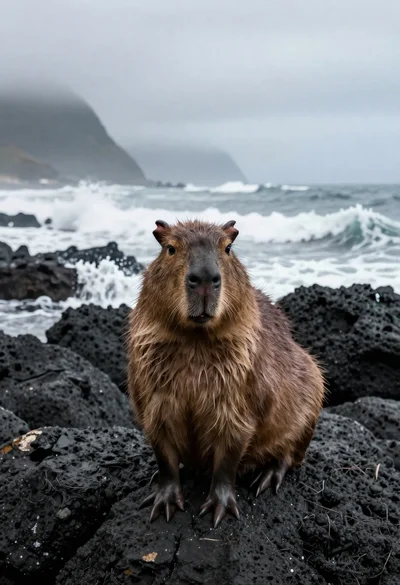
Capybara on volcanic rocks by crashing ocean waves

Yellow rubber duck surfing on pink waves at sunset