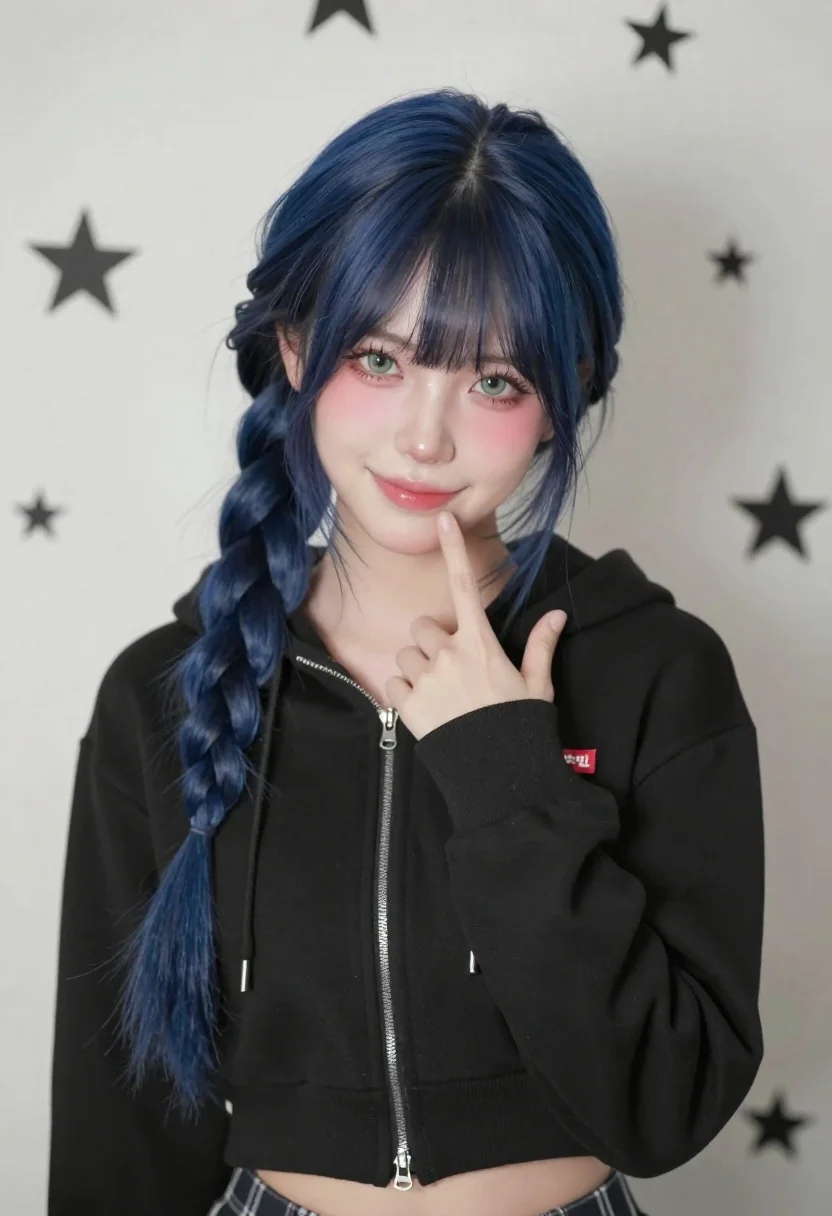
Portrait of young woman with blue hair in black hoodie against star
Prompt
A young woman with long dark blue hair styled in a thick side braid smiles gently at the camera while touching her chin with one finger.

Subject: A young woman with pale skin and striking light green eyes, featuring soft makeup including rosy blush on her cheeks and glossy pink lips. Her hair is deep navy blue, parted slightly off-center, with wispy bangs framing her face and a long, thick braid cascading over her left shoulder.

Clothing: She wears a black cropped zip-up hoodie with a silver zipper partially open at the neck. A small rectangular red logo patch with white Korean characters is visible on the upper left chest. The bottom of the hoodie reveals a glimpse of plaid trousers in muted tones.

Action: She holds her right hand up to her face, with her index finger resting lightly against her chin and cheek, while the other fingers are curled slightly inward. Her expression is soft and engaging, looking directly at the viewer.

Environment: The background is a plain light-colored wall decorated with a repeating pattern of small black stars in varying sizes.

Camera: A medium close-up shot framed from the waist up, utilizing a shallow depth of field that keeps the subject sharp while softly blurring the star-patterned background.

Lighting: Soft and diffused lighting illuminates her face evenly, creating a gentle glow on her skin with subtle highlights on her cheekbones and nose, suggesting a studio or well-lit indoor setting.

Style Details: The image features a hyper-realistic digital art style with smooth textures and vibrant colors, resembling high-end portrait photography with a polished, clean aesthetic.
Description
This prompt is useful for creating character concept art, intimate editorial portraits, and stylized album covers. The combination of 'soft and diffused lighting' ensuring even illumination across the pale skin, paired with the 'repeating pattern of small black stars,' establishes a controlled yet whimsical indoor setting suitable for focused character study.
Suggestions
- Change 'black cropped zip-up hoodie' to 'charcoal knit sweater' for a softer silhouette.
- Adjust 'small rectangular red logo patch' to 'subtle silver embroidery' for less visual noise.
- Swap 'plain light-colored wall' for 'dark velvet curtain' to increase contrast.
Category
Tags
Close UpDigital ArtFemaleIndoorsLight SkinMedium ShotRealistic
Date added
June 21, 2026
Added by
PromptDexter Team
Related Prompts
More prompts with similar categories and tags.
Young woman in pink crop top and sweatpants inside cozy living room
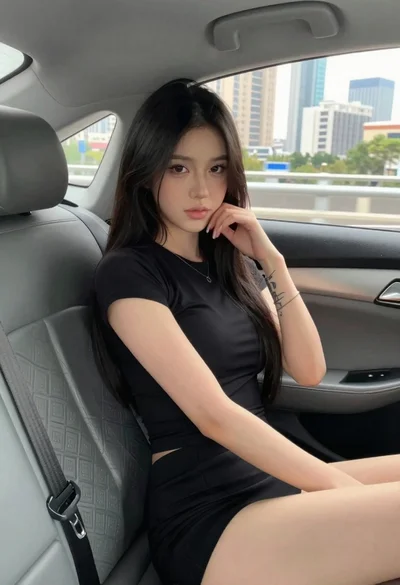
Young woman in black outfit sitting inside car looking at camera
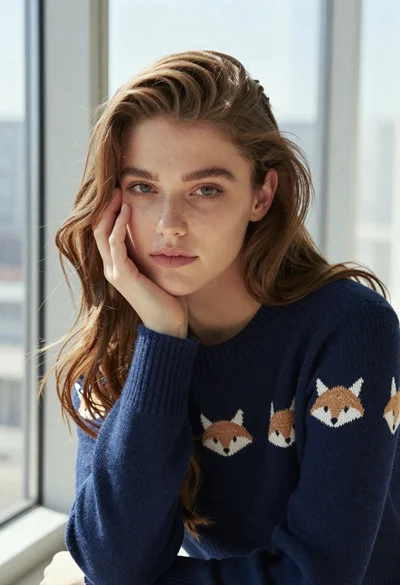
Young woman in navy blue knit sweater posing by a window
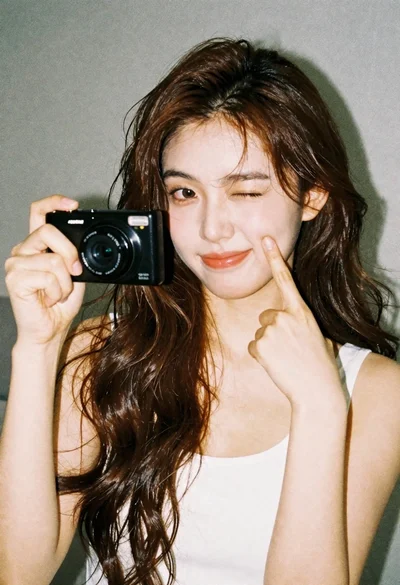
Young woman with brown hair holding camera and winking in indoor setting
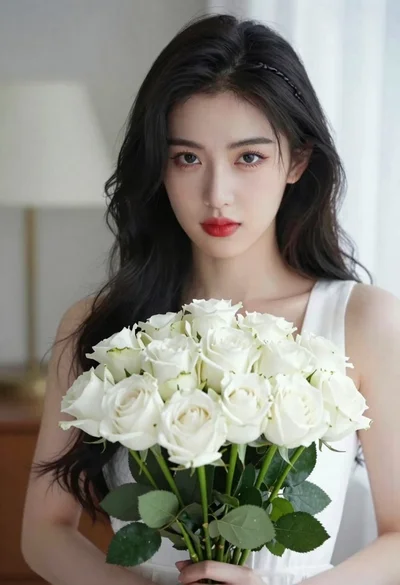
Portrait of young woman with black hair holding white roses bouquet
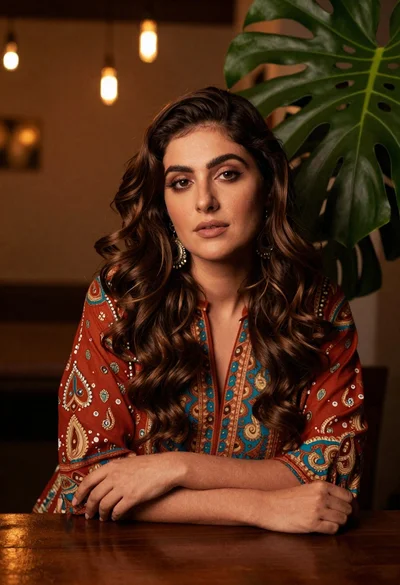
Woman with wavy brown hair in patterned tunic leaning on wooden table

Young woman with dark hair holding santa plush toy in festive room

Woman seated in armchair near large windows with greenery