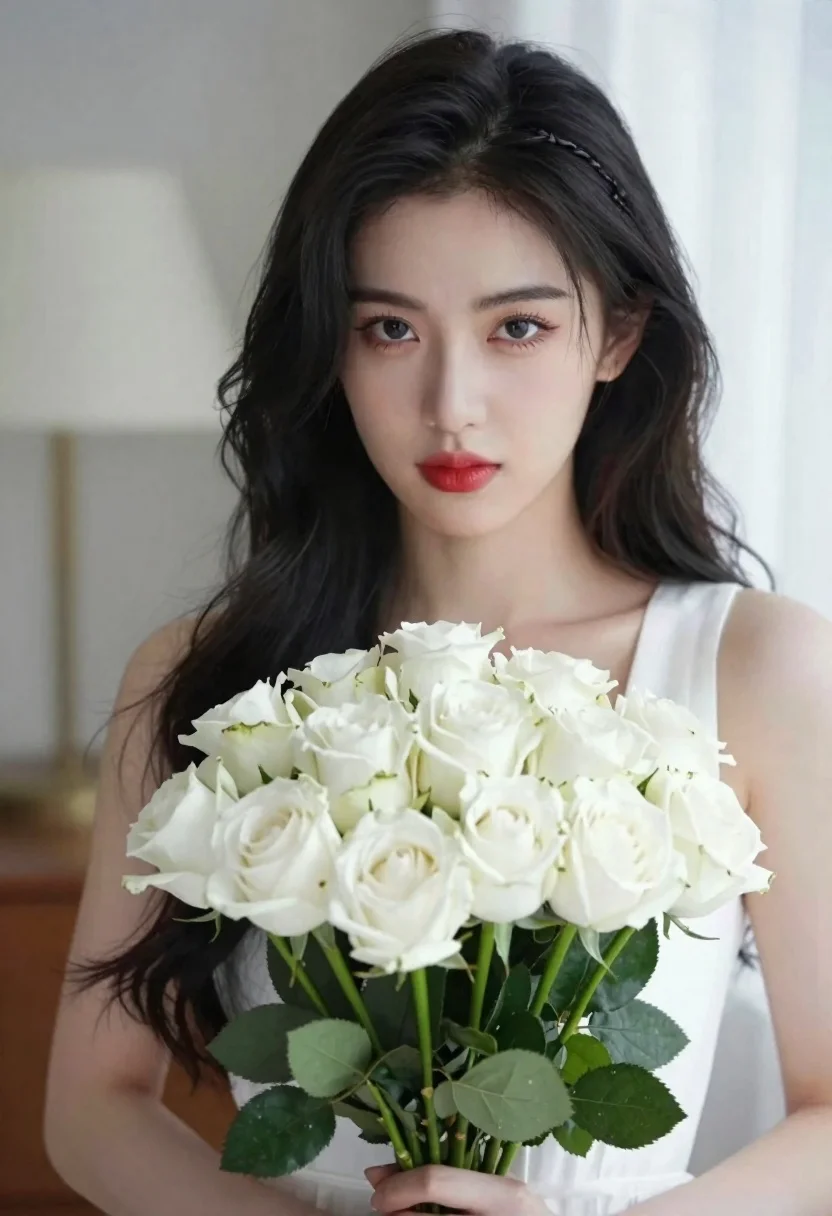
Portrait of young woman with black hair holding white roses bouquet
Prompt
A portrait of a woman with long dark hair holding a large bouquet of white roses.

Subject: A young woman with fair skin and long, wavy black hair styled with a braided section on the side. She has defined eyebrows, subtle eye makeup with reddish eyeshadow, and glossy red lips. Her expression is calm and she looks directly at the camera.

Clothing: She wears a simple white sleeveless top or dress that blends softly with her skin tone.

Action: She holds a large, lush bouquet of white roses in front of her chest with both hands. Her gaze is steady and engaging.

Environment: The background is an indoor setting with soft, neutral tones, featuring a blurred lamp on the left and a bright window or light source on the right, creating a shallow depth of field.

Camera: Shot with a medium close-up framing that focuses tightly on the subject's face and upper body, utilizing a soft-focus lens effect to blur the background elements.

Lighting: Soft, diffused natural light illuminates her face from the side, highlighting her features gently while casting subtle shadows that add dimension without harshness.

Objects: A large bouquet of fully bloomed white roses with green stems and leaves dominates the lower portion of the frame.

Style Details: The image has a polished, high-definition photographic quality with smooth skin textures and vibrant yet natural colors, resembling a professional beauty portrait.
Description
This prompt is useful for creating bridal editorial spreads, fine art portraiture, and sophisticated beauty advertisements. The combination of 'soft, diffused natural light' and the 'shallow depth of field' ensures that the focus remains intensely on the subject's face and the texture of the white roses, preventing the background elements from competing with the polished skin textures.
Suggestions
- Change 'reddish eyeshadow' to 'smoky grey eyeshadow' for a more muted palette.
- Swap 'white sleeveless top or dress' for 'ivory silk slip' to add material contrast.
- Adjust 'medium close-up framing' to 'head and shoulders' to emphasize the hair.
Category
Tags
Black HairClose UpFair SkinFemaleIndoorsMedium ShotPortrait ShotRealistic
Date added
June 21, 2026
Added by
PromptDexter Team
Related Prompts
More prompts with similar categories and tags.

Woman with black hair leaning indoors by glass railing in bright modern

Young woman in black crop top and cream trousers indoors looking over

Woman in black dress seated in dimly lit diner booth
Medium close up portrait of young woman wearing black top and sunglasses
Closeup portrait of young woman with dark hair by window blinds
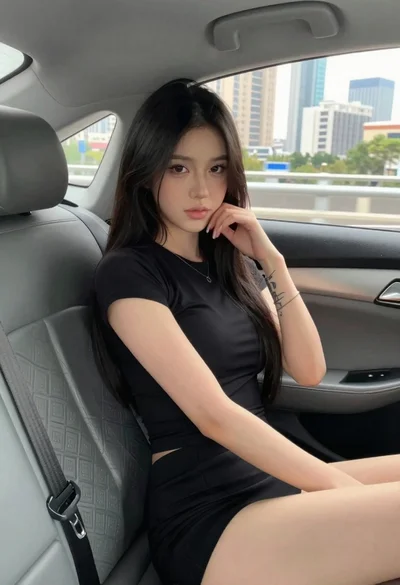
Young woman in black outfit sitting inside car looking at camera
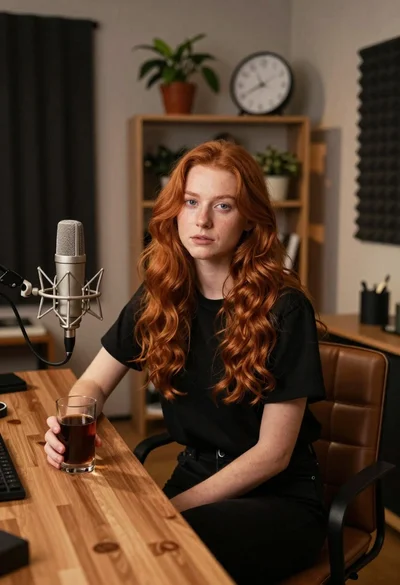
Young woman with red hair seated at wooden desk in cozy studio

Monochrome portrait of woman with cat indoors
