

Portrait of young woman in black sweater against decorated wall
Prompt
A young woman with long dark hair and light eyes gazes directly at the camera with a neutral expression.

Subject: A young woman with shoulder-length dark hair, fair skin, and striking light-colored eyes. Her face is clean-shaven with natural features.

Clothing: She wears a simple black ribbed knit sweater with a crew neck.

Action: She stands facing forward with a calm, direct gaze and a soft, closed-mouth smile.

Environment: The background is an indoor room with a beige wall decorated with various items including Polaroid photos, concert tickets, and hand-drawn sketches taped to the surface.

Camera: A medium close-up shot taken from eye level with a shallow depth of field that keeps the subject sharp while softly blurring the background details.

Lighting: Soft, frontal lighting illuminates her face evenly, creating gentle shadows and a warm, intimate atmosphere.

Style Details: The image has a film photography aesthetic with natural color grading, slight grain, and a candid, documentary-style composition.
Description
This prompt is useful for creating personal lifestyle portraits, character concept art for indie films, and editorial features mimicking found photography. The combination of 'soft, frontal lighting' with the 'beige wall decorated with various items' ensures the subject remains clearly visible while allowing the background clutter to provide narrative context without distracting from her face.
Suggestions
- Change 'black ribbed knit sweater' to 'charcoal turtleneck' for a more sophisticated feel.
- Adjust 'Polaroid photos, concert tickets, and hand-drawn sketches' to 'vintage postcards and dried flowers' for a different theme.
- Swap 'soft, closed-mouth smile' for 'slight smirk' to introduce more character.
Category
Tags
Black HairClose UpFair SkinFemaleIndoorsMedium ShotRealistic
Date added
June 21, 2026
Added by
PromptDexter Team
Related Prompts
More prompts with similar categories and tags.

Portrait of young woman with black hair holding white roses bouquet

Young woman in red sweater sitting on bed during christmas season

Young woman in white satin dress making shushing gesture in bedroom

Young woman with short black hair reclining on a beige sofa
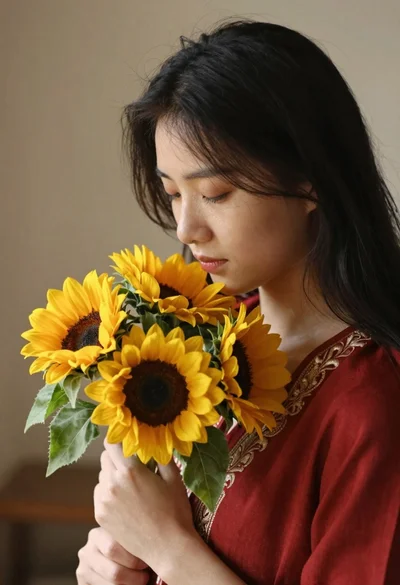
Young woman with black hair holding sunflowers in a red embroidered top

Young woman in floral dress seated indoors by a window with greenery
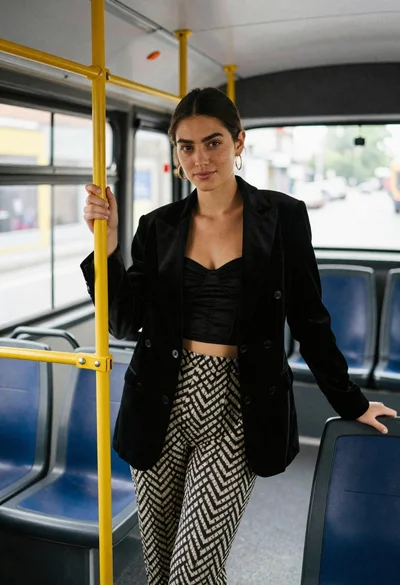
Young woman in black blazer standing inside public transit bus
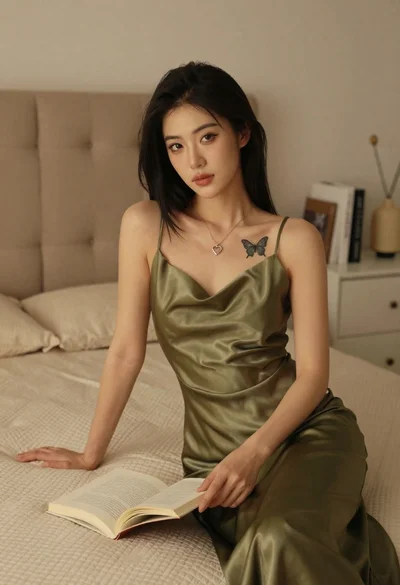
Woman in olive green silk dress reading a book on bed