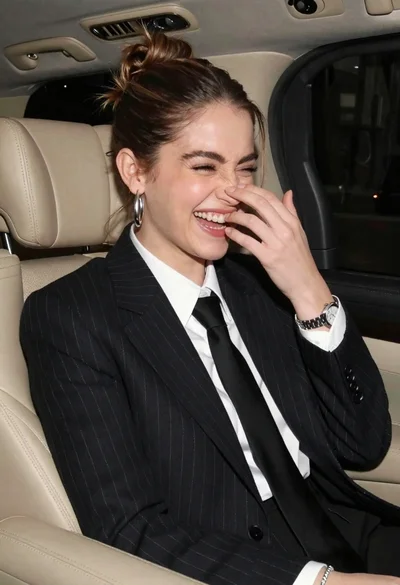

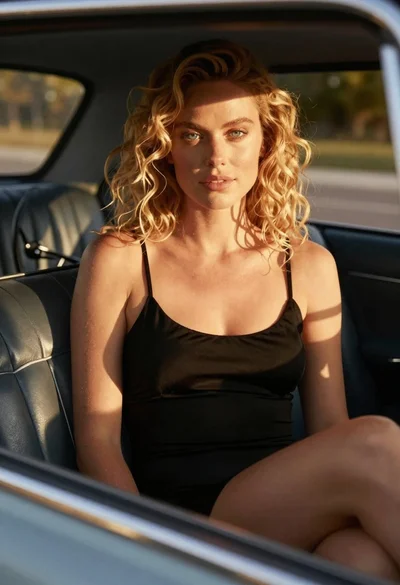
Young woman in black outfit sitting inside car looking at camera
Prompt
A young woman with long dark hair sits in the back seat of a car, gazing directly at the camera with a calm expression.

Subject: A young woman with long, straight black hair and fair skin, featuring a visible tattoo on her left forearm and a small necklace around her neck.

Clothing: She wears a tight-fitting black short-sleeved top and a matching black skirt or shorts.

Action: She is leaning back against the leather seat, resting her chin on her hand with her fingers curled near her face, looking forward.

Environment: The interior of a car with grey leather seats; through the window, a city skyline with tall buildings is visible under a cloudy sky.

Camera: Shot from a close-up angle inside the vehicle, capturing the subject from the waist up with the background slightly out of focus.

Lighting: Natural daylight streams in from the side window, creating soft highlights on her skin and arm while casting gentle shadows within the car interior.

Style Details: High-resolution photography with a realistic texture, natural color grading, and a shallow depth of field that emphasizes the subject against the urban backdrop.
Description
This prompt is useful for creating cinematic character portraits, automotive lifestyle editorials, and moody narrative stills. The combination of 'natural daylight streams in from the side window' and the 'shallow depth of field' ensures that while the city skyline provides context, the soft highlights on her skin keep the focus intensely on the subject's expression against the dark interior.
Suggestions
- Change 'grey leather seats' to 'dark brown velvet' for a richer texture.
- Add 'rim lighting from the side window' to enhance hair separation.
- Swap 'city skyline' for 'rain-streaked neon signs' for more mood.
Category
Tags
Black HairCasual WearClose UpFair SkinFemaleIndoorsMedium ShotRealistic
Date added
June 19, 2026
Added by
PromptDexter Team
Related Prompts
More prompts with similar categories and tags.
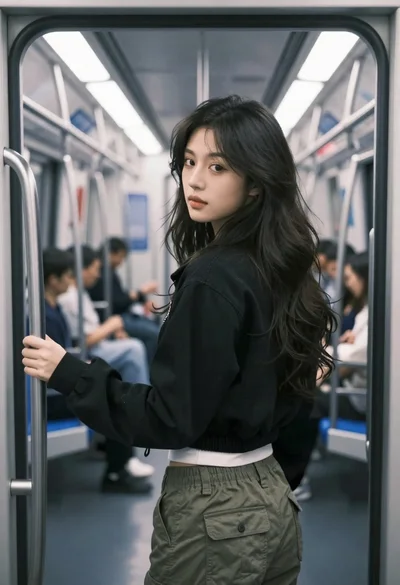
Young woman in black jacket stands inside subway car looking back over

Fair skinned blonde woman in denim dress inside luxury car

Fair skinned woman with blonde hair in luxury car interior at night

Smiling blonde woman in black dress sitting in car back seat at

Young woman in black top seated inside car looking at camera through
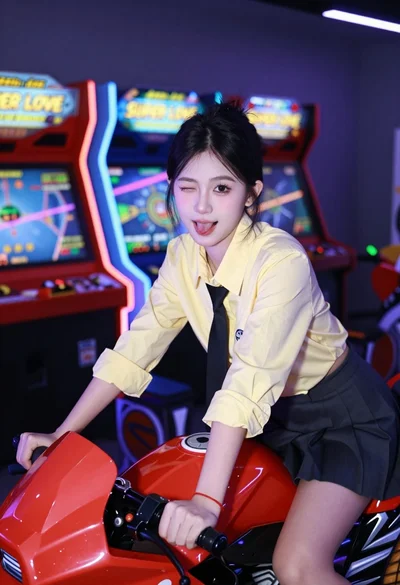
Young east asian woman winking on red motorcycle arcade game in neon
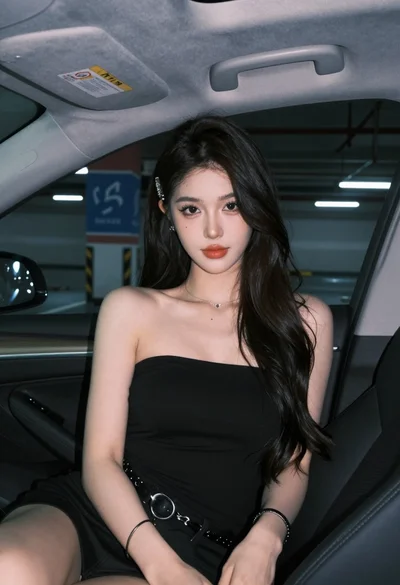
Young woman in black top sitting inside modern car looking at camera

Close up portrait of blonde woman in black top inside luxury car

Young woman with short black hair reclining on a beige sofa
Close up of blonde woman in black dress inside vintage car