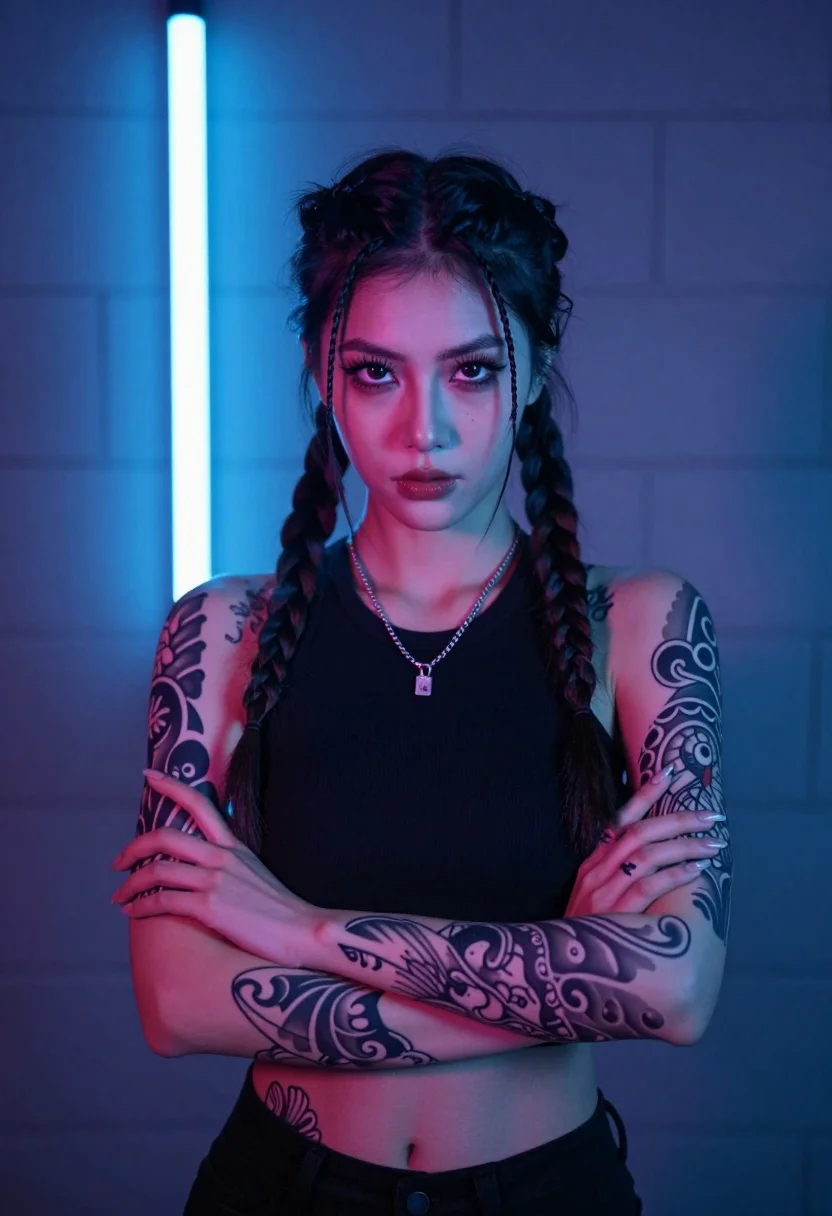
Portrait of young woman with braids tattoos in dimly lit room
Prompt
A portrait of a young woman with an intense gaze, standing in a dimly lit room with her arms crossed over her chest.

Subject: A young woman with dark hair styled into two long braids hanging down the front of her body, featuring extensive traditional-style tattoos covering both arms and extending onto her lower abdomen.

Clothing: She wears a black sleeveless halter top that exposes her midriff, paired with a silver chain necklace holding a small pendant.

Action: Her arms are crossed tightly over her chest in a defensive or confident pose, with a serious and direct expression looking straight at the viewer.

Environment: The background consists of grey concrete block walls, with a vertical neon light strip glowing bright blue on the left side behind her.

Lighting: The scene is lit with dramatic cool-toned lighting, featuring strong blue and purple hues that cast distinct shadows and highlight the contours of her arms and face.

Camera: A medium close-up shot framed to focus on the upper body, utilizing a shallow depth of field to keep the subject sharp while softly blurring the background wall.

Style Details: The image has a cinematic aesthetic with high contrast and vibrant neon color grading, resembling a modern music video or stylized portrait photography.
Description
This prompt is useful for creating editorial character studies, album art concepts, and moody fashion editorials that emphasize narrative tension. The combination of 'dramatic cool-toned lighting' with 'strong blue and purple hues' sculpts the subject by emphasizing the contours of her arms and face, which prevents the scene from looking flat against the harsh backdrop of 'grey concrete block walls'.
Suggestions
- Change 'black sleeveless halter top' to 'sheer black mesh top' for more texture.
- Swap 'blue neon light strip' for 'red neon light strip' to shift the mood entirely.
- Adjust 'medium close-up shot' to 'full body shot' to better showcase the tattoos.
Category
Tags
BrunetteFemaleIndoorsRealistic
Date added
July 12, 2026
Added by
PromptDexter Team
Related Prompts
More prompts with similar categories and tags.

Glamorous woman in gold sequin gown holding white cup in modern kitchen
Glamorous woman in metallic bronze gown standing indoors at an elegant setting
Close up portrait of woman in emerald gown against dark blurred background

Woman in teal lace bodice with clasped hands
Young woman in white tank top by open window
Blonde woman in black satin mini dress at upscale lounge setting
Glamorous portrait of young woman in champagne gown indoors

Woman with dark hair wearing red blazer sitting indoors at event
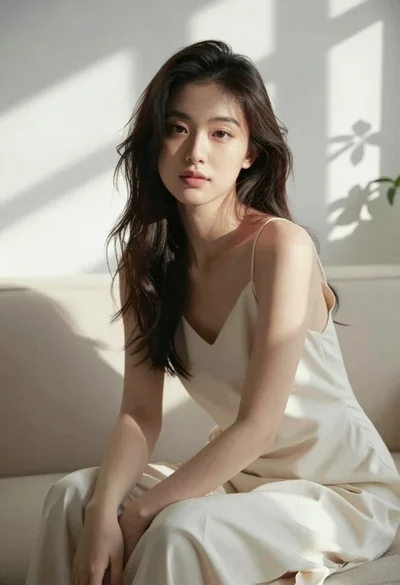
Woman in cream slip dress sitting on sofa in sunlit room
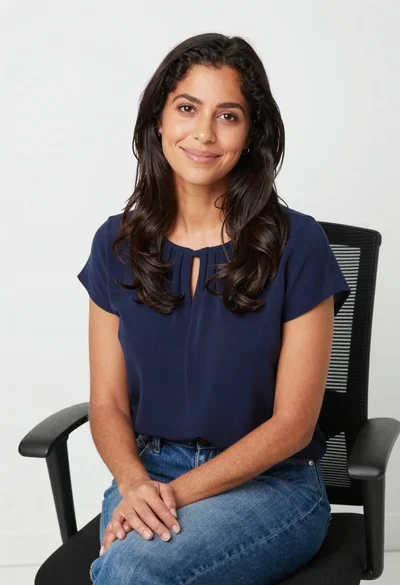
Smiling woman in navy top sitting on black chair against white wall