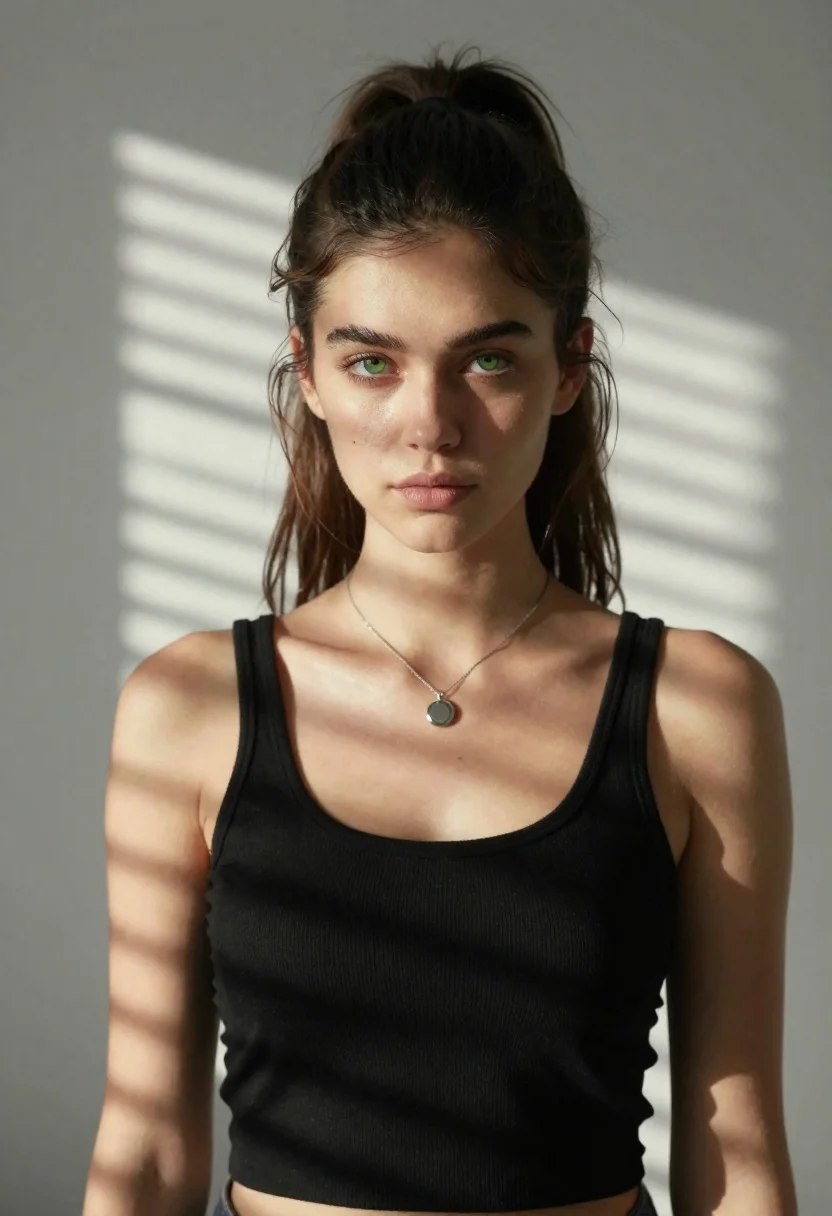
Portrait of young woman with dark hair and green eyes in shadows
Prompt
A striking portrait of a young woman with long dark hair pulled back into a high ponytail, featuring loose strands framing her face and piercing green eyes gazing directly at the viewer.

Subject: A beautiful young woman with pale skin, defined eyebrows, and a small beauty mark on her left cheek.

Clothing: She wears a simple black ribbed tank top with thin straps and a delicate silver chain necklace with a round pendant resting on her collarbone.

Action: She stands facing forward in a relaxed pose with a soft, neutral expression and direct eye contact.

Environment: The background is a plain light-colored wall where strong horizontal shadows from window blinds are cast across the surface behind her.

Lighting: Dramatic directional sunlight streams through blinds, creating sharp horizontal bands of bright highlights and deep shadows across her face, neck, and arms.

Camera: A medium close-up shot with a shallow depth of field that keeps the subject in sharp focus while softly blurring the background wall.

Style Details: High-contrast natural lighting photography with realistic skin textures and a cinematic mood defined by the interplay of light and shadow.
Description
This prompt is useful for creating dramatic character portraits, moody editorial spreads, and artistic self-portraits emphasizing contrast. The combination of 'dramatic directional sunlight' casting 'sharp horizontal bands of bright highlights and deep shadows' across her face achieves a high-contrast aesthetic that immediately draws the viewer into the subject's gaze, while the 'shallow depth of field' ensures the focus remains intensely on the subject despite the patterned background.
Suggestions
- Change 'black ribbed tank top' to 'velvet camisole' for a richer texture.
- Swap 'piercing green eyes' for 'hazel eyes' to alter the color contrast.
- Adjust 'dramatic directional sunlight' to 'soft window light' for a less harsh look.
Category
Tags
Black HairClose UpFemaleLight SkinMedium ShotPortrait ShotRealisticUrban
Date added
June 21, 2026
Added by
PromptDexter Team
Related Prompts
More prompts with similar categories and tags.
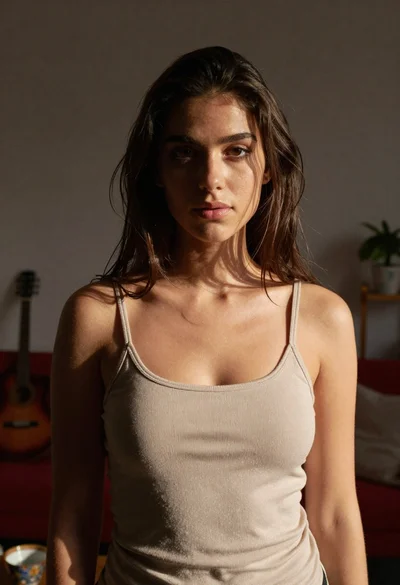
Young woman in beige tank top standing in dimly lit living room
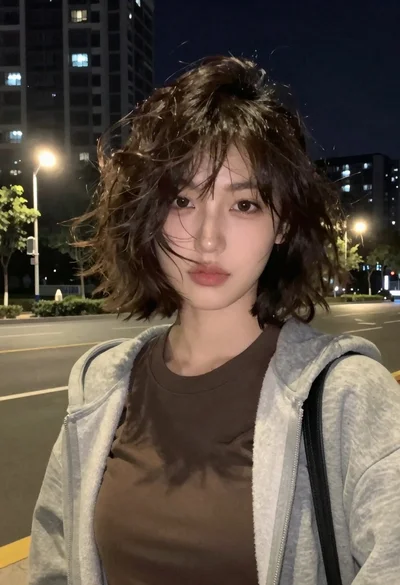
Nighttime portrait of woman in hoodie against city buildings
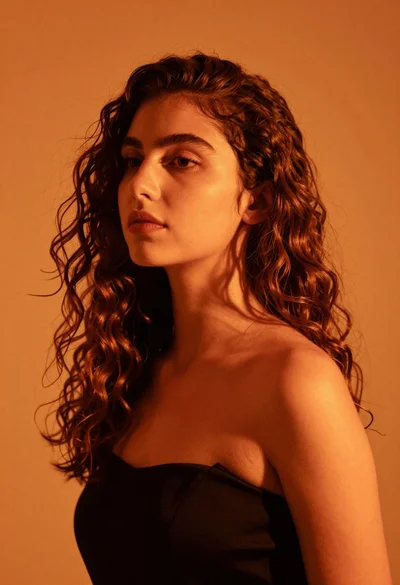
Close up portrait of woman with brown hair against solid orange background
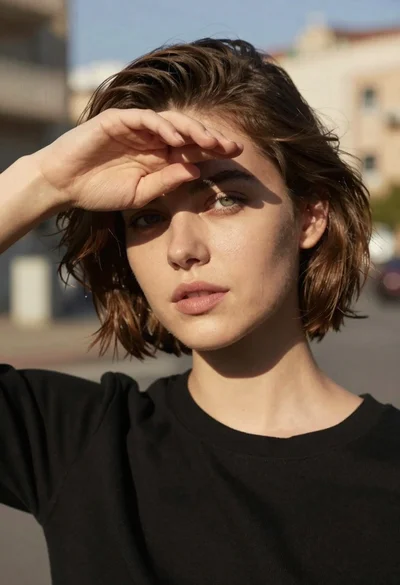
Close up portrait of young woman shielding eyes from bright sun
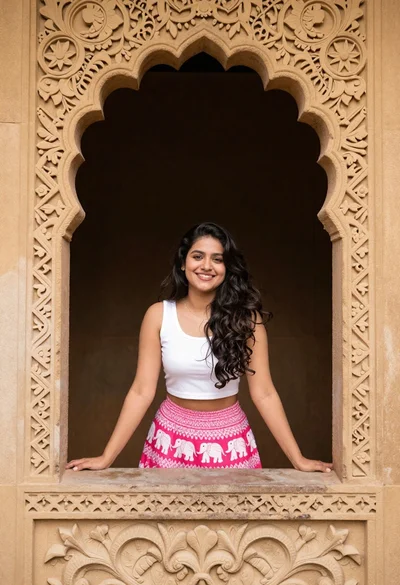
Smiling woman in white top and pink skirt framed by carved stone

Smiling woman in cycling gear making peace sign on forest road
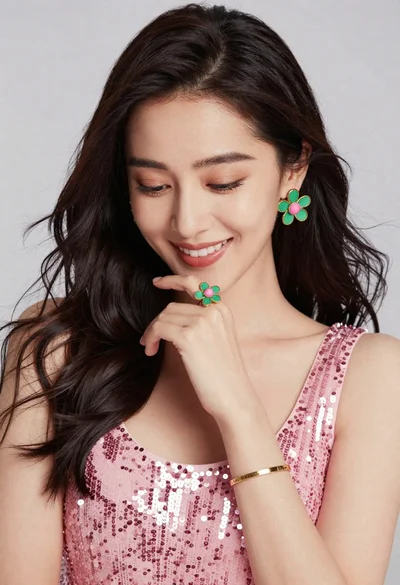
Portrait of smiling woman in pink sequin dress with flower earrings
Man and woman in formal wear standing close together in a nightclub
