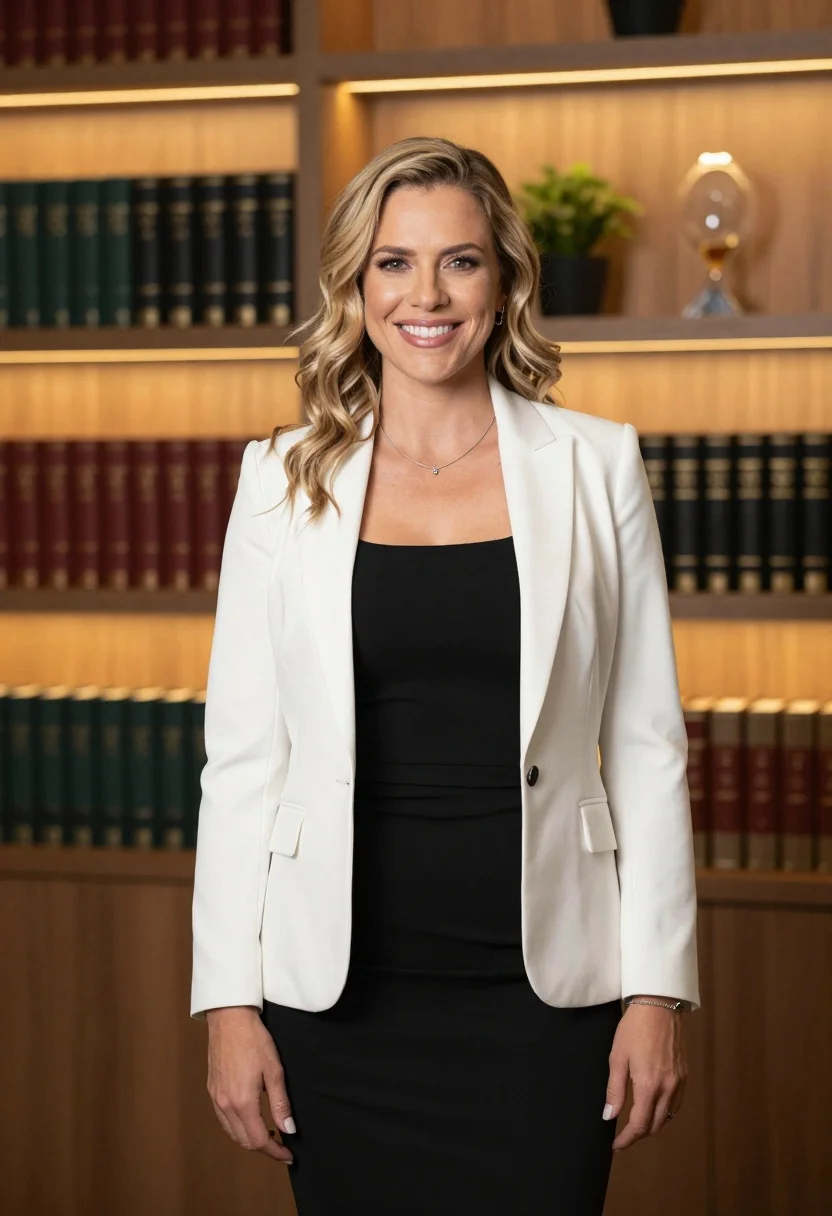
Professional portrait of smiling blonde woman in modern office setting
Prompt
A professional portrait of a smiling woman with wavy blonde hair standing in a modern office setting.

Subject: A confident woman with shoulder-length wavy blonde hair and a bright smile looking directly at the camera.

Clothing: She wears a fitted black sleeveless dress under an open white blazer, accessorized with a delicate silver necklace and a thin bracelet on her wrist.

Action: She stands facing forward with one hand gently resting near her waist and the other hanging by her side in a relaxed pose.

Environment: The background features floor-to-ceiling wooden bookshelves filled with dark hardcover books, illuminated by warm ambient under-shelf lighting.

Camera: A medium shot framed from the waist up with a shallow depth of field that keeps the subject sharp while softly blurring the background shelves.

Lighting: Soft, flattering studio lighting illuminates her face and white jacket, contrasting with the warm golden glow emanating from the bookshelf lights behind her.

Objects: Rows of dark leather-bound books line the shelves in the background, along with a small potted plant and a decorative glass object visible on the upper shelf.

Style Details: High-resolution commercial photography style with clean lines, professional color grading, and a polished corporate aesthetic.
Description
This prompt is useful for creating corporate annual reports, executive headshots for websites, and sophisticated brand advertising campaigns. The combination of 'soft, flattering studio lighting' on the subject against the warm glow from the background shelves ensures the focus remains entirely on her confident expression while using the 'dark hardcover books' to ground the image in a professional, intellectual setting.
Suggestions
- Change 'fitted black sleeveless dress' to 'tailored navy sheath dress' for a different corporate feel.
- Swap 'warm golden glow' for 'cool blue accent lighting' to shift the mood.
- Adjust 'medium shot framed from the waist up' to 'close-up portrait' for more intimacy.
Category
Tags
BlondeFemaleIndoorsMedium ShotRealisticStudio
Date added
July 12, 2026
Added by
PromptDexter Team
Related Prompts
More prompts with similar categories and tags.
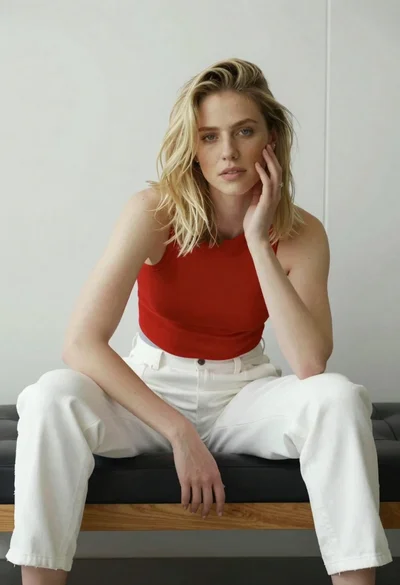
Young blonde woman sitting casually on black leather bench indoors
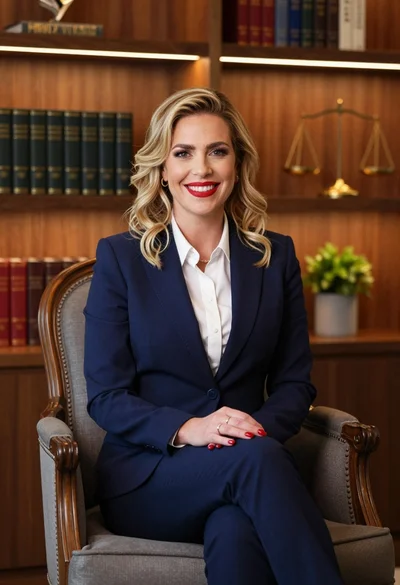
Professional portrait of smiling blonde woman in navy suit sitting in armchair
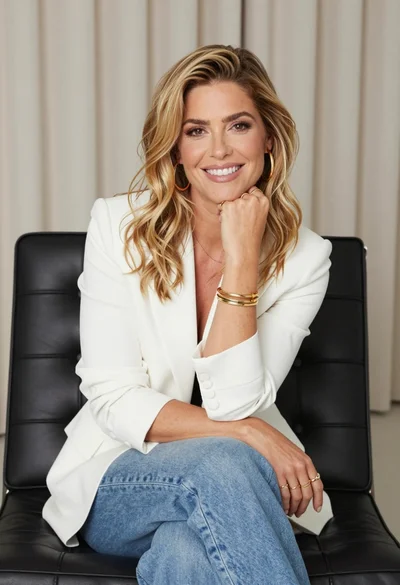
Professional portrait of smiling blonde woman in white blazer sitting on chair
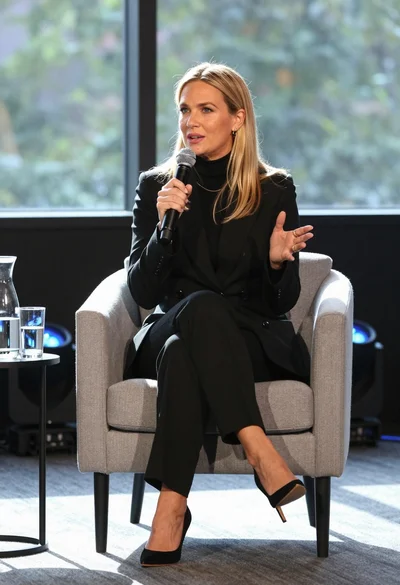
Fair blonde woman in black suit speaking into microphone on stage

Woman seated in armchair near large windows with greenery

Fair blonde woman in metallic corset mini dress against light blue studio

Glamorous woman in gold sequin gown holding white cup in modern kitchen

Young blonde woman in brown top seated in modern living room setting

Smiling young woman in black leather jacket holding award at red carpet

Blonde woman looking back over shoulder against white wall