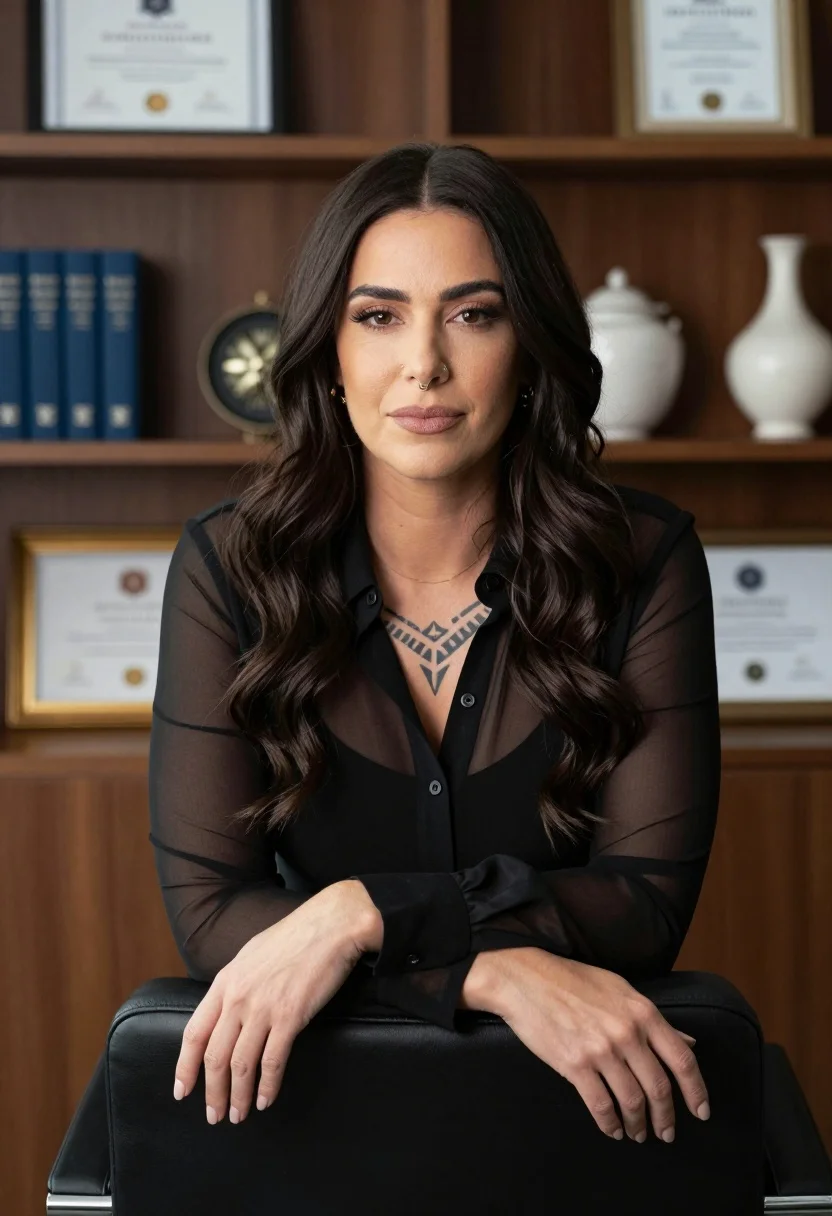
Professional portrait of woman with dark wavy hair in office setting
Prompt
A professional portrait of a woman with long dark wavy hair sitting in an office setting.

Subject: A woman with long dark wavy hair and a small nose ring, looking directly at the camera with a neutral expression.

Clothing: She wears a sheer black button-up blouse over a solid black underlayer, revealing a geometric tattoo on her upper chest.

Action: Her arms are crossed resting on the back of a black leather chair, hands relaxed with fingers slightly spread.

Environment: The background consists of dark wood shelving units displaying framed certificates, blue hardcover books, and decorative vases.

Camera: A medium close-up shot with a shallow depth of field that keeps the subject sharp while softly blurring the background shelves.

Lighting: Soft, diffused studio lighting illuminates her face evenly from the front, creating gentle shadows and a polished look.

Objects: A black leather office chair back is visible in the foreground, along with gold-framed certificates and white ceramic vases on the shelves behind her.

Style Details: High-resolution photography with a clean, professional aesthetic and warm color grading typical of corporate headshots.
Description
This prompt is useful for creating executive branding materials, sophisticated LinkedIn profile pictures, and high-end editorial features requiring an authoritative tone. The combination of 'soft, diffused studio lighting' ensuring even illumination across the face, paired with the structured elements like 'dark wood shelving units displaying framed certificates,' grounds the portrait in a professional context while the 'shallow depth of field' prevents the background clutter from distracting from the subject.
Suggestions
- Change 'black leather chair' to 'mahogany desk' for a warmer feel.
- Swap 'blue hardcover books' for 'leather-bound journals' to increase formality.
- Adjust 'warm color grading' to 'cool, desaturated tones' for a more modern look.
Category
Tags
BrunetteFemaleIndoorsRealisticStudio
Date added
July 12, 2026
Added by
PromptDexter Team
Related Prompts
More prompts with similar categories and tags.
Woman in cream slip dress sitting on sofa in sunlit room
Smiling woman in navy top sitting on black chair against white wall
Woman seated in black velvet chair against red sparks
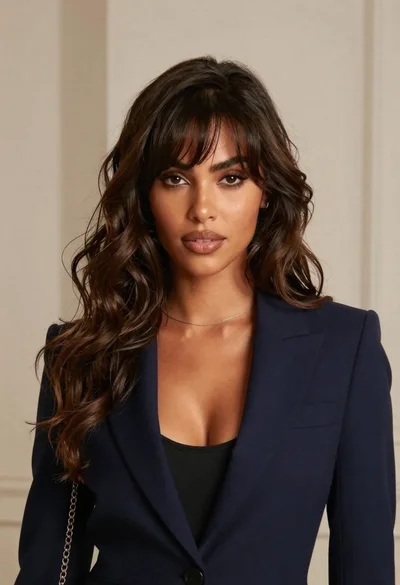
Glamorous portrait of woman with dark brown wavy hair against beige wall
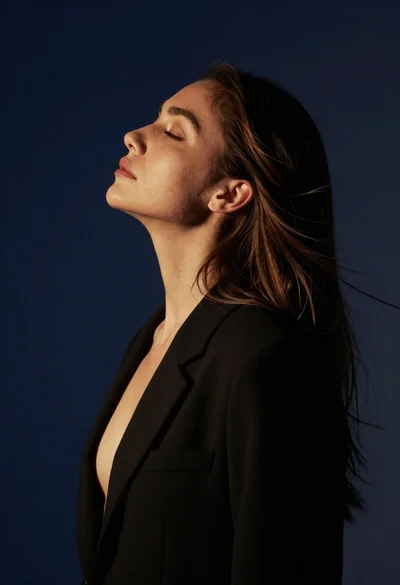
Profile portrait of woman with brown hair and black blazer
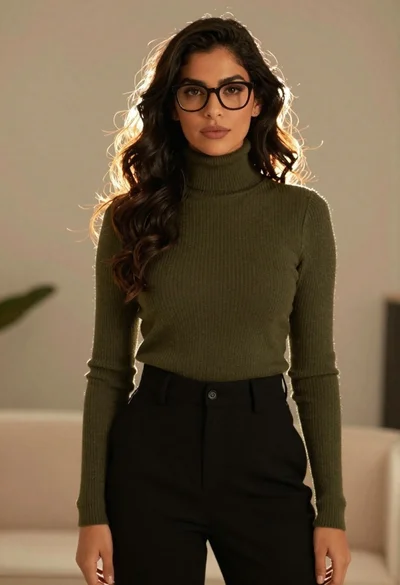
Stylish woman in olive sweater with dark hair
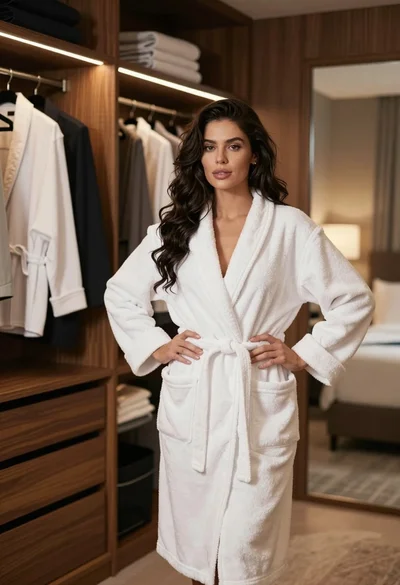
Woman in white bathrobe standing in luxurious walkin closet full body shot
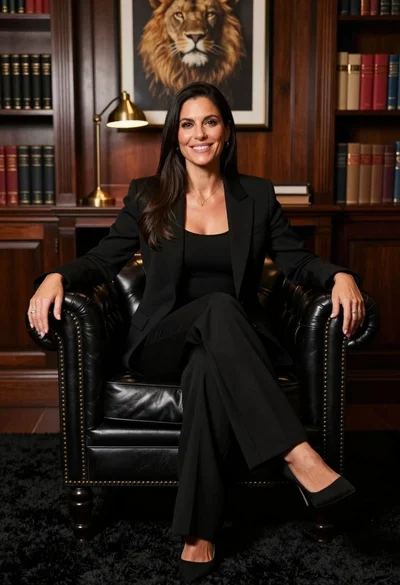
Professional portrait of smiling woman in black blazer sitting on leather armchair
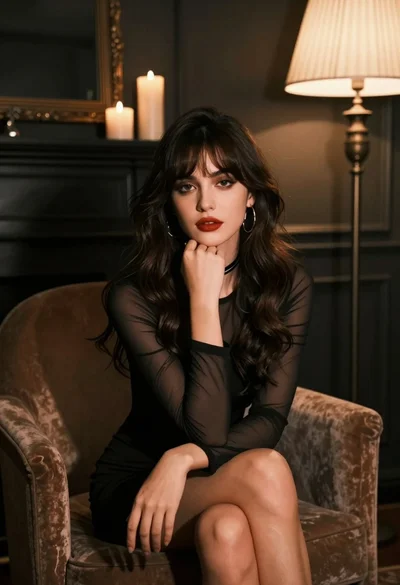
Young woman in black dress seated contemplatively in dimly lit room
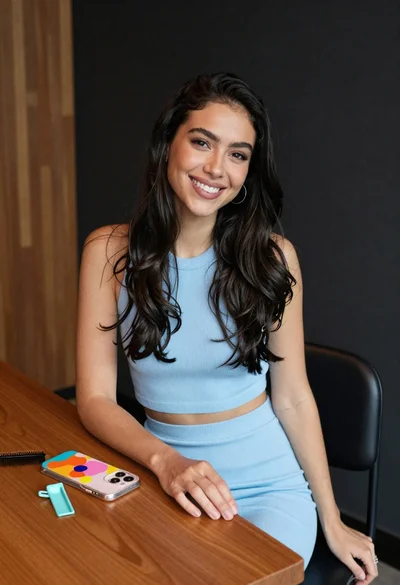
Smiling woman with dark hair at wooden table wearing blue ribbed outfit