
Professional portrait of woman with dark wavy hair sitting in modern office
Prompt
A professional portrait of a woman with dark wavy hair sitting in a beige leather office chair.

Subject: A woman with long dark wavy hair and a visible tattoo of an eye inside a triangle on her upper chest.

Clothing: She wears a beige blazer over a white silk blouse, accessorized with gold hoop earrings.

Action: She sits facing forward with a calm expression and a slight smile while looking directly at the camera.

Environment: The background features a modern office setting with white shelves holding books, small potted plants, and decorative golden objects.

Camera: The shot is framed as a medium close-up with a shallow depth of field that blurs the background to emphasize the subject.

Lighting: Soft, diffused lighting illuminates her face evenly, creating a clean and professional mood without harsh shadows.

Objects: A beige leather office chair supports her posture in the foreground.

Style Details: The image has a high-resolution, photorealistic quality with smooth skin textures and a polished commercial aesthetic.
Description
This prompt is useful for creating corporate headshots, editorial features on successful professionals, and luxury brand advertising campaigns. The combination of 'soft, diffused lighting' and the 'beige blazer over a white silk blouse' ensures that the subject remains the focus while the modern office elements provide context without distracting from her calm expression.
Suggestions
- Change 'beige leather office chair' to 'dark walnut desk chair' for more contrast.
- Add 'subtle rim light on hair' to separate her from the background.
- Swap 'gold hoop earrings' for 'pearl studs' for a more understated look.
Category
Tags
BrunetteFemaleIndoorsPortrait ShotRealistic
Date added
July 12, 2026
Added by
PromptDexter Team
Related Prompts
More prompts with similar categories and tags.
Close up portrait of woman in emerald gown against dark blurred background

Woman in teal lace bodice with clasped hands
Young woman in white tank top by open window
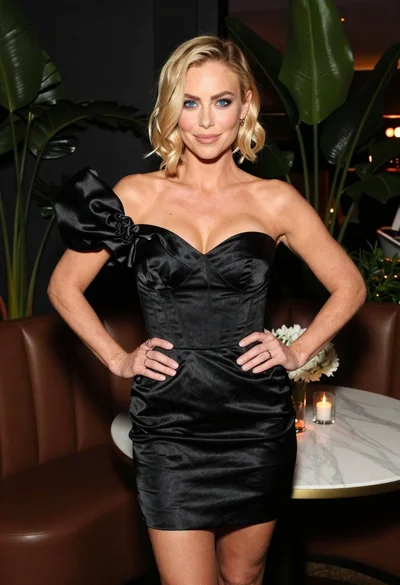
Blonde woman in black satin mini dress at upscale lounge setting
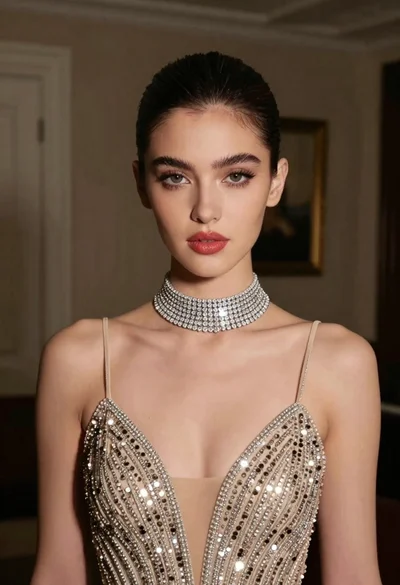
Glamorous portrait of young woman in champagne gown indoors
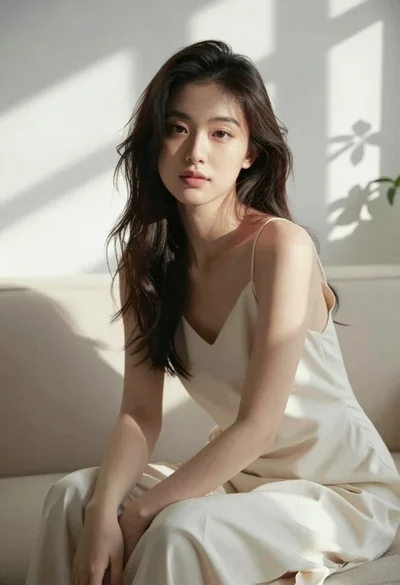
Woman in cream slip dress sitting on sofa in sunlit room
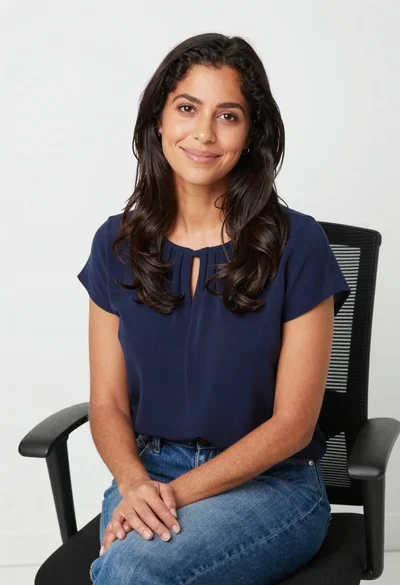
Smiling woman in navy top sitting on black chair against white wall
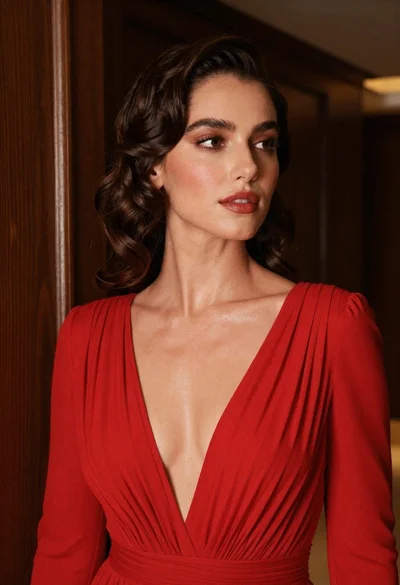
Woman in vibrant red pleated gown looking away in dimly lit interior
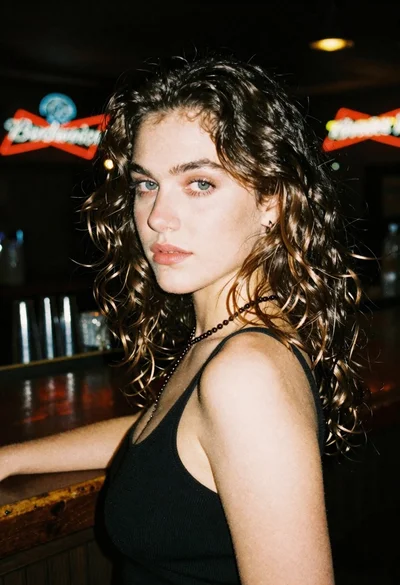
Woman with brown hair looking over shoulder in dim bar
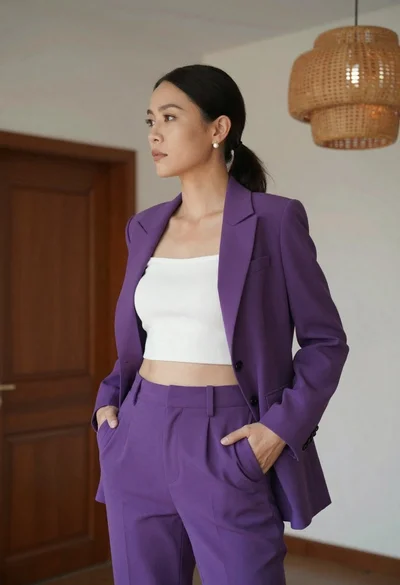
Woman in purple suit standing indoors with white ribbed crop top