
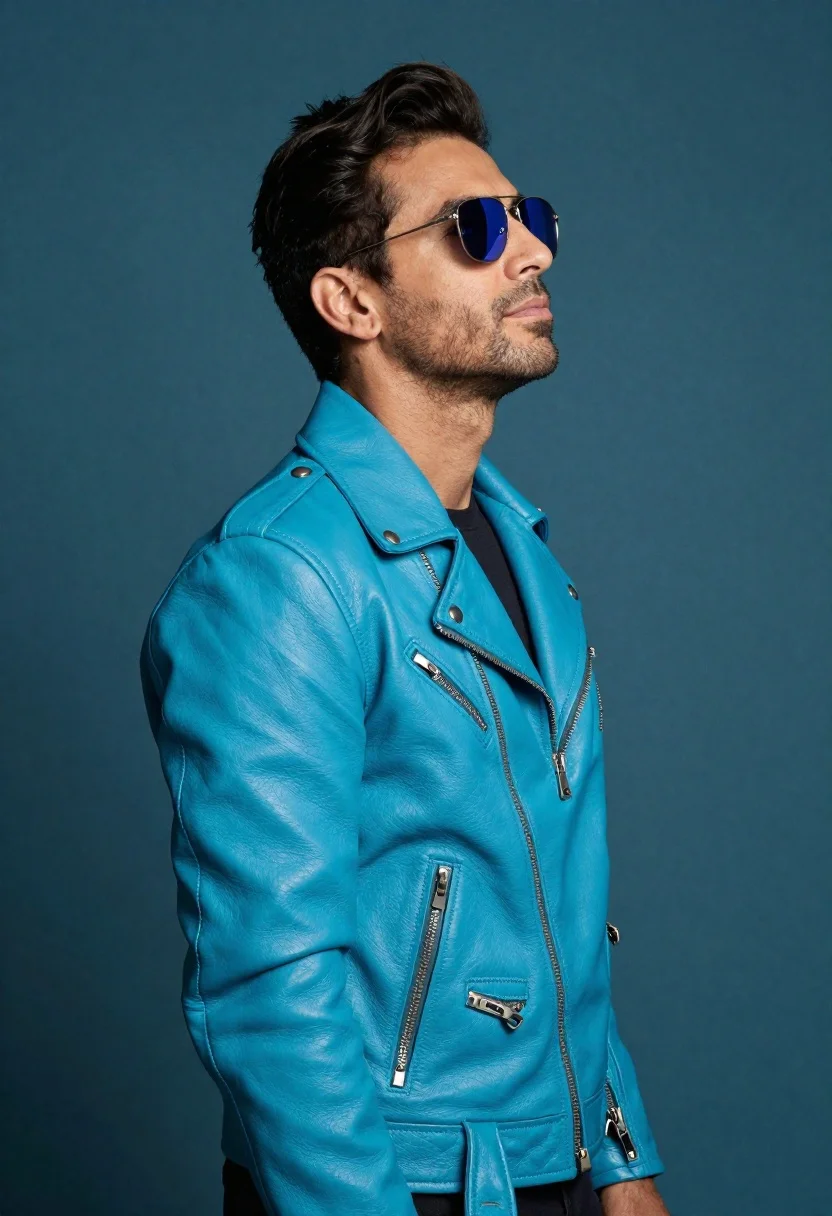
Profile portrait of man in turquoise biker jacket
Prompt
Professional studio portrait of a man in profile against a solid teal background

Subject: A confident-looking man with short dark hair and light stubble on his chin and jawline, looking upwards to the right side of the frame

Clothing: He wears a matching bright turquoise leather biker jacket featuring silver zippers down the front, snap buttons at the collar, and zippered pockets

Action: Standing still in profile with head tilted slightly up and eyes reflected by mirrored sunglasses reflecting blue light from above

Lighting: Studio-style lighting creates distinct highlights on his forehead, nose bridge, cheekbones, shoulder curve, and leather texture while casting a shadow under his chin.
Description
This prompt is useful for creating edgy character concept art, album cover visuals, or high-fashion editorial spreads requiring strong color blocking. The combination of 'solid teal background' with the 'bright turquoise leather biker jacket' creates a monochromatic intensity that prevents visual distraction, while specifying distinct highlights on the 'leather texture' ensures the material reads as rich and tangible rather than flat.
Suggestions
- Change 'solid teal background' to 'dark slate gray' for more contrast.
- Swap 'mirrored sunglasses reflecting blue light from above' for 'smoked aviator lenses' for a different mood.
- Add 'cinematic grain, 8k resolution' to enhance the gritty feel.
Category
Tags
Full BodyLight SkinMalePortrait ShotRealisticSide ProfileStudio
Date added
June 19, 2026
Added by
PromptDexter Team
Related Prompts
More prompts with similar categories and tags.
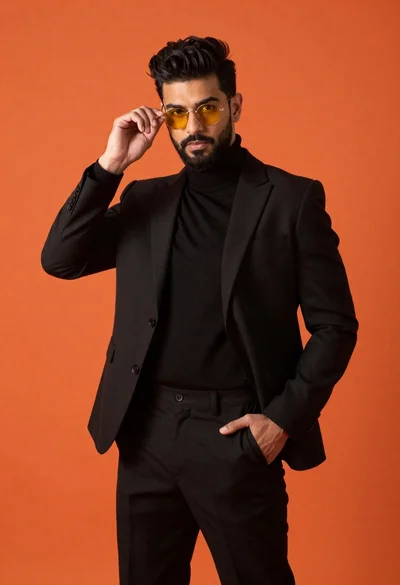
Man in black suit adjusting sunglasses against orange background
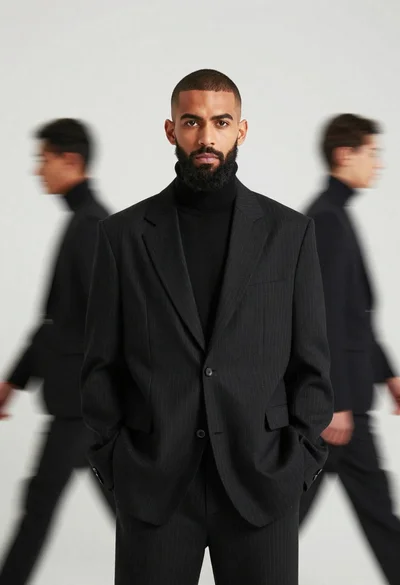
Male model in black pinstriped suit against white backdrop
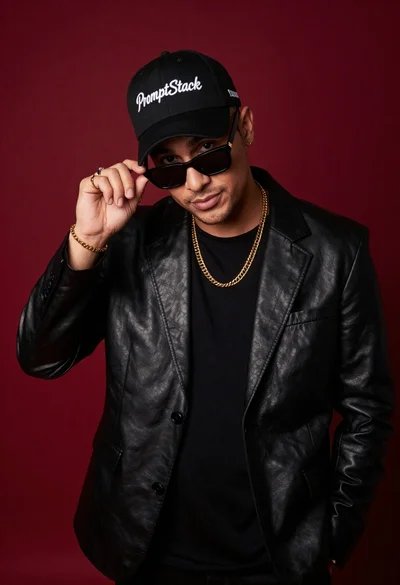
Stylish man in black blazer against deep red background
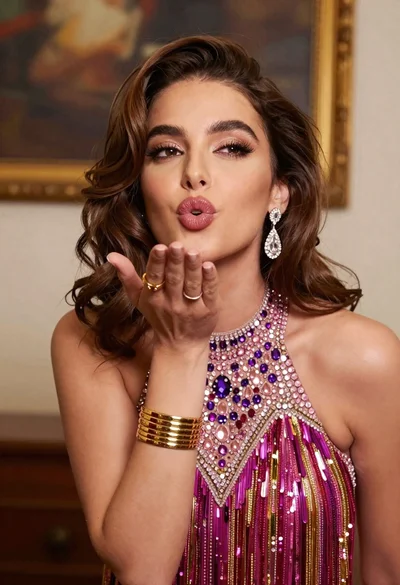
Glamorous young woman blowing a kiss in an elegantly decorated studio
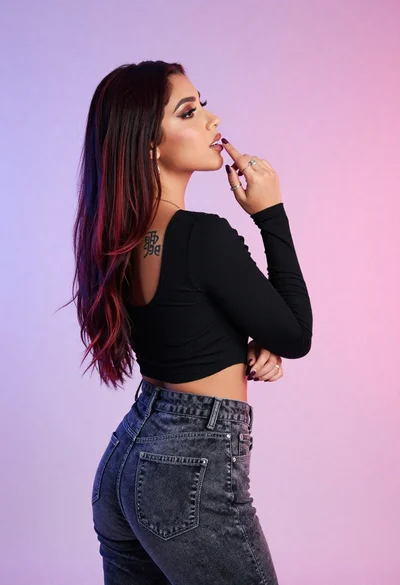
Woman in black crop top posing against purple pink gradient background
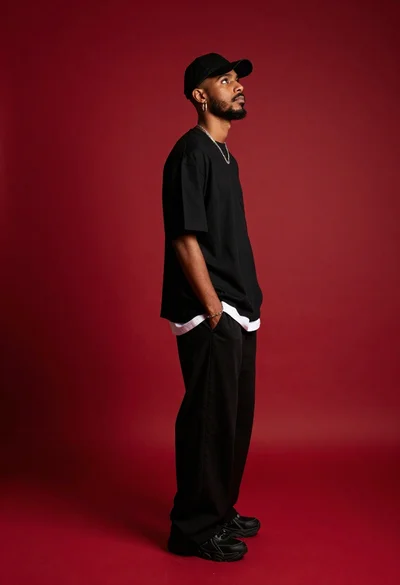
Young man in black outfit standing on red studio background
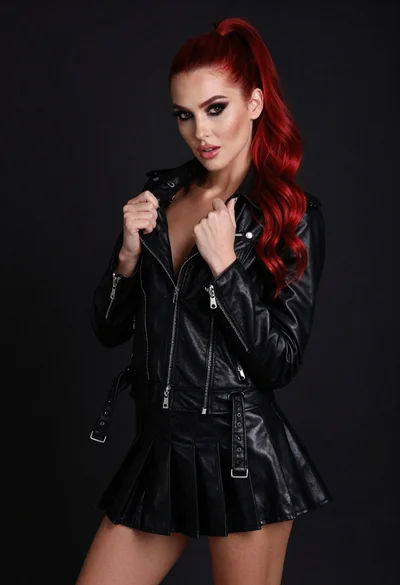
High fashion portrait of woman with red hair in black jacket
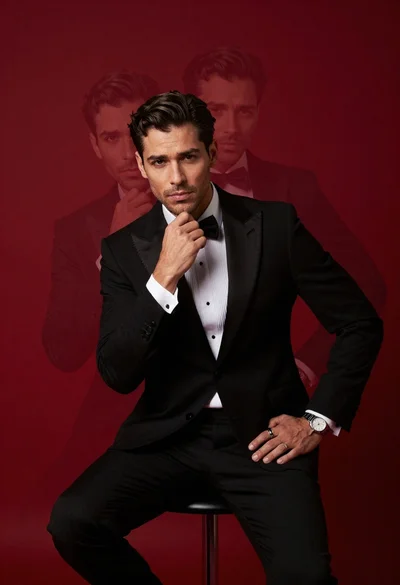
Confident man in black tuxedo sitting on stool with ghostly face overlays
