
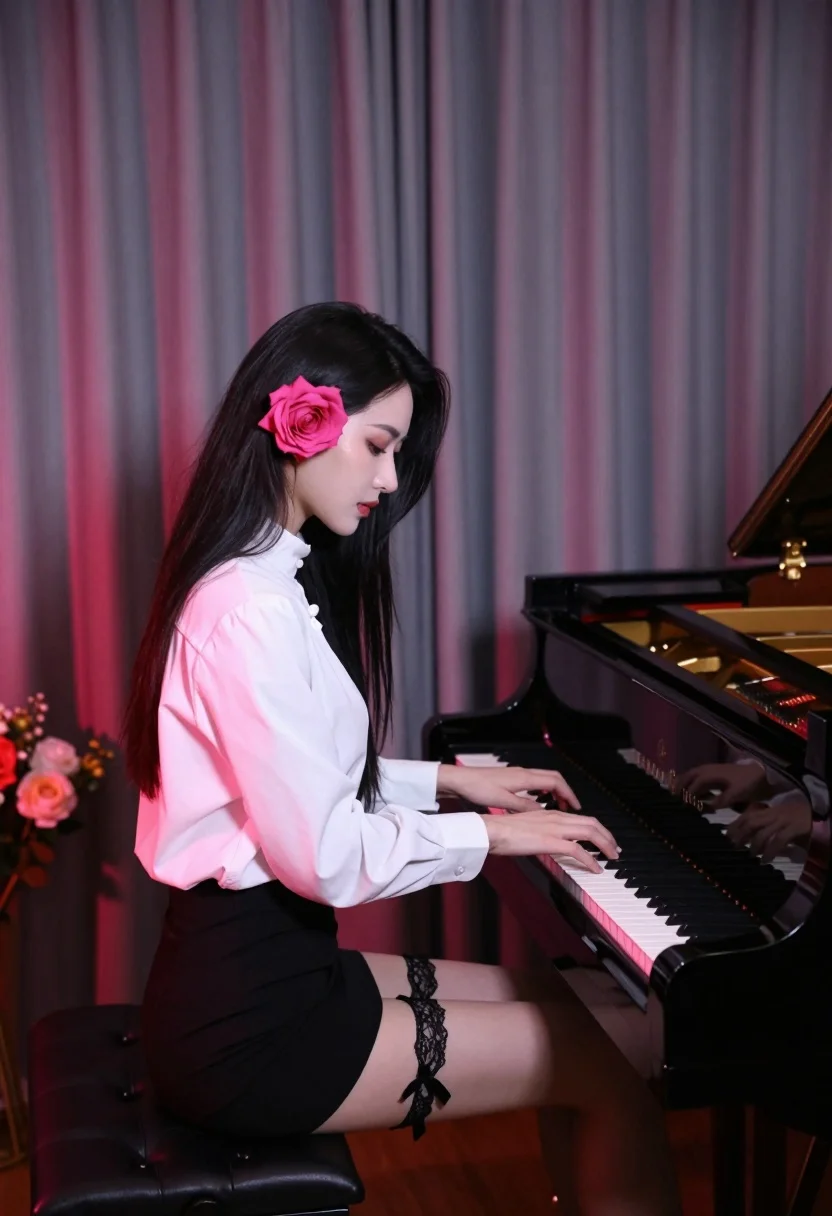
Profile view of woman playing grand piano with black hair
Prompt
A woman with long black hair sits in profile playing a grand piano.

Subject: A woman with very long, straight black hair and fair skin, viewed from the side profile. She has a large, vibrant pink rose tucked behind her left ear. Her expression is serene and focused as she looks down at the keys.

Clothing: She wears a crisp white high-neck blouse tucked into a short black skirt. A black lace garter with a ribbon is visible on her upper right thigh.

Action: She is seated at the piano bench, playing the instrument with both hands on the keyboard. Her posture is upright and elegant.

Environment: The setting appears to be an intimate room or stage with heavy, floor-to-ceiling curtains in muted grey and purple tones that have a soft pinkish glow on the left side. A bouquet of flowers sits on the floor to the far left.

Objects: A glossy black Steinway & Sons grand piano is open, revealing the golden interior strings and hammers.

Lighting: The lighting is dramatic and moody, with a strong red or pink ambient light washing over the curtains and casting a warm glow on the scene, contrasting with the cool tones of the woman's skin and hair.

Camera: A medium shot capturing the subject from the waist up in profile, emphasizing the silhouette against the curtain background.

Style Details: The image has a cinematic, film-like quality with soft focus and rich color grading that evokes a vintage or noir atmosphere.
Description
This prompt is useful for creating dramatic portraiture, editorial music album covers, and moody character concept art. The combination of 'dramatic and moody' lighting washing over the 'muted grey and purple tones' curtain background creates a high-contrast visual drama that perfectly frames the subject's elegant profile against the rich backdrop.
Suggestions
- Change 'vibrant pink rose' to 'deep crimson rose' for a more gothic feel.
- Swap 'black lace garter' for 'velvet ribbon detail' to soften the look.
- Adjust 'soft focus' to 'shallow depth of field' for greater subject isolation.
Category
Tags
Black HairFair SkinFemaleFormal WearMedium ShotRealistic
Date added
July 12, 2026
Added by
PromptDexter Team
Related Prompts
More prompts with similar categories and tags.

Romantic couple embracing on a rocky cliff at sunset with golden light
Romantic couple embracing on a rooftop balcony at twilight

Fair skinned woman with platinum blonde hair in black coat at christmas
Young woman in elaborate ballgown on grand marble staircase interior
Blonde woman in sharp business suit sitting against corrugated metal wall
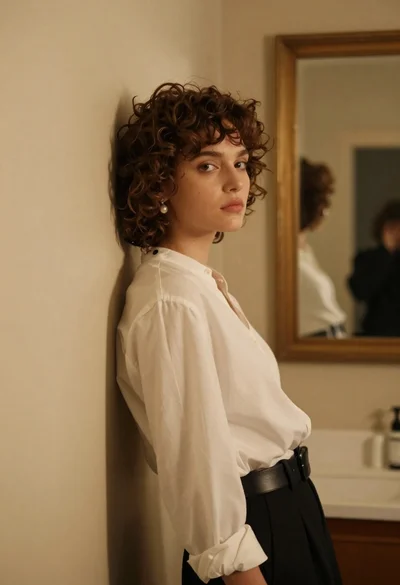
Young woman in white blouse leaning against beige wall near mirror

Woman with red hair leaning on black grand piano in upscale lounge
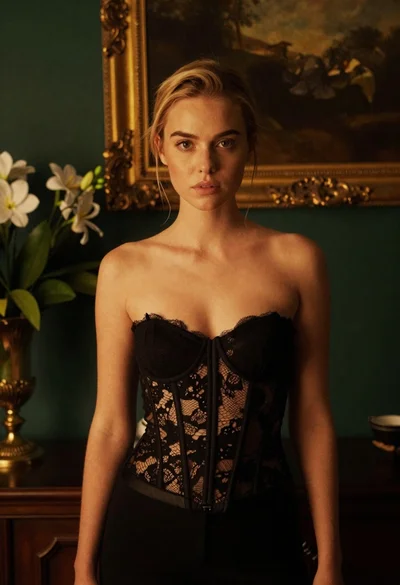
Blonde woman in black lace corset top against dark green wall
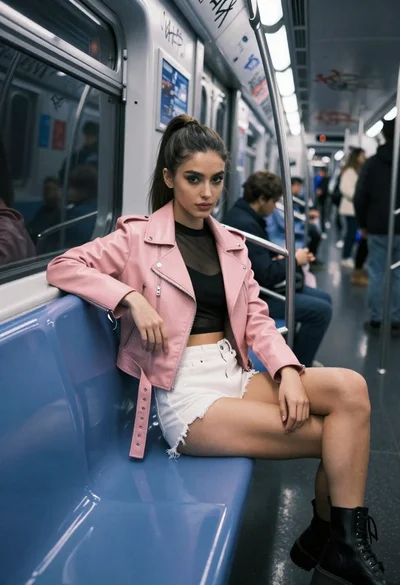
Young woman in moto jacket sitting on blue subway bench low angle

Young woman in red sari sitting on sand dunes at golden hour