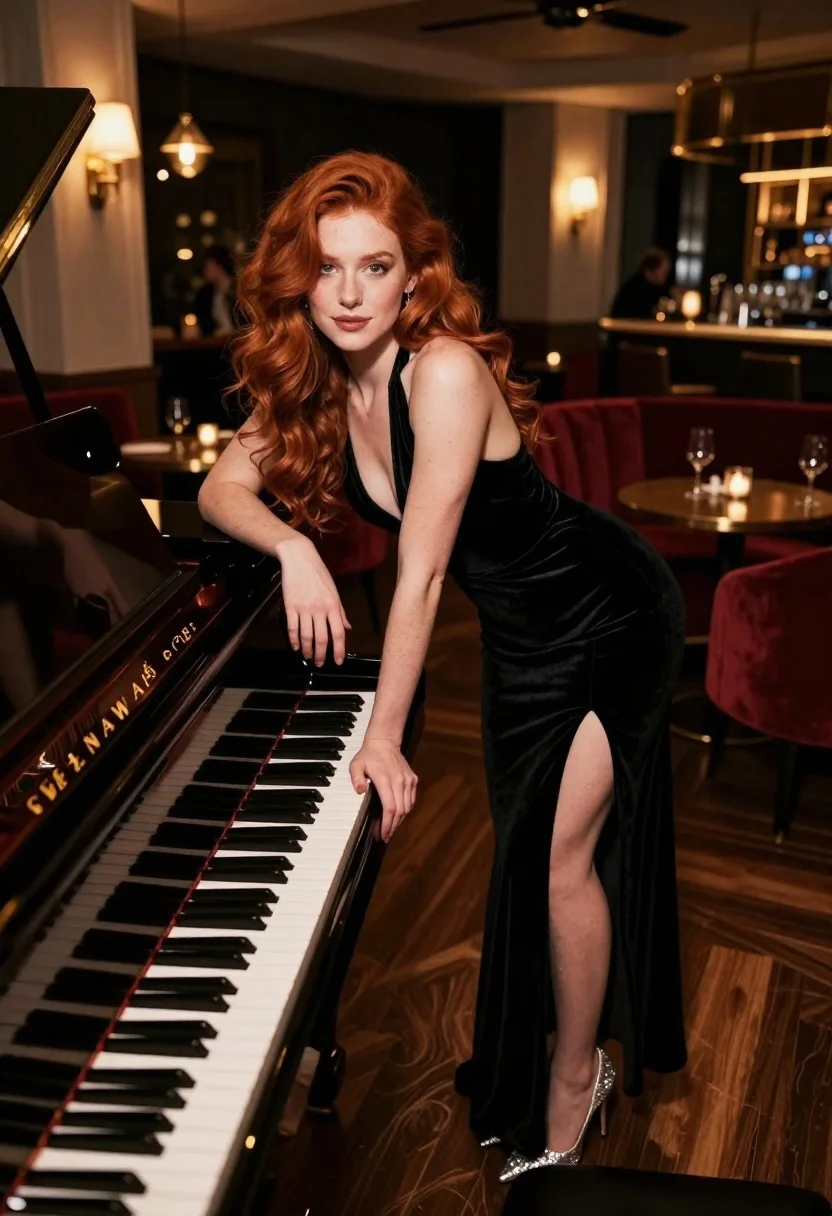
Woman with red hair leaning on black grand piano in upscale lounge
Prompt
A woman with long red hair leans elegantly against a black grand piano in a dimly lit upscale lounge.

Subject: A woman with voluminous wavy red hair and fair skin leaning forward with one hand resting on the piano keys.

Clothing: She wears a floor-length black velvet halter dress featuring a plunging neckline and a high thigh slit, paired with sparkling silver high-heeled shoes.

Action: She poses confidently with her body angled toward the camera, looking directly at the viewer with a subtle smile while leaning against the instrument.

Environment: The setting is an intimate, sophisticated interior resembling a jazz club or high-end restaurant with dark wood floors, plush red velvet booth seating, and a bar area in the background.

Camera: Shot from a medium-low angle to emphasize the subject's height and elegance, utilizing shallow depth of field to blur the background patrons and bar while keeping the foreground sharp.

Lighting: Warm ambient lighting emanates from table lamps and wall sconces, casting soft highlights on her hair and dress while creating deep shadows that enhance the moody atmosphere.

Objects: A black Steinway & Sons grand piano dominates the foreground with its white keys visible, alongside wine glasses on tables in the background.

Style Details: The image features a cinematic color palette with rich blacks and warm ambers, rendered with high fidelity to capture the texture of the velvet fabric and polished wood surfaces.
Description
This prompt is useful for creating editorial fashion moodboards, cinematic album covers, and sophisticated character portraits set in nightlife venues. The combination of 'warm ambient lighting' casting soft highlights against deep shadows enhances the moody atmosphere required for these genres, while specifying the 'black velvet halter dress' ensures the rich texture contrasts sharply with the polished wood surfaces.
Suggestions
- Change 'plunging neckline' to 'sweetheart neckline' for a different silhouette.
- Swap 'red hair' for 'auburn waves' to adjust the color tone.
- Add 'bokeh effect' to the camera section for more background separation.
Category
Tags
Fair SkinFemaleIndoorsLow AngleMedium ShotRealisticRed Hair
Date added
June 19, 2026
Added by
PromptDexter Team
Related Prompts
More prompts with similar categories and tags.
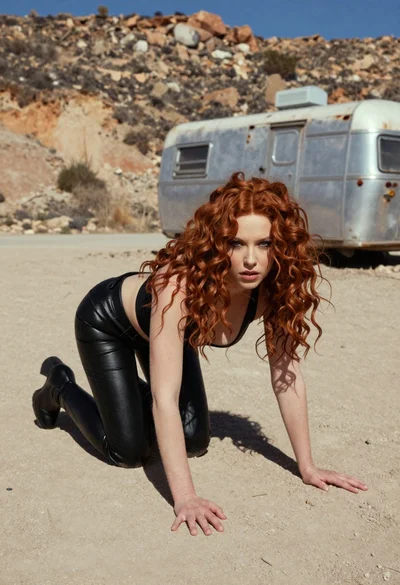
Woman crawling on dusty hillside in black leather outfit low angle

Young woman in white blouse leaning against beige wall near mirror
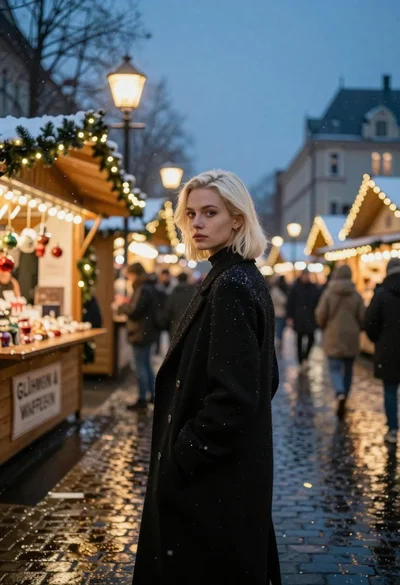
Fair skinned woman with platinum blonde hair in black coat at christmas
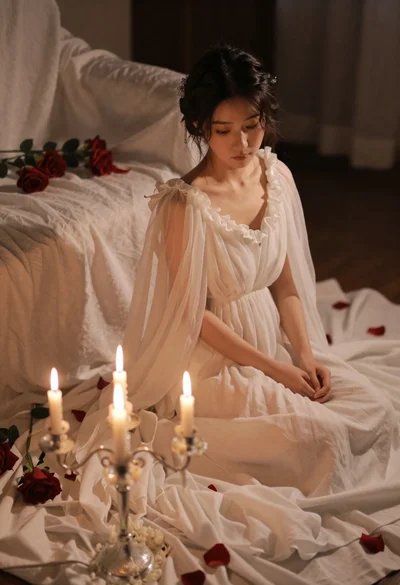
Young woman in white gown sitting among fabric and roses lit by
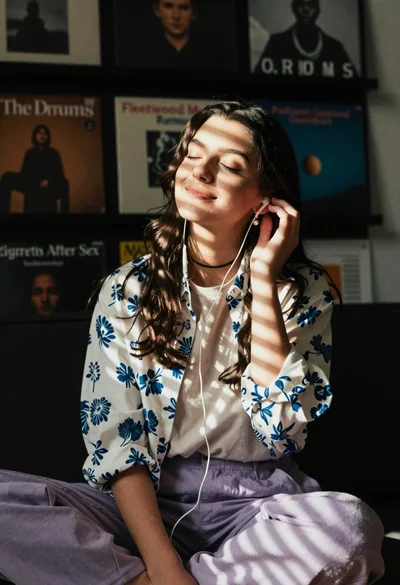
Young woman in floral shirt listening to music with closed eyes in
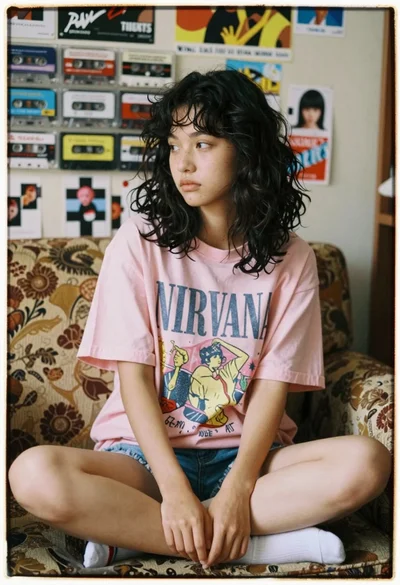
Young woman sitting on couch in cluttered room with posters and advertisements
Woman leaning on grand piano in dimly lit room with soft pink
Woman with red hair holding dried roses near rustic wooden newsstand
Young woman in black dress standing on stone steps before classical building
Confident woman with brown hair sitting at dark desk in dimly lit