
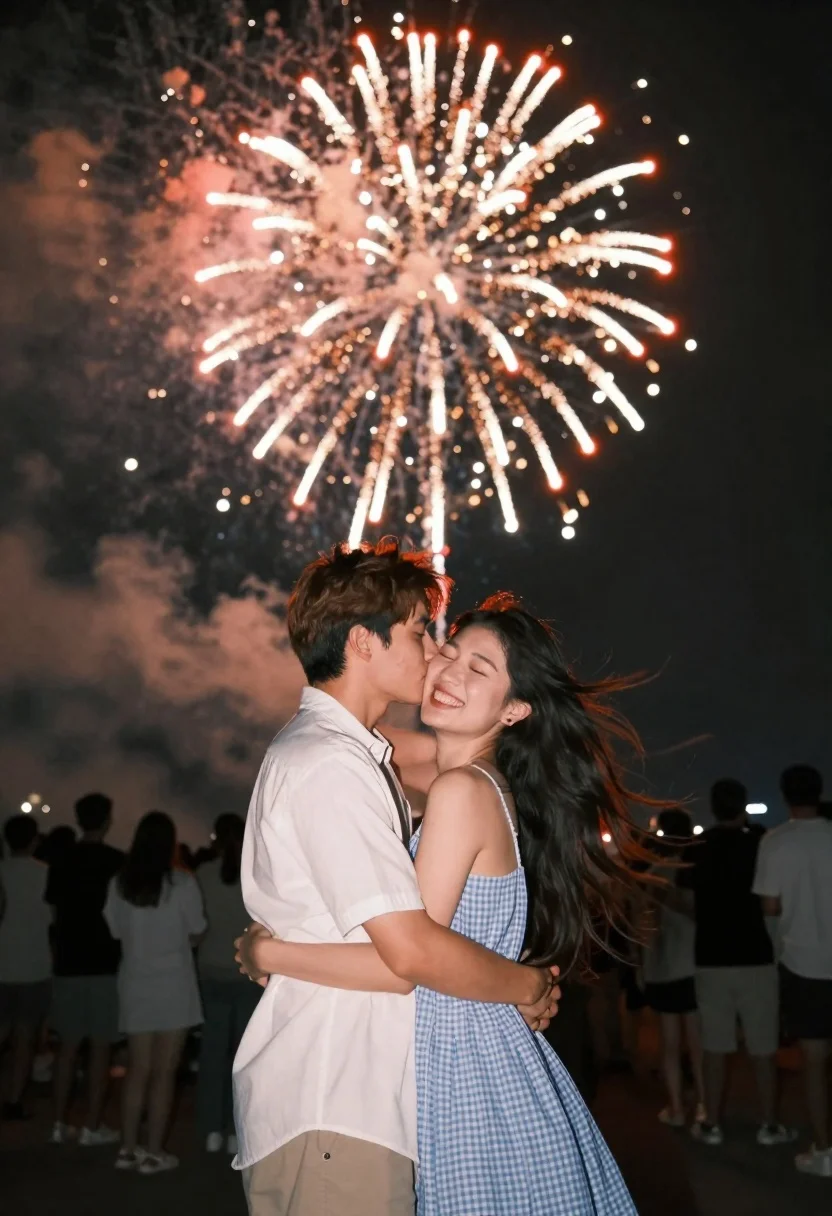
Romantic couple embracing under a large firework display at night
Prompt
A romantic couple embraces in the foreground as a massive firework explodes overhead.

Subject: A man with short brown hair and a woman with long flowing dark hair are hugging tightly. The man is kissing the woman on her cheek while she laughs joyfully with her eyes closed.

Clothing: The man wears a white short-sleeved button-up shirt, and the woman wears a light blue gingham checkered sleeveless dress.

Action: The couple stands close together in an intimate embrace, their bodies turned slightly toward each other. The woman’s hair is blowing in the wind, suggesting movement and a breezy atmosphere.

Environment: A dark night sky serves as the backdrop, filled with smoke from the fireworks. In the background, a crowd of people are standing around watching the display, some facing away from the camera.

Lighting: The scene is illuminated by the bright, warm glow of the red and gold firework above them, casting soft highlights on their faces and hair against the deep black of the night.

Camera: The shot is taken at eye level with a shallow depth of field that keeps the couple in sharp focus while blurring the crowd in the background.

Style Details: The image has a cinematic, high-contrast aesthetic with vibrant colors and a romantic mood enhanced by the fireworks display.
Description
This prompt is useful for creating dramatic movie poster concepts, intimate anniversary photography, and highly stylized narrative scene illustrations. The combination of 'bright, warm glow' from the overhead fireworks against the 'deep black of the night' ensures the couple remains vividly lit while the shallow depth of field intentionally blurs the background crowd, directing all viewer attention to their embrace.
Suggestions
- Change 'red and gold firework' to 'cyan and magenta firework' for a cooler color palette.
- Add 'bokeh effect' to the fireworks in the background for more visual interest.
- Swap 'white short-sleeved button-up shirt' for 'black leather jacket' to increase contrast.
Category
Tags
Black HairBrown HairFemaleMaleMedium ShotOutdoorsPortrait ShotRealistic
Date added
June 21, 2026
Added by
PromptDexter Team
Related Prompts
More prompts with similar categories and tags.

Romantic couple embracing on a tree lined path at twilight
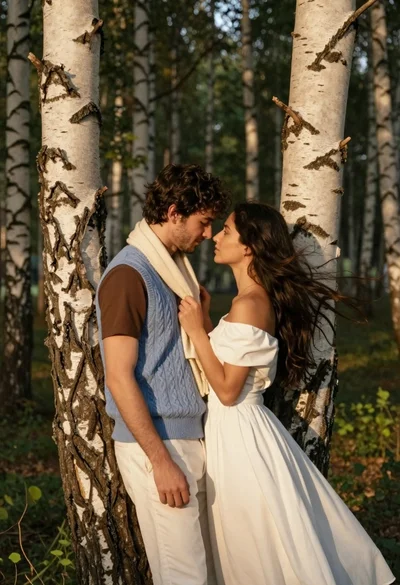
Romantic couple embracing between birch trees in a sunlit forest
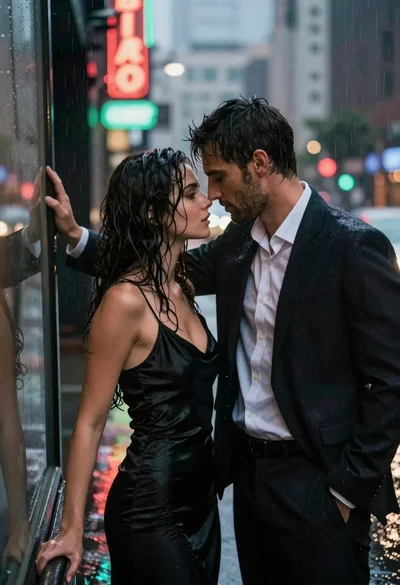
Man and woman standing close together in the rain on city street
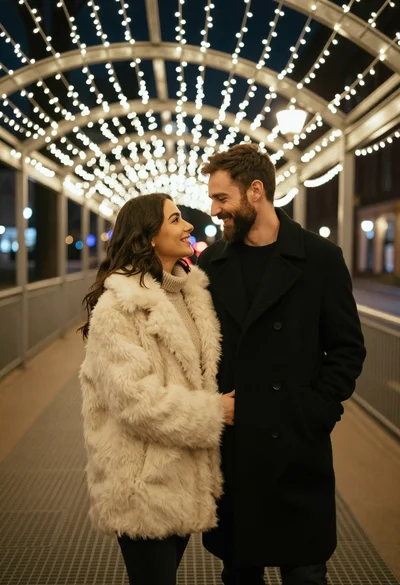
Romantic portrait of smiling couple under warm fairy lights at night

Romantic wedding couple on beach at sunset in three vertical panels
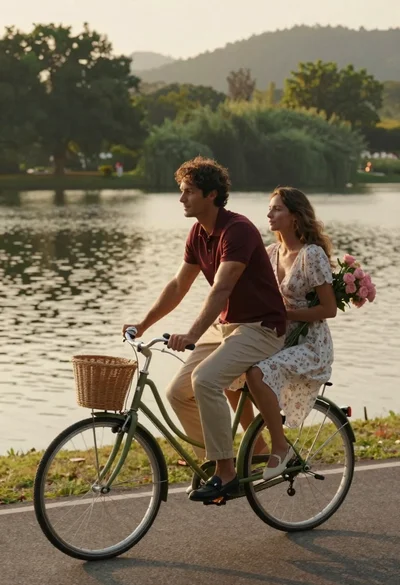
Romantic couple riding vintage bicycle along lakeside path at golden hour

Romantic couple embracing on a rooftop balcony at twilight
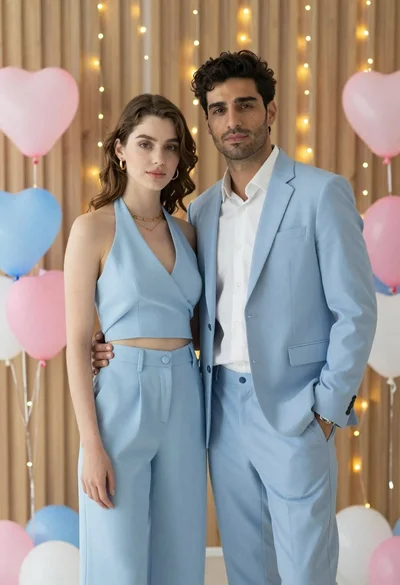
Stylish young couple standing together in front of festive heart balloons
