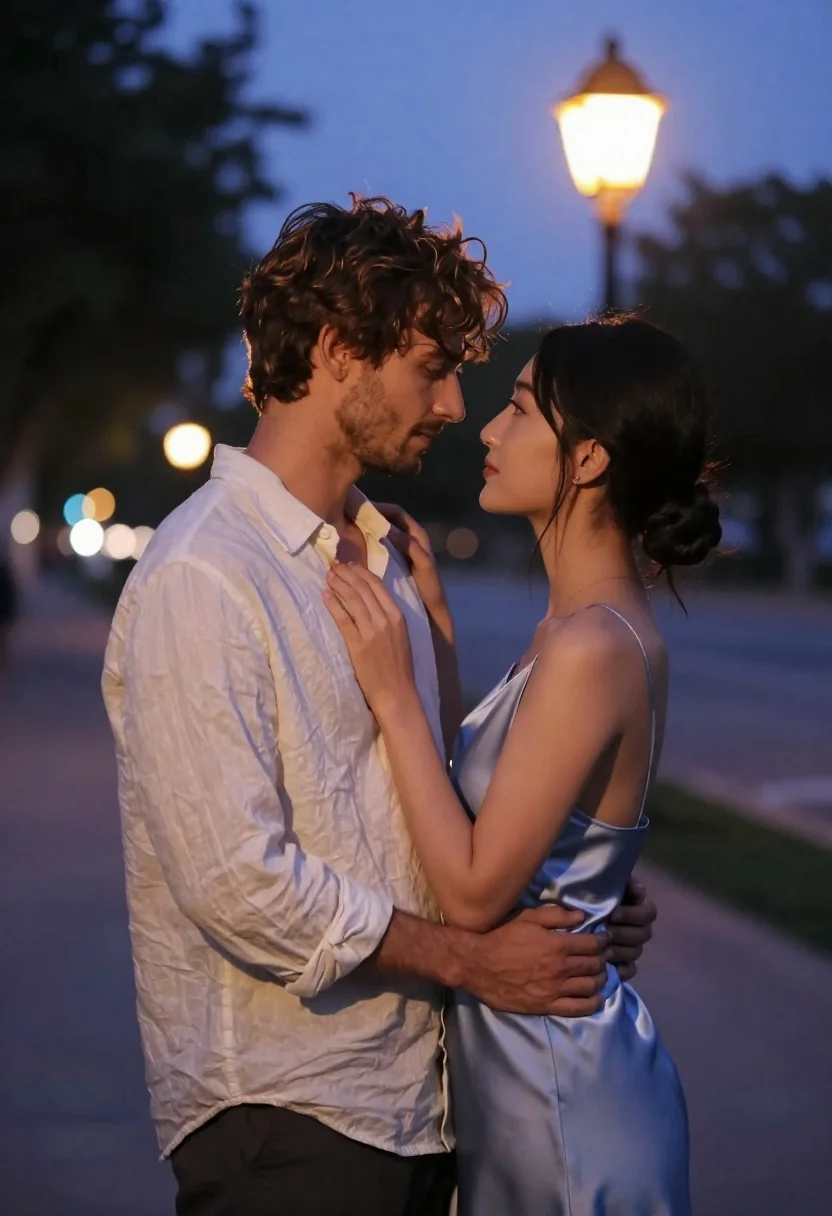
Romantic couple embracing on a tree lined path at twilight
Prompt
A romantic portrait of a couple embracing closely in an outdoor setting at twilight.

Subject: A man with wavy brown hair and light stubble stands facing a woman with dark hair styled in a low bun; both have soft, natural skin tones and are looking deeply into each other's eyes.

Clothing: The man wears a loose-fitting, unbuttoned cream linen shirt over dark trousers, while the woman wears a sleeveless, satin-like light blue slip dress that drapes softly over her frame.

Action: They stand in an intimate embrace with their foreheads nearly touching; the woman rests her hand gently on the man's chest near his collarbone, and he wraps his arms around her waist to hold her close.

Environment: The scene is set on a tree-lined path or street at dusk, featuring a glowing vintage-style lamppost in the background and blurred bokeh lights from distant streetlamps creating a soft glow against the deepening blue sky.

Camera: Shot with a shallow depth of field that keeps the couple sharply in focus while blurring the background into creamy orbs of light, using a medium close-up framing to emphasize their connection.

Lighting: Soft, ambient twilight light illuminates their faces from above and behind, complemented by the warm yellow glow of the nearby streetlamp which casts a gentle highlight on the man's shoulder and arm.

Style Details: The image has a cinematic, romantic aesthetic with a cool color palette dominated by blues and purples contrasted by warm skin tones and golden light, rendered with high fidelity and smooth textures reminiscent of modern digital photography.
Description
This prompt is useful for creating cinematic wedding album covers, intimate engagement announcements, and romantic editorial spreads featuring natural connection. The combination of 'soft, ambient twilight light' illuminating their faces from above and behind, contrasted with the 'warm yellow glow' from the lamppost, sculpts their features while the 'shallow depth of field' ensures that only the couple remains sharply focused against the blurred bokeh lights.
Suggestions
- Change 'cream linen shirt' to 'charcoal linen shirt' for a moodier contrast.
- Swap 'light blue slip dress' for 'deep emerald satin slip dress' to deepen the cool palette.
- Adjust 'medium close-up framing' to 'full body shot' to incorporate more of the tree-lined path.
Category
Tags
Black HairBrown HairFemaleMaleMedium ShotOutdoorsRealisticStreetUrban
Date added
June 21, 2026
Added by
PromptDexter Team
Related Prompts
More prompts with similar categories and tags.
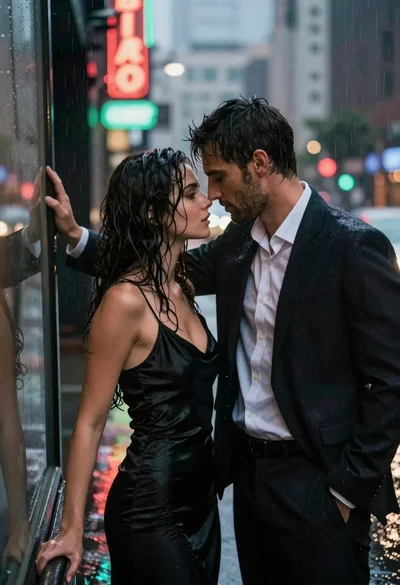
Man and woman standing close together in the rain on city street

Young couple embracing in a lush rose garden during golden hour

Romantic couple dancing intimately on cobblestone street at dusk
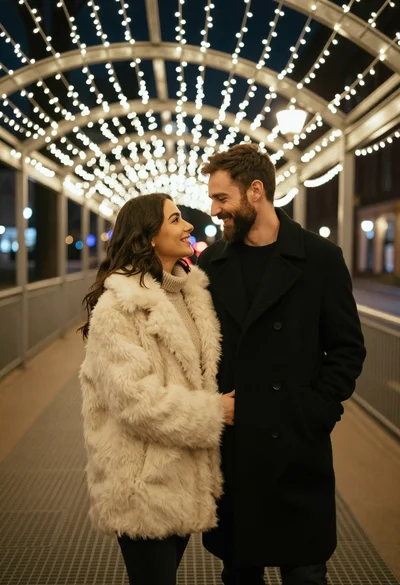
Romantic portrait of smiling couple under warm fairy lights at night

Young man in leather jacket standing on wet city sidewalk at night

Man in pinstriped shirt leaning on balcony railing in urban alley
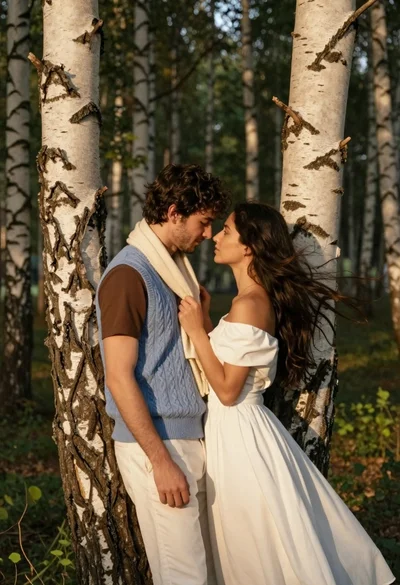
Romantic couple embracing between birch trees in a sunlit forest

Romantic couple sharing an intimate moment on a stone balcony terrace