
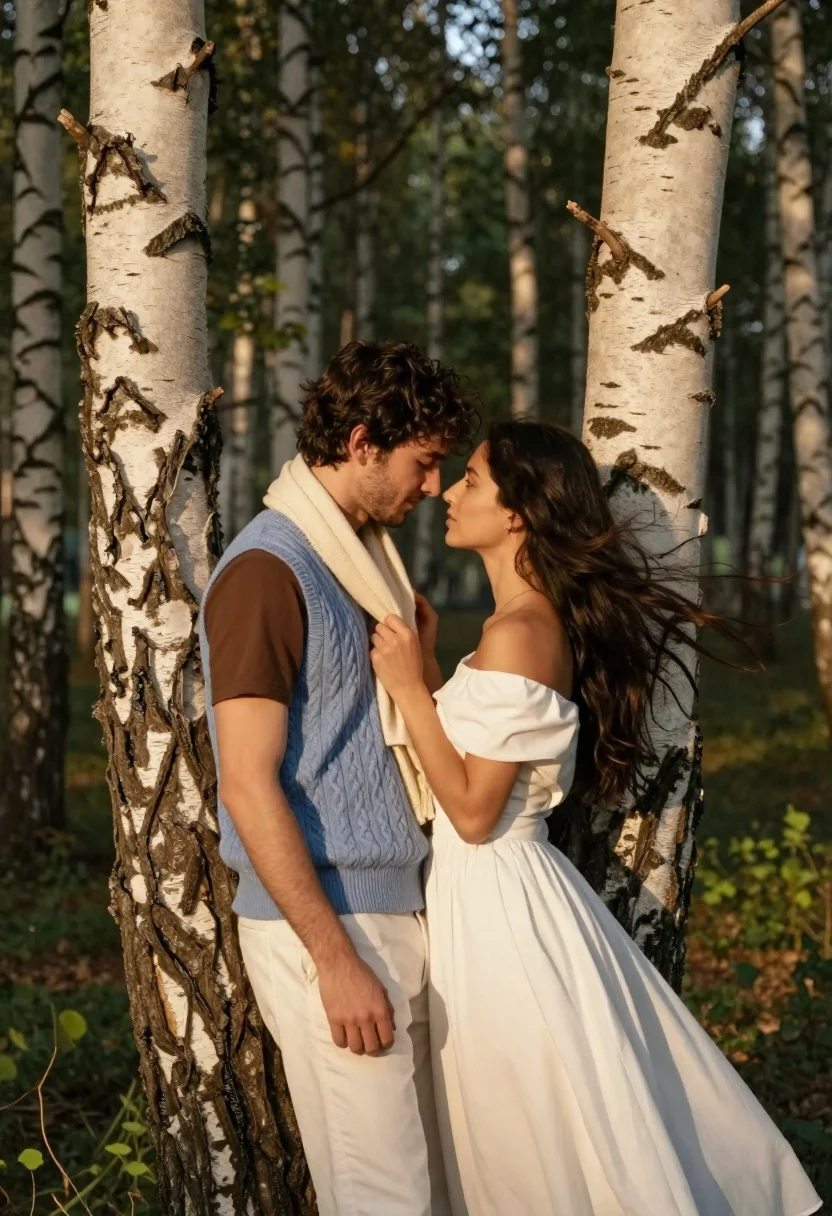
Romantic couple embracing between birch trees in a sunlit forest
Prompt
A romantic portrait of a couple standing intimately close between two birch trees in a sunlit forest.

Subject: A man with dark wavy hair and light facial stubble stands facing a woman with long flowing dark hair, their foreheads nearly touching as they gaze into each other's eyes.

Clothing: The man wears a brown short-sleeved t-shirt under a light blue cable-knit sleeveless sweater vest, paired with white trousers and a cream-colored scarf draped around his neck. The woman wears an elegant off-the-shoulder white dress with flowing fabric that trails behind her.

Action: The couple stands in a tender pose leaning against the tree trunks, with the woman gently holding the man's scarf while they maintain intense eye contact.

Environment: A serene forest setting featuring prominent birch trees with distinctive white bark and black markings, set against a soft-focus background of green foliage and dappled sunlight.

Lighting: Warm golden hour sunlight filters through the trees, creating a soft glow on the subjects' faces and highlighting the texture of their clothing and hair.

Camera: Medium shot composition framing the couple from the thighs up, with a shallow depth of field that blurs the background to emphasize the subjects.

Style Details: Cinematic photography style with high contrast between the bright white bark and warm skin tones, featuring soft bokeh effects and a romantic color palette.
Description
This prompt is useful for creating cinematic wedding album spreads, intimate portraiture for romance novels, and editorial lifestyle content emphasizing natural connection. The combination of 'warm golden hour sunlight' filtering through the trees and the 'shallow depth of field' ensures that the focus remains tightly on the couple's intense eye contact while the soft bokeh prevents distracting background elements from competing with the subjects.
Suggestions
- Change 'light blue cable-knit sleeveless sweater vest' to 'charcoal grey knit vest' for more contrast.
- Swap 'white trousers' for 'khaki chinos' to ground the figures in the environment.
- Add 'shot on Kodak Portra 400 film' to enhance the overall cinematic grain.
Category
Tags
Black HairBrown HairFemaleForestMaleMedium ShotOutdoorsPortrait ShotRealistic
Date added
June 21, 2026
Added by
PromptDexter Team
Related Prompts
More prompts with similar categories and tags.

Romantic wedding couple on beach at sunset in three vertical panels
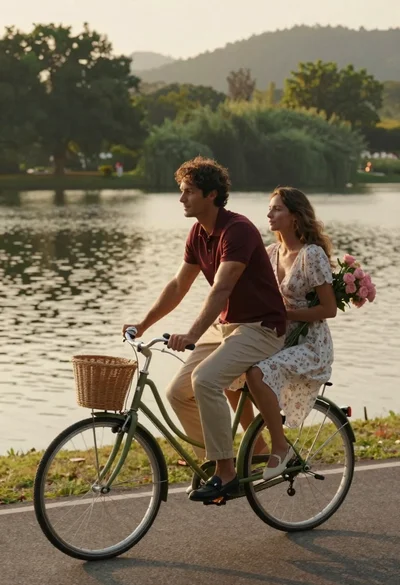
Romantic couple riding vintage bicycle along lakeside path at golden hour

Young couple embracing in a lush rose garden during golden hour

Romantic couple embracing on a tree lined path at twilight

Romantic couple embracing on a rooftop balcony at twilight
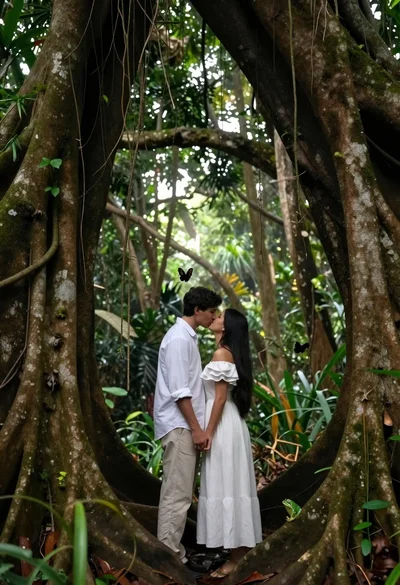
Romantic couple kissing under ancient tree roots in lush rainforest
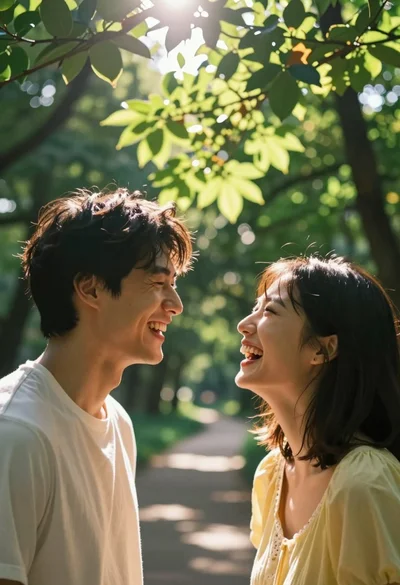
Joyful couple laughing under bright sunlight filtering through green forest canopy

Romantic couple walking on beach with white horse at golden hour
