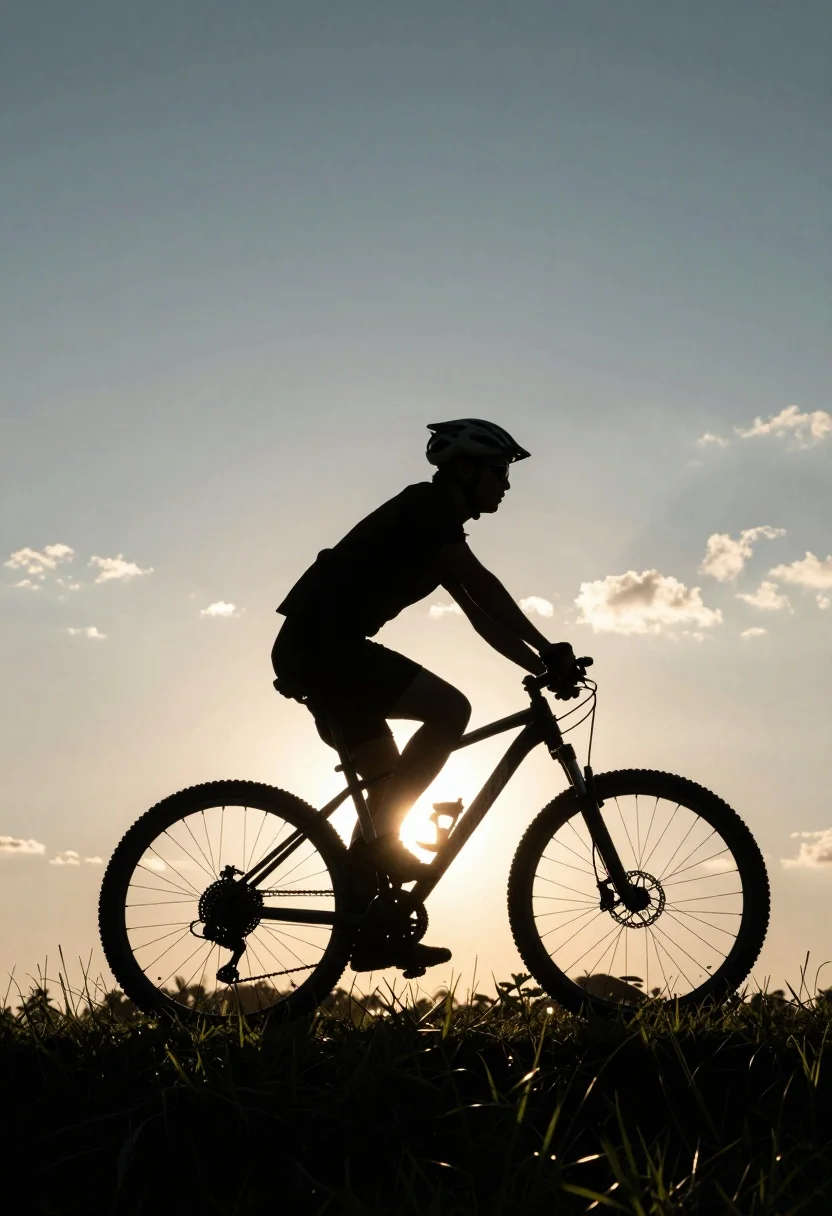
Silhouette of cyclist riding mountain bike across grassy field at sunset
Prompt
A silhouetted figure riding a bicycle across a grassy field during sunset.

Subject: A cyclist wearing a helmet and casual clothing is captured in profile as a dark silhouette against the bright sky.

Action: The rider is actively pedaling forward on a mountain bike with visible handlebars, wheels, and drivetrain components.

Environment: The scene takes place outdoors on a grassy hill or field with tall blades of grass visible at the bottom edge, set against a vast sky.

Camera: The shot is framed from a low angle looking slightly up at the rider, emphasizing the silhouette effect with the sun positioned directly behind the front wheel and handlebars.

Lighting: Strong backlighting from the setting sun creates a high-contrast scene where the subject is completely dark while the background glows with warm golden and soft blue tones.

Style Details: The image features a dramatic rim-lighting effect around the edges of the silhouette, capturing the atmospheric mood of dusk with a clear sky and scattered clouds.
Description
This prompt is useful for creating dramatic landscape photography, adventure travel posters, and minimalist editorial spreads focusing on movement. The combination of 'strong backlighting' and 'rim-lighting effect' ensures the cyclist remains a pure dark silhouette against the glowing background, which prevents detail loss in the subject while emphasizing the sweeping lines of the 'grassy field' at a dramatic low angle.
Suggestions
- Change 'golden and soft blue tones' to 'deep orange and violet hues' for a more intense sunset.
- Add 'anamorphic lens flare' to enhance the atmospheric quality.
- Swap 'mountain bike' for 'vintage road bicycle' to change the implied activity.
Category
Tags
AnimalCasual WearFull BodyLow AngleRealisticWide Shot
Date added
August 5, 2026
Added by
PromptDexter Team
Related Prompts
More prompts with similar categories and tags.
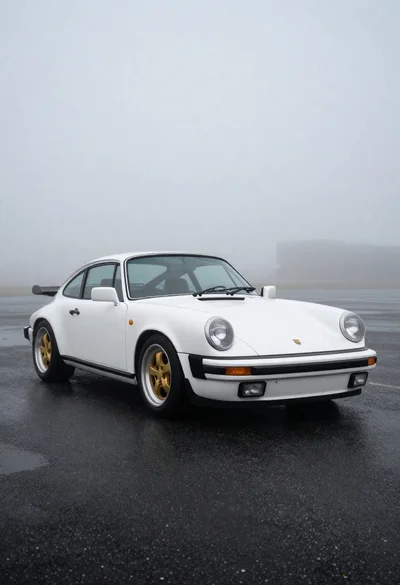
White classic porsche sports car on dark asphalt
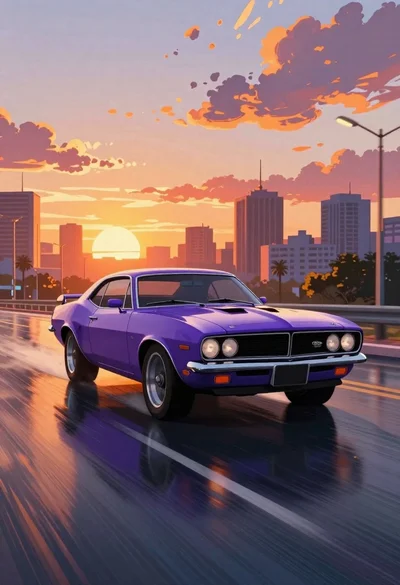
Purple muscle car driving through city at sunset
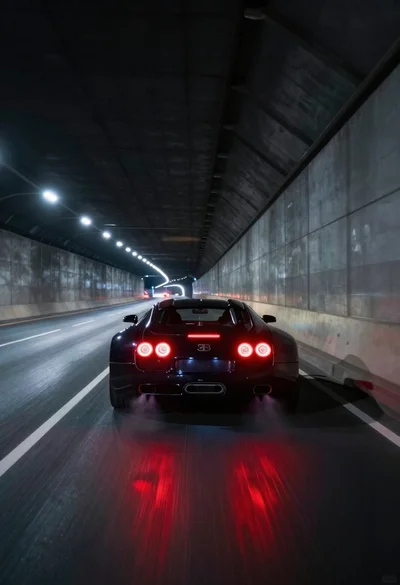
Black supercar speeding through a concrete tunnel at night
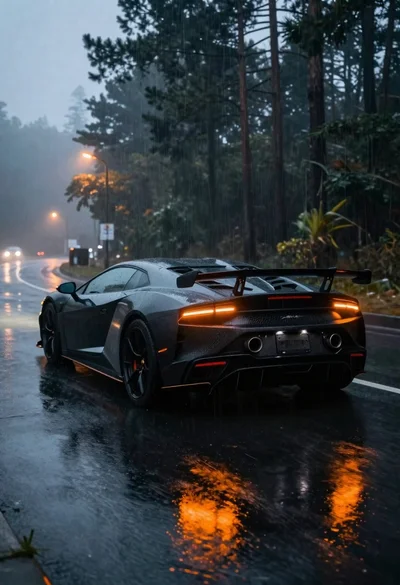
Black sports car on wet asphalt road in misty forest
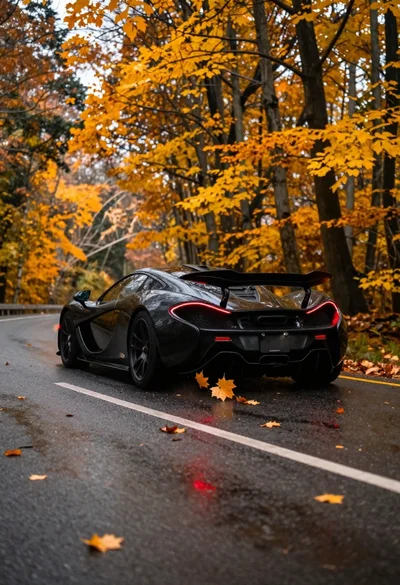
Matte black supercar speeding through autumn forest road
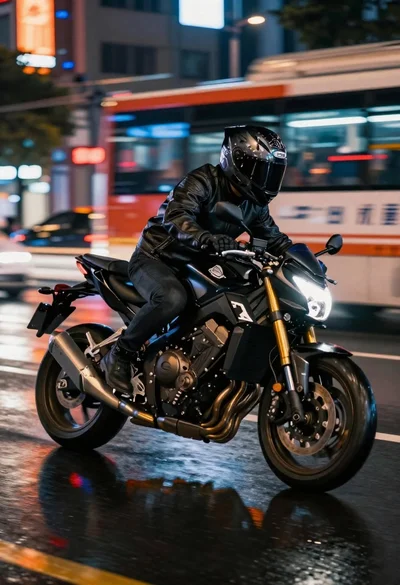
Motorcyclist riding fast at night on a wet city street
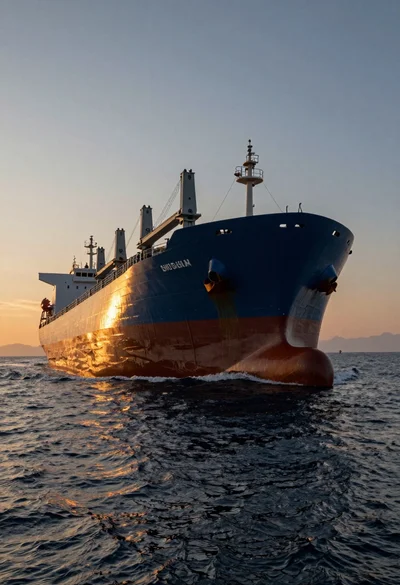
Massive cargo ship sailing on rippling ocean water during dramatic sunset
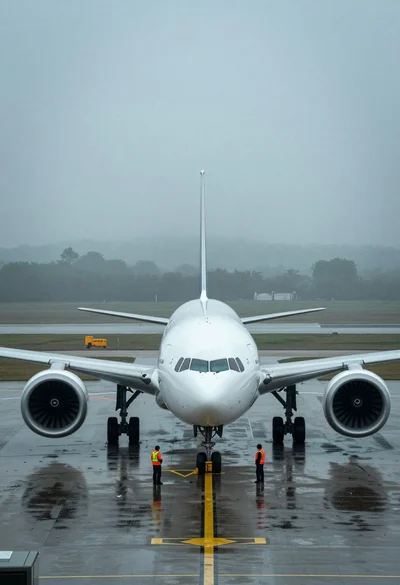
Massive white airliner on wet tarmac viewed from low angle in fog
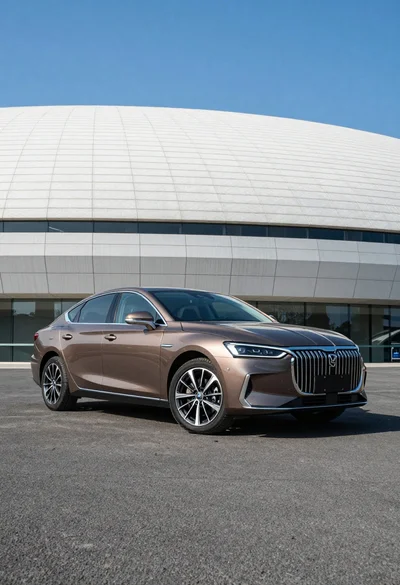
Sleek brown sedan parked before modern architecture under bright blue sky
Large white and green ferry ship sailing across calm blue open sea