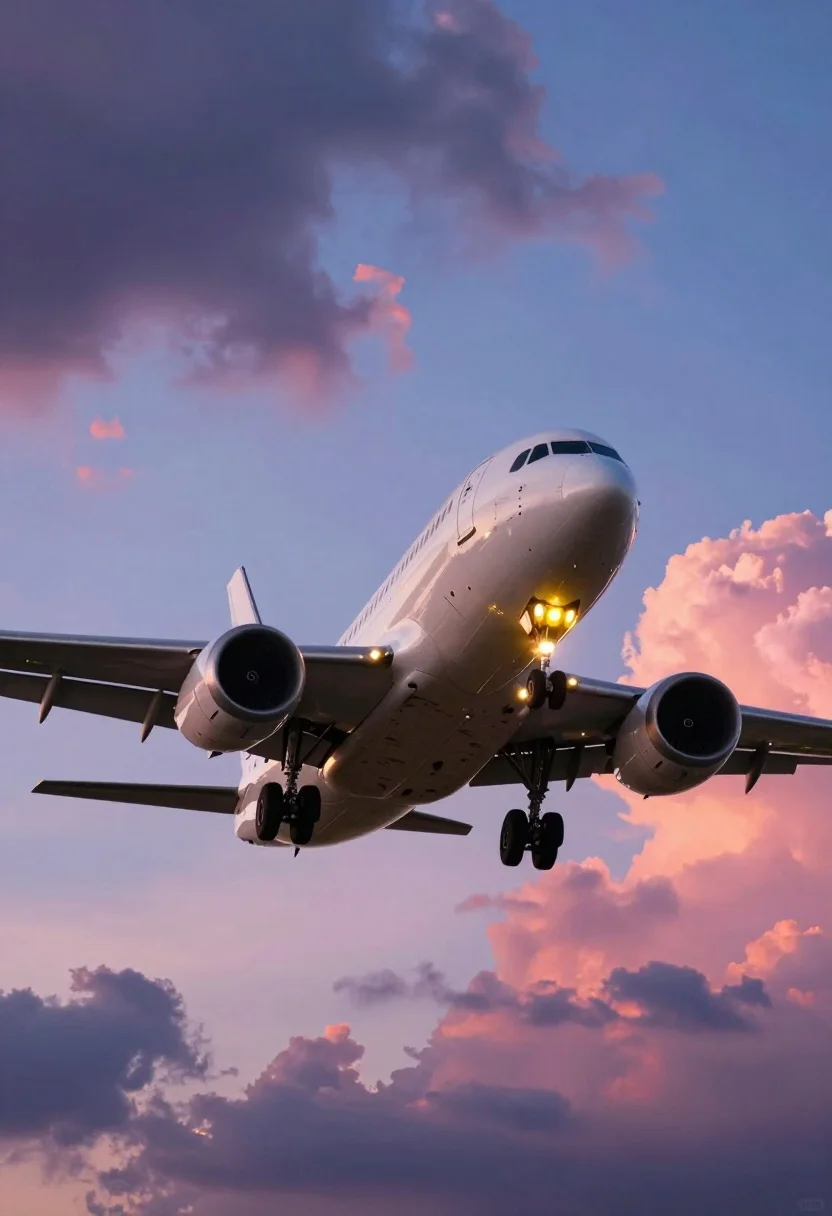
Large twin engine jet airliner descending through dramatic sunset clouds
Prompt
A large commercial airplane descends through a dramatic sky with its landing gear deployed and navigation lights glowing brightly.

Subject: A white twin-engine jet airliner viewed from below as it approaches for landing, featuring visible cockpit windows, passenger cabin windows along the fuselage, and illuminated yellow landing lights on the nose and undercarriage.

Action: The aircraft is in a steep descent with landing gear fully extended, indicating final approach phase of flight.

Environment: A vast sky filled with dynamic cloud formations ranging from dark purple storm clouds to soft pink and orange sunset hues, creating a layered atmospheric backdrop.

Camera: Low-angle perspective looking upward at the underside of the plane, emphasizing its size against the expansive sky, with slight motion blur suggesting forward movement.

Lighting: Warm golden light from below illuminates the belly of the aircraft while cool blue tones dominate the upper atmosphere, creating strong contrast between shadowed cloud undersides and brightly lit horizon.

Style Details: Digital painting aesthetic with vibrant saturated colors, smooth gradients blending purple pinks oranges and blues, stylized cloud textures resembling anime or concept art rendering quality.
Description
This prompt is useful for creating cinematic aviation concept art, dramatic movie poster backdrops, and high-impact vehicle portfolio pieces. The combination of 'low-angle perspective looking upward' with the 'warm golden light from below' maximizes the perceived scale of the airliner against the richly colored sky, while specifying 'stylized cloud textures resembling anime or concept art rendering quality' prevents the scene from becoming overly photorealistic and instead keeps it within a vibrant, painted aesthetic.
Suggestions
- Change 'dark purple storm clouds' to 'deep indigo cumulus' for more dramatic contrast.
- Swap 'yellow landing lights' for 'amber navigation beacons' for a warmer glow.
- Adjust 'slight motion blur' to 'subtle atmospheric haze' for a less aggressive sense of speed.
Category
Tags
Low AngleRealisticVehicleWide Shot
Date added
August 5, 2026
Added by
PromptDexter Team
Related Prompts
More prompts with similar categories and tags.
Purple muscle car driving through city at sunset
Black supercar speeding through a concrete tunnel at night
Black sports car on wet asphalt road in misty forest
Matte black supercar speeding through autumn forest road
Massive cargo ship sailing on rippling ocean water during dramatic sunset
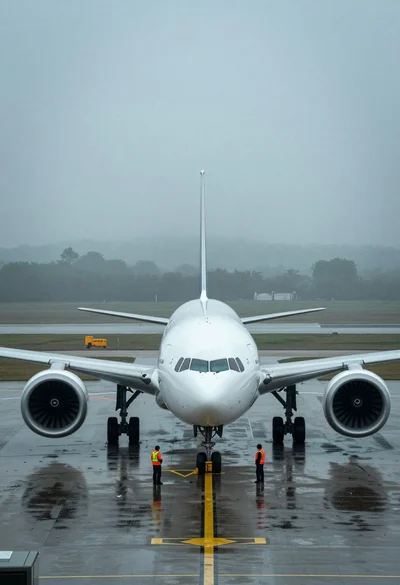
Massive white airliner on wet tarmac viewed from low angle in fog
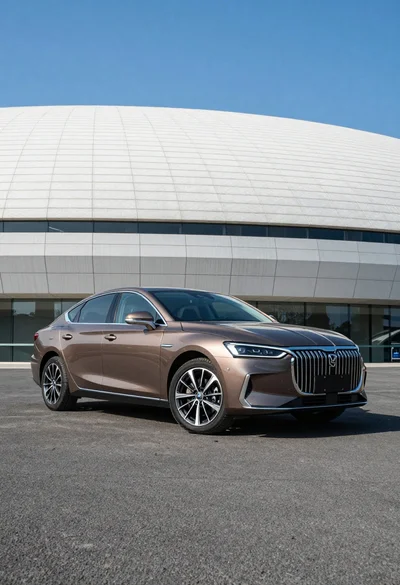
Sleek brown sedan parked before modern architecture under bright blue sky
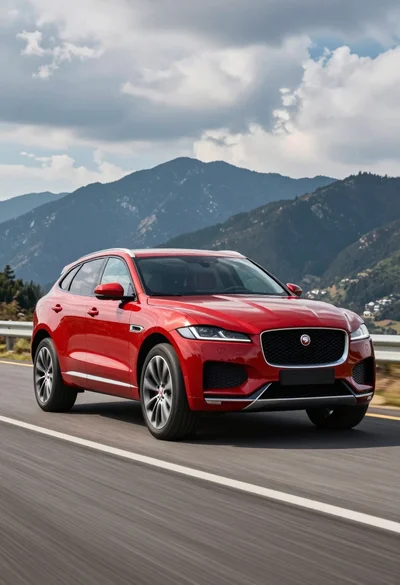
Glossy red jaguar f pace suv driving on paved road against dark
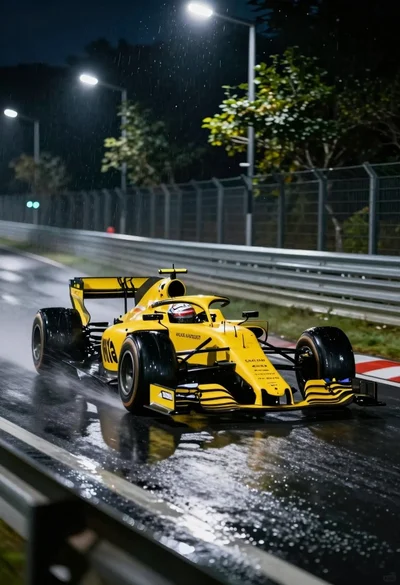
Yellow formula one race car speeding through wet night track corner
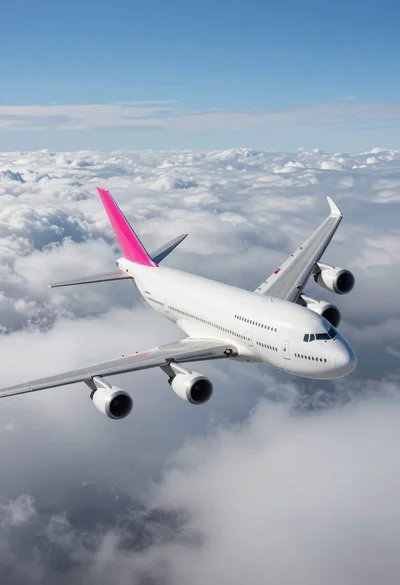
Massive white four engine jetliner banking above thick cumulus clouds