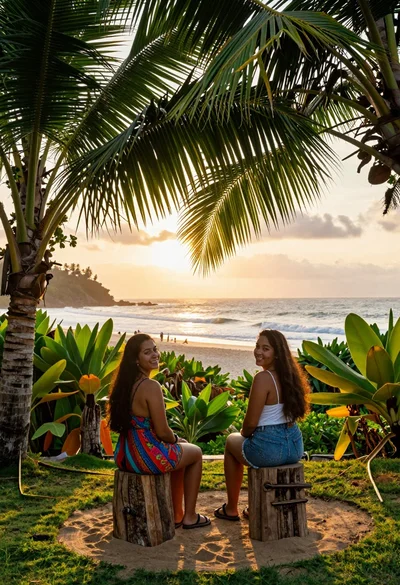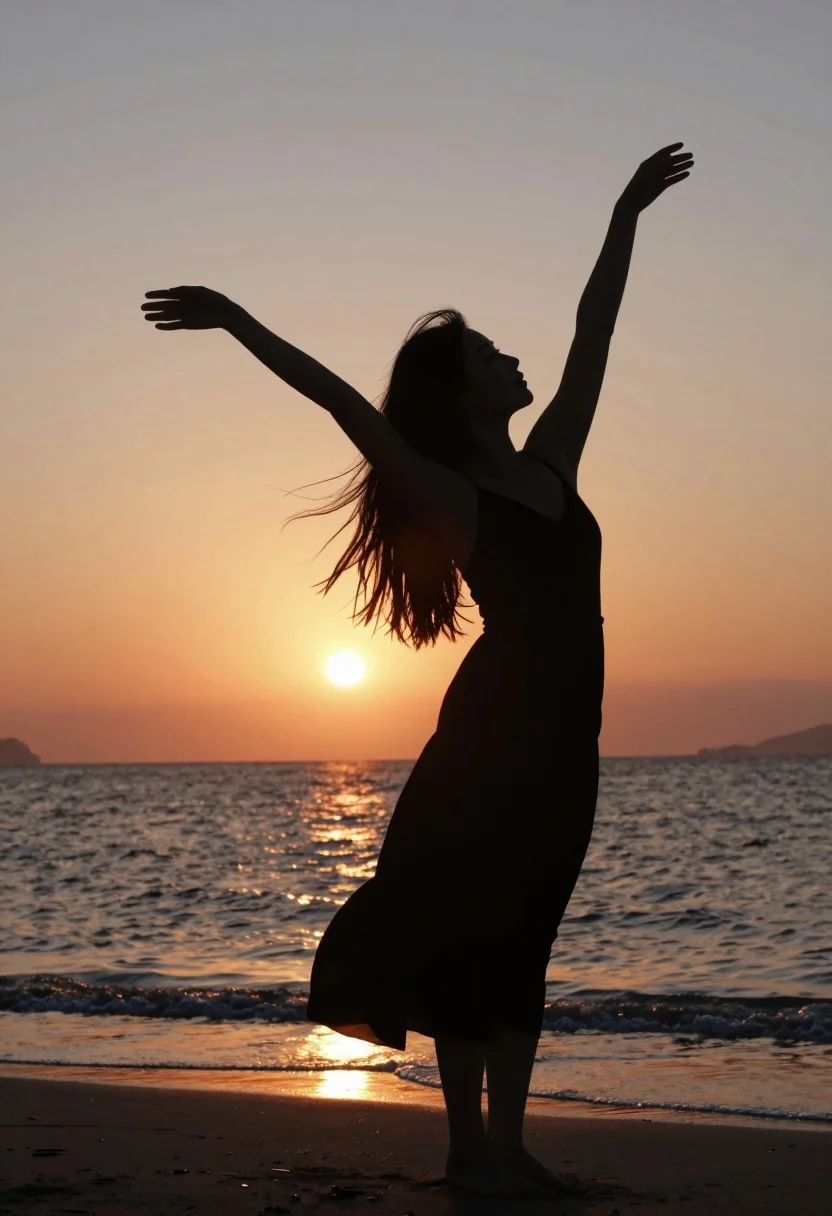
Silhouette of woman standing on beach with arms raised against vibrant sunset
Prompt
A woman stands in silhouette on a beach with her arms raised and hair flowing in the wind against a vibrant sunset sky.

Subject: A female figure shown entirely as a dark silhouette wearing a dress that flows slightly at the hem.

Action: The subject is captured mid-pose with both arms extended upward and outward, conveying a sense of freedom or dance, while her long hair streams behind her to the left.

Environment: The setting is a calm ocean shoreline during sunset, featuring gentle waves lapping at the sand and a bright sun low on the horizon creating a strong backlight.

Camera: The shot is framed from a medium distance with a slight upward angle looking past the subject's silhouette toward the glowing sun, emphasizing the contrast between the dark figure and the bright background.

Lighting: Strong backlighting from the setting sun creates a high-contrast silhouette effect, casting the foreground in deep shadow while illuminating the sky in warm gradients of orange, yellow, and soft blue.

Style Details: The image features a naturalistic aesthetic with smooth color transitions in the sky and water, capturing a serene and emotional atmosphere without heavy digital filters or stylized rendering.
Description
This prompt is useful for creating evocative travel posters, album art covers, and conceptual fitness campaign visuals emphasizing freedom. The combination of 'strong backlighting' with the subject entirely as a 'dark silhouette' maximizes contrast, ensuring that the emotional gesture of 'arms extended upward and outward' remains the primary focus against the 'warm gradients of orange, yellow, and soft blue' sky.
Suggestions
- Change 'vibrant sunset sky' to 'dramatic stormy sunset sky' for more tension.
- Add 'long exposure photography' to smooth the ocean waves further.
- Swap 'medium distance' for 'full body shot' to capture more of the flowing dress.
Category
Tags
BeachFemaleFull BodyLow AngleMedium ShotNatureOutdoorsRealistic
Date added
August 5, 2026
Added by
PromptDexter Team
Related Prompts
More prompts with similar categories and tags.
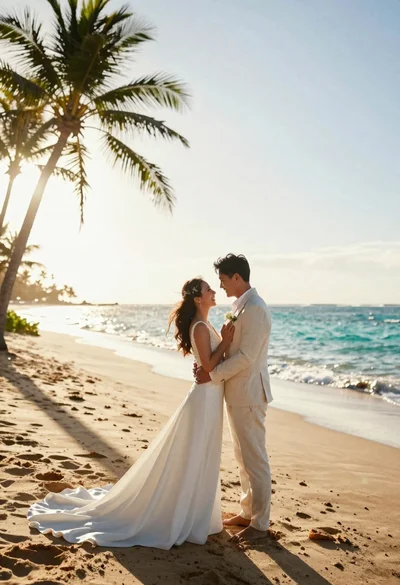
Joyful bride and groom embracing on a sunlit tropical beach at golden
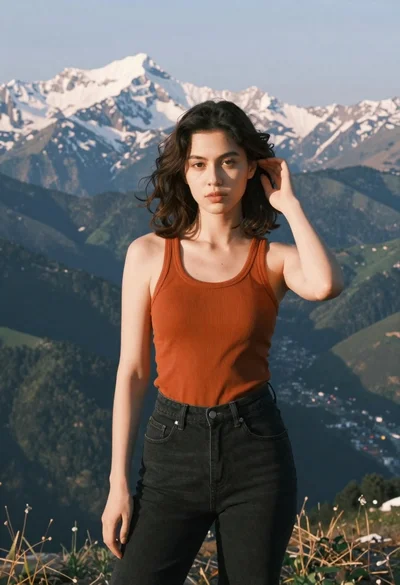
Young woman in orange tank top standing before snow capped mountains
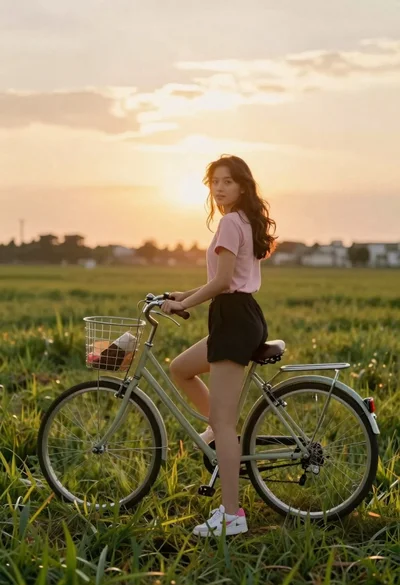
Young woman in pink shirt holding vintage bicycle in grassy field
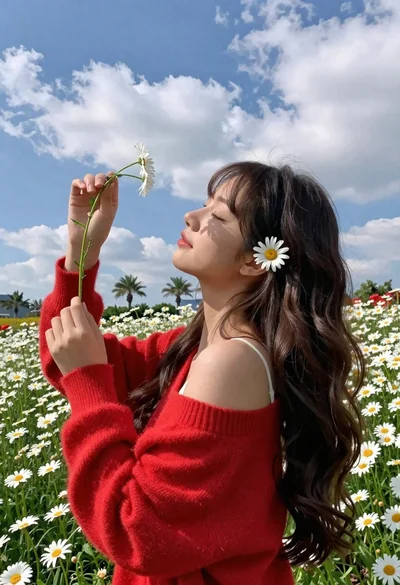
Young woman in red sweater holding flowers in daisy field
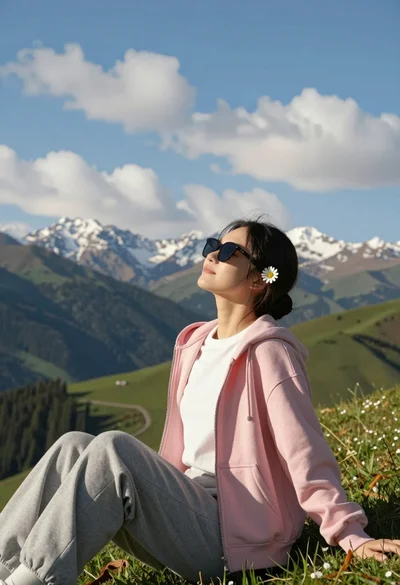
Young woman relaxing on grassy hillside with mountains under blue sky
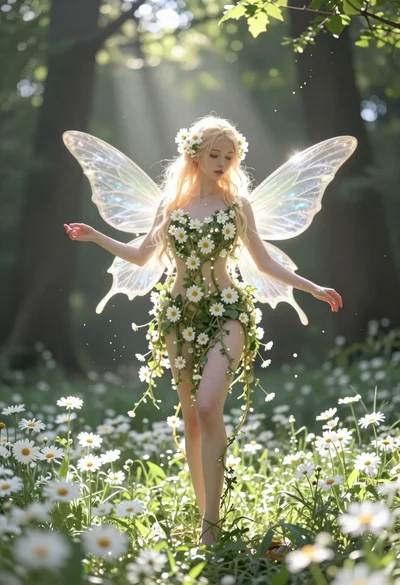
Ethereal fairy in white flowers standing in a sunlit forest clearing

Muscular man standing before massive waterfall in lush jungle setting
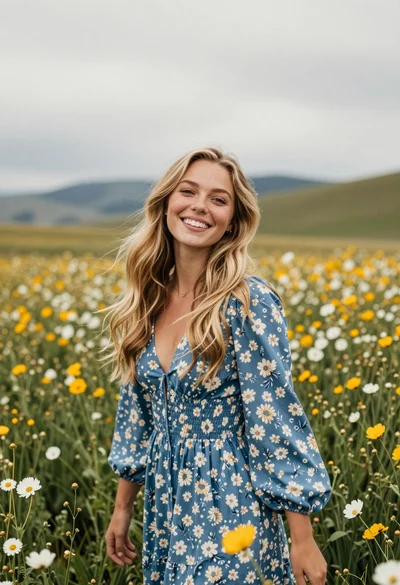
Joyful young woman in blue floral dress standing in wildflower meadow
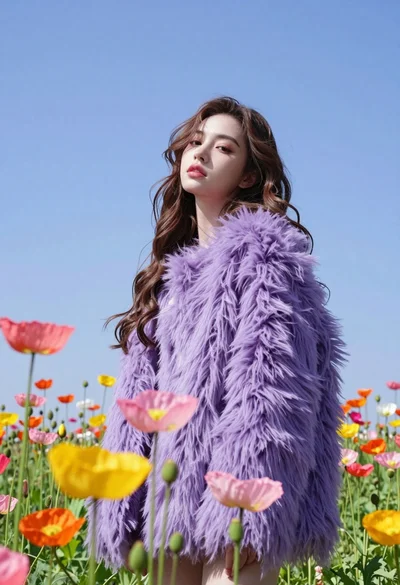
Low angle portrait of woman in purple fur coat among colorful poppy
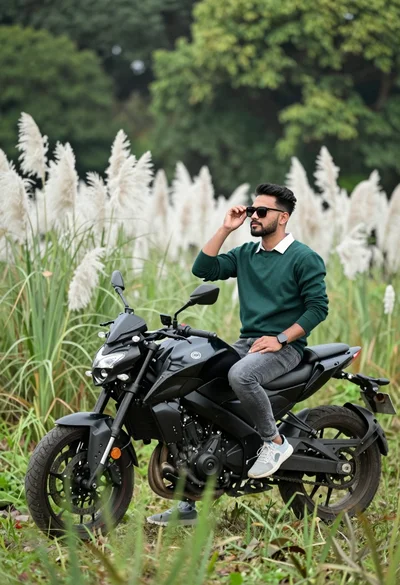
Man sitting on black motorcycle in tall grass with blurred forest background