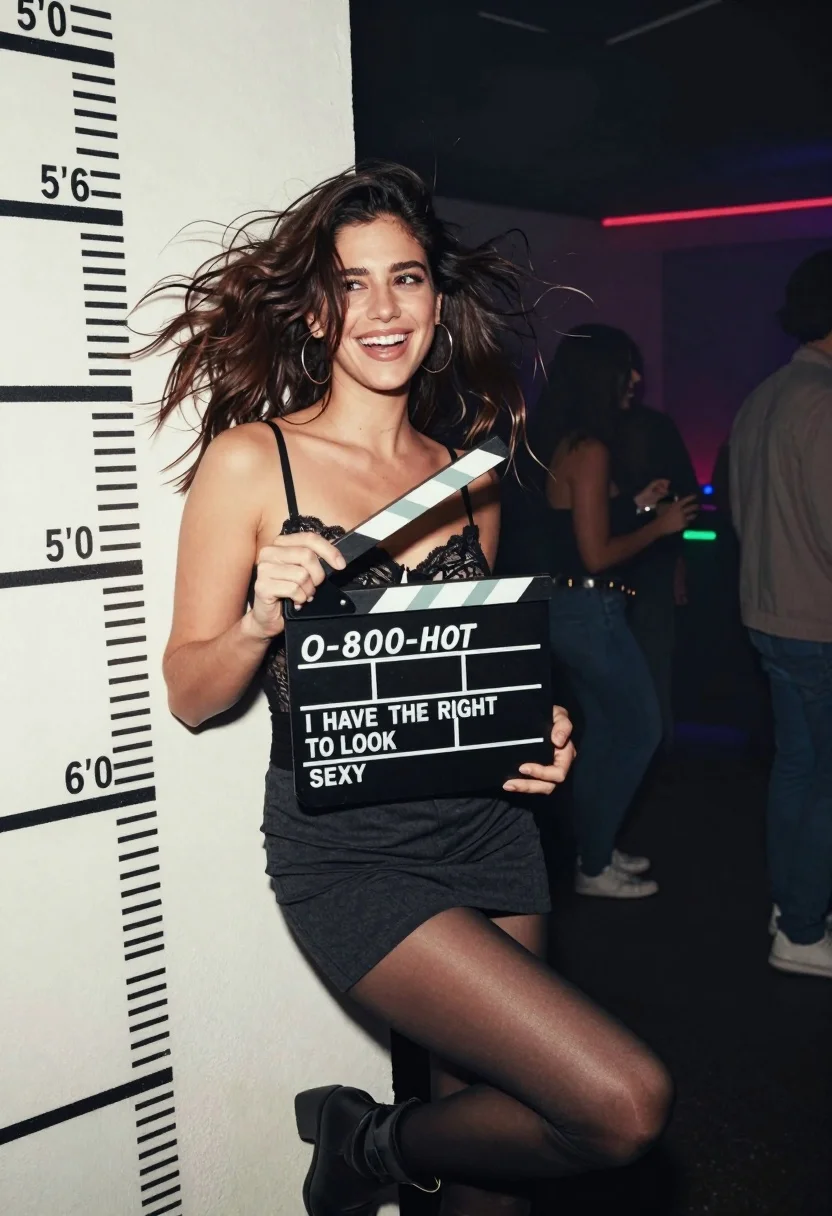
Smiling woman in black lace bustier leaning against height marked white wall
Prompt
A smiling woman with windswept dark hair leans against a white wall marked with height measurements while holding a movie clapperboard.

Subject: A young woman with voluminous, messy dark brown hair that is blowing in the wind, fair skin, and a bright, open-mouthed smile looking off to her left.

Clothing: She wears a black lace bustier top with thin straps, a dark grey or black mini skirt, sheer black tights, and black ankle boots. She has large hoop earrings.

Action: She is leaning back against the wall in a relaxed pose, holding a movie clapperboard up with both hands near her chest. Her hair is tousled as if caught in a breeze.

Environment: The setting appears to be an indoor party or club with a white wall featuring height chart markings (5'0, 5'6, 6'0) on the left. The background is dark and filled with smoke or haze, illuminated by colorful ambient lights from the distance.

Camera: A medium shot capturing the subject from the thighs up, taken at eye level with a shallow depth of field that blurs the crowded party background.

Lighting: Dim, atmospheric lighting with soft highlights on her face and hair, likely from flash photography mixed with the ambient glow of the club in the background.

Text/Graphics: The clapperboard reads "O-800-HOT" on the top line and "I HAVE THE RIGHT TO LOOK SEXY" on the bottom line.

Style Details: Candid, snapshot aesthetic with a grainy film look, high contrast between the dark clothing and the white wall, capturing a spontaneous party moment.
Description
This prompt is useful for creating editorial fashion moodboards, concept art for music videos, and stylized character portraits evoking nightlife energy. The combination of 'black lace bustier' against the stark 'white wall marked with height measurements' creates a high-contrast visual tension that anchors the subject while the 'grainy film look' suggests an unposed, spontaneous moment captured in low light.
Suggestions
- Change 'dark brown hair' to 'platinum blonde hair' for a different contrast.
- Swap 'club' for 'industrial warehouse' to alter the background feel.
- Adjust 'shallow depth of field' to 'deep focus' if you want more background detail.
Category
Tags
Fair SkinFemaleMedium ShotRealisticStreetwear
Date added
August 5, 2026
Added by
PromptDexter Team
Related Prompts
More prompts with similar categories and tags.

Woman in orange mini dress walking down sunlit corridor
Young woman in oversized sweater holding pink camera in sunny garden
Young woman in black mini dress looking back in modern urban setting
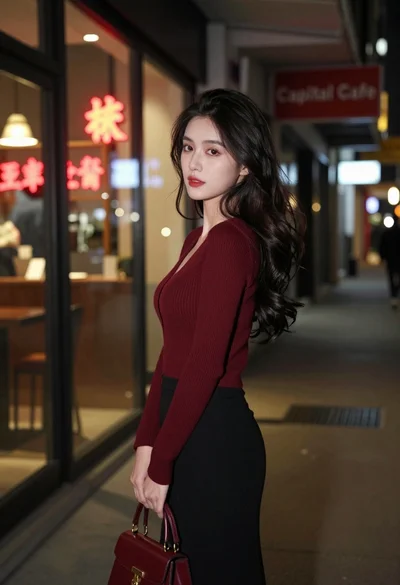
Young woman looking back over shoulder in dimly lit neon city alleyway

Woman standing barefoot in dry autumn field at golden hour

Blonde woman in black lace gown standing in opulent room setting

Young woman in white lace dress seated against soft floral backdrop

Portrait of woman with red hair in navy blouse and green skirt

Young woman in black and white patterned outfit on urban rooftop
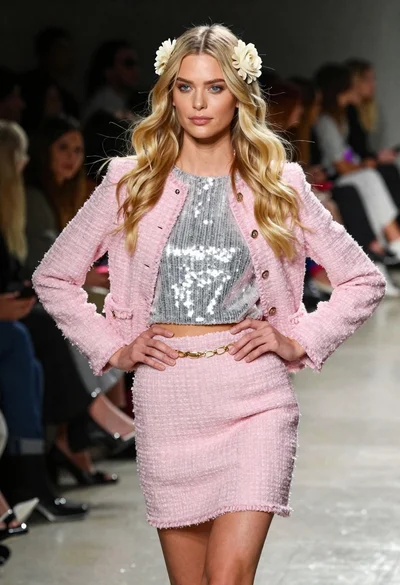
Blonde woman walking fashion runway in pink tweed ensemble
