
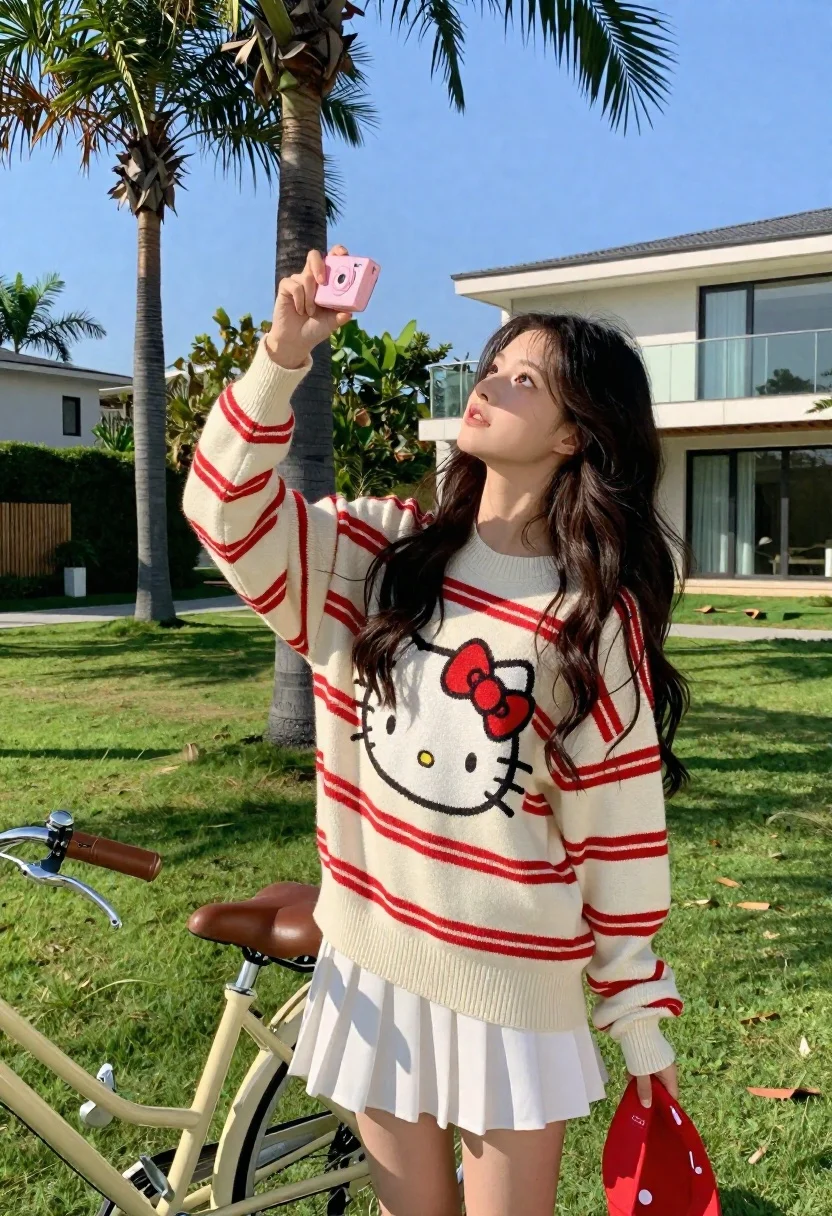
Young woman in oversized sweater holding pink camera in sunny garden
Prompt
A young woman with long dark wavy hair stands outdoors on a sunny day holding a pink compact camera up to take a photo while looking upward.

Subject: A young woman with long dark wavy hair and a fair complexion.

Clothing: She wears a cream-colored oversized sweater with red horizontal stripes featuring a large Hello Kitty graphic on the front, paired with a white pleated mini skirt.

Action: She holds a pink compact camera in her raised right hand pointing it upward while looking up at the sky or lens.

Environment: A lush green lawn with tall palm trees and a modern house with glass windows in the background under a clear blue sky.

Camera: Medium shot capturing the subject from the thighs up, slightly low angle emphasizing the upward gaze and camera position.

Lighting: Bright natural sunlight casting soft shadows on the grass and creating a warm cheerful atmosphere.

Objects: A vintage cream-colored bicycle with a brown leather seat is parked to her left, and she holds a red baseball cap in her left hand.

Text/Graphics: The Hello Kitty logo is prominently displayed on the front of the sweater.
Description
This prompt is useful for creating lifestyle editorial spreads, whimsical spring fashion content, and character-driven portrait photography. The combination of 'bright natural sunlight' casting soft shadows and the specific inclusion of a 'Hello Kitty graphic' grounds the image in a playful aesthetic that complements the casual, upward gaze captured by the 'slightly low angle'.
Suggestions
- Change 'cream-colored oversized sweater' to 'chunky knit cardigan' for more texture.
- Replace 'pink compact camera' with 'vintage Polaroid camera' for a different nostalgic feel.
- Adjust 'lush green lawn' to 'sun-dappled meadow' for varied foreground interest.
Category
Tags
Black HairFair SkinFemaleMedium ShotOutdoorsPortrait ShotRealisticStreetwear
Date added
June 21, 2026
Added by
PromptDexter Team
Related Prompts
More prompts with similar categories and tags.
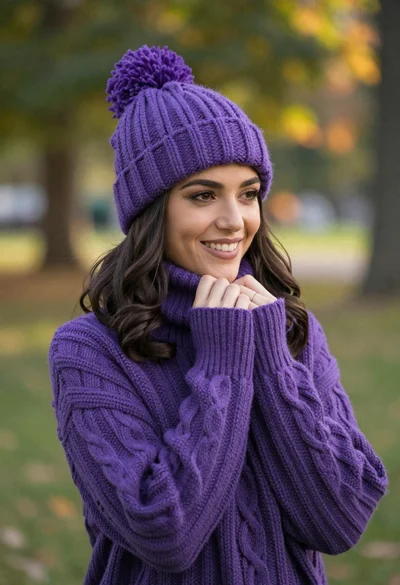
Smiling young woman in purple knit beanie and sweater in sunny park

Smiling young woman in pink top and white skirt before sandstone palace
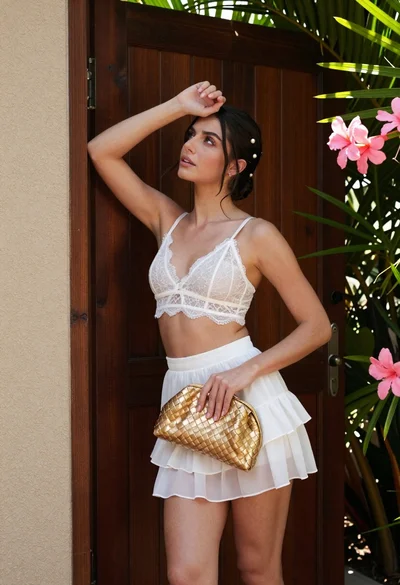
Young woman in white lace outfit standing by tropical leaves and flowers
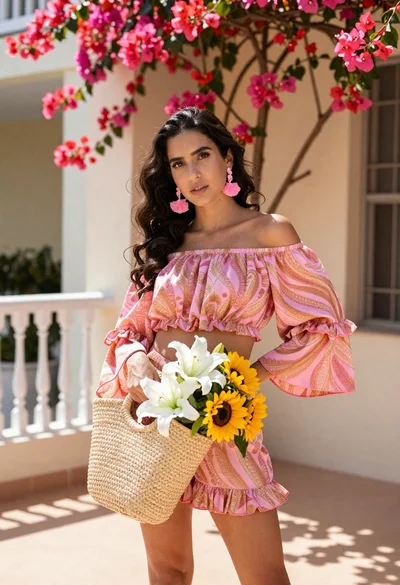
Young woman in pink outfit holding flower basket near bougainvillea flowers

Young woman in fur hat at cozy outdoor cafe during christmas

Woman in white lace cardigan and straw hat in mountain landscape

Young woman in pink lehenga looking back over shoulder in courtyard

Woman in black dress by window overlooking ocean at golden hour
