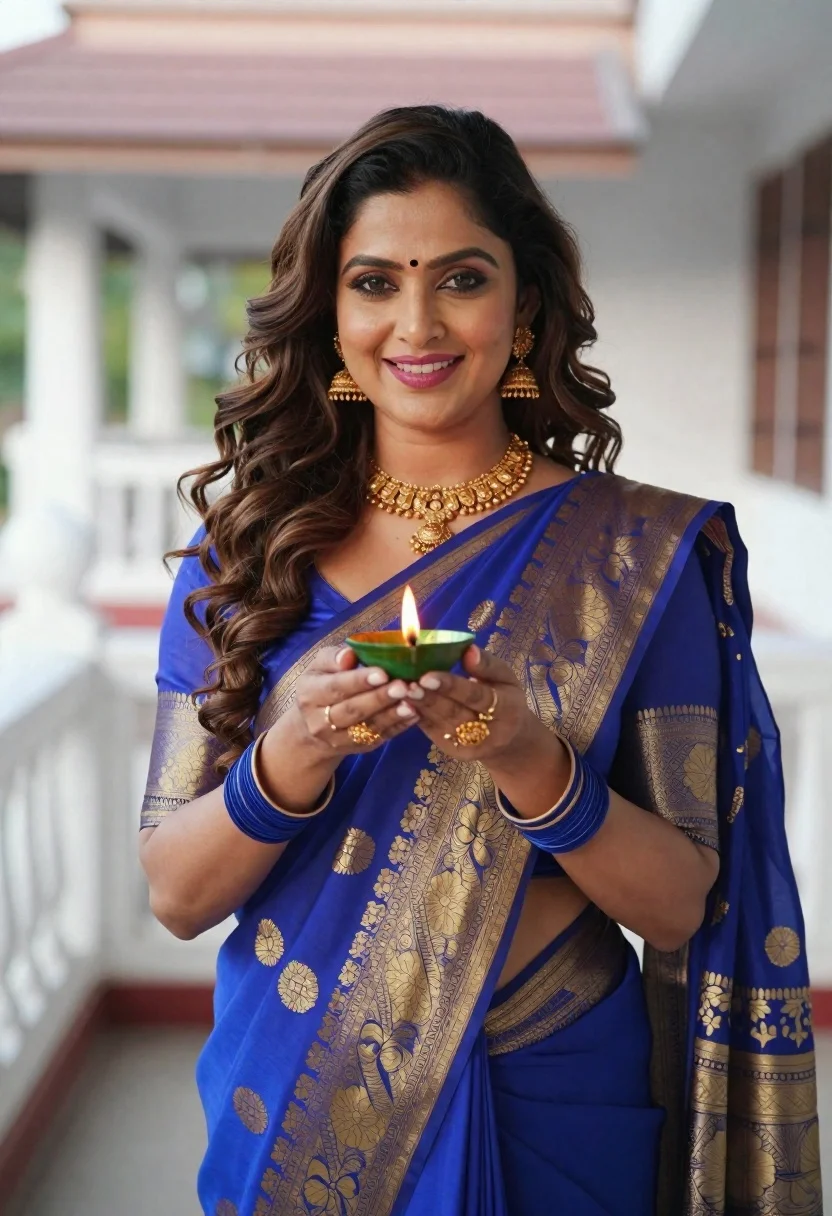
Smiling woman in blue saree holding lit oil lamp on outdoor terrace
Prompt
A smiling woman with long wavy brown hair and a bindi on her forehead holds a lit oil lamp in both hands.

Subject: A woman with voluminous dark brown wavy hair, fair skin, and bright makeup featuring defined eyebrows, eyeliner, and pink lipstick. She wears a traditional blue saree with intricate gold brocade patterns and a matching blouse with sheer sleeves.

Clothing: The outfit consists of a royal blue silk saree adorned with heavy gold floral motifs and a wide gold waist belt. She wears elaborate gold jewelry including a necklace, large dangling earrings, bangles on her wrists, and rings on her fingers.

Action: She stands facing forward with a warm smile, holding a small green oil lamp with a visible flame at chest level using both hands in a respectful gesture. Her gaze is directed slightly upward toward the viewer.

Environment: The setting appears to be an outdoor terrace or balcony featuring white architectural structures and blurred background elements suggesting a temple or traditional building.

Lighting: Soft natural daylight illuminates the scene evenly, highlighting the texture of the fabric and the glow of the lamp flame without harsh shadows.

Camera: A medium close-up shot with a shallow depth of field that keeps the subject in sharp focus while blurring the architectural background to emphasize her presence.

Style Details: The image has a polished portrait quality with vibrant colors and a clear, high-definition rendering style suitable for cultural photography.
Description
This prompt is useful for creating cultural portraiture, editorial storytelling around festivals, and fine art depictions of tradition. The combination of 'soft natural daylight' and the 'shallow depth of field' ensures that the intricate details of the 'gold floral motifs' remain visible while preventing the background architecture from competing with the subject's warm smile and the glow emanating from the lit oil lamp.
Suggestions
- Change 'royal blue silk saree' to 'deep emerald silk saree' for a richer color contrast.
- Add 'bokeh effect' to the camera section for more pronounced background blur.
- Swap 'small green oil lamp' for 'brass diya with visible flame' to enhance cultural authenticity.
Category
Tags
Brown HairFair SkinFemaleOutdoorsRealisticRooftopTraditional Wear
Date added
June 19, 2026
Added by
PromptDexter Team
Related Prompts
More prompts with similar categories and tags.
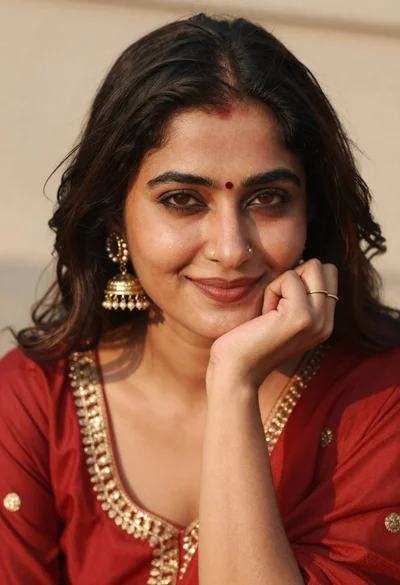
Portrait of woman in red traditional dress with gold jewelry smiling

Woman in traditional thai dress standing before a grand golden temple
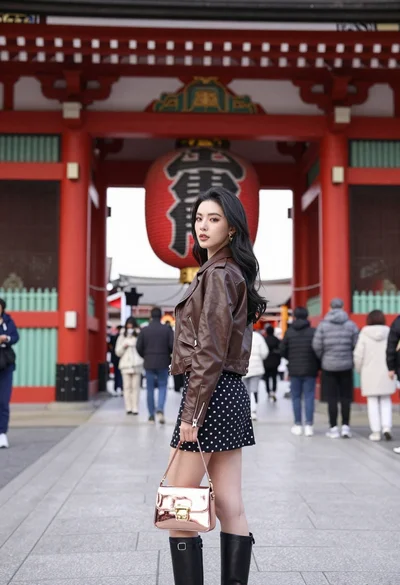
Young woman in leather jacket standing before traditional japanese temple gate
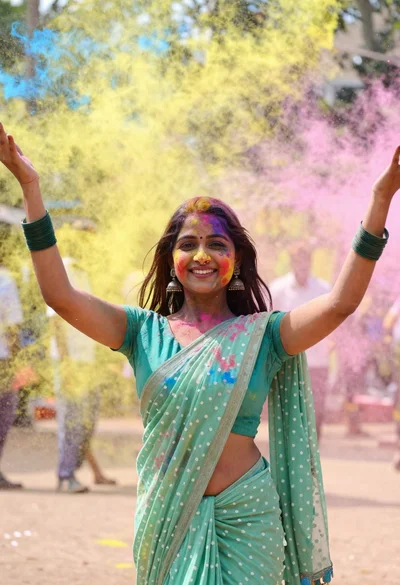
Young woman in traditional saree celebrating with vibrant colored powder explosion
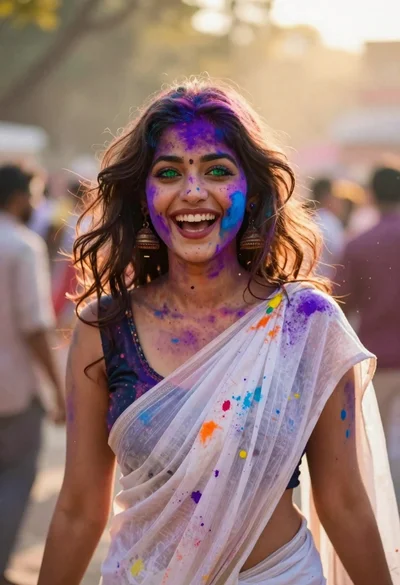
Joyful young woman in white sari covered in colorful powder at festival
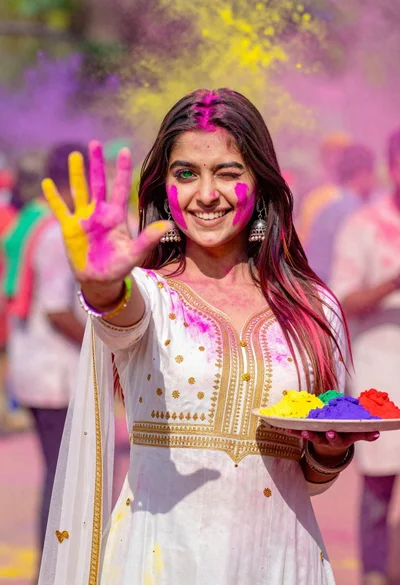
Young woman in traditional dress celebrating holi festival with colorful powders
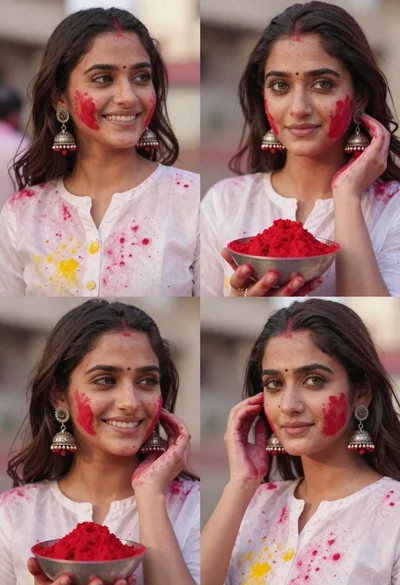
Portrait collage of young woman celebrating holi festival with red powder
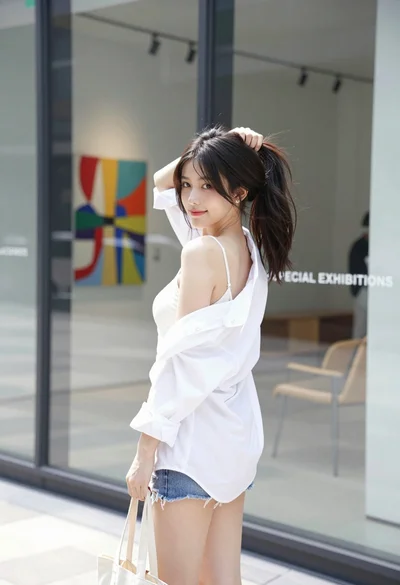
Young woman in white shirt and denim shorts outside modern glass building
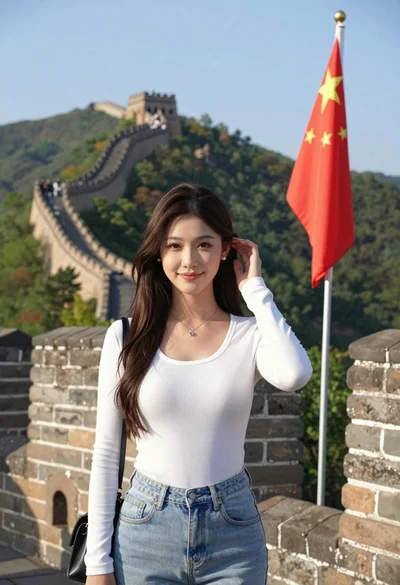
Young woman posing atop great wall of china overlooking green mountains
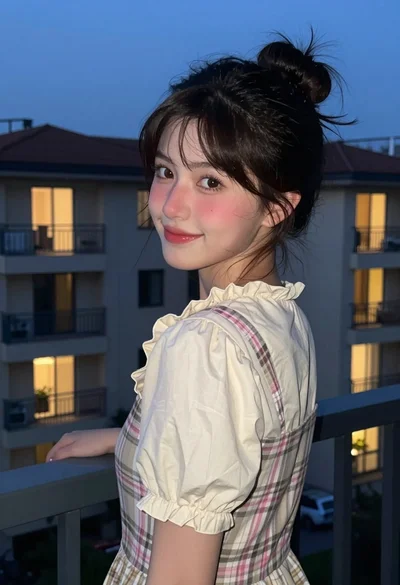
Young woman in plaid jumper dress looking over shoulder at dusk