
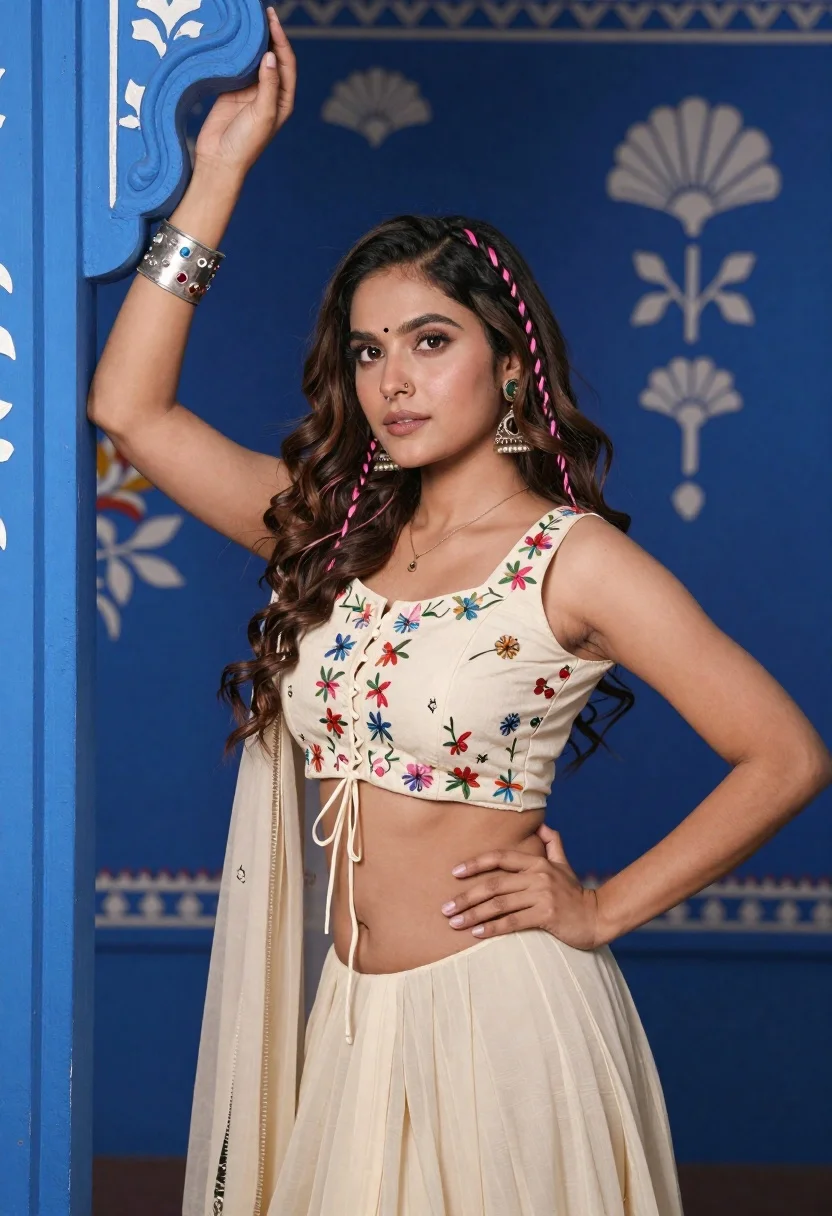
Young woman with brown hair posing by blue floral patterned wall
Prompt
A young woman with long wavy brown hair and a nose ring poses confidently against a deep blue painted wall.

Subject: A young woman with long wavy dark brown hair featuring pink braids woven into the sides, wearing a bindi on her forehead and large dangling earrings.

Clothing: She wears a cream-colored crop top with intricate floral embroidery along the neckline and lace-up detailing down the front, paired with a matching flowing cream skirt; she accessorizes with a wide silver cuff bracelet studded with colorful stones on her right wrist and a delicate necklace.

Action: Her left hand rests on her hip while her right arm is raised, holding onto an ornate blue architectural element above her head, gazing directly at the camera with a calm expression.

Environment: The background features a vibrant royal blue wall adorned with white painted floral patterns and decorative fan motifs, suggesting an indoor setting with traditional or artistic decor.

Camera: Medium shot capturing the subject from the waist up with a shallow depth of field that softly blurs the background details to emphasize her figure.

Lighting: Soft studio lighting illuminates her face and upper body evenly, creating gentle highlights on her skin and clothing while maintaining rich color saturation in the blue surroundings.

Style Details: High-resolution portrait photography with vibrant colors, sharp focus on the subject, and a polished aesthetic typical of professional fashion or lifestyle portraiture.
Description
This prompt is useful for creating cultural editorial spreads, bridal lookbooks featuring ethnic wear, and high-end lifestyle portraits set indoors. The combination of 'soft studio lighting' ensuring even illumination across the subject's face and the 'vibrant royal blue wall adorned with white painted floral patterns' allows the intricate details of the 'floral embroidery' to remain visible without harsh shadows, which is crucial for showcasing both fashion elements and cultural motifs.
Suggestions
- Change 'deep blue painted wall' to 'indigo patterned wallpaper' for a different texture.
- Swap 'cream-colored crop top' for 'ivory silk blouse' to change the material feel.
- Adjust 'gazing directly at the camera' to 'looking slightly off-camera' for a more candid moment.
Category
Tags
Brown HairBrunetteFemaleIndoorsMedium ShotPortrait ShotRealisticStudio
Date added
June 19, 2026
Added by
PromptDexter Team
Related Prompts
More prompts with similar categories and tags.
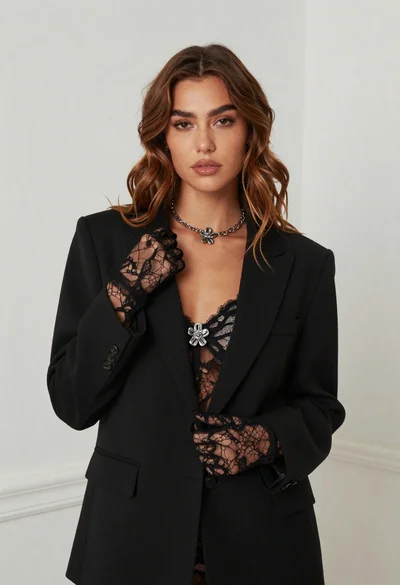
Fair skinned woman in black blazer against white studio wall
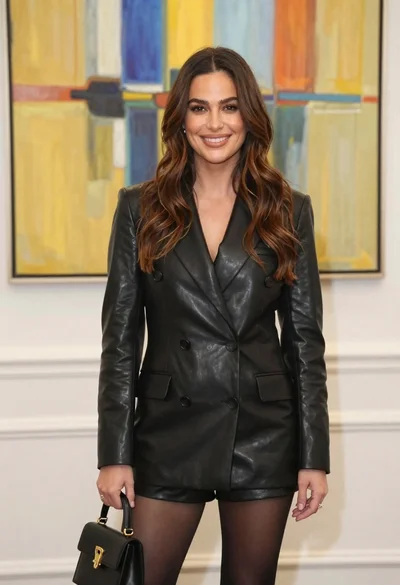
Woman in black leather blazer and shorts against abstract art background
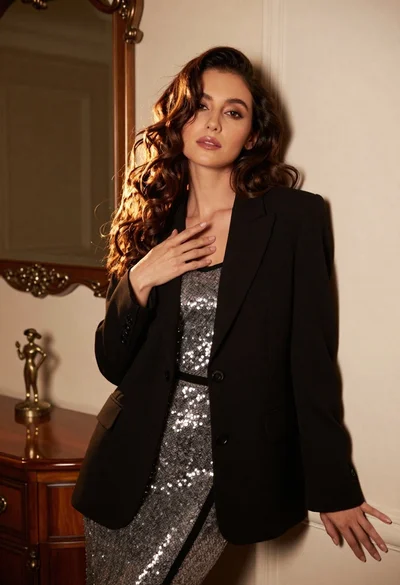
Poised woman in black blazer and silver dress indoors

Young woman in blue denim jacket posing against pale pink seamless background

Blonde woman in striped swimsuit seated on sofa indoors studio shot
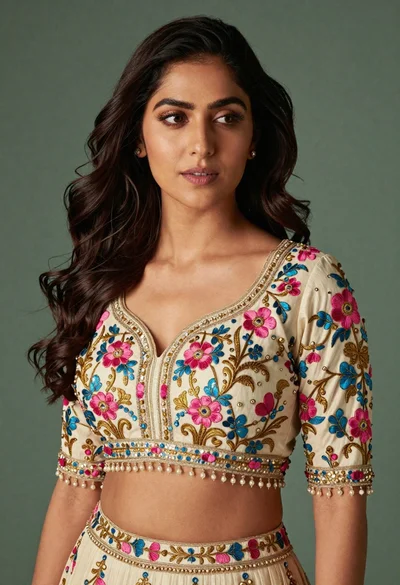
Medium close up portrait of woman in ornate cream lehenga choli
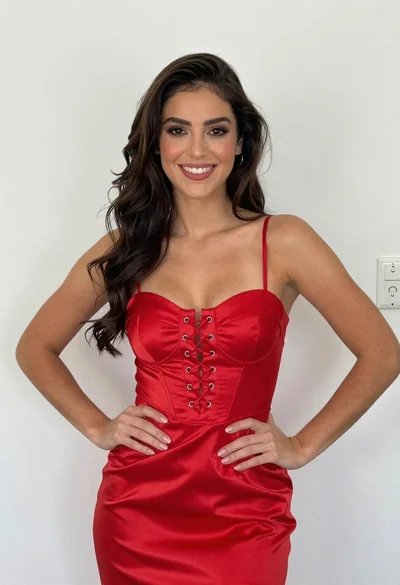
Smiling young woman in red satin dress against a plain white wall
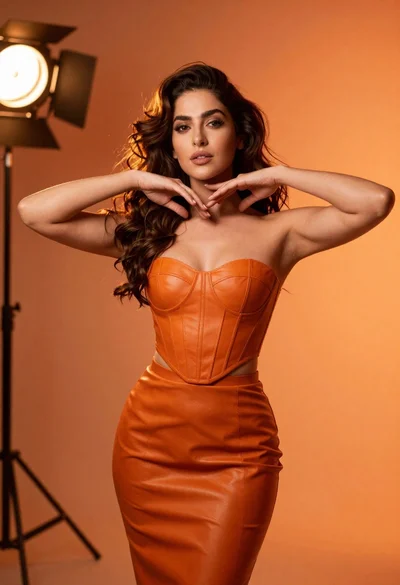
Confident woman in orange leather outfit posing in dramatic studio lighting

Portrait of woman in elaborate red feathered gown against vivid blue background

Blonde woman in cream sweater sitting on beige couch
