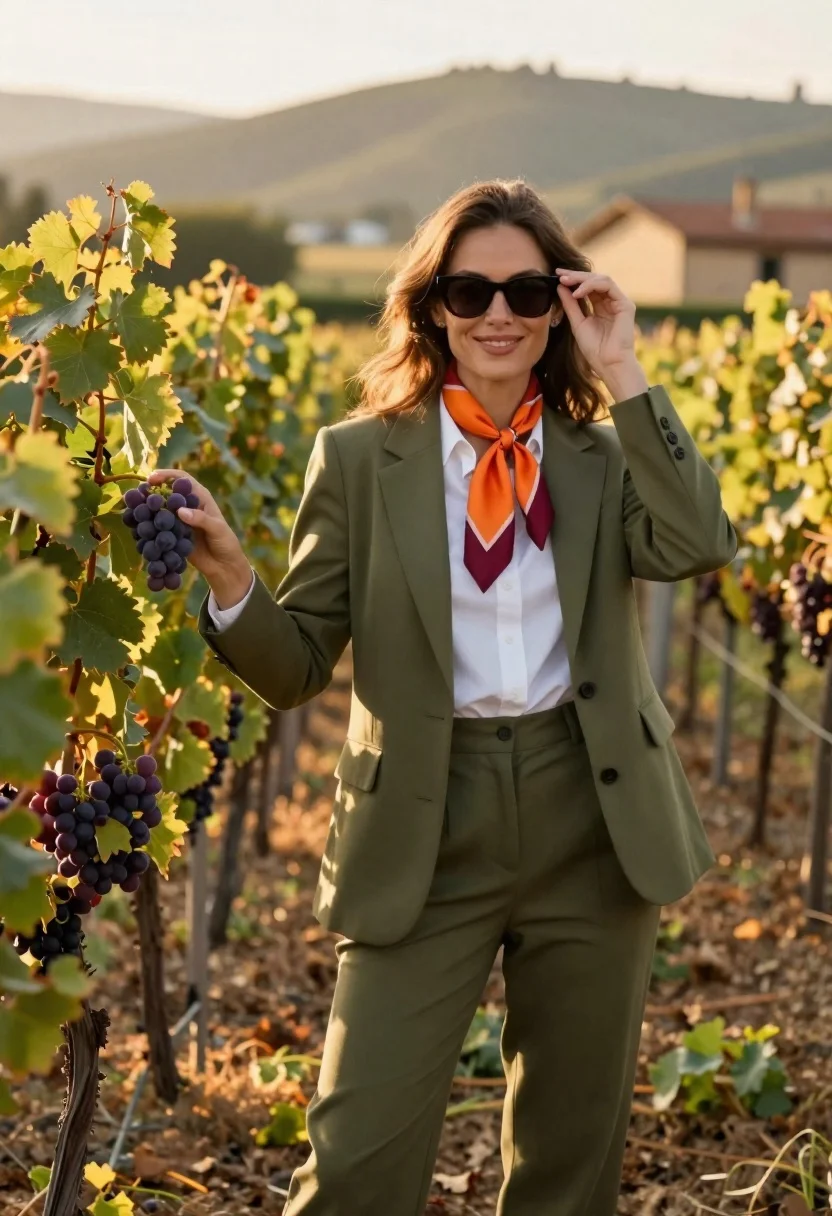
Smiling woman in olive green suit posing in a vineyard at golden
Prompt
A woman stands in a vineyard wearing an olive green suit with a white shirt and orange scarf.

Subject: A smiling woman with long brown hair standing between rows of grapevines, gently touching a cluster of purple grapes with one hand while adjusting her sunglasses with the other.

Clothing: An olive green tailored blazer and matching trousers, a crisp white button-down shirt, and a vibrant orange and maroon silk scarf draped around the neck.

Action: The woman is posing confidently, looking directly at the camera with a warm smile, her left hand lifting the frame of her dark sunglasses while her right hand reaches out to touch the grapes.

Environment: A lush vineyard with rows of grapevines bearing green and purple grapes, set against a soft-focus background featuring rolling hills and a distant rustic building bathed in golden light.

Lighting: Warm, golden hour sunlight illuminates the scene from the side, casting soft shadows and creating a gentle glow on the woman's face and clothing.

Camera: A medium shot with a shallow depth of field that keeps the subject sharp while blurring the background to emphasize her presence in the vineyard.

Style Details: High-quality photography with natural color grading, crisp details on the fabric textures, and a serene, elegant atmosphere.
Description
This prompt is useful for creating editorial fashion moodboards, lifestyle advertising campaigns, and high-end seasonal lookbooks. The combination of 'warm, golden hour sunlight' casting soft shadows and the 'shallow depth of field' ensures that the subject remains sharply focused against a blurred background, which directs the viewer's eye immediately to her confident pose and the rich textures of the 'olive green suit'.
Suggestions
- Change 'vibrant orange and maroon silk scarf' to 'burnt sienna silk scarf' for better autumnal tones.
- Add 'bokeh effect' to the camera details for stronger background separation.
- Swap 'rolling hills' for 'Mediterranean stone walls' to change the architectural feel.
Category
Tags
Brown HairCasual WearFemaleMedium ShotNatureOlive SkinOutdoorsPortrait ShotRealistic
Date added
June 26, 2026
Added by
PromptDexter Team
Related Prompts
More prompts with similar categories and tags.

Woman in black dress by window overlooking ocean at golden hour
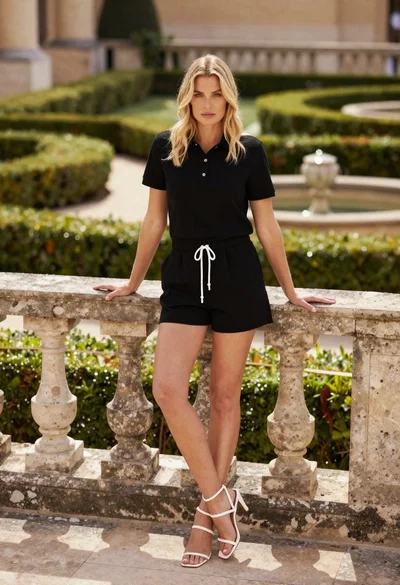
Blonde woman leaning on stone balustrade in manicured garden setting
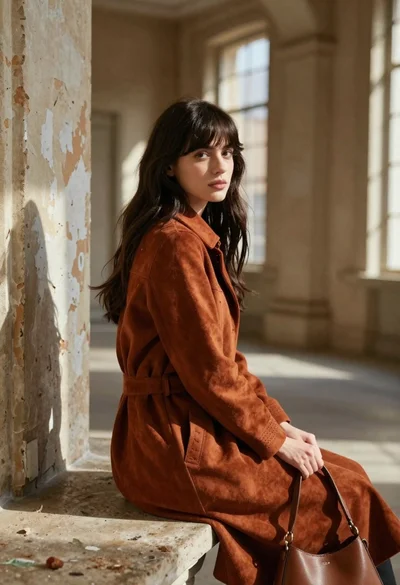
Young woman in rust suede coat seated in weathered architectural corridor

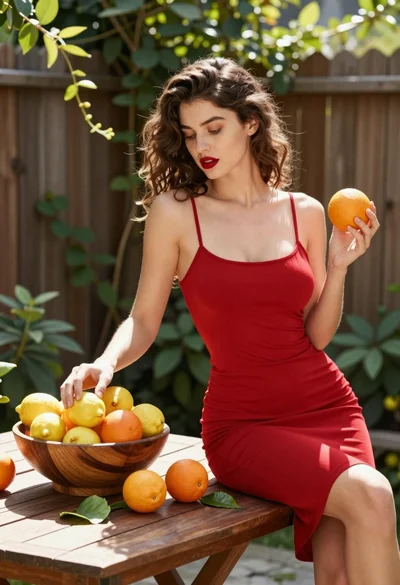
Woman in deep red dress seated elegantly outdoors on grassy lawn

Blonde woman reading at a cafe table with roses

Young woman in red sweater dress standing in grassy field fashion shoot

Woman in mauve dress leaning on wooden deck by calm pond

Young woman in traditional embroidered attire standing in a lush green meadow
