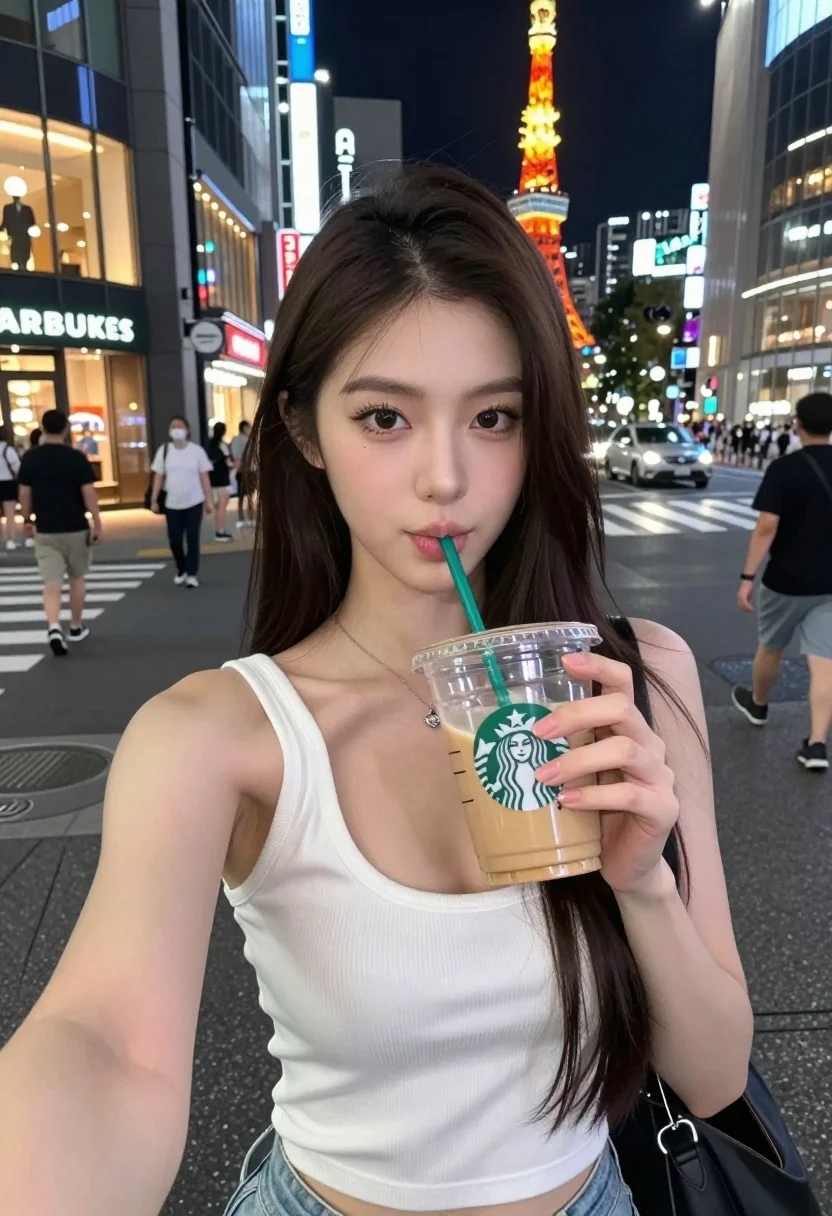
Young east asian woman taking selfie with iced coffee on busy tokyo
Prompt
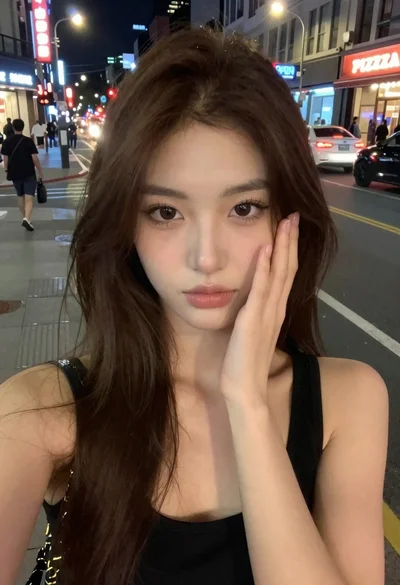
A young woman with long dark hair takes a selfie while sipping an iced coffee from a Starbucks cup on a busy city street at night.

Subject: A young East Asian woman with long, straight dark brown hair and fair skin. She has defined eyebrows, subtle eye makeup, and is looking directly into the camera lens with a playful expression.

Clothing: She wears a white ribbed tank top with a deep scoop neckline and light-wash denim shorts. A delicate silver necklace with a small pendant rests on her chest.

Action: She holds a clear plastic Starbucks cup filled with an iced latte in her right hand, bringing it to her lips to drink through the green straw while holding the camera for a selfie angle.

Environment: The setting is a vibrant urban street at night, likely Shibuya or Shinjuku in Tokyo given the illuminated Tokyo Tower visible in the background. There are tall buildings with glowing windows and signs, including a Starbucks storefront on the left.

Lighting: The scene is lit by the ambient glow of city lights and neon signs, creating a soft, cool-toned atmosphere typical of night photography. Her face is evenly lit, likely by the camera's flash or a ring light, highlighting her features against the darker background.

Camera: Shot as a close-up selfie with a shallow depth of field that keeps the subject sharp while blurring the bustling city street and pedestrians in the background.

Style Details: The image has a high-definition, realistic aesthetic with vibrant colors and a modern urban vibe, capturing the energy of a night out in a major metropolis.
Description
This prompt is useful for creating travel blog content, lifestyle product placements, and candid street photography editorials. The combination of 'ambient glow of city lights and neon signs' with a 'shallow depth of field' ensures the subject remains sharp while allowing the blurred background to convey the chaotic energy of a metropolis like Tokyo.
Suggestions
- Change 'Starbucks cup' to a specific brand logo for better product integration.
- Adjust 'playful expression' to 'thoughtful gaze' for a more editorial feel.
- Swap 'light-wash denim shorts' for 'black tailored trousers' to elevate the style.
Category
Tags
Brown HairClose UpFair SkinFemaleRealisticSelfieStreetUrban
Date added
July 12, 2026
Added by
PromptDexter Team
Related Prompts
More prompts with similar categories and tags.
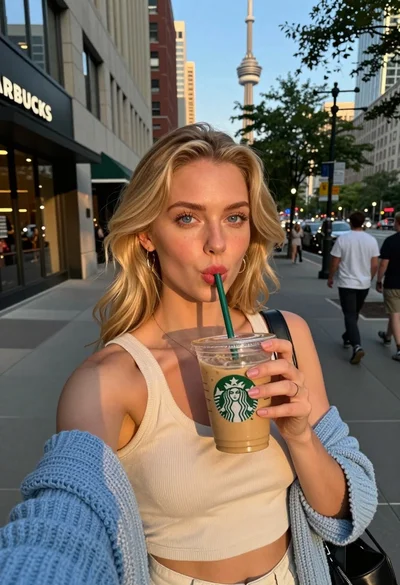
Blonde woman taking selfie with coffee on city street at sunset
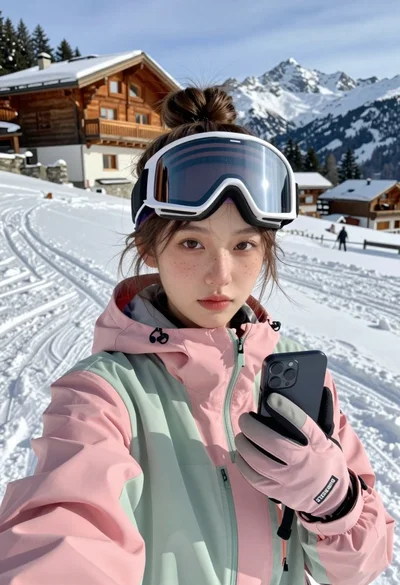
Young woman taking a selfie on snowy mountain slope near chalet
Young woman in cream dress taking a selfie on sunny city street
Smiling woman taking selfie pointing towards eiffel tower in paris

Selfie of young woman in airplane cabin with strawberry blonde hair
Young man taking selfie in busy city crosswalk with peace sign

Smiling blonde woman taking a selfie on tropical beach at golden hour
Selfie portrait of blonde woman in fur hat on snowy mountain slope
Selfie portrait of woman on busy city street at night
High angle close up selfie of young woman in blazer on urban