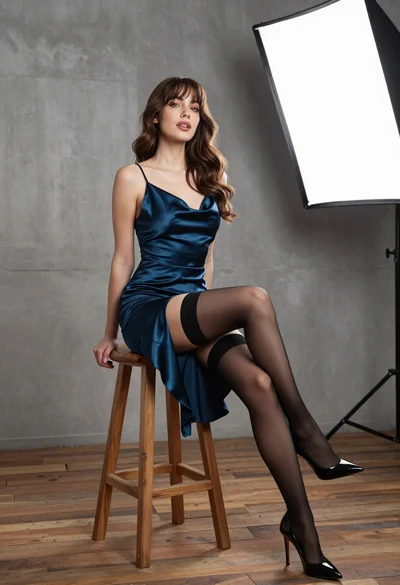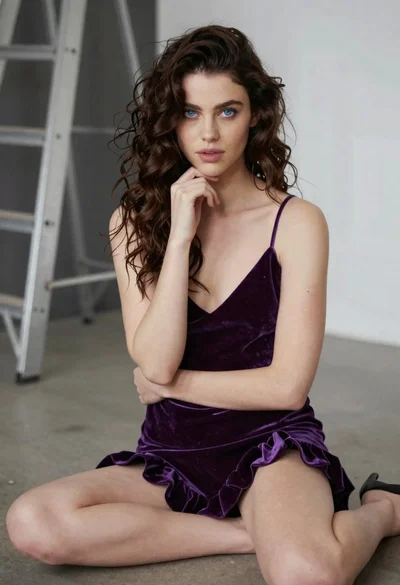

Smiling woman in white mini dress sitting on blue armchair studio stage
Prompt
A smiling woman with shoulder-length brown hair sits elegantly on a blue armchair in a television studio setting.

Subject: A young woman with fair skin and shoulder-length dark brown hair styled with a side part, featuring a bright smile and direct gaze.

Clothing: She wears a white halter-neck mini dress with a square neckline and matching white high-heeled pumps.

Action: She sits with her legs crossed at the knee, hands clasped gently over her thigh, displaying a relaxed and confident posture.

Environment: The setting is a talk show stage featuring a backdrop of a stylized city skyline at night with illuminated skyscrapers.

Camera: A medium shot captures the subject from the waist up, utilizing a shallow depth of field to blur the background slightly while keeping the subject sharp.

Lighting: Professional studio lighting illuminates the scene evenly, creating soft highlights on her skin and dress without harsh shadows.

Style Details: The image has a polished, high-definition television broadcast quality with vibrant colors and a clean composition.
Description
This prompt is useful for creating promotional headshots for talk show appearances, lifestyle magazine features, or character concept art for media productions. The combination of 'professional studio lighting' ensuring even illumination and the 'stylized city skyline at night' backdrop grounds the subject in a recognizable, high-production environment, while the 'shallow depth of field' directs all focus onto her confident posture.
Suggestions
- Change 'blue armchair' to 'velvet emerald armchair' for richer color contrast.
- Swap 'white halter-neck mini dress' for 'ivory crepe sheath dress' for a more sophisticated drape.
- Adjust 'direct gaze' to 'slight off-camera glance' for a more candid feel.
Category
Tags
Brown HairBrunetteFair SkinFemaleIndoorsMedium ShotPortrait ShotRealisticStudio
Date added
June 19, 2026
Added by
PromptDexter Team
Related Prompts
More prompts with similar categories and tags.
Young woman in navy embroidered traditional dress indoors medium shot
Woman in red sequined dress seated on blue chair studio backdrop
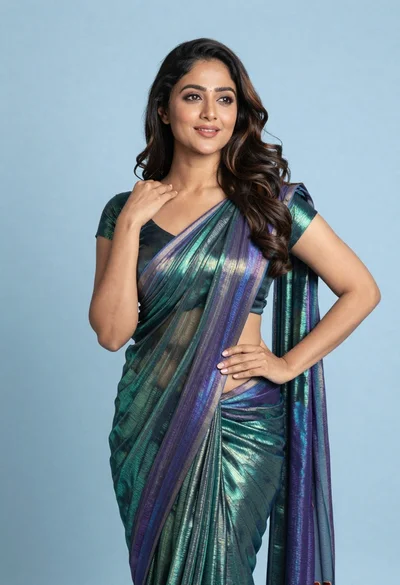
Woman in shimmering green saree posing confidently against soft blue studio backdrop
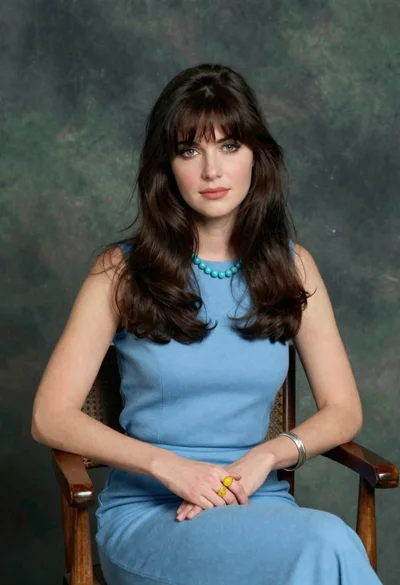
Woman with dark brown hair seated in wooden chair against green backdrop

Young woman in red velvet gown standing indoors against white wall

Woman with brown hair forming heart shape in white strapless dress
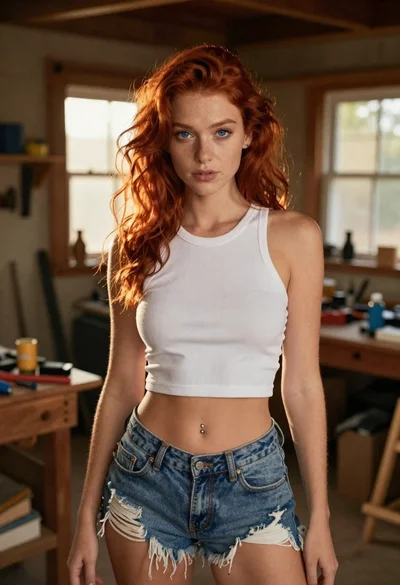
Red haired woman in workshop with tools background
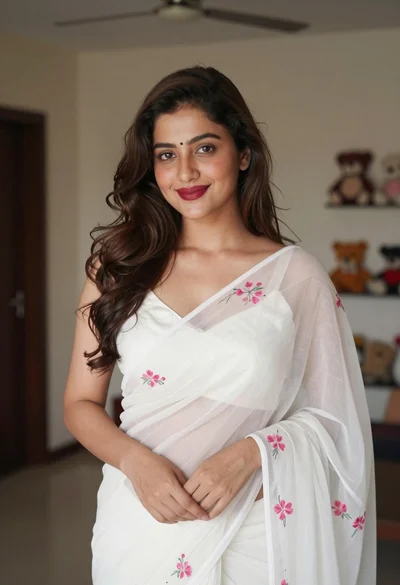
Young woman in white embroidered saree smiling indoors with soft natural light

Young woman with brown hair in beige cardigan smiling indoors at camera
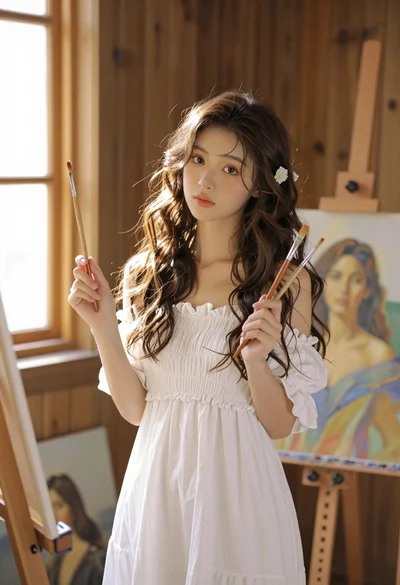
Young woman with brown hair in white dress holding brushes in sunlit