
Woman in red sequined dress seated on blue chair studio backdrop
Prompt
A woman with long brown hair and bangs sits smiling on a blue armchair in a television studio setting.

Subject: A woman with long wavy brown hair featuring straight bangs, fair skin, and a bright, engaging smile.

Clothing: She wears a short, sleeveless red dress covered in sequins or glitter that catches the light, paired with matching red high-heeled platform sandals.

Action: She is seated with her legs crossed at the ankles, hands resting gently on her lap, looking directly forward with an open and friendly expression.

Environment: The setting is a talk show stage featuring a large window backdrop displaying a blurred nighttime city skyline with illuminated skyscrapers and water.

Camera: Medium shot capturing the subject from the knees up, framed slightly to the side with a shallow depth of field that keeps the woman sharp while blurring the background city lights.

Lighting: Bright studio lighting illuminates the subject evenly, highlighting the sparkle on her dress and skin, contrasting with the dark blue tones of the background.

Style Details: High-definition television broadcast quality with vibrant colors and a polished, professional aesthetic typical of late-night talk shows.
Description
This prompt is useful for creating promotional headshots for entertainment media, concept art for fictional TV show characters, and high-end glamour portraiture. The combination of 'bright studio lighting' to emphasize the 'sequins or glitter' against a blurred 'nighttime city skyline' backdrop ensures the subject remains the focal point while suggesting an upscale, broadcast environment.
Suggestions
- Change 'blue armchair' to 'velvet chaise lounge' for a richer texture.
- Swap 'red dress covered in sequins' for 'emerald sequined gown' to alter the color palette.
- Adjust 'shallow depth of field' to 'bokeh effect' for more pronounced background separation.
Category
Tags
Brown HairBrunetteFair SkinFemaleIndoorsMedium ShotRealisticStudio
Date added
June 19, 2026
Added by
PromptDexter Team
Related Prompts
More prompts with similar categories and tags.
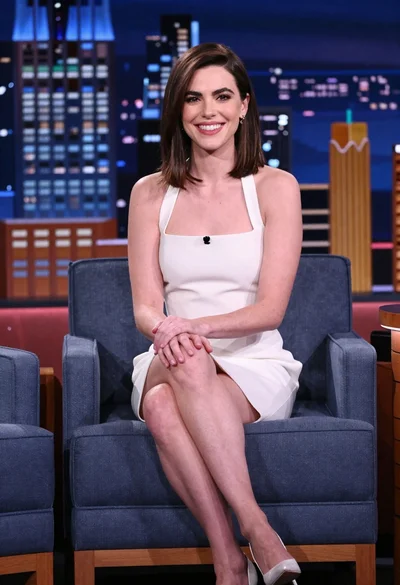
Smiling woman in white mini dress sitting on blue armchair studio stage
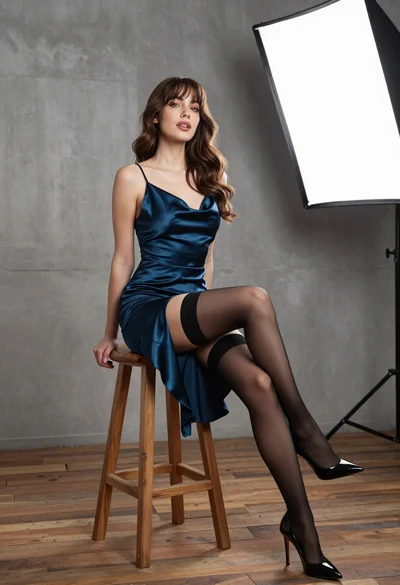
Young woman in dark teal slip dress sitting on wooden stool in
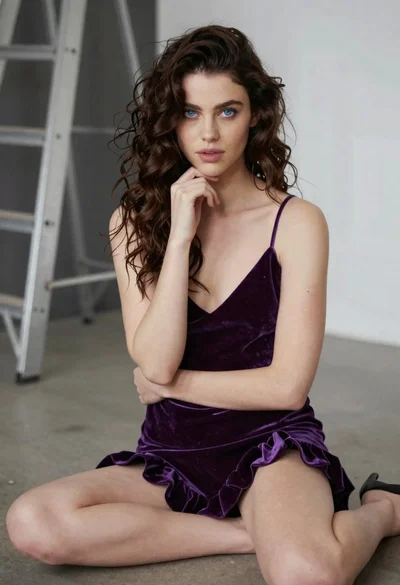
Young woman in purple velvet slip dress seated thoughtfully in studio

Close up portrait of young woman with brown braid indoors
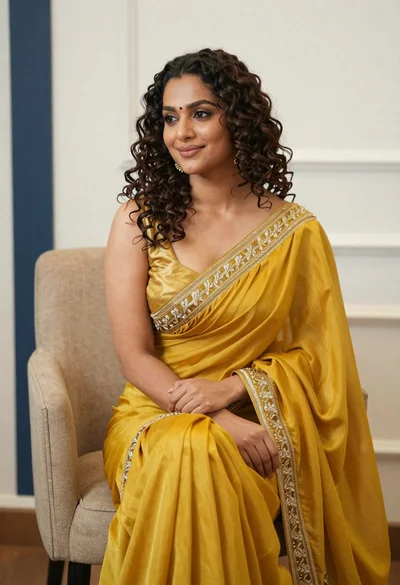
Portrait of woman in yellow embroidered saree seated indoors
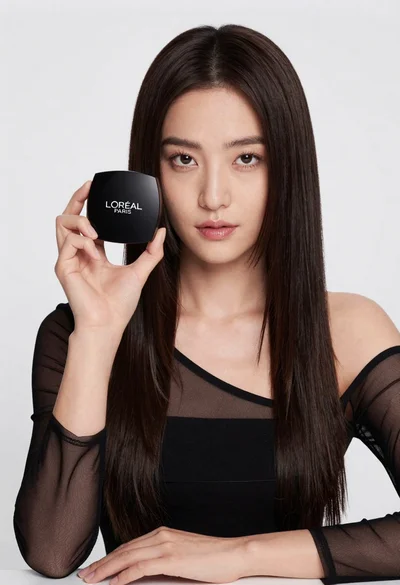
Medium close up portrait of woman holding makeup compact in studio
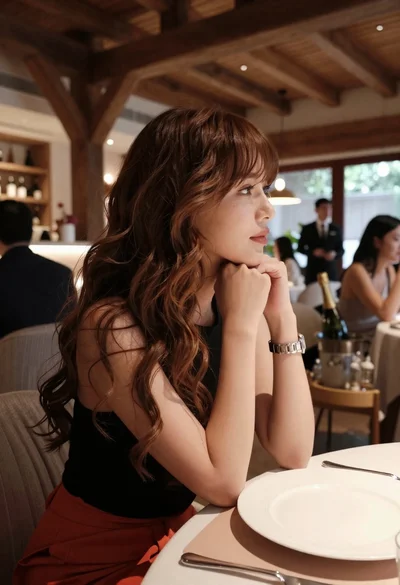
Profile portrait of woman at dining table in upscale restaurant setting
Woman in shimmering green saree posing confidently against soft blue studio backdrop
Woman with dark brown hair seated in wooden chair against green backdrop
Woman with dark wavy hair leaning on wooden bedpost in warmly lit