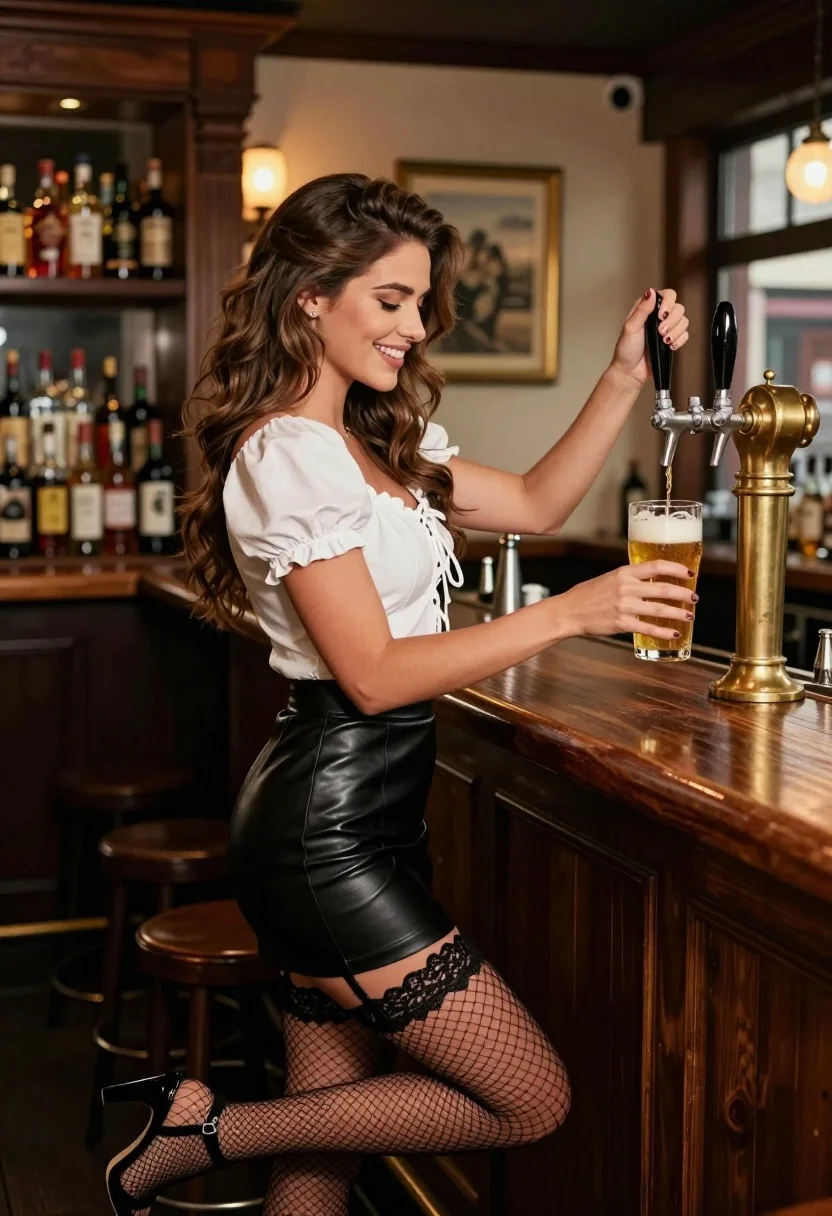
Smiling woman pouring beer at a rustic wooden bar counter interior
Prompt
A smiling woman with long wavy brown hair pours a draft beer from a brass tap into a glass mug at a wooden bar counter.

Subject: A young woman with long wavy brown hair styled in a half-updo, wearing stud earrings and displaying a bright smile.

Clothing: She wears a white short-sleeved blouse with puffed sleeves and lace-up detailing on the bodice, paired with a black leather mini-skirt, black lace garter belt, fishnet stockings, and black high-heeled sandals.

Action: The woman stands in profile facing right, holding a beer tap handle with her left hand to pour a golden liquid into a glass mug held in her right hand, while leaning slightly against the bar counter.

Environment: A cozy rustic pub interior featuring dark wood paneling, shelves lined with various liquor bottles on the left, and a framed picture hanging on the back wall near a window.

Camera: Medium shot capturing the subject from the waist up at eye level with shallow depth of field blurring the background shelves and bar details.

Lighting: Warm ambient lighting emanates from a lamp in the background, creating soft highlights on the woman's face and hair while casting gentle shadows that emphasize the texture of the leather skirt and wood grain.

Objects: A large brass beer tap system mounted on the wooden counter, a clear glass mug filled with amber beer topped with white foam, and rows of liquor bottles on shelves in the background.

Style Details: Photorealistic image with high detail, rich warm color grading, and soft focus on the background elements to emphasize the subject.
Description
This prompt is useful for creating lifestyle advertising for craft breweries, character portraits for narrative fiction, and rustic bar scene concept art. The combination of 'warm ambient lighting' and 'soft focus on the background elements' directs attention sharply to the woman's action—pouring the golden liquid—while using the visible texture of the 'black leather mini-skirt' and 'dark wood paneling' to ground the image in a specific, tactile environment.
Suggestions
- Change 'white short-sleeved blouse' to 'silk blouse' for a more luxurious feel.
- Swap 'golden liquid' for 'amber beer' to match the color grading better.
- Adjust 'shallow depth of field' to 'bokeh effect' for an even softer background blur.
Category
Tags
Brown HairBrunetteFemaleMedium ShotRealistic
Date added
July 3, 2026
Added by
PromptDexter Team
Related Prompts
More prompts with similar categories and tags.
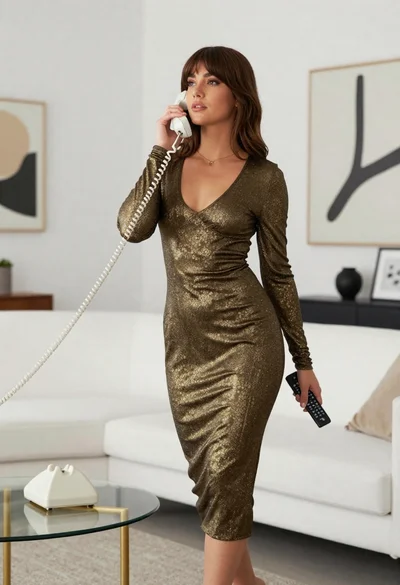
Woman in gold knit dress standing in modern minimalist living room

Young woman in black and white patterned outfit on urban rooftop
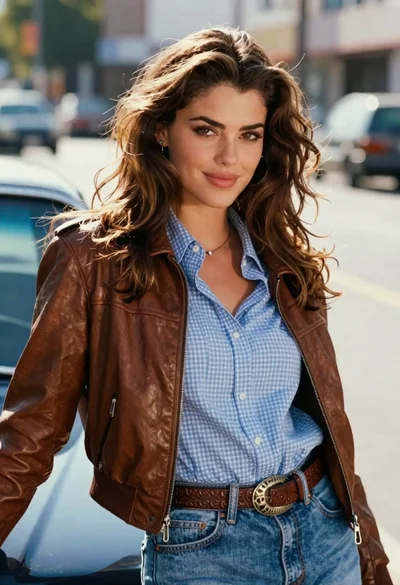
Young woman leaning against blue car hood in brown leather jacket
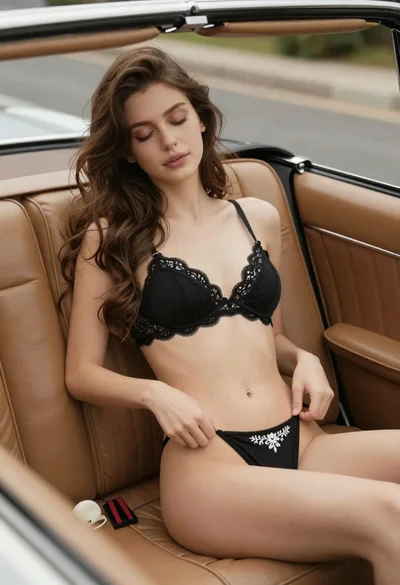
Young woman reclining in vintage convertible car seat with lace lingerie
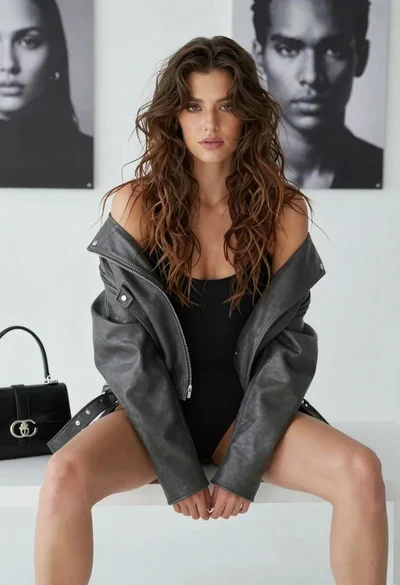
Young woman in leather jacket sitting on bench against portrait background

Young woman in blue denim jacket posing against pale pink seamless background
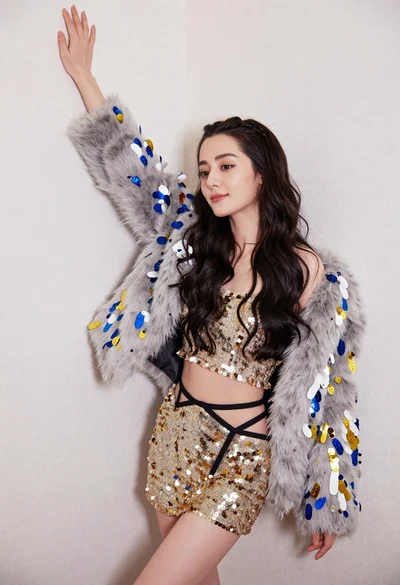
Glamorous woman posing in gold sequins against a white studio wall
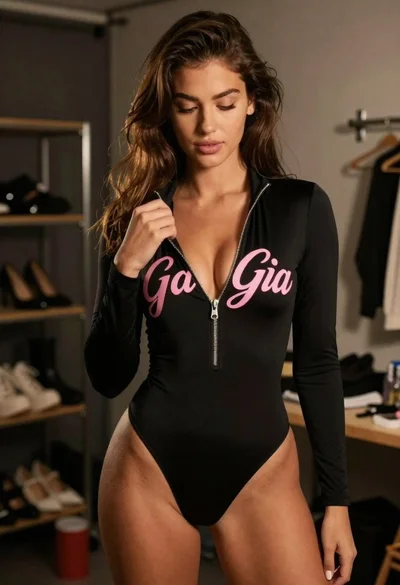
Young woman in black bodysuit standing in dimly lit dressing room
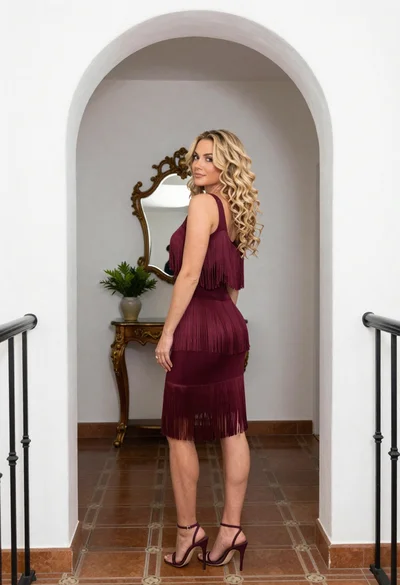
Blonde woman in maroon fringed dress standing in white arched hallway
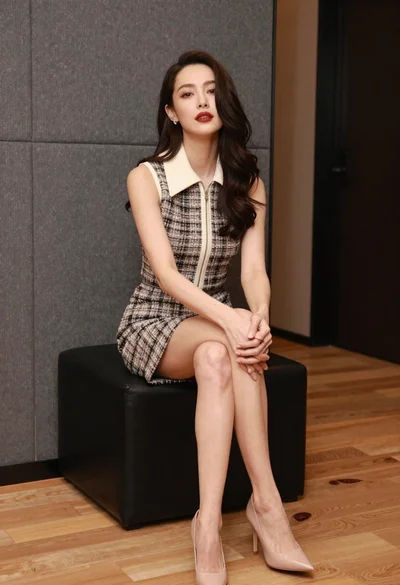
Woman in tweed dress seated elegantly on black ottoman indoors