

Stylish woman in puffer jacket at snowy mountain village setting
Prompt
A stylish woman with long wavy brown hair stands in a snowy mountain village wearing a navy blue Red Bull baseball cap and a black puffer jacket.

Subject: A young woman with long, voluminous wavy brown hair that cascades over her shoulders, looking back over her left shoulder directly at the camera with an intense gaze.

Clothing: She wears a dark navy blue baseball cap featuring the Red Bull logo in red and yellow on the front and a smaller logo on the side, paired with a black quilted puffer jacket that has a circular patch on the chest.

Action: Her head is turned back over her left shoulder while she gazes forward, her right hand gently touching the collar of her jacket near her neck.

Environment: The background features a snowy alpine setting with snow-covered mountains rising in the distance and traditional wooden chalet-style buildings visible at the base.

Camera: Shot from a medium close-up angle with a shallow depth of field that keeps the subject sharp while blurring the mountainous background to emphasize her presence.

Lighting: Soft, diffused natural light typical of an overcast winter day creates gentle shadows and highlights on her face and hair without harsh contrast.

Style Details: The image has a polished commercial photography aesthetic with high color saturation and a crisp focus on the subject against the cool-toned snowy backdrop.
Description
This prompt is useful for creating adventure travel editorials, winter sportswear advertising campaigns, and cinematic character portraits set in alpine environments. The combination of 'soft, diffused natural light' with a 'shallow depth of field' ensures the subject remains crisp against the blurred background, which prevents the harsh contrast that direct sunlight would create on the 'snowy mountain village' setting.
Suggestions
- Change 'navy blue' to 'forest green' for an alternative color pop.
- Add 'bokeh effect' to enhance the background blur further.
- Swap 'Red Bull baseball cap' for a simple beanie to make it more universally stylish.
Category
Tags
Brown HairBrunetteFemaleMedium ShotMountainsOutdoorsRealistic
Date added
June 19, 2026
Added by
PromptDexter Team
Related Prompts
More prompts with similar categories and tags.

Young woman in pink embroidered dress on white stone staircase outdoors
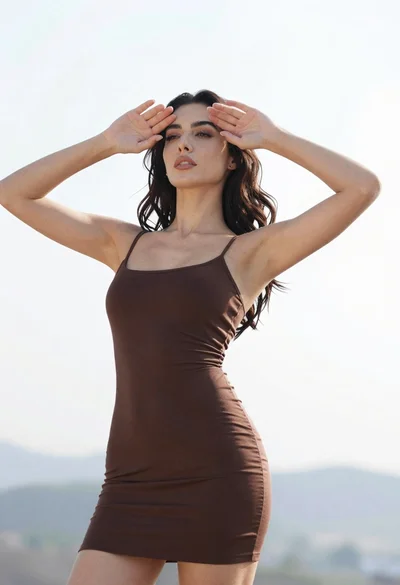
Woman in dark brown slip dress outdoors against bright white sky
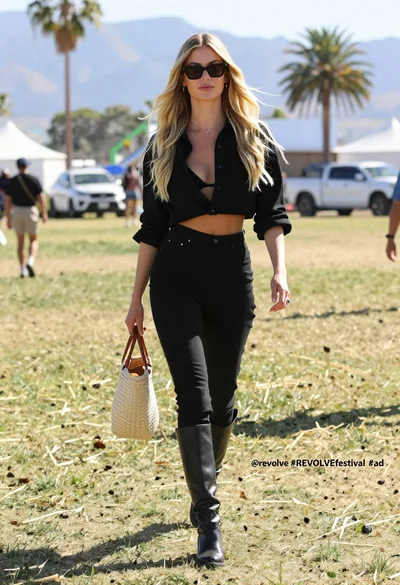
Stylish woman with blonde hair walking through sunny grassy field at festival

Young woman in red jacket on white fence in green meadow

Medium close up portrait of woman in red black beaded top

Woman in fuchsia saree posing against textured beige stone wall

Woman in striped top and denim mini skirt leaning against white wall
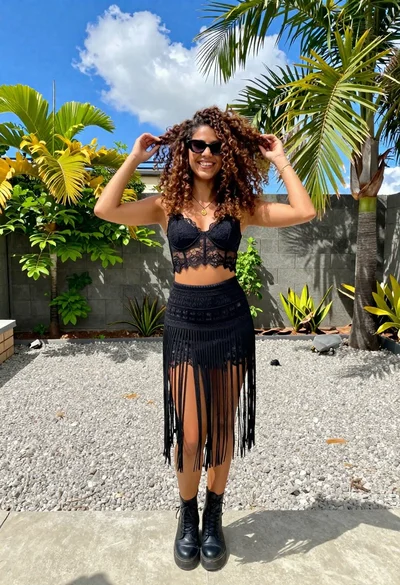
Smiling woman in black lace outfit posing outdoors in sunny garden
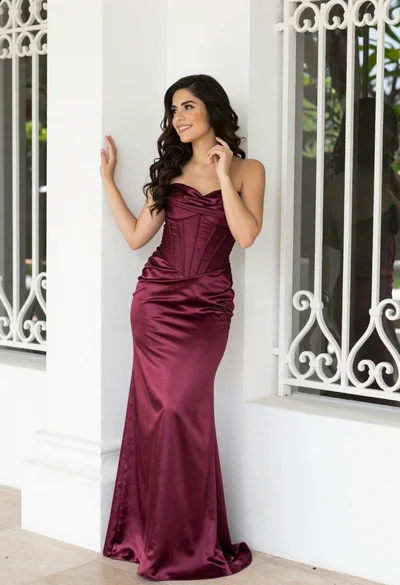
Smiling woman in burgundy satin gown by white architectural pillar
Young woman in copper top and paisley skirt at outdoor music festival
