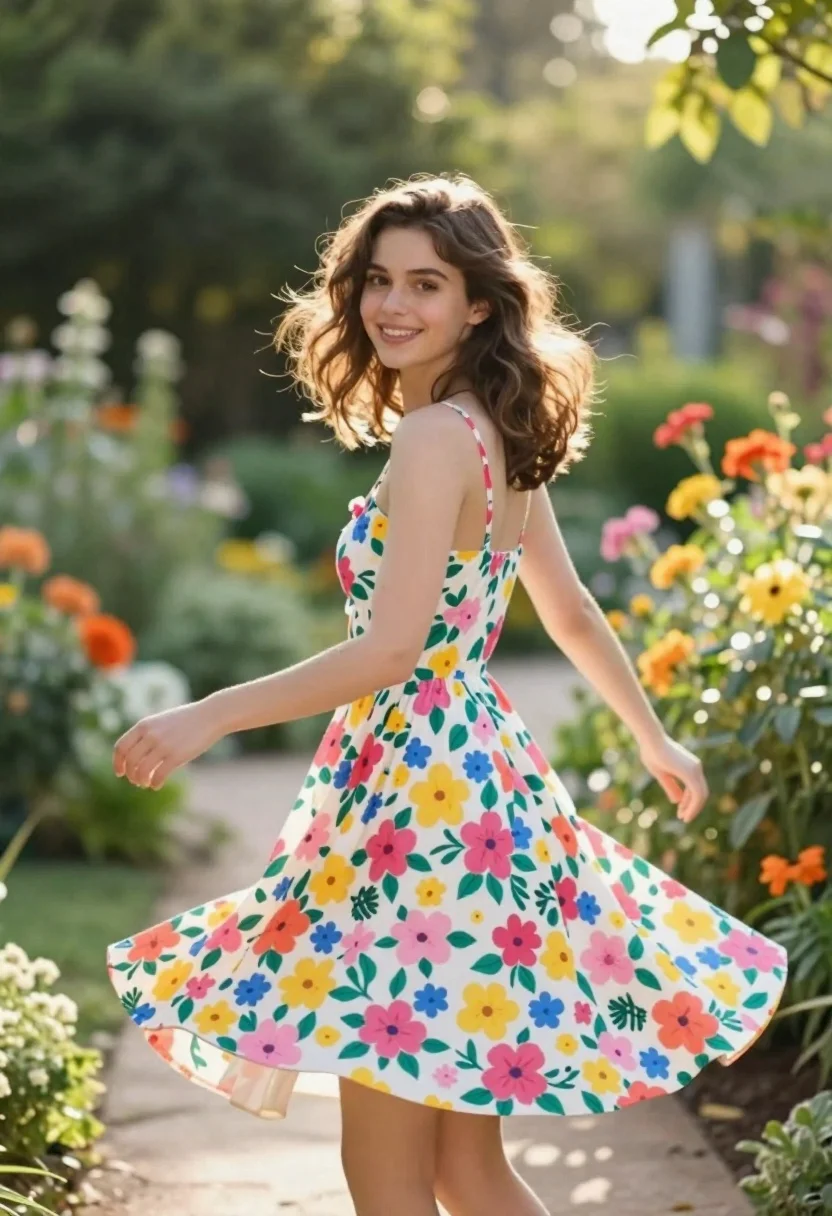
Smiling young woman in floral sundress twirling in a sunlit garden
Prompt
A young woman with shoulder-length brown hair stands in a lush garden wearing a colorful floral dress.

Subject: A smiling young woman with wavy brown hair that falls to her shoulders, looking back over her left shoulder toward the camera.

Clothing: She wears a white sundress featuring a vibrant pattern of pink, yellow, and blue flowers with green leaves, thin spaghetti straps, and a flared skirt that is slightly lifted as if she is twirling.

Action: The woman is captured mid-twirl or walking with a joyful expression, her right arm extended slightly outward and her left arm bent at the elbow.

Environment: A sun-dappled garden path lined with dense green foliage and colorful orange and yellow flowers in the background, creating a soft bokeh effect.

Camera: Shot from a medium-low angle with a shallow depth of field that keeps the subject sharp while blurring the garden background.

Lighting: Soft natural sunlight filters through the trees, creating a warm, golden-hour glow on her skin and dress with gentle shadows.

Style Details: High-resolution photography with a dreamy, romantic aesthetic, vibrant color saturation, and smooth skin texture.
Description
This prompt is useful for creating joyful lifestyle portraits, springtime editorial spreads, and whimsical wedding stationery mockups. The combination of 'soft natural sunlight' filtering through the trees and the 'shallow depth of field' ensures the subject remains crisp while the background bokeh softens the dense green foliage, perfectly framing a moment of movement like her mid-twirl.
Suggestions
- Change 'colorful floral dress' to 'gingham sundress' for a more vintage feel.
- Swap 'golden-hour glow' for 'midday dappled light' to change the mood.
- Add 'Canon 50mm lens' to specify the focal length.
Category
Tags
Brown HairFemaleMedium ShotOutdoorsPortrait ShotRealistic
Date added
June 21, 2026
Added by
PromptDexter Team
Related Prompts
More prompts with similar categories and tags.

Blonde woman reading at a cafe table with roses
Young woman in sage green embroidered gown against orange backdrop
Glamorous woman turning over shoulder with flowing brown hair
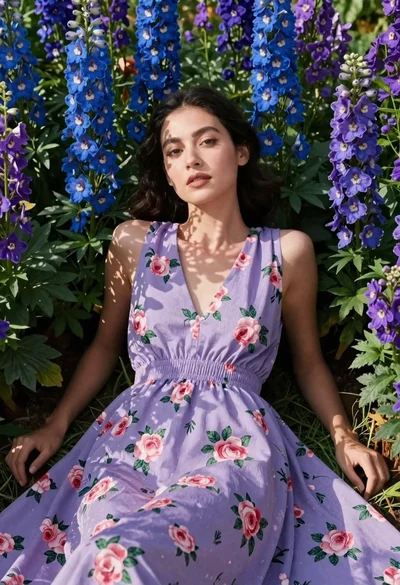
Woman in lavender dress lying among blue and purple flowers
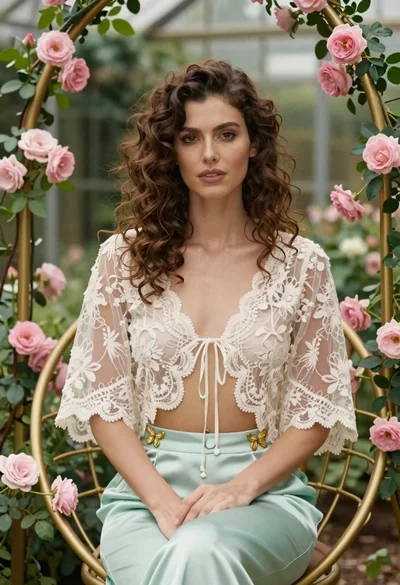
Woman with wavy brown hair in lace jacket sitting among pink roses
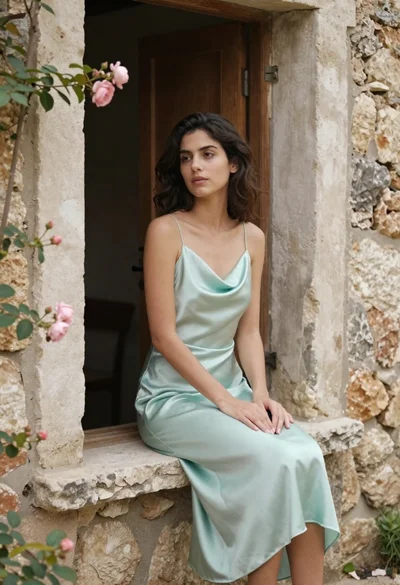
Young woman in mint green satin dress sitting on rustic stone windowsill

Young woman in white linen clothes standing on coastal cliff by sea
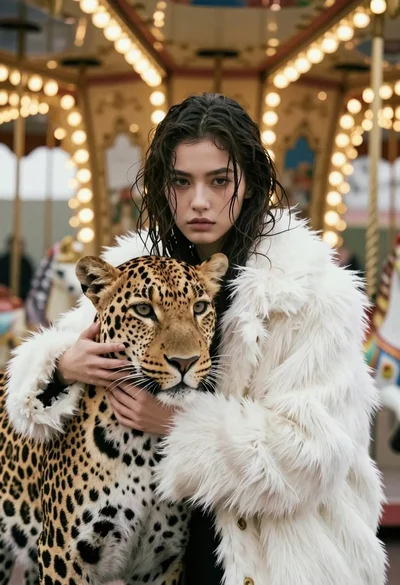
Cinematic portrait of woman holding leopard near glowing carousel lights