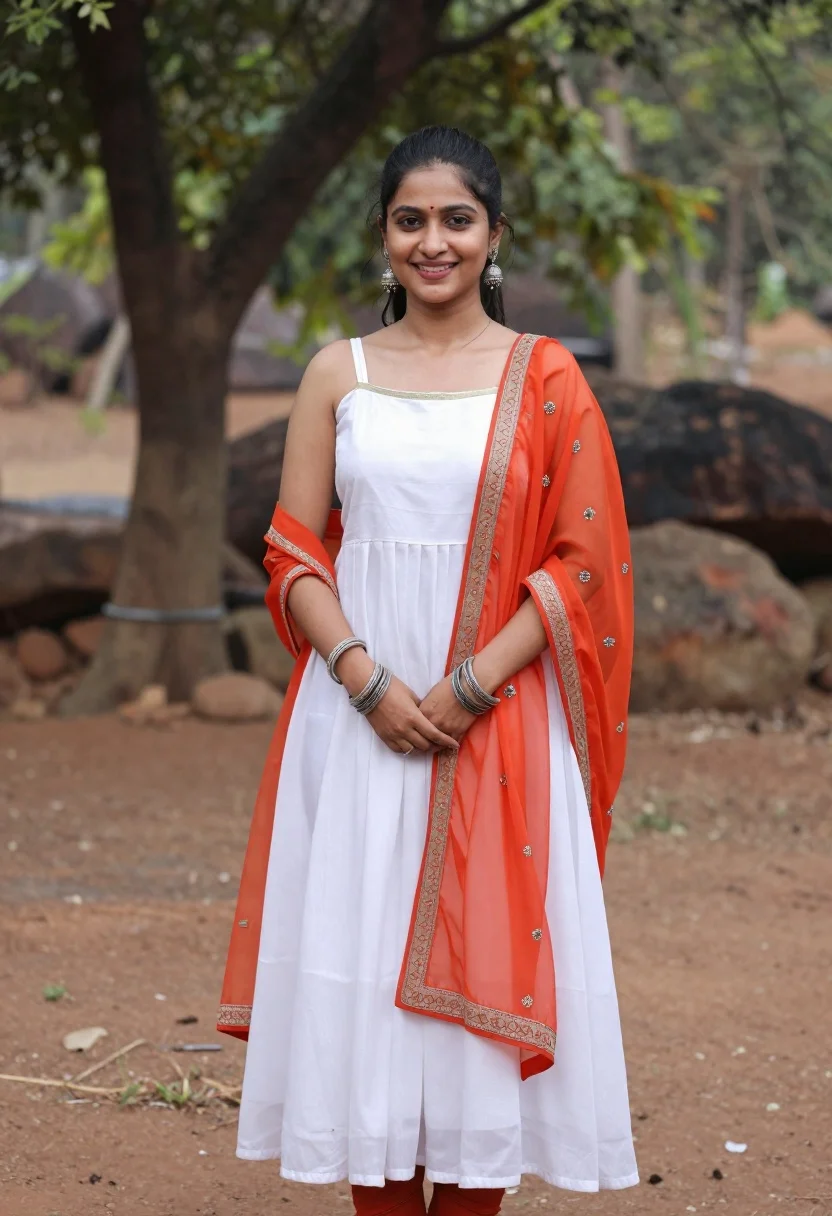
Smiling young woman in white dress outdoors with blurred green trees
Prompt
A smiling young woman stands outdoors in a natural setting with trees and rocks blurred in the background.

Subject: A young woman with dark hair pulled back, wearing a white sleeveless dress with spaghetti straps and gold trim at the neckline, paired with bright orange-red sheer fabric draped over her arms and shoulders featuring intricate embroidery along the edges. She wears multiple silver bangles on both wrists and dangling earrings. Her hands are clasped gently in front of her waist.

Clothing: A white sleeveless midi dress with thin straps and gold trim at the neckline, layered with a vibrant orange-red sheer dupatta or shawl draped over her arms and shoulders, featuring detailed embroidery along the borders. She wears silver bangles on both wrists and dangling earrings.

Action: Standing upright with hands clasped gently in front of her waist, smiling warmly at the camera with a relaxed posture.

Environment: An outdoor natural setting with blurred green trees and large rocks in the background, standing on reddish-brown dirt ground.

Camera: Medium shot capturing the subject from head to mid-thigh, with shallow depth of field blurring the background to emphasize the subject.

Lighting: Soft natural daylight illuminating the scene evenly, creating gentle shadows and highlighting the textures of the fabric and skin tones.

Style Details: Photorealistic portrait style with warm color grading and a focus on traditional Indian fashion elements.
Description
This prompt is useful for creating editorial lifestyle portraits, cultural fashion features, and serene personal branding imagery. The combination of 'soft natural daylight' and the 'shallow depth of field blurring the background' ensures that the intricate details of the 'vibrant orange-red sheer dupatta' remain visible while keeping the focus squarely on the subject's warm expression.
Suggestions
- Change 'white sleeveless midi dress' to 'ivory silk maxi dress' for a more luxurious feel.
- Swap 'bright orange-red sheer dupatta' for 'deep magenta embroidered shawl' to shift the color palette.
- Adjust 'soft natural daylight' to 'golden hour sidelight' for increased drama.
Category
Tags
FemaleMedium ShotNatureOutdoorsPortrait ShotRealistic
Date added
June 19, 2026
Added by
PromptDexter Team
Related Prompts
More prompts with similar categories and tags.

Young woman in olive saree leaning on railing outdoors during golden hour

Young woman with dark hair at wooden table in open air setting
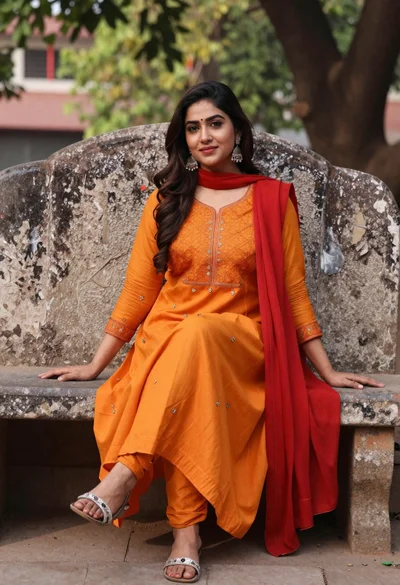
Woman in orange anarkali dress sitting on stone bench outdoors
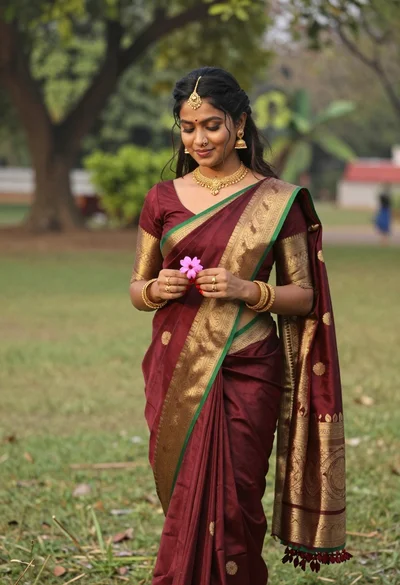
Young woman in maroon saree holding flower on lush green lawn

Smiling woman in cycling gear making peace sign on forest road

Young woman in white skirt sitting in wooden boat on river
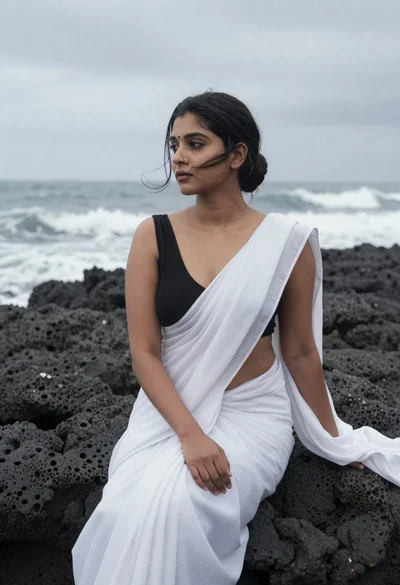
Woman in white saree sitting on dark volcanic rocks by sea
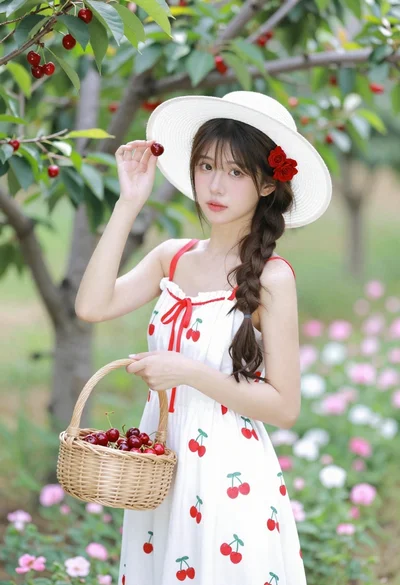
Young woman in white sundress holding cherry basket in blooming orchard
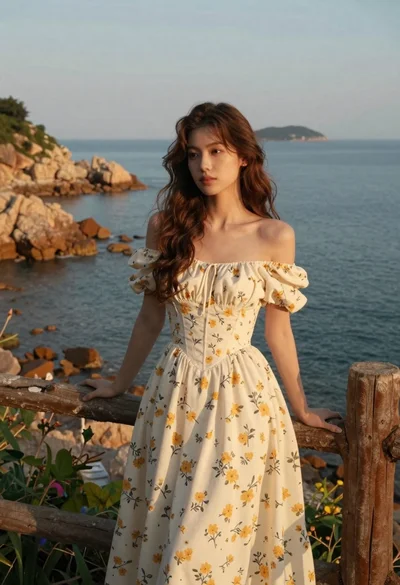
Young woman in cream floral dress leaning on coastal cliff railing
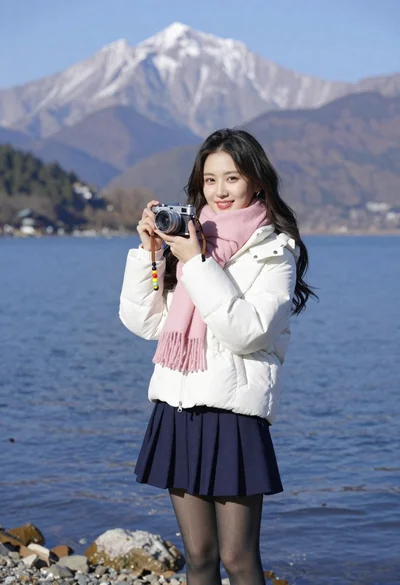
Smiling young woman in white puffer jacket holding vintage camera by lake