
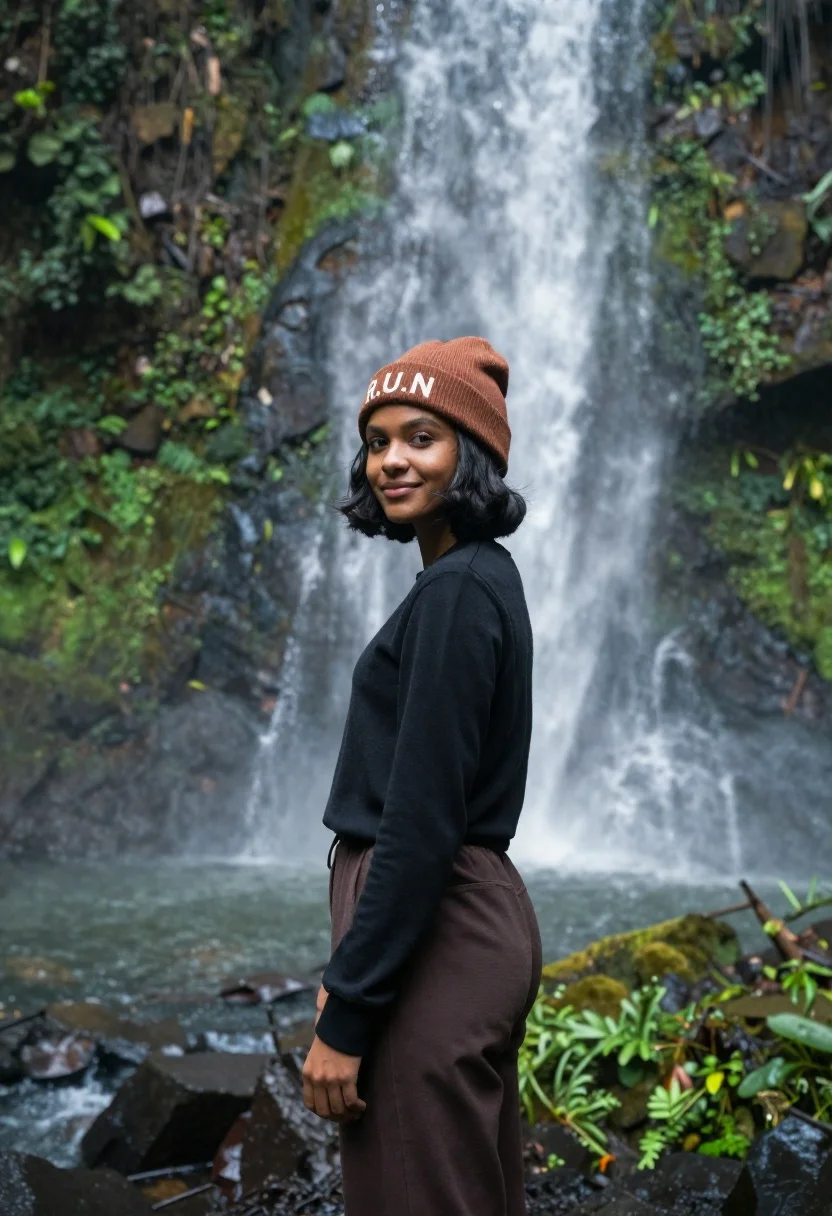
Young woman with dark skin and beanie standing before jungle waterfall
Prompt
A young woman stands in profile against a backdrop of a cascading waterfall in a lush jungle.

Subject: A young woman with dark skin and short black hair styled in a bob cut. She has a calm expression with a slight smile and is looking over her shoulder towards the viewer.

Clothing: She wears a brown knit beanie with the white letters "R.U.N" embroidered on the front, a plain black long-sleeved top, and dark brown trousers.

Action: She stands in a relaxed pose with her body angled away from the camera while turning her head to face forward.

Environment: A dense, vibrant green jungle setting featuring a large waterfall flowing down a rocky cliff face behind her. The foreground consists of wet rocks and mossy vegetation.

Lighting: Soft, diffused natural light illuminates the scene, creating a misty atmosphere around the falling water with gentle highlights on the woman's face and hair.

Camera: Medium shot capturing the subject from the waist up with a shallow depth of field that keeps her in sharp focus while blurring the waterfall background.

Style Details: Photorealistic portrait style with high color saturation in the greens and natural tones, resembling a professional travel photography aesthetic.
Description
This prompt is useful for creating editorial travel features, personal brand storytelling on Instagram, and cinematic nature portraits. The combination of 'soft, diffused natural light' and a 'shallow depth of field' ensures the subject remains sharply defined against the blurred waterfall background, which prevents the busy jungle elements from distracting from her expression.
Suggestions
- Change 'brown knit beanie' to 'forest green knit beanie' for better color contrast.
- Add 'volumetric mist' to the lighting description for more atmosphere.
- Adjust 'medium shot' to 'waist-up portrait' to emphasize the clothing details.
Category
Tags
Black HairDark SkinFemaleMedium ShotNatureOutdoorsPortrait ShotRealisticSide Profile
Date added
June 21, 2026
Added by
PromptDexter Team
Related Prompts
More prompts with similar categories and tags.
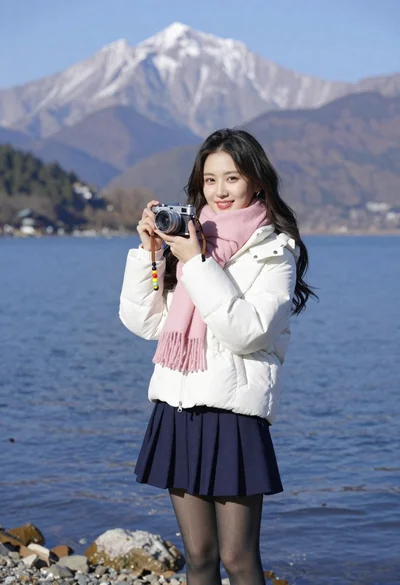
Smiling young woman in white puffer jacket holding vintage camera by lake
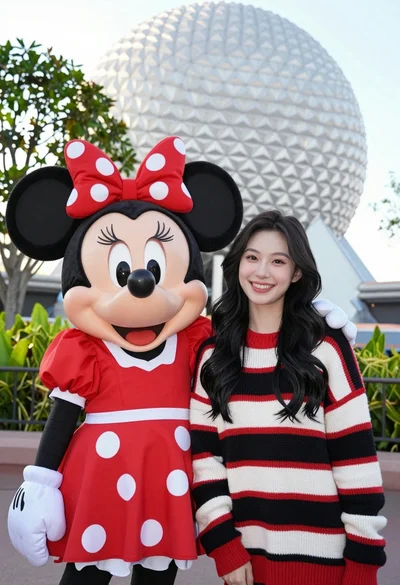
Smiling young woman next to minnie mouse character at epcot geodesic sphere
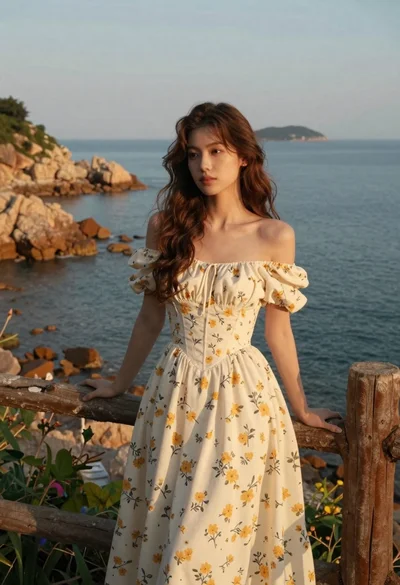
Young woman in cream floral dress leaning on coastal cliff railing
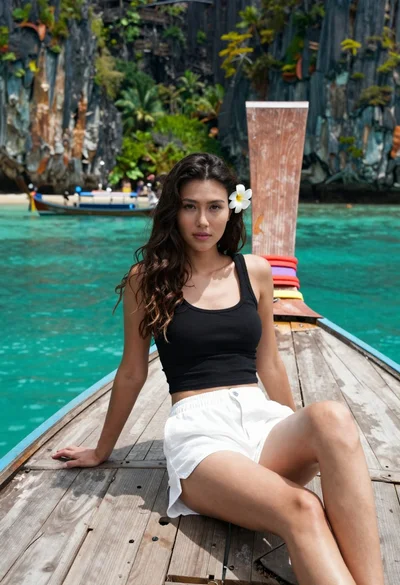
Young woman with long dark hair sitting on a traditional boat

Woman in pink satin slip dress on balcony overlooking coastal town
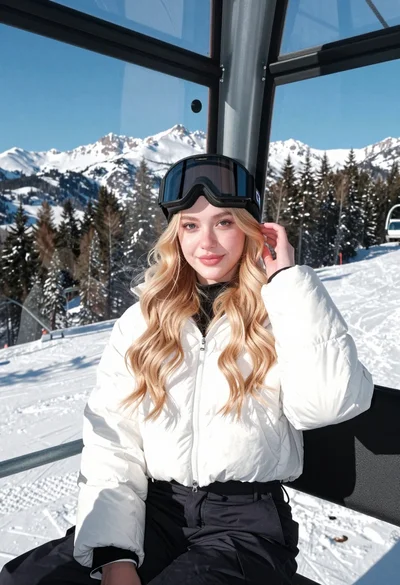
Young blonde woman in white puffer jacket sitting on ski lift
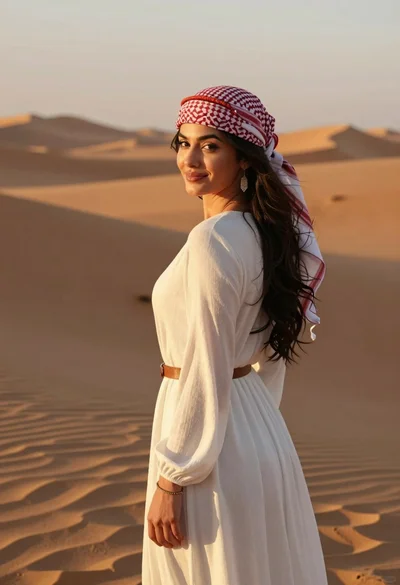
Young woman in white dress looking back over shoulder in desert at
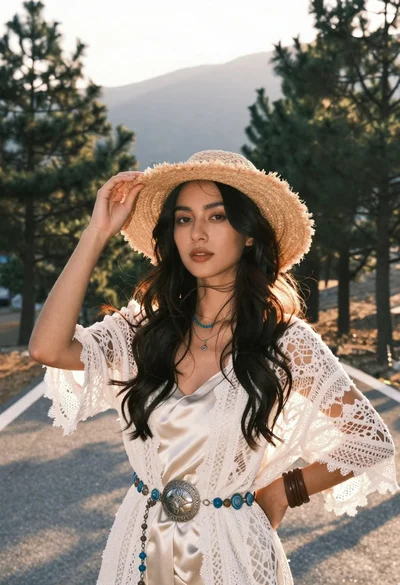
Woman in white lace cardigan and straw hat in mountain landscape
