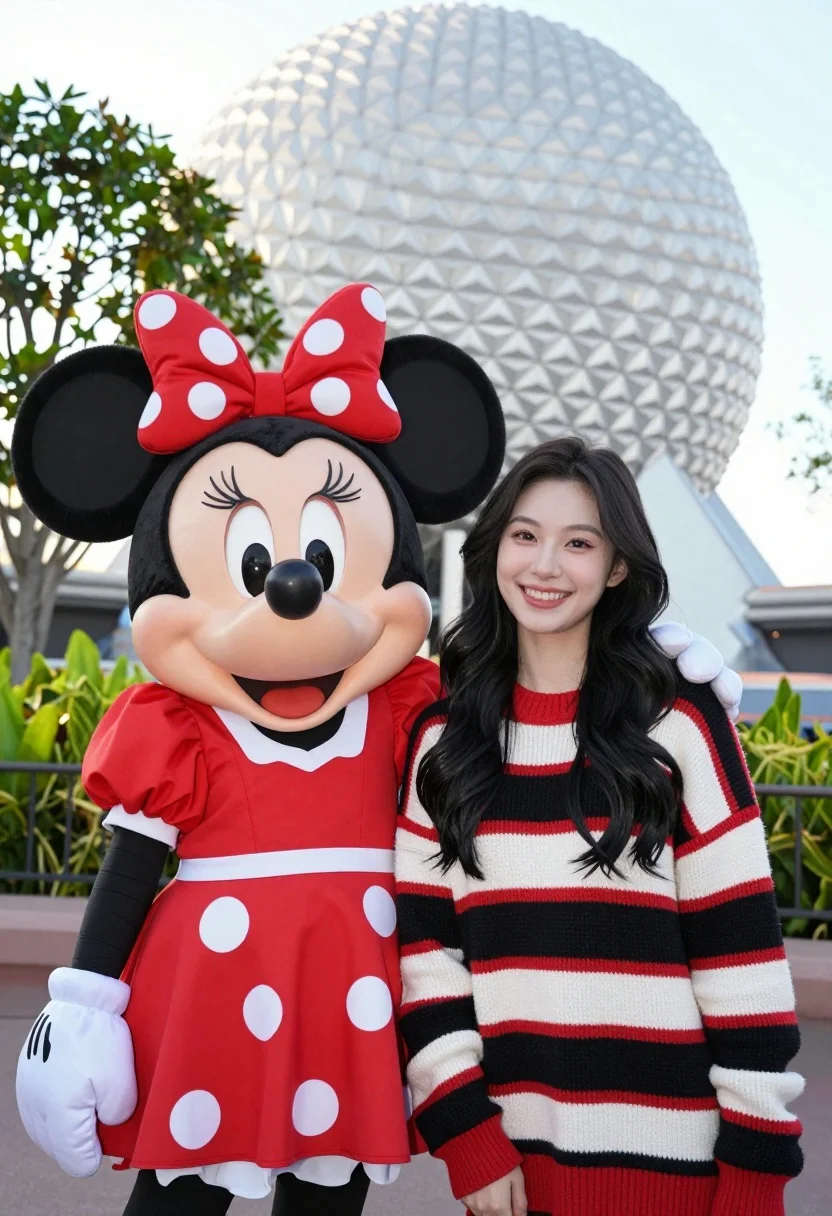
Smiling young woman next to minnie mouse character at epcot geodesic sphere
Prompt
A smiling young woman with long dark wavy hair stands next to a life-sized Minnie Mouse character in front of the Epcot geodesic sphere.

Subject: A young woman with fair skin and long black wavy hair, standing beside a large Minnie Mouse mascot.

Clothing: The woman wears a thick knit sweater featuring horizontal stripes of red, white, and black; Minnie Mouse is dressed in her signature red dress with white polka dots and a matching red bow on her head.

Action: Both subjects are facing forward and smiling broadly at the camera, standing close together for a portrait shot.

Environment: The background features lush green foliage and trees, with the large white geodesic sphere of Epcot visible in the distance under a bright sky.

Camera: A medium shot captures both figures from the waist up, utilizing a shallow depth of field to blur the background slightly while keeping the subjects sharp.

Lighting: Bright natural daylight illuminates the scene evenly, creating soft shadows and highlighting the textures of the knit sweater and the mascot's costume.

Style Details: High-resolution photography with vibrant colors and a cheerful, candid atmosphere typical of theme park portraits.
Description
This prompt is useful for creating family vacation memories, themed portrait sessions, and lifestyle blog content documenting theme park visits. The combination of 'bright natural daylight' ensuring even illumination across the subjects, paired with a 'shallow depth of field,' keeps focus tightly on the woman and Minnie Mouse while softening the background foliage and geodesic sphere details.
Suggestions
- Change 'thick knit sweater featuring horizontal stripes of red, white, and black' to 'pastel floral sundress' for a lighter feel.
- Swap 'bright natural daylight' for 'soft overcast lighting' to reduce harsh shadows.
- Adjust 'medium shot' to 'full body shot' to better capture the environment.
Category
Tags
AnimalBlack HairCasual WearFair SkinFemaleMedium ShotNatureOutdoorsPortrait ShotRealistic
Date added
August 5, 2026
Added by
PromptDexter Team
Related Prompts
More prompts with similar categories and tags.
Smiling young woman in white puffer jacket holding vintage camera by lake
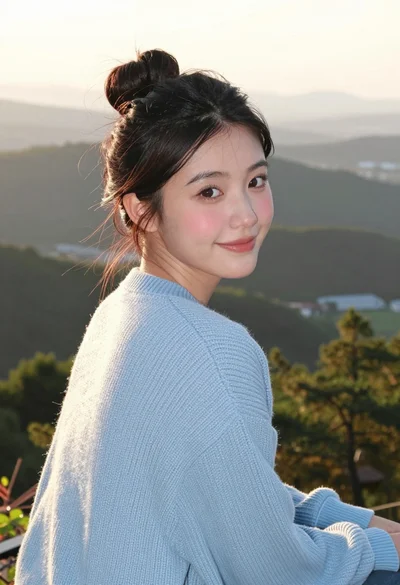
Young woman in blue sweater looking back over shoulder at scenic overlook
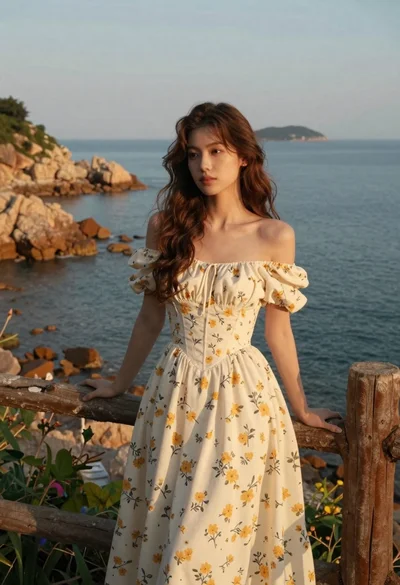
Young woman in cream floral dress leaning on coastal cliff railing
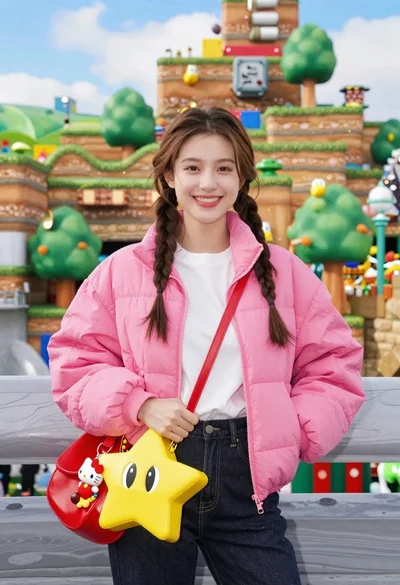
Smiling young woman in pink puffer jacket at a mario theme park
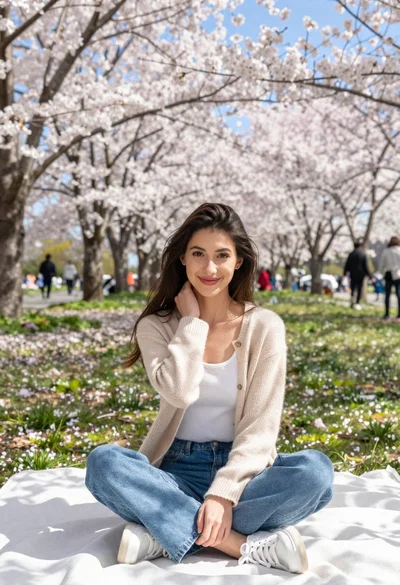
Young woman in beige cardigan sitting on blanket under cherry blossoms
Young woman with dark skin and beanie standing before jungle waterfall

Young woman with long dark hair sitting on a traditional boat

Woman in pink satin slip dress on balcony overlooking coastal town
Young blonde woman in white puffer jacket sitting on ski lift

Young woman with dark hair at wooden table in open air setting