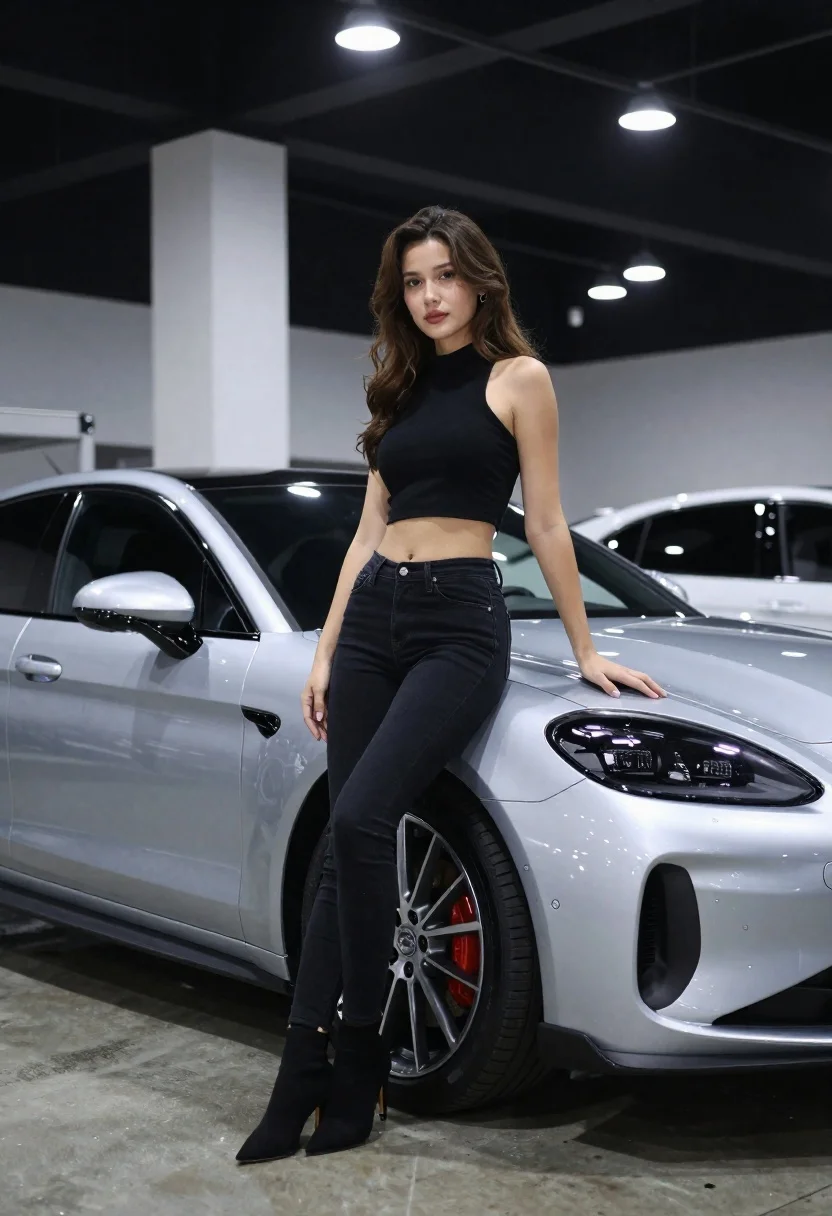
Woman leaning on silver sports car in showroom
Prompt
A photorealistic medium shot of a young woman leaning against a sleek silver sports car in an indoor showroom setting

Subject: A fit young woman with long wavy brown hair, fair skin and defined facial features, looking directly at the camera with a calm expression.

Clothing: She wears a black sleeveless crop top that reveals her midriff and tight black denim jeans paired with black high-heeled ankle boots.

Action: Leaning casually against the front fender of the car, one hand resting on the hood while she stands confidently in profile view facing forward.

Environment: An indoor garage or showroom space with polished concrete floors reflecting ambient light; white pillars line the background under a dark industrial ceiling fitted with rows of bright circular lights.

Camera: Shot from slightly low angle emphasizing both subject and vehicle, medium framing capturing full body posture and car front quarter panel, shallow depth of field softening distant interior elements.

Lighting: Cool-toned studio lighting creates subtle shadows along her limbs and the car's curves; overhead spotlights produce highlights on metallic surfaces without harsh contrast.

Objects: The silver sports car features modern LED headlights with a distinctive grid pattern within each lamp unit, large alloy wheels with red brake calipers visible through spokes, aerodynamic body lines including side skirts and vent details near rear wheel arches.
Description
This prompt is useful for creating automotive advertisement mockups, high-end lifestyle catalog spreads, and concept vehicle reveals. The combination of 'cool-toned studio lighting' with the 'polished concrete floors reflecting ambient light' ensures that both the subject's form and the car's metallic surfaces are rendered with controlled sheen, preventing either from looking flat or overly glossy.
Suggestions
- Change 'black sleeveless crop top' to 'cream knit sweater' for a softer contrast.
- Adjust 'low angle' to 'eye-level' for a more direct portrait feel.
- Swap 'bright circular lights' for 'natural skylight panels' to soften the overhead illumination.
Category
Tags
Brown HairCasual WearFair SkinFemaleFull BodyLow AngleMedium ShotRealisticSportswearStudioVehicles
Date added
June 19, 2026
Added by
PromptDexter Team
Related Prompts
More prompts with similar categories and tags.

Young man leaning on a modified sports car in city night
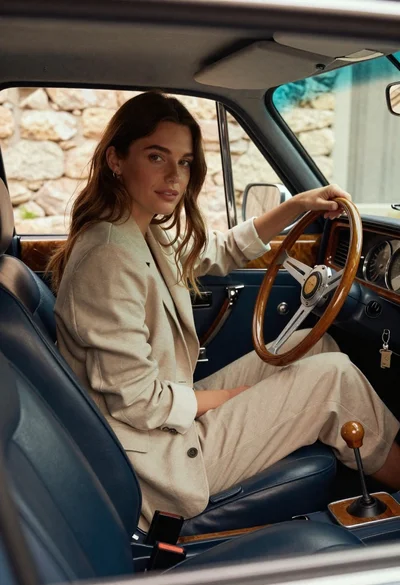
Woman in beige blazer sitting in vintage car driver seat
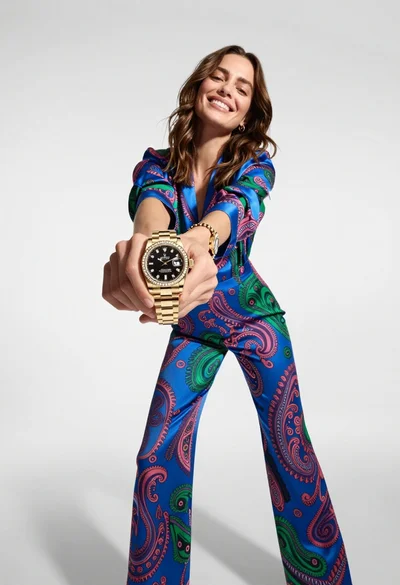
Woman in blue paisley jumpsuit presenting diamond wristwatch against white studio backdrop

Young woman in black dress sitting inside car looking at camera
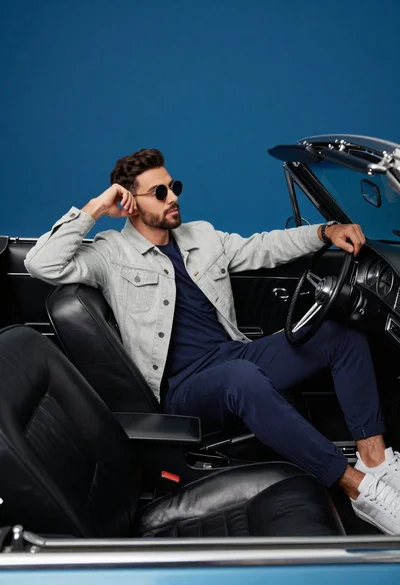
Stylish man in vintage convertible against blue background

Young woman in white top and floral skirt inside car window

Woman holding purple hair product against cheek in studio setting

Man in suit sitting on classic red car outdoors