
Stylish woman in black blazer browsing book at outdoor market stall
Prompt
A stylish woman with curly brown hair stands in a bustling outdoor market stall filled with books and art prints.

Subject: A young woman with shoulder-length wavy brown hair, fair skin, and an open-mouthed smile looking back over her left shoulder at the camera. She holds a book titled "The Affinity" by Leo Tolstoy in her right hand.

Clothing: She wears a tailored black blazer jacket with buttoned cuffs, a matching black mini skirt, sheer black tights, and black ankle boots. A black quilted leather handbag with gold hardware hangs from her left shoulder.

Action: The woman is browsing the stall, holding a book up as if reading the cover or showing it, while turning her head to smile directly at the viewer.

Environment: An outdoor market setting under a wooden structure with green ropes hanging from the ceiling. Shelves are packed with old books and stacks of papers. Large art prints and sketches hang from metal racks in the foreground and background.

Camera: A medium shot capturing the woman from the thighs up, framed slightly from the side as she turns her head, with a shallow depth of field blurring the market shelves behind her.

Lighting: Bright natural daylight illuminating the scene evenly, creating soft shadows and highlighting the textures of the books and the quilted bag.

Style Details: A candid lifestyle photography style with high resolution, sharp focus on the subject, and a warm, inviting color palette typical of fashion editorial shoots.
Description
This prompt is useful for creating magazine features about vintage shopping, character-driven street portraits, and brand lookbooks emphasizing curated discovery. The combination of 'tailored black blazer jacket' with the 'shallow depth of field blurring the market shelves behind her' directs focus intensely onto the subject's interaction with the book, preventing the busy 'bustling outdoor market stall' from becoming a distracting visual mess.
Suggestions
- Change 'curly brown hair' to 'straight brown hair' for a different texture.
- Swap 'black ankle boots' for 'patent leather loafers' to alter the formality.
- Adjust 'Bright natural daylight illuminating the scene evenly' to 'overcast soft box lighting' for more dramatic shadows.
Category
Tags
Brown HairFair SkinFemaleMedium ShotRealisticStreet
Date added
June 19, 2026
Added by
PromptDexter Team
Related Prompts
More prompts with similar categories and tags.

Stylish woman in white crop top in an urban alleyway setting
Stylish woman in camel coat leaning on stone building corner street
Young woman in red dress browsing records on cobblestone street at golden
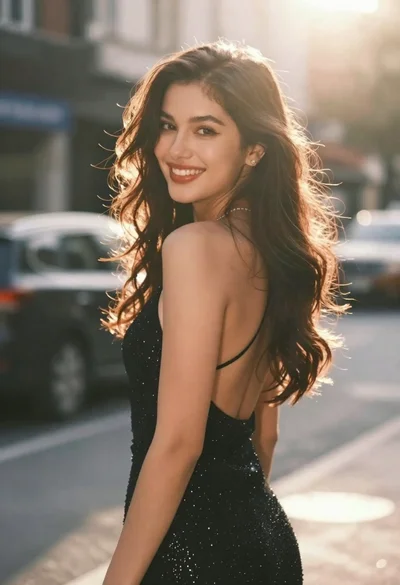
Young woman in sparkly black dress looking over shoulder outdoors
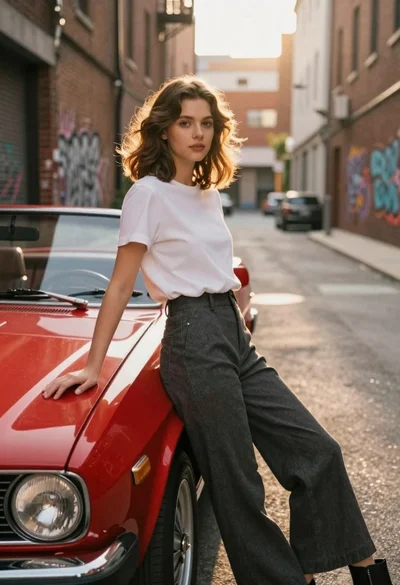
Young woman in white tshirt leaning against vintage red convertible car
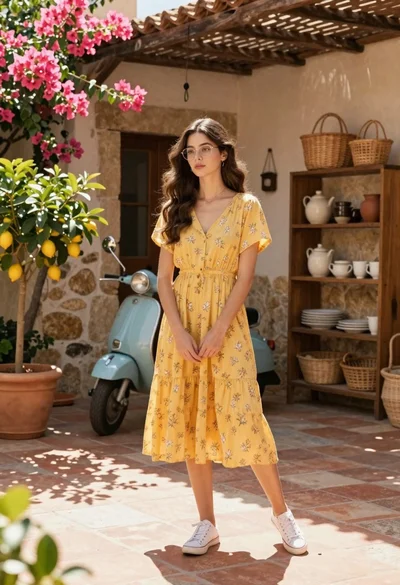
Young woman in yellow floral dress standing in sunny mediterranean courtyard
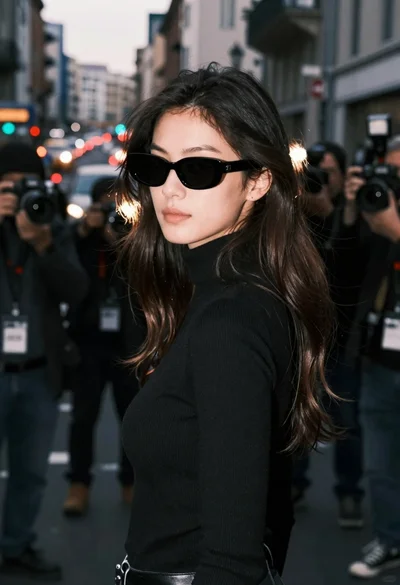
Young woman in black turtleneck looking over shoulder at street
Young woman with dark hair looking back on flower stall street

Young east asian woman in cream knit top leaning against modern building
Stylish woman in plaid jacket standing outside luxury fashion boutique on paved