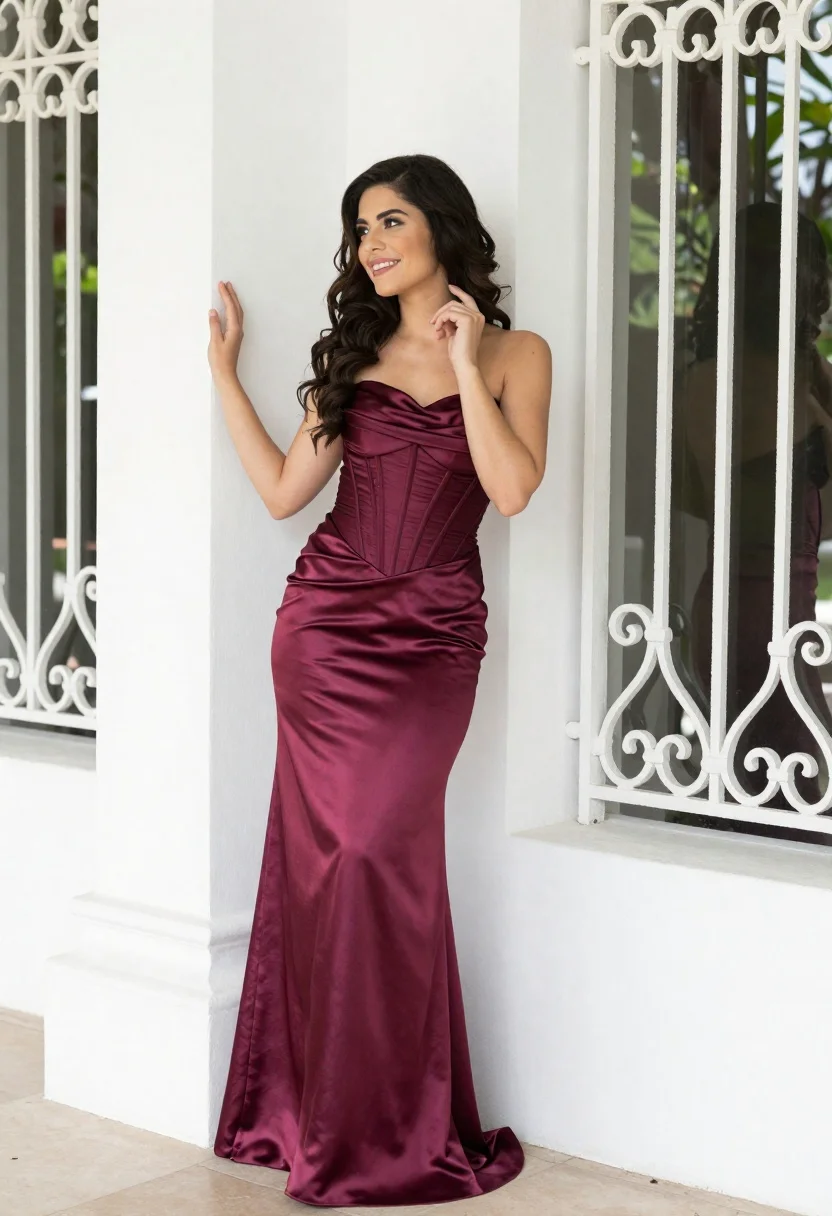
Smiling woman in burgundy satin gown by white architectural pillar
Prompt
A smiling woman with long dark wavy hair stands in a relaxed pose against a white architectural background.

Subject: A young woman with fair skin and voluminous dark brown wavy hair cascading over her shoulders. She has a bright, engaging smile and is looking off to the side.

Clothing: She wears a floor-length strapless gown made of lustrous satin fabric. The dress features a deep burgundy hue that fades into a lighter gradient at the hem. It includes a structured corset-style bodice with vertical seams and a draped neckline.

Action: She stands leaning slightly against a white pillar, with her left hand raised to touch the wall and her right hand gently touching her chin in a thoughtful gesture.

Environment: The setting is an outdoor architectural space featuring a large window or glass door protected by an ornate white metal grille with intricate scrollwork patterns. Green foliage is visible through the glass behind her.

Camera: The shot is a medium-full length view capturing the subject from head to toe, framed slightly from the side to emphasize her profile and posture.

Lighting: Soft natural daylight illuminates the scene evenly, creating gentle highlights on the satin dress and soft shadows that define her features without harsh contrast.

Style Details: High-resolution photography with a clean, polished aesthetic, emphasizing the texture of the fabric and the elegance of the setting.
Description
This prompt is useful for creating bridal editorial spreads, formal portraiture for luxury brands, and high-end magazine features showcasing evening wear. The combination of 'lustrous satin fabric' with 'soft natural daylight' ensures that the deep burgundy hue catches light beautifully without appearing overly glossy or flat, while the 'white architectural background' provides necessary negative space to keep the focus squarely on the subject's pose and the gown's drape.
Suggestions
- Change 'deep burgundy hue' to 'jewel-toned emerald' for a different color story.
- Add 'bokeh effect' to the glass door area for more depth.
- Swap 'medium-full length view' to 'full body shot' to better capture the train.
Category
Tags
Brown HairBrunetteFair SkinFemaleFormal WearFull BodyMedium ShotOutdoorsRealistic
Date added
June 19, 2026
Added by
PromptDexter Team
Related Prompts
More prompts with similar categories and tags.

Portrait of woman in elaborate red feathered gown against vivid blue background

Young woman with braided hair in misty woodland setting
Young woman in green dress on rooftop by water feature under cloudy
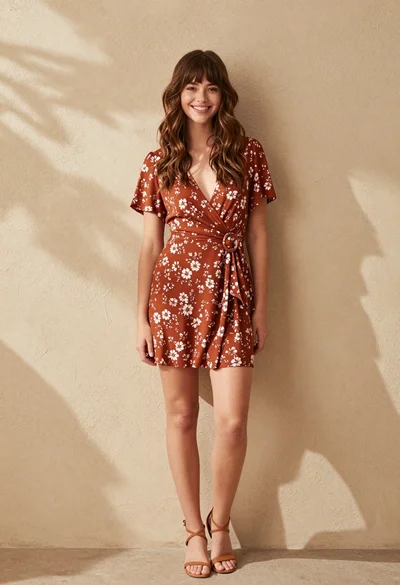
Smiling young woman in floral dress against textured beige wall outdoors

Young woman leaning against white wall with beige handbag under bright sunlight

Woman standing barefoot in dry autumn field at golden hour

Young woman in black and white patterned outfit on urban rooftop
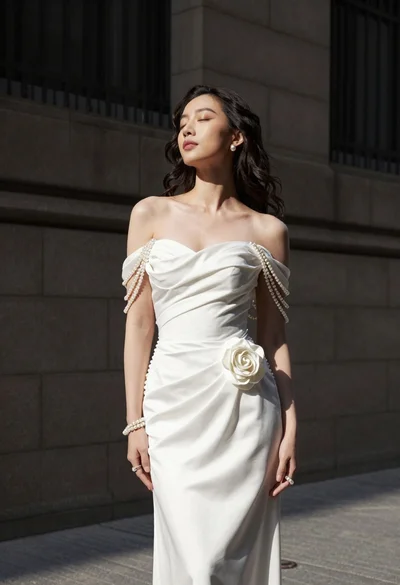
Woman in white gown standing against dark stone architectural wall outdoors
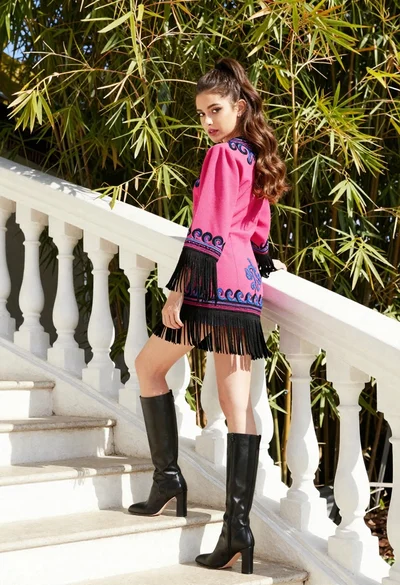
Young woman in pink embroidered dress on white stone staircase outdoors

Woman in rose gold gown looking over shoulder by large floor mirror