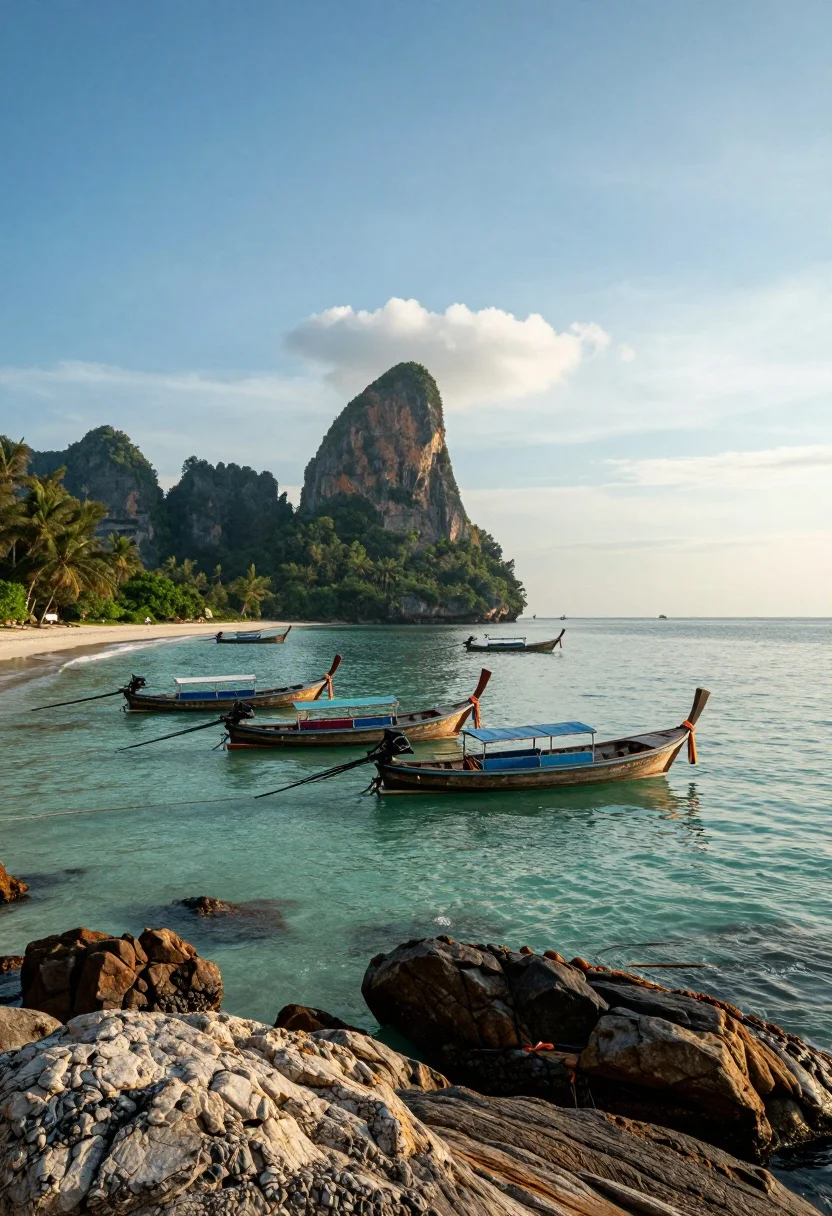
Tropical bay scene with longtail boats sandy beach and forested mountains
Prompt
A serene tropical bay with long-tail boats anchored in turquoise water under a vast blue sky.

Subject: Several traditional wooden long-tail boats float peacefully on the calm sea, featuring distinctive high prows and colorful canopies, with a dense cluster of similar vessels moored near the distant shoreline.

Action: The boats are stationary and gently bobbing on the tranquil surface of the water.

Environment: A sandy beach lined with lush green trees curves along the left side, while a large, forested mountain rises majestically in the background against the horizon.

Camera: The view is framed from a low angle looking out over large, textured rocks in the immediate foreground, utilizing a wide-angle perspective to capture the expansive seascape and distant mountains.

Lighting: Soft, golden sunlight illuminates the scene from the side, casting gentle highlights on the water and rocks while creating a hazy, atmospheric glow around the mountain peak.

Style Details: The image exhibits high dynamic range with vibrant teal and blue color grading, capturing the clarity of the water and the texture of the clouds.
Description
This prompt is useful for creating travel magazine spreads, destination marketing materials, and cinematic concept art for adventure films. Utilizing a 'low angle' view over 'large, textured rocks' grounds the composition while the 'wide-angle perspective' emphasizes the vastness of the seascape against the dramatic backdrop of the forested mountain.
Suggestions
- Change 'turquoise water' to 'emerald green water' for a different color palette.
- Add 'mist rolling through the bay' to enhance the atmosphere.
- Swap 'golden sunlight' for 'midday harsh sun' to create stronger shadows.
Category
Tags
BeachLow AngleNatureOutdoorsRealisticWide Shot
Date added
July 12, 2026
Added by
PromptDexter Team
Related Prompts
More prompts with similar categories and tags.
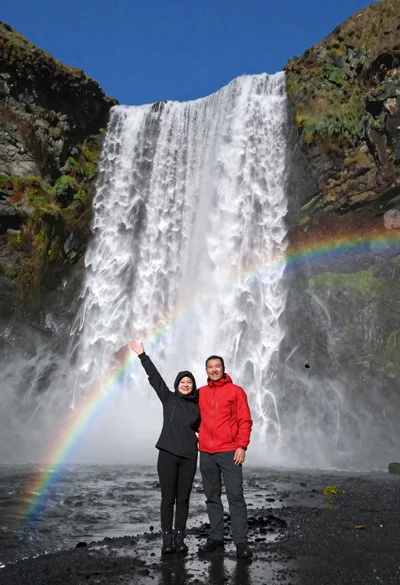
Couple standing before massive waterfall under clear blue sky low angle

Lone skier ascending snowy mountain ridge under bright blue sky
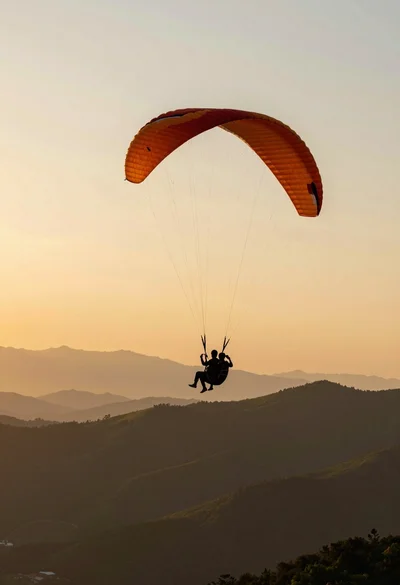
Silhouette of tandem paragliders soaring above green mountain range at sunset

Muscular man standing before massive waterfall in lush jungle setting
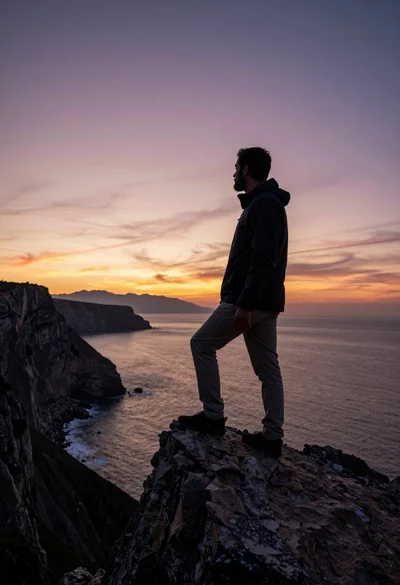
Bearded man silhouetted on rocky outcrop overlooking vast ocean at sunset

Man standing in green field with outstretched arms facing snow capped mountain
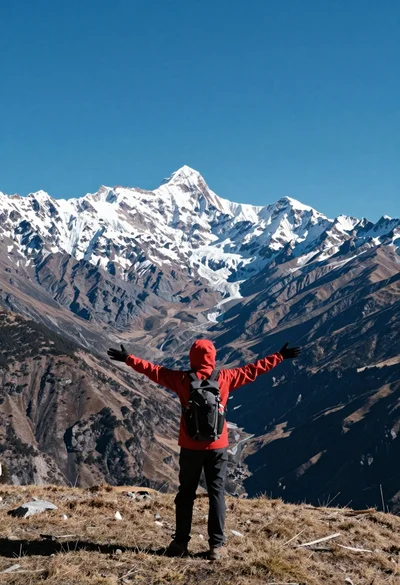
Hiker standing with outstretched arms on grassy ridge facing snowy mountains
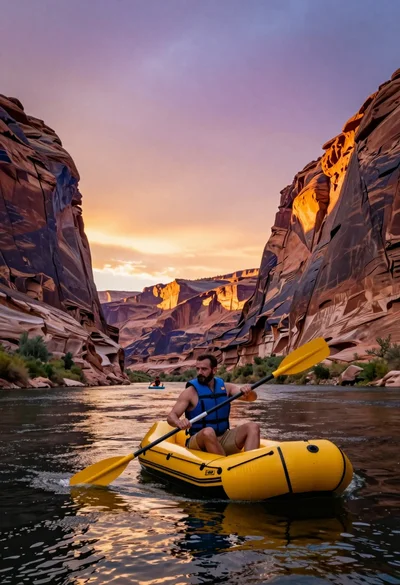
Man paddling yellow raft through massive canyon walls at vibrant sunset
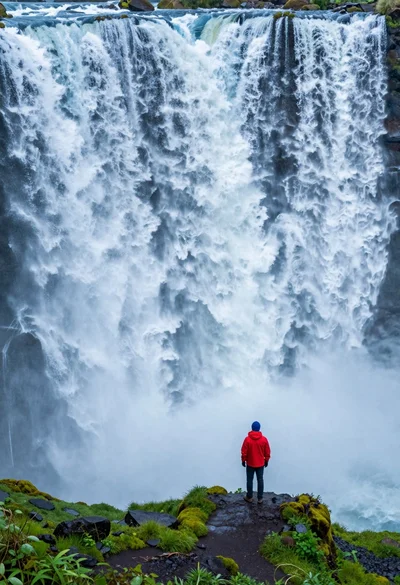
Hiker standing on ledge overlooking massive thundering waterfall at natural edge
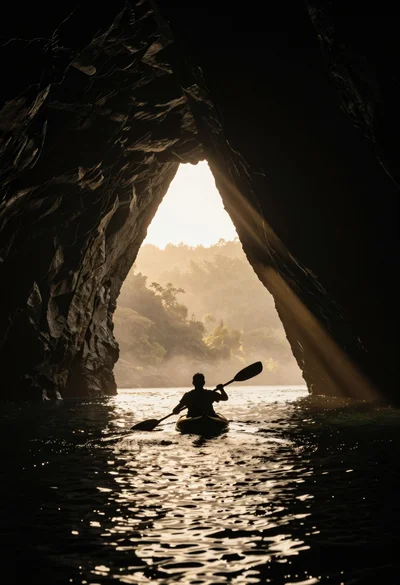
Silhouetted kayaker paddling through a massive cave opening at sunrise