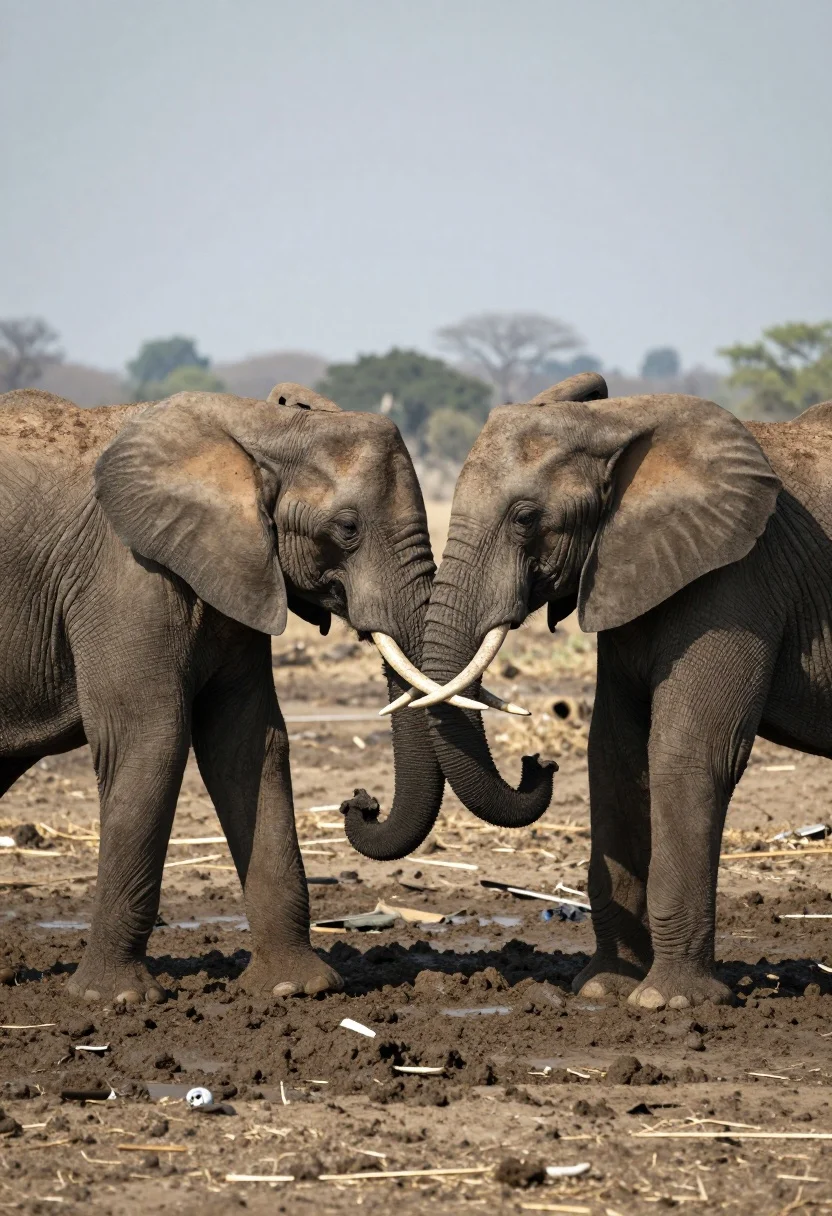
Two african elephants interacting in a muddy clearing on an open savanna
Prompt
Two African elephants stand face to face in a muddy clearing, their trunks intertwined and tusks locked in a gentle physical interaction.

Subject: Two large African elephants with deeply wrinkled grey skin and prominent white tusks.

Action: The elephants are standing still but engaged in a close physical connection where their trunks are wrapped around each other's heads and their tusks appear to be touching or interlocked.

Environment: A muddy, uneven terrain with churned earth and scattered debris underfoot, set against a blurred, hazy background suggesting an open savanna landscape.

Camera: Eye-level perspective capturing the full bodies of the animals with a shallow depth of field that keeps the elephants sharp while softening the distant horizon.

Lighting: Diffused natural light casting soft shadows on the ground and highlighting the texture of the elephants' skin without harsh contrast.

Style Details: A muted, earthy color palette with a slightly desaturated tone that emphasizes the raw textures of the mud and animal hide.
Description
This prompt is useful for creating wildlife documentary stills, nature magazine spreads, and conservation awareness visuals. The combination of 'diffused natural light' and 'muted, earthy color palette' ensures that the focus remains entirely on the intricate textures of the elephants' skin and the muddy terrain, preventing harsh highlights or distracting background colors from pulling attention away from their gentle physical interaction.
Suggestions
- Change 'muddy, uneven terrain' to 'shallow water puddle' for a different ground texture.
- Add 'dust particles visible in air' to enhance the atmosphere.
- Swap 'diffused natural light' for 'overcast midday light' to change the shadow quality.
Category
Tags
AnimalFull BodyNatureOutdoorsRealistic
Date added
August 5, 2026
Added by
PromptDexter Team
Related Prompts
More prompts with similar categories and tags.
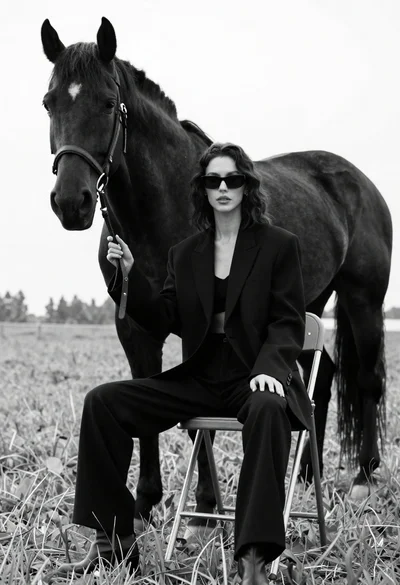
Woman in black outfit sitting on stool with large horse in field
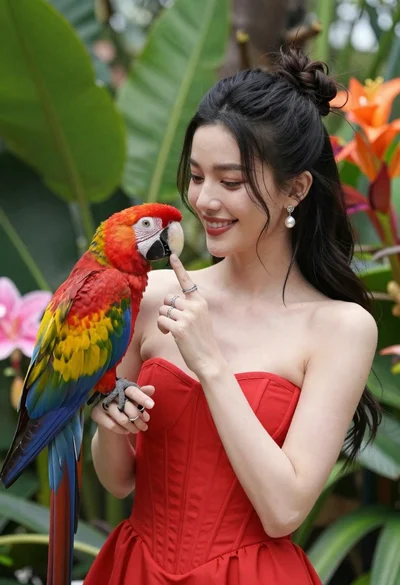
Smiling woman in red dress holding colorful macaw parrot in tropical garden

Silhouette of two elephants with riders walking across grassy plain at sunset
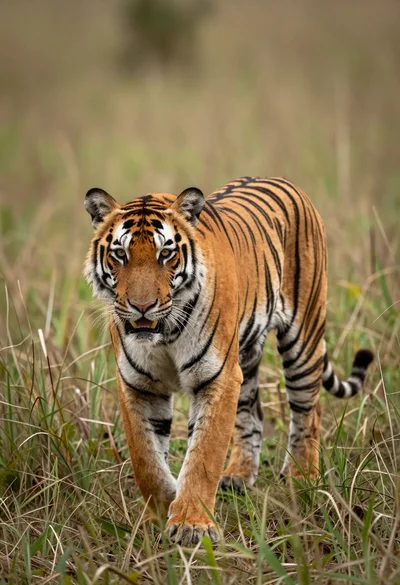
Majestic tiger walking through tall green and dry savanna grass
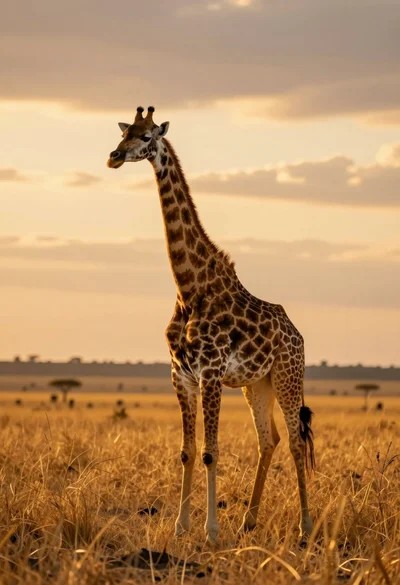
Majestic giraffe standing in golden savanna landscape at sunset
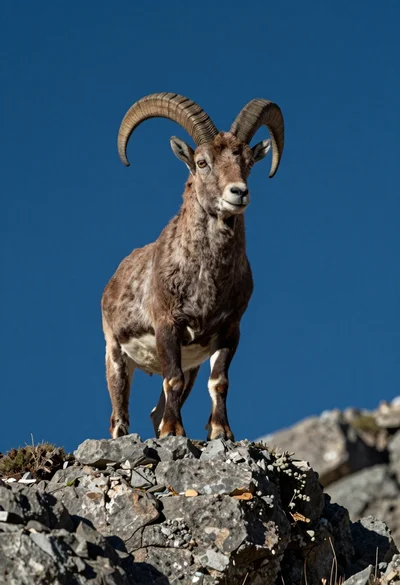
Majestic mountain goat standing on rugged rock formation against deep blue background
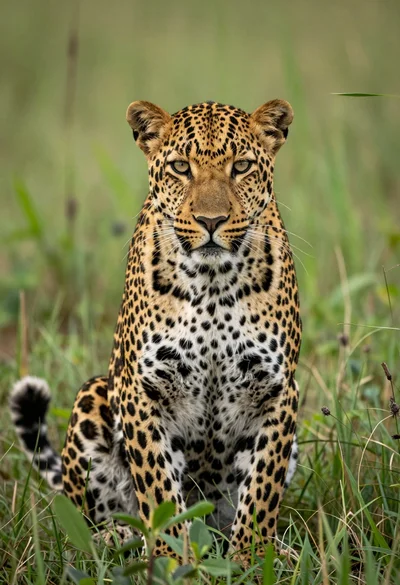
Majestic leopard sitting alert in lush green savanna grassland close up
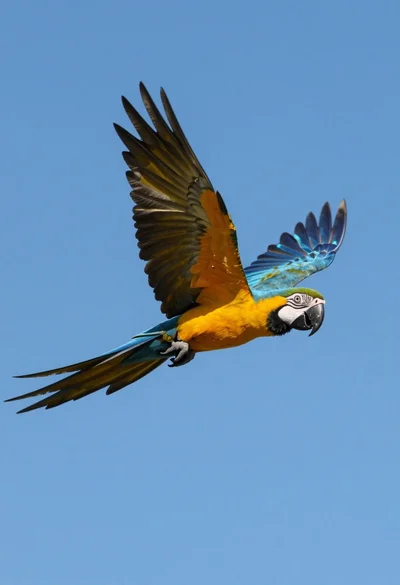
Majestic blue and yellow macaw soaring through clear bright blue open sky
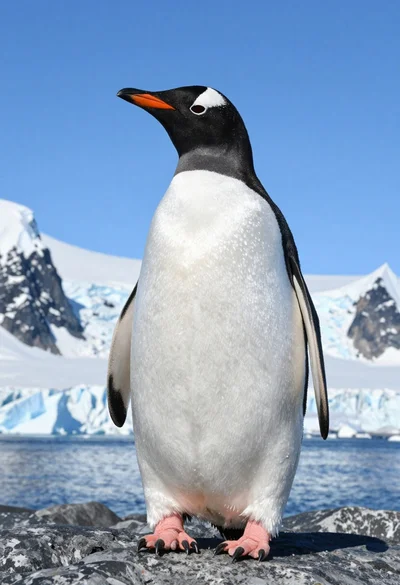
Majestic gentoo penguin standing on dark rock against snowy mountains
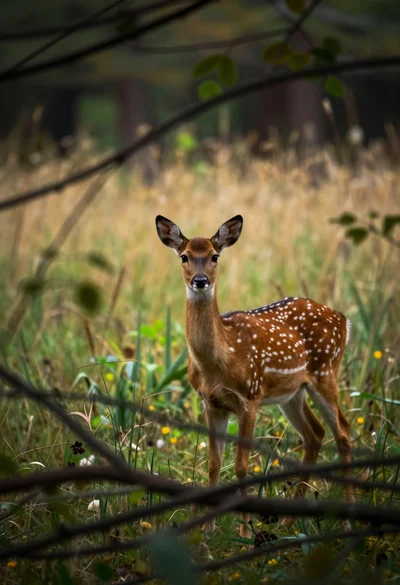
Young spotted fallow deer standing alert in a dense woodland clearing