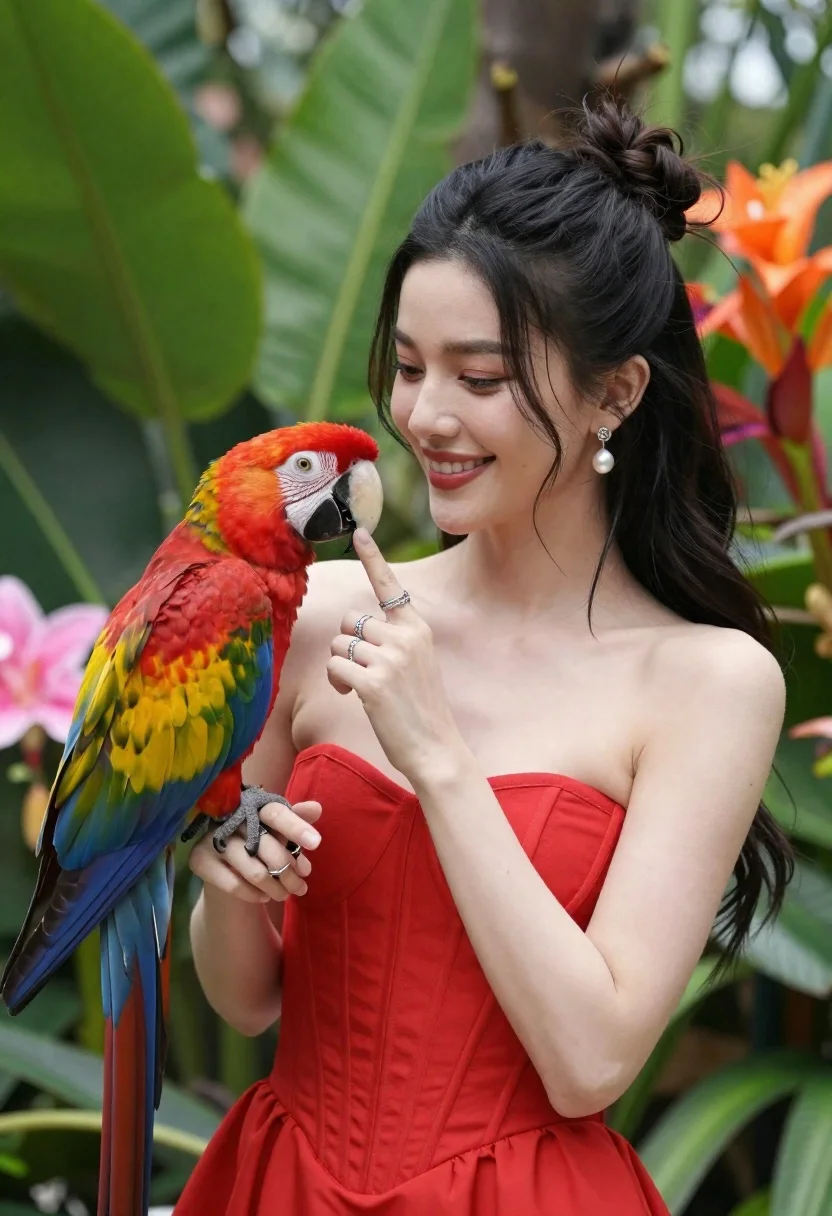
Smiling woman in red dress holding colorful macaw parrot in tropical garden
Prompt
A smiling woman with long dark hair in a high bun gently holds a colorful macaw parrot against a lush green background.

Subject: A young woman with fair skin and long black hair styled in a messy top knot with loose strands framing her face, featuring a warm smile and soft eyes looking down at the bird.

Clothing: She wears a vibrant red strapless corset-style dress with vertical seams and subtle texture, accessorized with pearl drop earrings and multiple silver rings on her fingers.

Action: The woman gently cradles a large macaw parrot in her arms, resting her index finger near the bird's beak as if offering it food or affection, while the parrot perches calmly facing left.
Second

Subject: A vividly colored scarlet macaw with bright red head feathers, yellow chest, blue wings, and a curved black-and-white beak, appearing calm and trusting.

Environment: A lush tropical garden setting filled with large green leaves and blurred pink and orange flowers in the background, creating a soft natural backdrop.

Lighting: Soft, diffused daylight illuminates the scene evenly, highlighting the woman’s skin tone and the parrot’s vibrant feathers without harsh shadows.

Style Details: High-resolution portrait photography with shallow depth of field, rich saturated colors, and a clean, polished aesthetic typical of professional wildlife or fashion portraiture.
Description
This prompt is useful for creating editorial travel spreads featuring exotic encounters, high-end lifestyle advertising, and vibrant nature portraits. The combination of 'vibrant red strapless corset-style dress' against the 'lush tropical garden setting' ensures the subject pops while the 'soft, diffused daylight' prevents harsh shadows that would diminish the saturation of both the plumage and the fabric.
Suggestions
- Change 'messy top knot' to 'elegant updo' for a more formal feel.
- Swap 'scarlet macaw' for 'blue and gold macaw' to alter the color palette.
- Add 'bokeh effect' to the style details for an even shallower depth of field.
Category
Tags
AnimalBlack HairFair SkinFemaleFormal WearFull BodyNatureOutdoorsPortrait ShotRealisticSide Profile
Date added
June 23, 2026
Added by
PromptDexter Team
Related Prompts
More prompts with similar categories and tags.
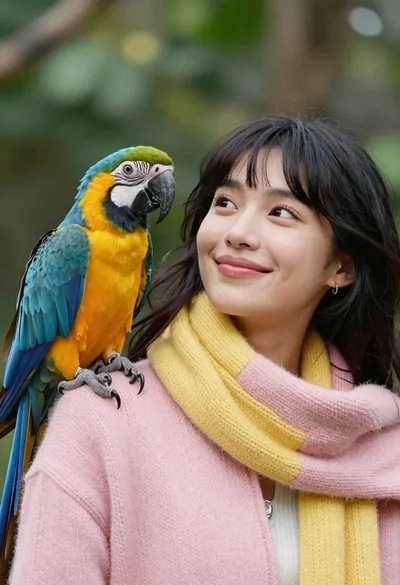
Closeup portrait of smiling woman with dark hair looking at blue macaw
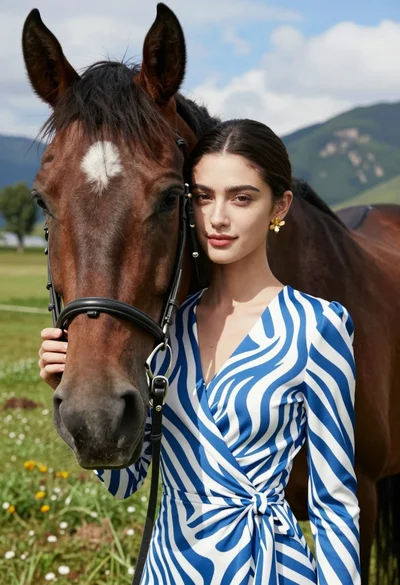
Close up portrait of woman leaning on dark brown horse in green
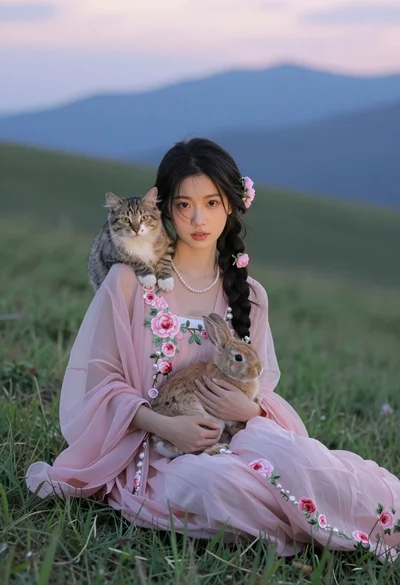
Young woman in pink floral dress holding rabbit with cat on grassy
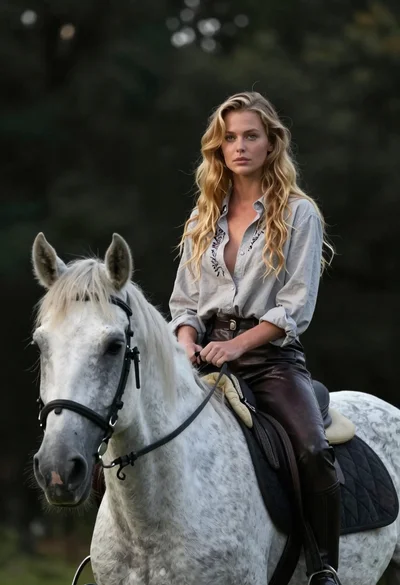
Woman riding horse in dark forest portrait
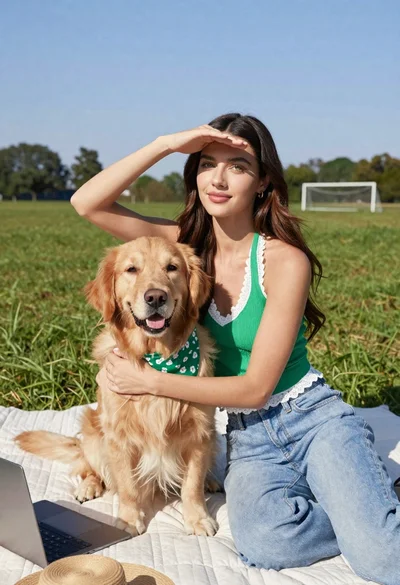
Young woman with brown hair holding golden retriever in sunny field
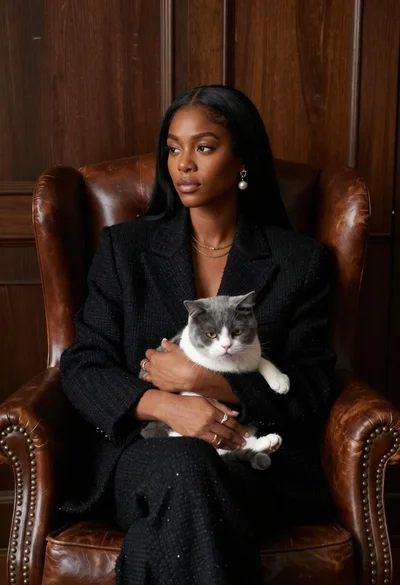
Woman in black blazer holding grey and white cat on leather armchair
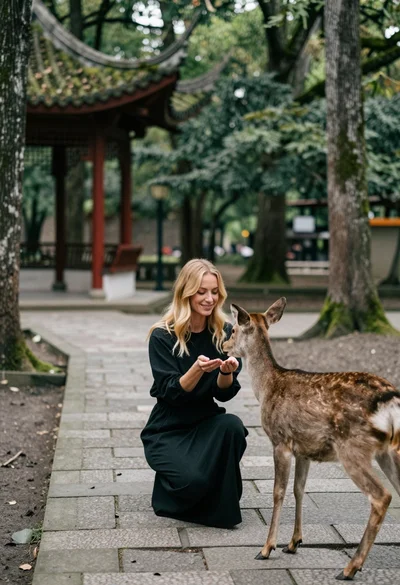
Woman feeding deer on stone path near asian pavilion in lush forest
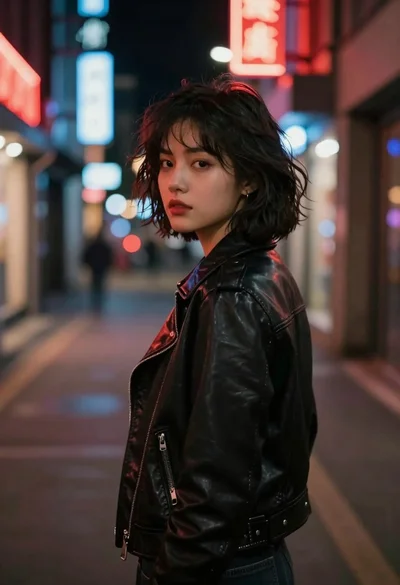
Young woman in black leather jacket on a dimly lit city street