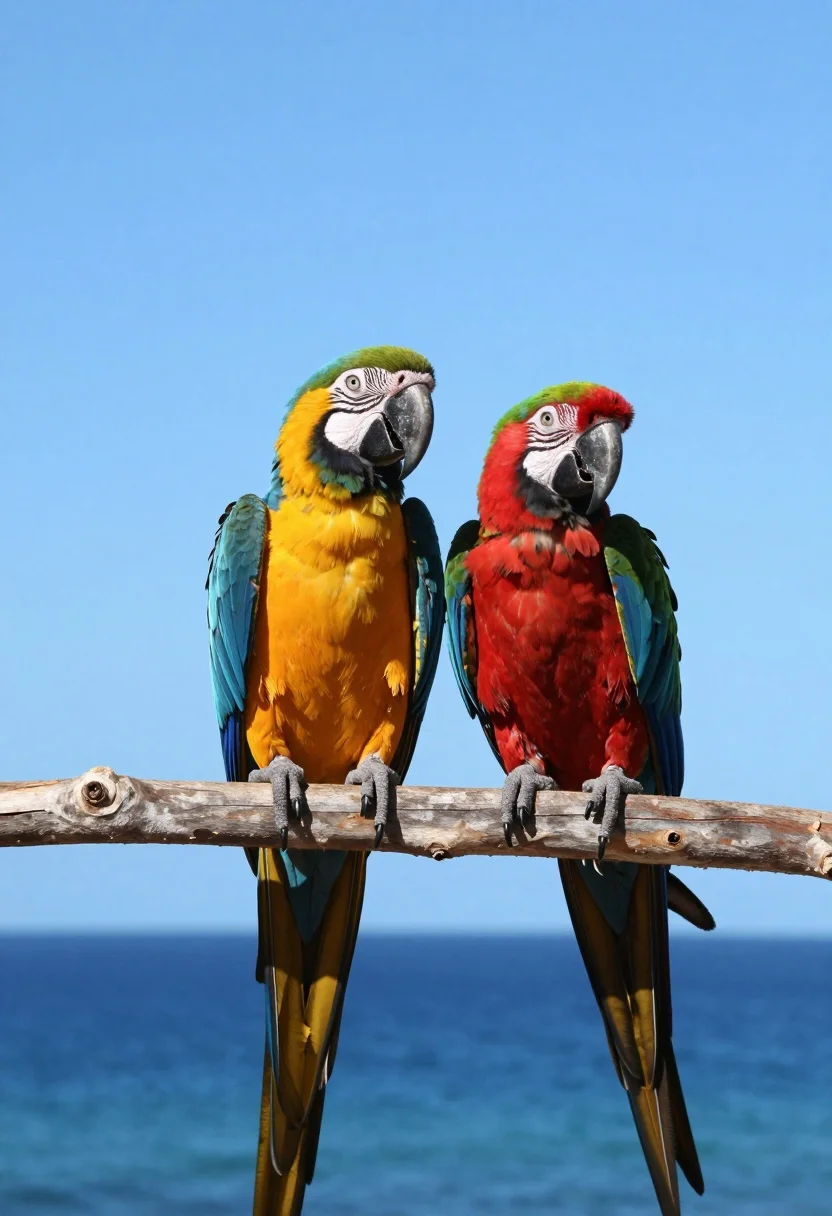
Two vibrant macaws perched on branch against bright blue sky and ocean
Prompt
Two vibrant macaws perched side by side on a wooden branch against a bright blue sky and ocean backdrop.

Subject: A large blue-and-yellow macaw with green head feathers and a red-and-green macaw with yellow wing accents, both displaying vivid plumage and sharp black beaks.

Action: The birds are resting calmly on the branch, gripping it tightly with their grey claws while facing slightly toward each other.

Environment: A clear blue sky above and a calm deep blue ocean below, creating a serene tropical coastal setting.

Camera: Eye-level perspective with a shallow depth of field that keeps the macaws in sharp focus while softly blurring the distant horizon and water.

Lighting: Bright natural sunlight illuminating the scene from above, casting soft shadows under the birds and highlighting the saturation of their feathers.

Style Details: High-resolution wildlife photography with vivid color grading, crisp feather texture, and a clean composition emphasizing the contrast between the colorful birds and the blue environment.
Description
This prompt is useful for creating vibrant nature documentary stills, tropical travel posters, and high-impact editorial animal features. The combination of 'bright natural sunlight' casting soft shadows and the specified 'shallow depth of field' ensures the macaws remain sharply focused against a softly blurred backdrop, maximizing the visual impact of their vivid plumage against the deep blue environment.
Suggestions
- Change 'wooden branch' to 'driftwood' for more character.
- Add 'telephoto lens' to enhance background separation.
- Swap 'vivid color grading' for 'Kodachrome film look' for a specific vintage feel.
Category
Tags
AnimalFull BodyNatureRealistic
Date added
August 5, 2026
Added by
PromptDexter Team
Related Prompts
More prompts with similar categories and tags.
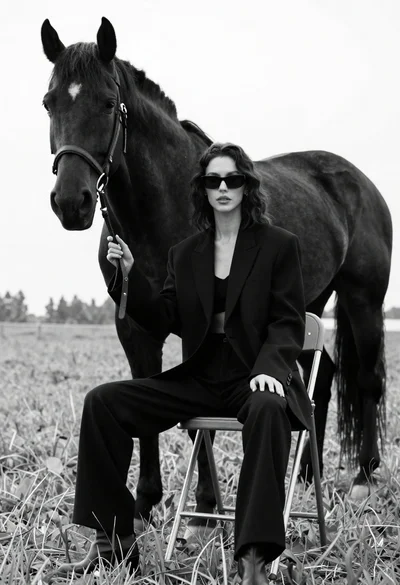
Woman in black outfit sitting on stool with large horse in field

Smiling woman in red dress holding colorful macaw parrot in tropical garden

Silhouette of two elephants with riders walking across grassy plain at sunset
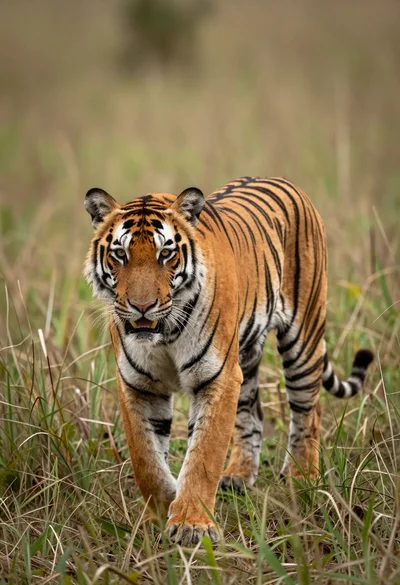
Majestic tiger walking through tall green and dry savanna grass
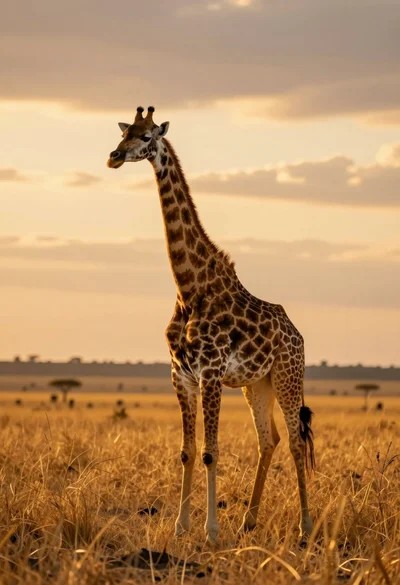
Majestic giraffe standing in golden savanna landscape at sunset
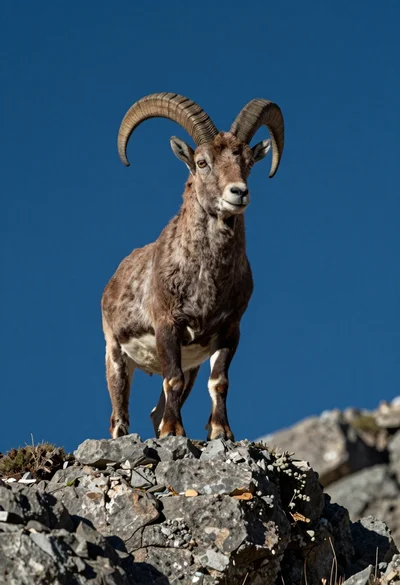
Majestic mountain goat standing on rugged rock formation against deep blue background
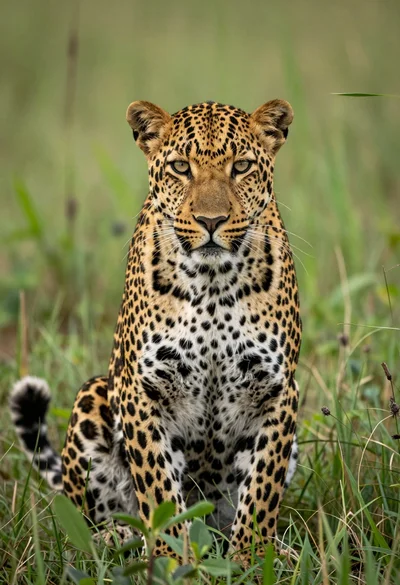
Majestic leopard sitting alert in lush green savanna grassland close up
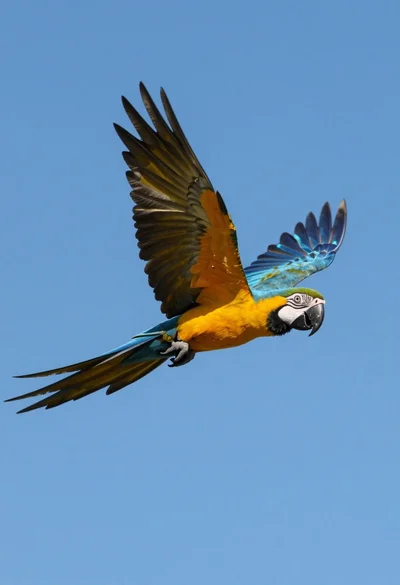
Majestic blue and yellow macaw soaring through clear bright blue open sky
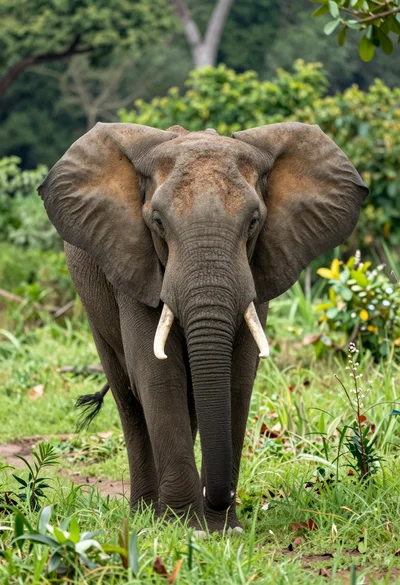
Majestic african elephant walking through lush green jungle foliage in medium shot
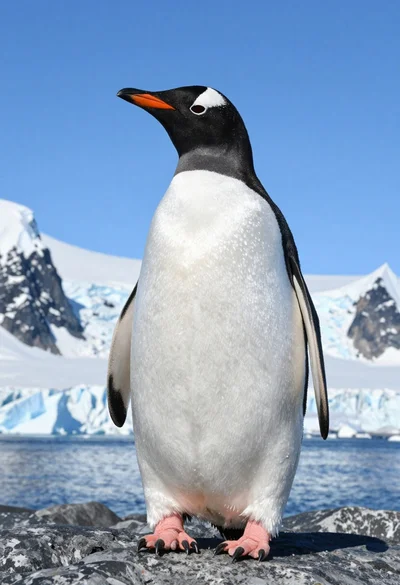
Majestic gentoo penguin standing on dark rock against snowy mountains