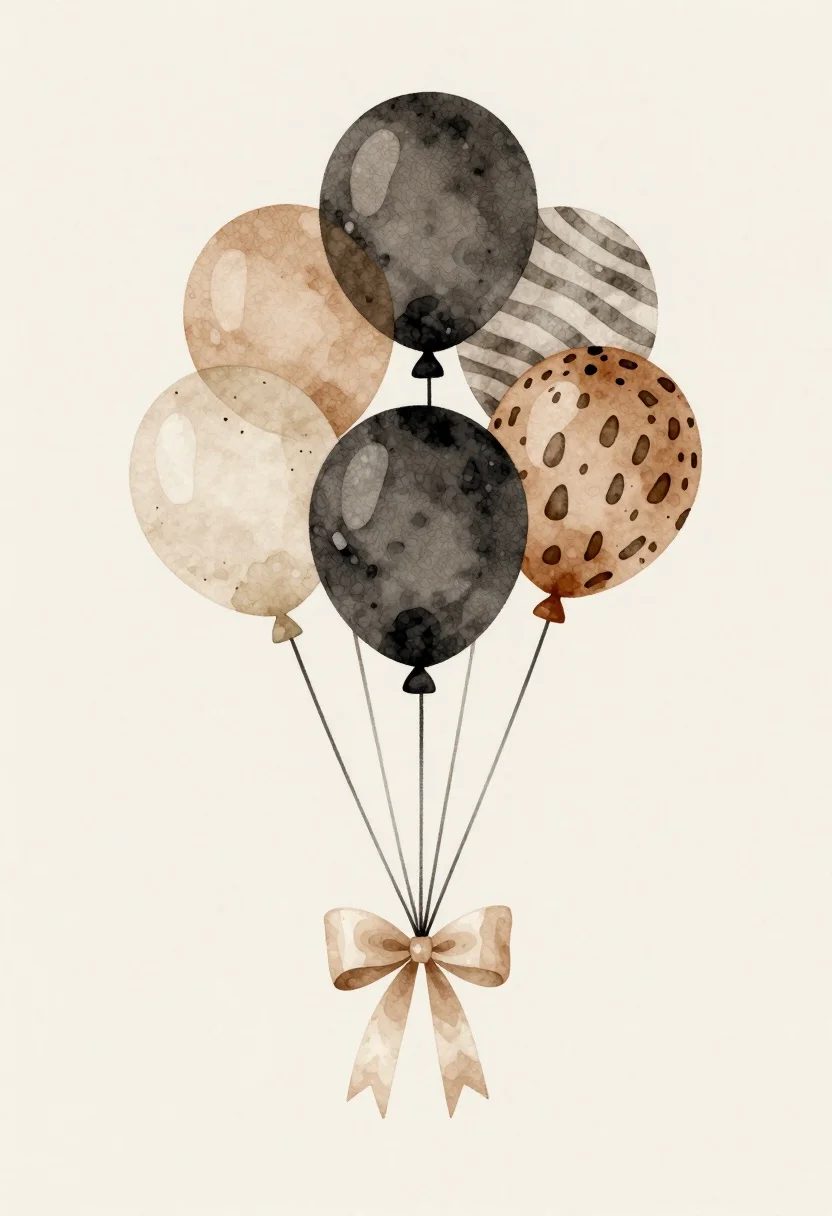
Watercolor illustration of balloons and beige ribbon bow
Prompt
A minimalist watercolor illustration of a cluster of balloons tied together with strings and adorned with a large beige ribbon bow at the bottom

Subject: A bunch of six round helium-style balloons floating upward against a soft neutral background

Action: The balloons float gently in mid-air, tethered by thin black strings that converge into a neatly tied satin-like beige ribbon bow below.

Environment: Minimalist off-white backdrop with subtle texture suggesting paper grain or watercolor wash underlaying the scene

Camera: Flat frontal view centered on the balloon cluster, no perspective distortion   clean composition focused entirely on subject

Lighting: Soft diffused lighting creating gentle highlights and shadows across balloon surfaces to suggest roundness without harsh contrast.

Style Details: Watercolor aesthetic with loose brushstrokes visible in pattern textures (zebra stripes, leopard spots), muted earth tones dominating palette except for dark charcoal balloon adding depth   overall refined yet organic feel reminiscent of editorial botanical illustrations.
Description
This prompt is useful for creating delicate wedding stationery designs, nursery decor graphics, and fine art digital prints. The combination of 'watercolor aesthetic with loose brushstrokes' and the 'muted earth tones dominating palette' ensures an organic feel that complements the soft highlights and shadows suggested by the 'soft diffused lighting,' preventing any harsh edges that would detract from a refined botanical illustration style.
Suggestions
- Change 'beige ribbon bow' to 'ivory silk ribbon bow' for a more luxurious look.
- Add 'gold foil accents' to the balloon strings for extra detail.
- Swap 'zebra stripes' for 'watercolor floral patterns' to unify the texture.
Category
Tags
Digital ArtMacro Shot
Date added
June 19, 2026
Added by
PromptDexter Team
Related Prompts
More prompts with similar categories and tags.
Biomechanical guardian in overgrown ancient ruins
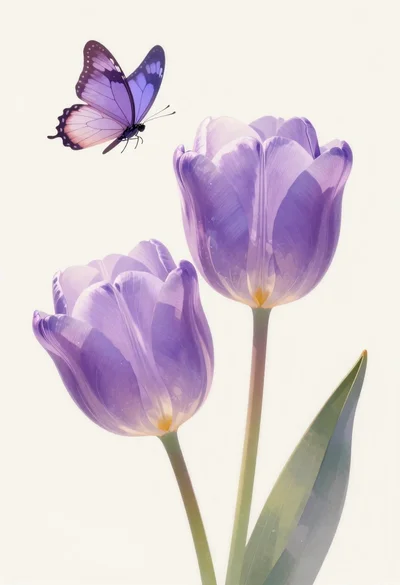
Pastel illustration of purple tulips with butterfly
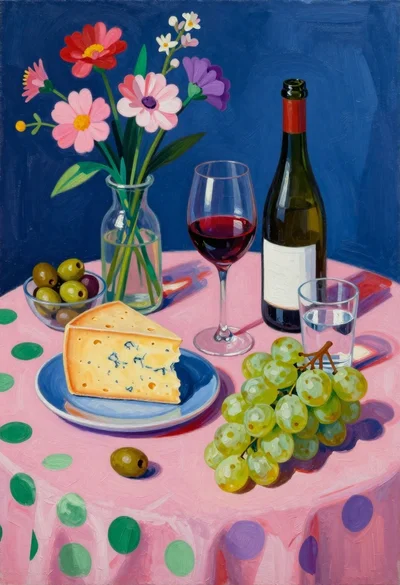
Still life painting with cheese grapes and wine on pink cloth
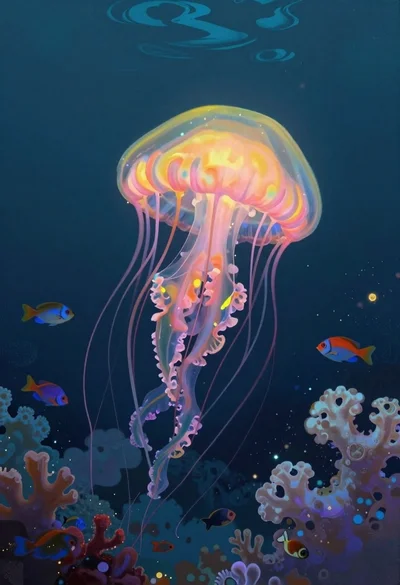
Bioluminescent jellyfish in deep sea cloud coral
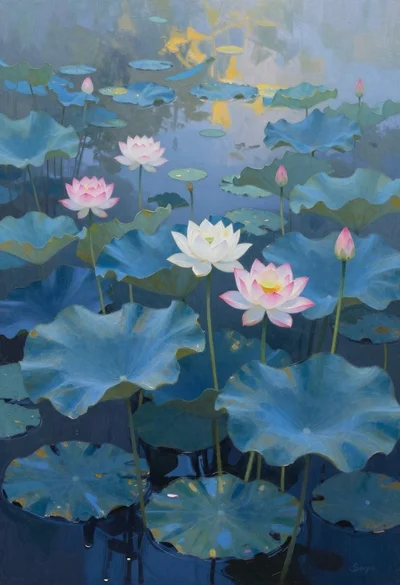
Oil painting of lotus flowers on a misty pond
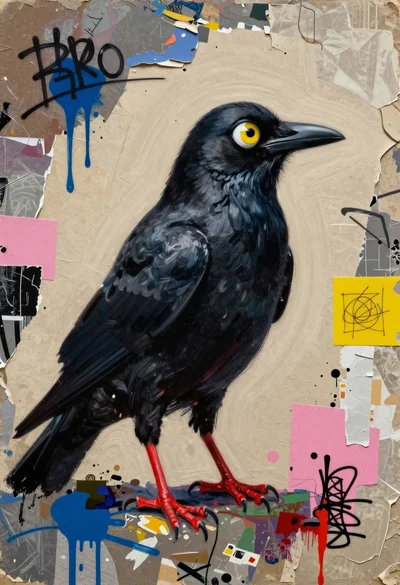
Surreal black bird collage with human eye
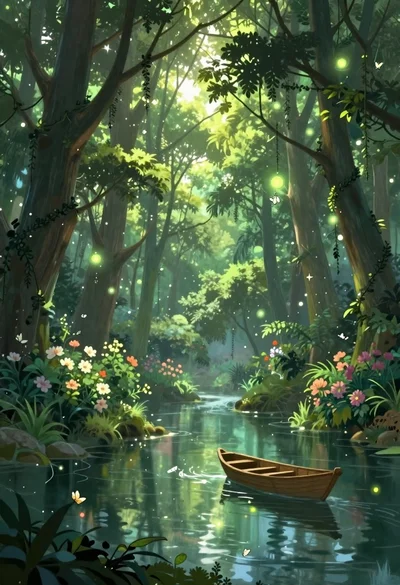
Enchanted forest scene with glowing atmosphere and light particles
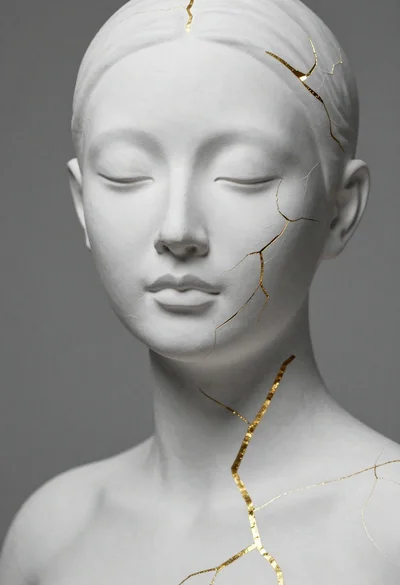
Close up portrait of serene bust with gold kintsugi cracks