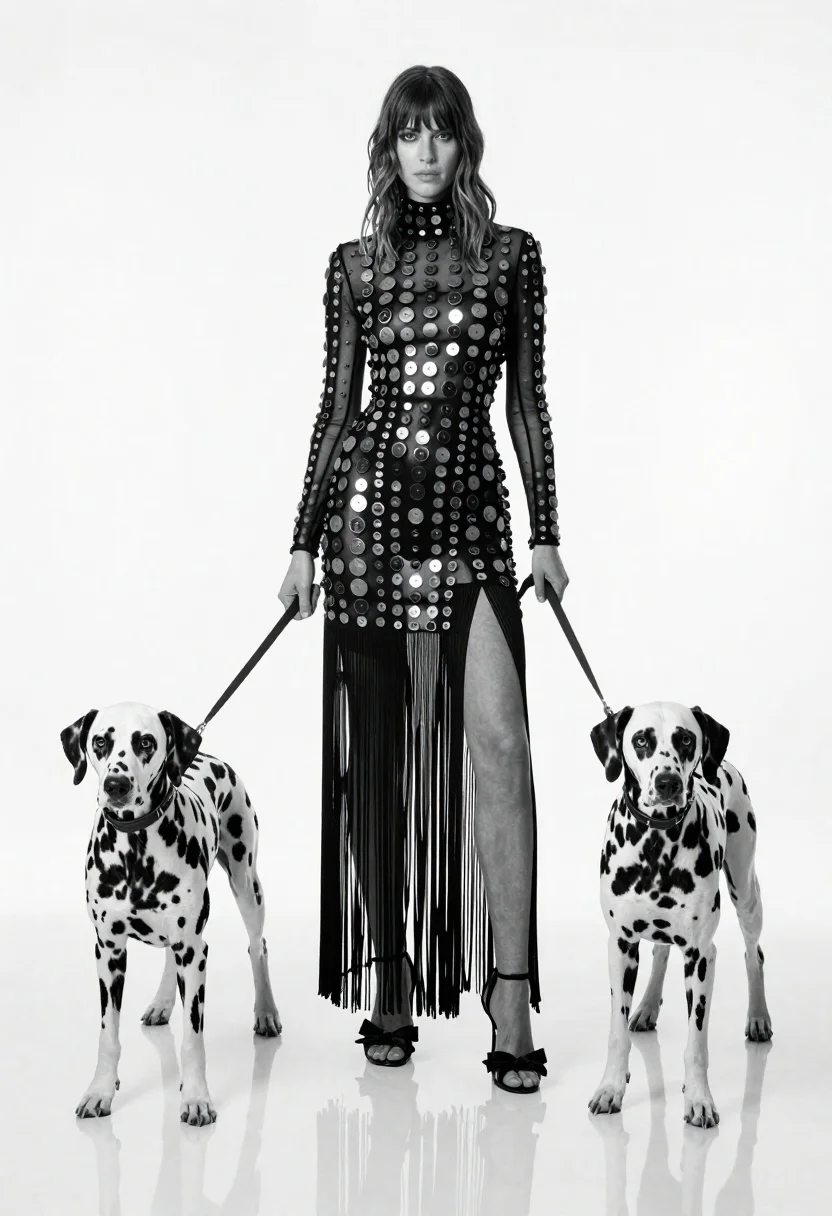
Full length black and white portrait of woman with two dalmatian dogs
Prompt
A full-length black and white studio portrait of a woman standing between two Dalmatian dogs on leashes.

Subject: A tall woman with shoulder-length wavy hair, pale skin, and a serious expression looking directly at the camera.

Clothing: She wears a high-necked, long-sleeved maxi dress covered in large circular patterns resembling coins or studs, featuring sheer panels, vertical fringe details, and a high thigh slit revealing her legs.

Action: The woman stands upright holding two leashes, one in each hand, while the dogs stand on either side of her; she wears open-toed heels with bow details.

Environment: A minimalist white studio setting with a seamless white background and a highly reflective white floor that mirrors the subjects' feet and lower legs.

Camera: Shot from a straight-on eye-level angle with a full-length vertical composition to capture the entire figure and dogs without cropping.

Lighting: High-key studio lighting creates a bright, clean aesthetic with soft shadows and high contrast between the black dress and white surroundings.

Style Details: Black and white monochrome photography with a sharp focus on textures and patterns, resembling high-fashion editorial style.
Description
This prompt is useful for creating high-concept fashion editorials, fine art pet portraits, and stylized book covers requiring strong graphic contrast. The combination of 'high-key studio lighting' with a 'seamless white background' ensures that the intricate details of the patterned dress and the dogs' coats remain visible without being lost in shadow, while the 'full-length vertical composition' emphasizes both the fashion silhouette and the relationship between the woman and her pets.
Suggestions
- Change 'large circular patterns resembling coins or studs' to 'geometric Art Deco motifs' for a different pattern feel.
- Swap 'high-key studio lighting' for 'dramatic Rembrandt lighting' to add more shadow depth.
- Adjust 'open-toed heels with bow details' to 'pointed ankle boots' for a more severe fashion edge.
Category
Tags
AnimalsB&wFemaleFull BodyPortrait ShotRealisticStudioWide Shot
Date added
June 19, 2026
Added by
PromptDexter Team
Related Prompts
More prompts with similar categories and tags.
High contrast black and white portrait of woman with coiled patterned snake
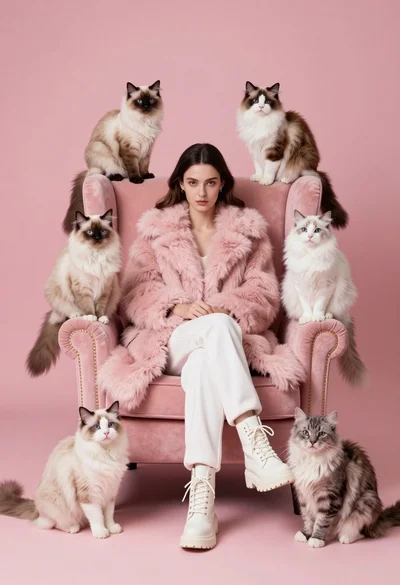
Woman in pink fur coat surrounded by six fluffy cats on pink
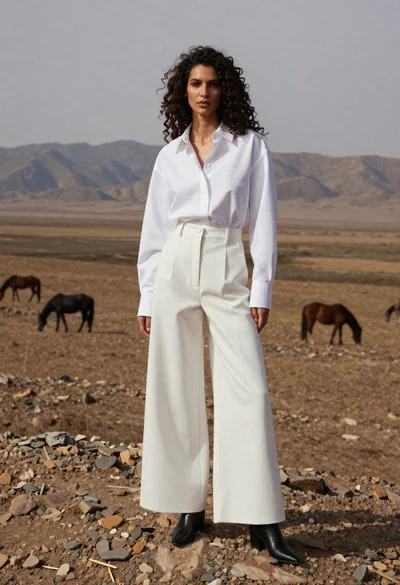
Woman in white shirt on rocky steppe with horses
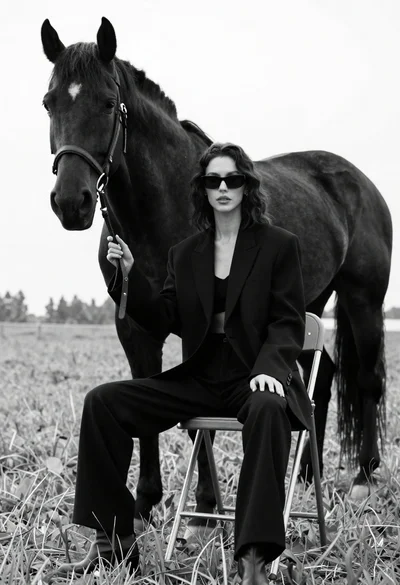
Woman in black outfit sitting on stool with large horse in field
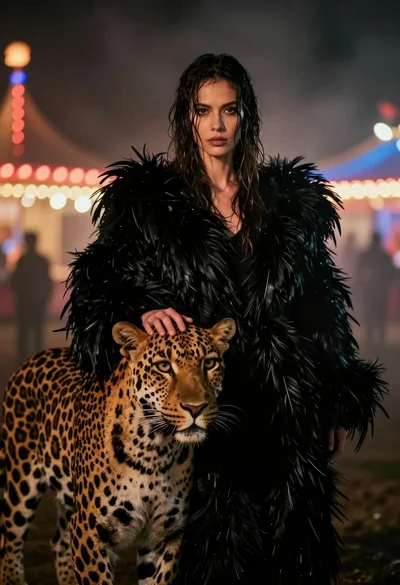
Woman with leopard in feathered coat against misty carnival lights at night
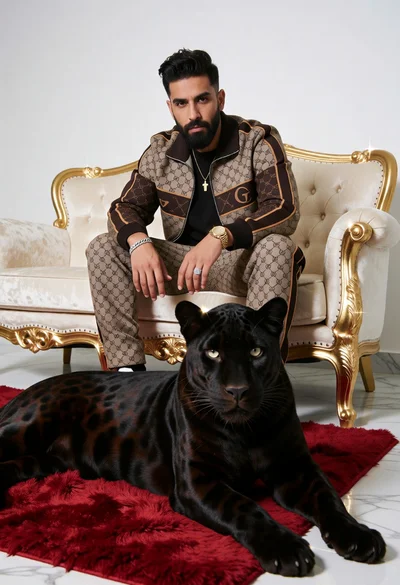
Man in monogrammed tracksuit with black panther on cream sofa
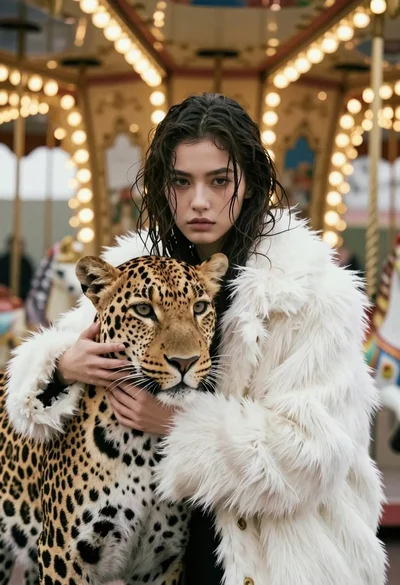
Cinematic portrait of woman holding leopard near glowing carousel lights
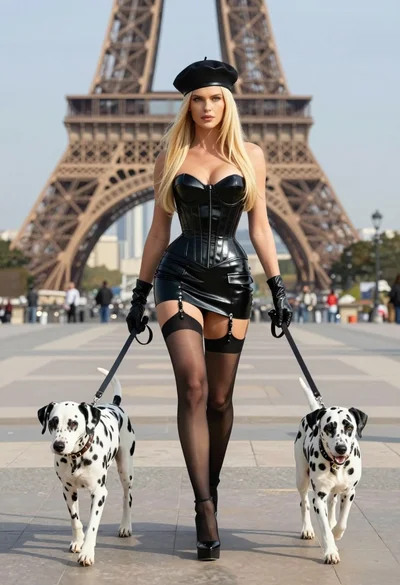
Blonde woman in black latex corset walking with two dalmatians near eiffel
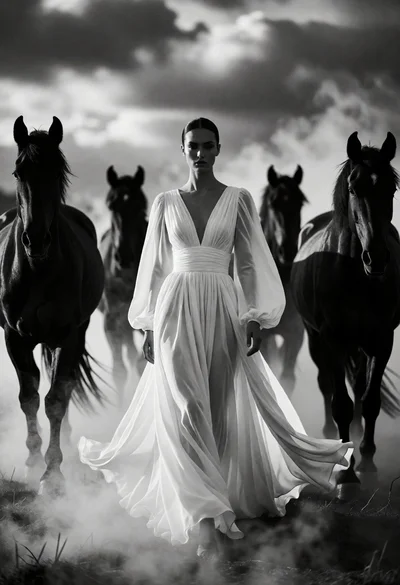
Woman in white gown centered among four dark horses emerging from mist
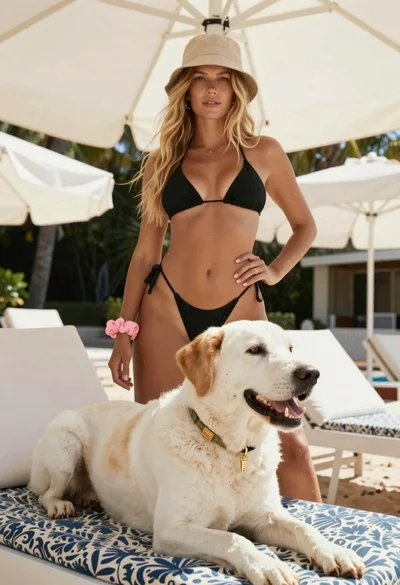
Blonde woman in black bikini poses with dog on beach lounger