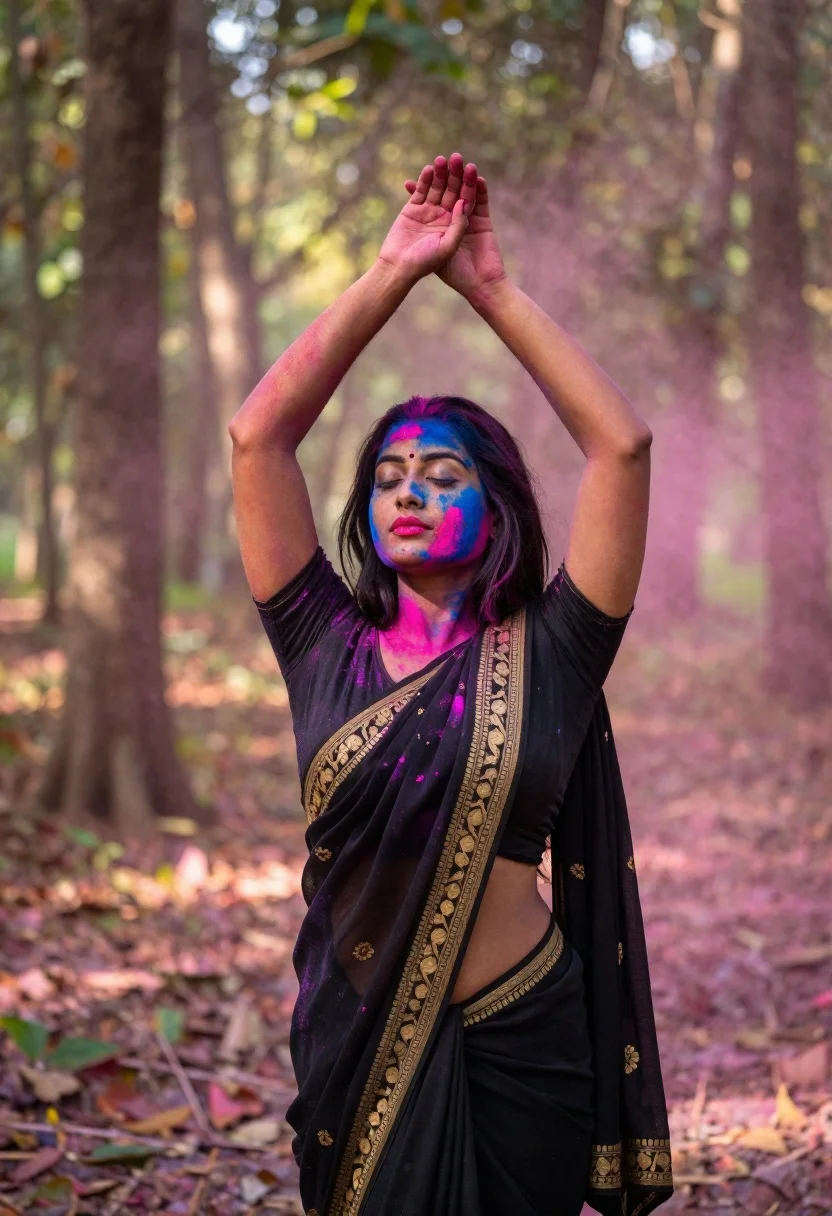
Woman in black saree raising arms in a sunlit forest clearing
Prompt
A woman with long black hair stands in a forest clearing, her arms raised above her head with palms facing each other as if holding invisible colors.

Subject: A young woman with long, flowing black hair and closed eyes, wearing vibrant pink lipstick, covered in splashes of bright blue and magenta powder on her face, neck, and arms.

Clothing: She wears a traditional black saree featuring intricate gold embroidery along the borders and pallu, paired with a matching black blouse that exposes her midriff.

Action: Her arms are raised high above her head in a graceful pose, hands crossed or touching near the top of her frame, conveying a sense of celebration or dance.

Environment: A soft-focus forest background with tall tree trunks and dappled sunlight filtering through the leaves, creating a dreamy atmosphere filled with floating pink powder mist.

Lighting: Natural daylight with a warm, golden glow suggesting late afternoon sun, casting soft shadows and highlighting the vivid colors of the powder against her dark skin and clothing.

Camera: Medium shot capturing the subject from the waist up, with a shallow depth of field that blurs the background trees into bokeh while keeping the subject sharply in focus.

Style Details: High-resolution photography with vibrant color saturation, soft film grain texture, and a cinematic composition emphasizing the contrast between the dark attire and the bright festive colors.
Description
This prompt is useful for creating cultural portraiture, editorial storytelling about ritualistic moments, and artistic mood boards focusing on vibrant color contrasts. The combination of 'dappled sunlight filtering through the leaves' with the 'vibrant pink lipstick' and 'bright blue and magenta powder' ensures that the natural light interacts dramatically with the applied colors, preventing them from looking flat against the dark saree.
Suggestions
- Change 'vibrant pink lipstick' to 'deep crimson lipstick' for a more dramatic tone.
- Swap 'soft film grain texture' for 'Kodak Portra 400' for a specific analog feel.
- Adjust 'Medium shot capturing the subject from the waist up' to 'full body shot' to better show the saree's flow.
Category
Tags
Black HairBrown SkinFemaleForestFull BodyMedium ShotOutdoorsRealisticTraditional Wear
Date added
June 19, 2026
Added by
PromptDexter Team
Related Prompts
More prompts with similar categories and tags.

Young woman in denim dress standing on balcony before hawa mahal

Woman in black velvet cheongsam holding katana against red background
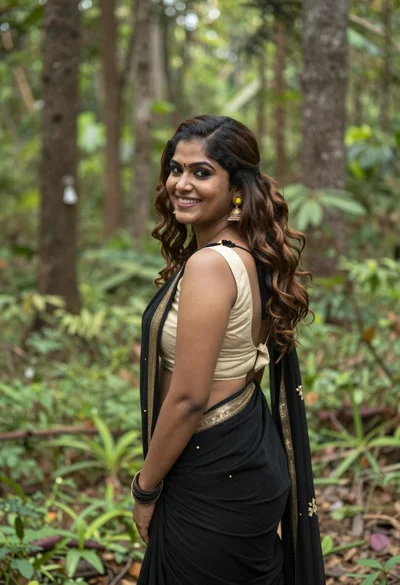
Smiling woman in black saree looking over shoulder in lush green forest
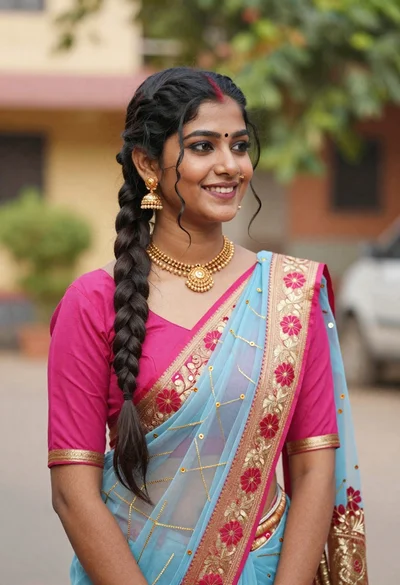
Young woman in pink blouse and blue sari outdoors with braided hair
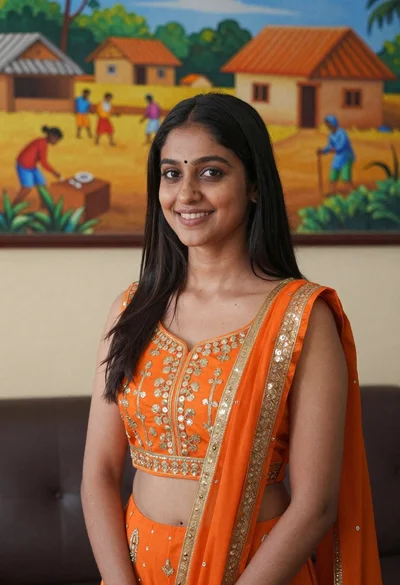
Smiling young woman in orange embroidered traditional outfit against colorful mural

Smiling young woman in teal top and jeans in snowy landscape
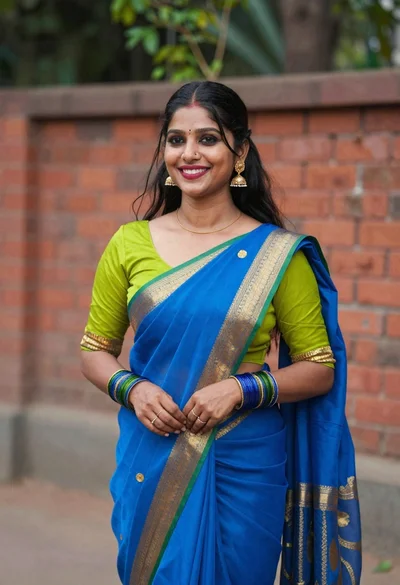
Smiling young woman in blue and lime green saree outdoors against brick
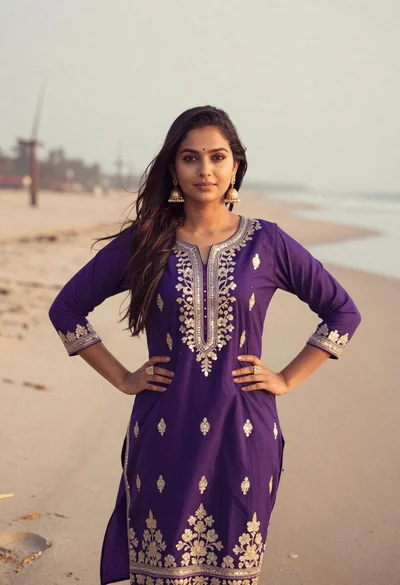
Young woman in purple embroidered dress standing on sandy beach
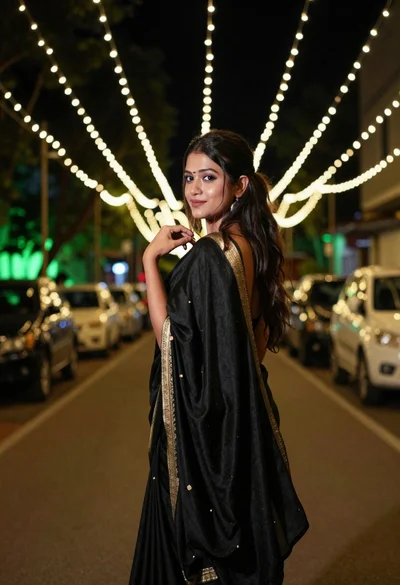
Young woman in black draped garment on walkway under festive string lights
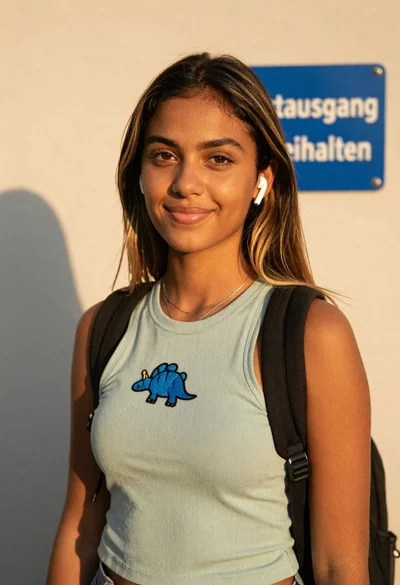
Young woman in green tank top against wall with golden hour light