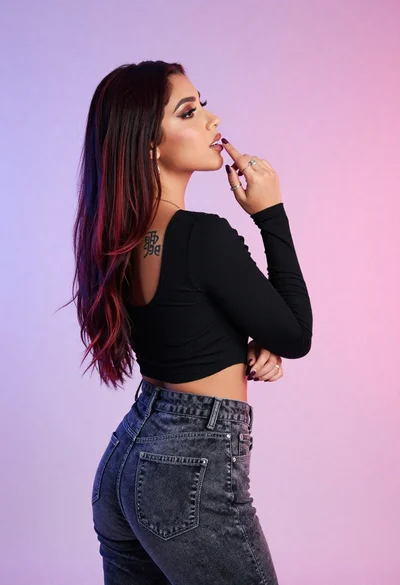

Woman in black top poses near large gold egyptian pharaoh statue
Prompt
A woman poses in the foreground wearing a black strap top and elaborate gold Egyptian-style jewelry, standing before a large golden pharaoh statue.

Subject: A woman with long dark wavy hair and heavy eye makeup stands confidently in the foreground, while behind her is a life-sized golden statue of an ancient Egyptian pharaoh wearing a nemes headdress and False beard.

Clothing: The woman wears a black top with thin straps and a gold chain detail on one side; the statue is depicted as bare-chested with a decorative skirt.

Action: The woman looks directly at the camera with a slight smile, while the statue stands in a static, upright pose.

Environment: The setting appears to be an indoor display or museum space with dark walls adorned with gold Egyptian motifs and hieroglyphs.

Camera: Medium shot framing both subjects with a shallow depth of field that keeps the woman sharp and slightly softens the background details.

Lighting: Warm ambient lighting highlights the golden tones of the jewelry and statue, creating soft shadows and a polished studio atmosphere.

Style Details: Photorealistic portrait style with high detail on textures like skin, fabric, and metallic surfaces.
Description
This prompt is useful for creating museum exhibit promotional materials, editorial fashion spreads blending history and modern wear, and character concept art for period dramas. The combination of 'warm ambient lighting' accentuating the 'gold Egyptian-style jewelry' against the dark background ensures that both the subject's skin texture and the statue's metallic surfaces read as highly polished, which is crucial for a high-end, curated display feel.
Suggestions
- Change 'black strap top' to 'velvet black corset' for more historical weight.
- Add 'chiaroscuro lighting' to deepen the shadows on the walls.
- Swap 'shallow depth of field' for 'deep focus' to make both subjects equally sharp.
Category
Tags
FemaleMedium ShotRealisticStudio
Date added
June 19, 2026
Added by
PromptDexter Team
Related Prompts
More prompts with similar categories and tags.
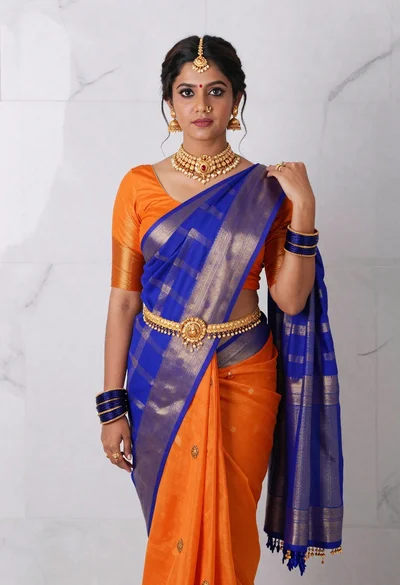
Woman in vibrant traditional indian saree against white marble backdrop

Portrait of woman with red hair in navy blouse and green skirt
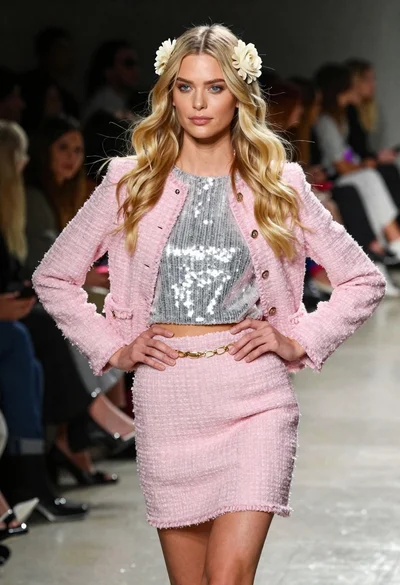
Blonde woman walking fashion runway in pink tweed ensemble
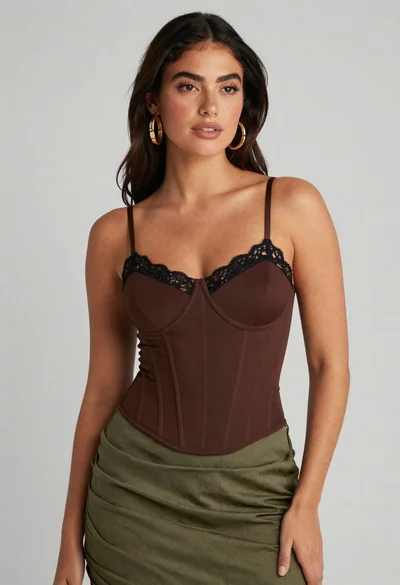
Confident woman in brown corset top and green skirt against gray background

Blonde woman in silver gown with fur stole studio portrait
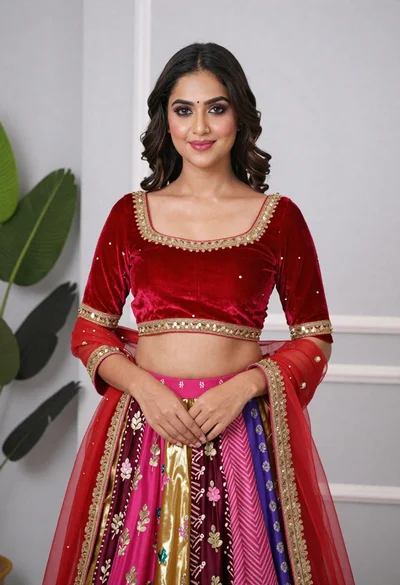
Young woman in elaborate red and pink traditional indian attire indoors

Young woman in blue denim jacket posing against pale pink seamless background
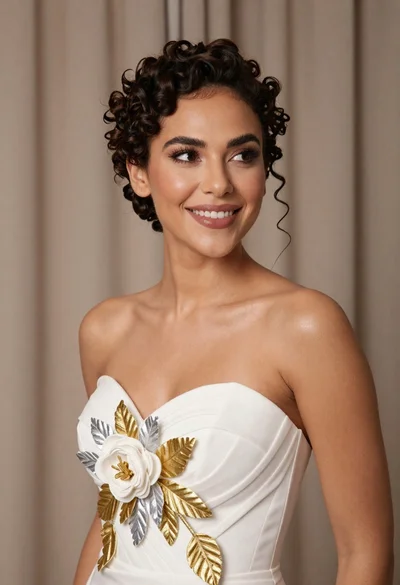
Medium close up portrait of woman in white gown with floral appliqué
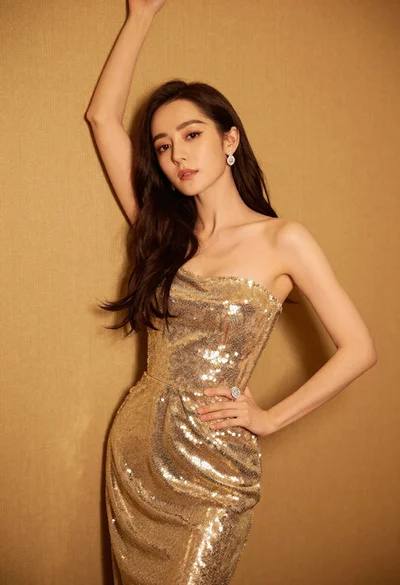
Glamorous woman in shimmering gold gown posing against warm textured wall
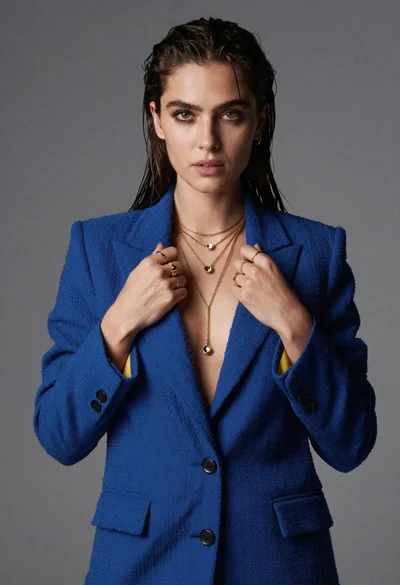
Portrait of woman in blue blazer holding lapels against gray studio background
