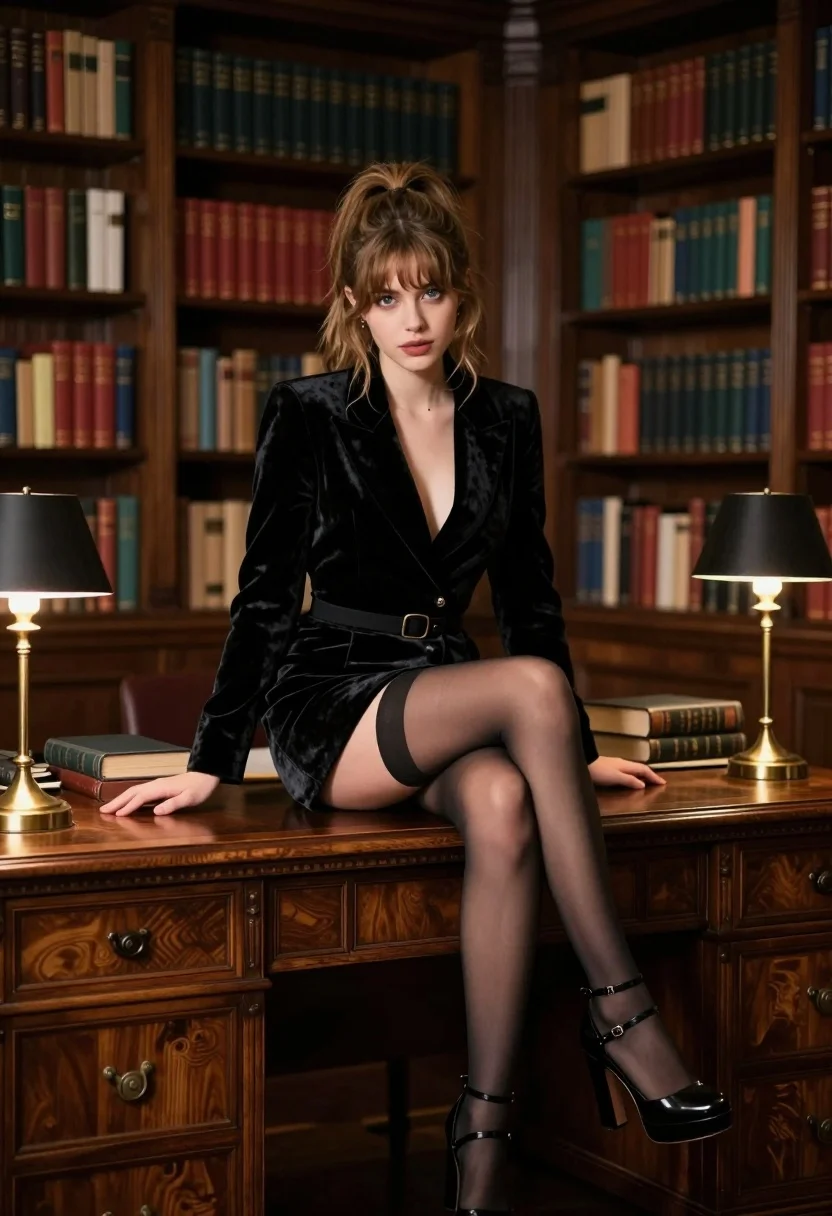
Woman in black velvet dress sitting on ornate desk in dimly lit
Prompt
A woman sits confidently atop a large, ornate wooden desk in a dimly lit library filled with bookshelves.

Subject: A young woman with light brown hair styled in a messy high ponytail, featuring loose strands framing her face, and striking blue eyes looking directly at the viewer.

Clothing: She wears a black velvet blazer dress with a plunging neckline, cinched at the waist with a thin belt, paired with sheer black stockings and black strappy platform heels.

Action: She leans forward slightly with one hand resting on the desk surface near a stack of books, her legs crossed at the ankles in a relaxed yet poised posture.

Environment: The setting is a cozy, traditional study or library featuring floor-to-ceiling dark wood bookshelves packed with colorful hardcover books and two brass table lamps with black shades providing warm ambient light.

Camera: Medium shot capturing the subject from the knees up, utilizing a shallow depth of field to blur the background shelves while keeping the subject sharp and centered in the frame.

Lighting: Warm, moody lighting emanating primarily from the desk lamps, casting soft highlights on her face and velvet outfit while leaving the corners of the room in shadow for dramatic effect.

Style Details: Cinematic photography style with rich, deep colors, high contrast between light and dark areas, and a polished, sophisticated aesthetic reminiscent of a classic film noir or period drama.
Description
This prompt is useful for creating character portraits for literary adaptations, moody editorial spreads, and vintage-inspired concept art. The combination of 'black velvet blazer dress' against the 'dimly lit library' setting, emphasized by 'warm, moody lighting,' establishes a high contrast that immediately suggests mystery and sophistication suitable for dramatic storytelling.
Suggestions
- Change 'messy high ponytail' to 'structured chignon' for a more formal look.
- Swap 'black velvet blazer dress' for 'deep emerald silk gown' to alter the color palette.
- Adjust 'shallow depth of field' to 'medium depth of field' if you want more background context visible.
Category
Tags
BrunetteFemaleIndoorsMedium ShotPortrait ShotRealistic
Date added
August 5, 2026
Added by
PromptDexter Team
Related Prompts
More prompts with similar categories and tags.
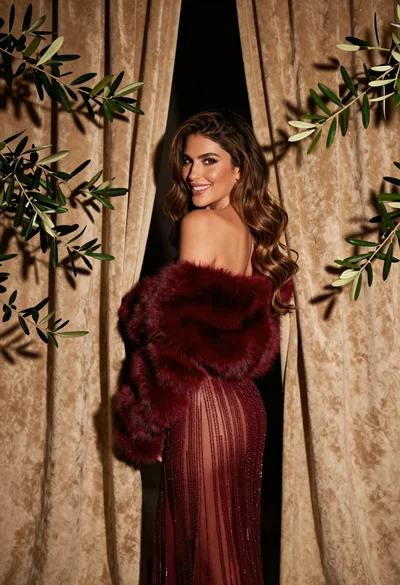
Glamorous woman in red dress framed by beige curtains and olive branches
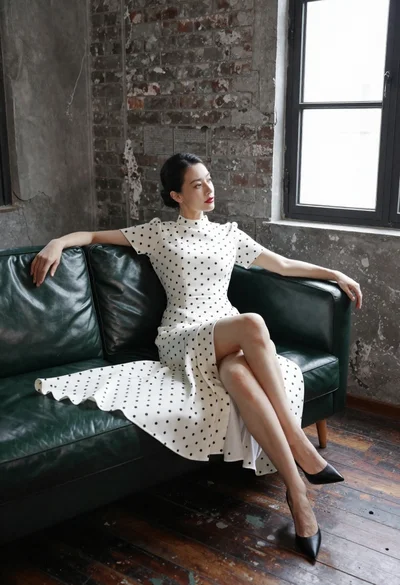
Woman in white polka dot dress seated on green leather sofa
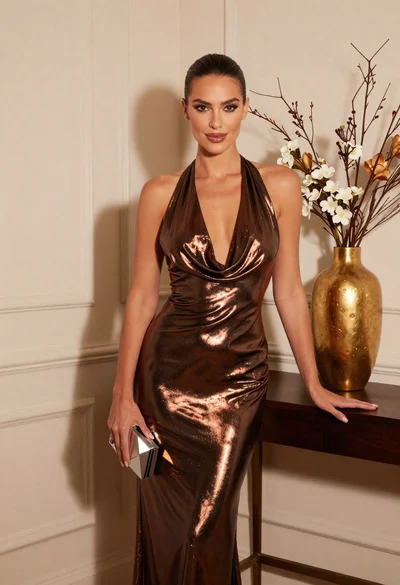
Glamorous woman in metallic bronze gown standing indoors at an elegant setting

Woman sitting gracefully indoors wearing yellow skirt and top

Fair skinned woman in black sequined outfit sitting elegantly indoors
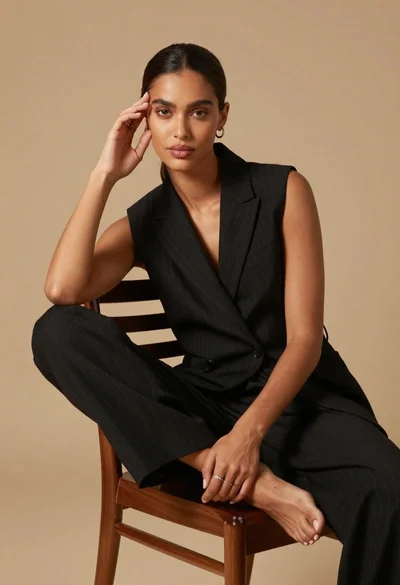
Poised dark skinned woman in black blazer sitting on wooden chair
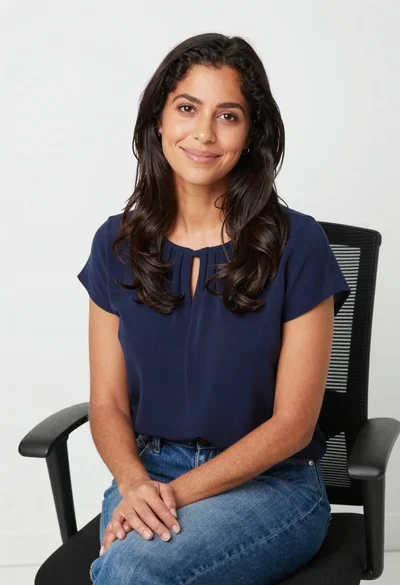
Smiling woman in navy top sitting on black chair against white wall
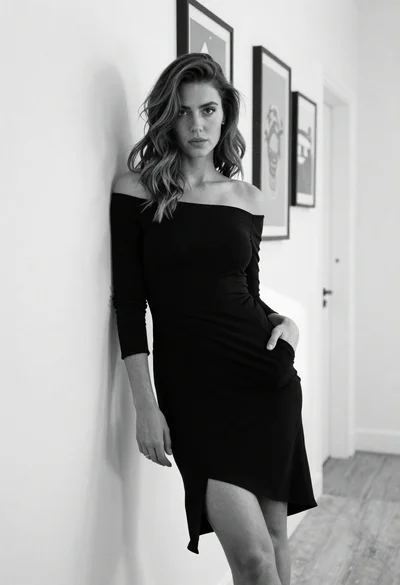
Woman in black off shoulder dress leaning against white textured hallway wall

Stylish young woman in denim shirt holding tablet indoors
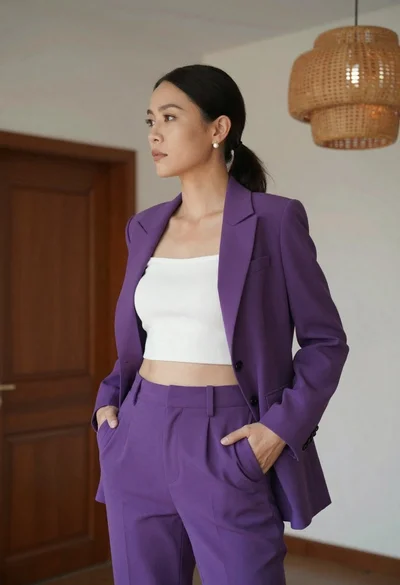
Woman in purple suit standing indoors with white ribbed crop top