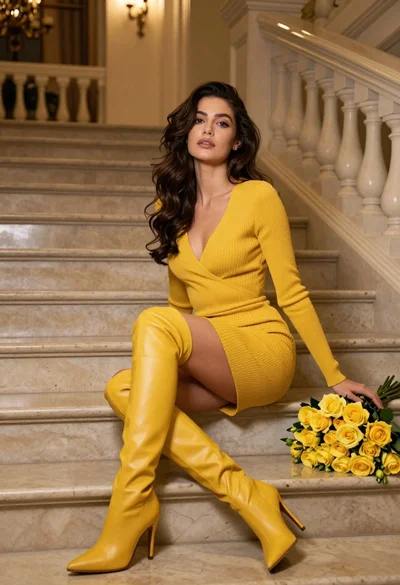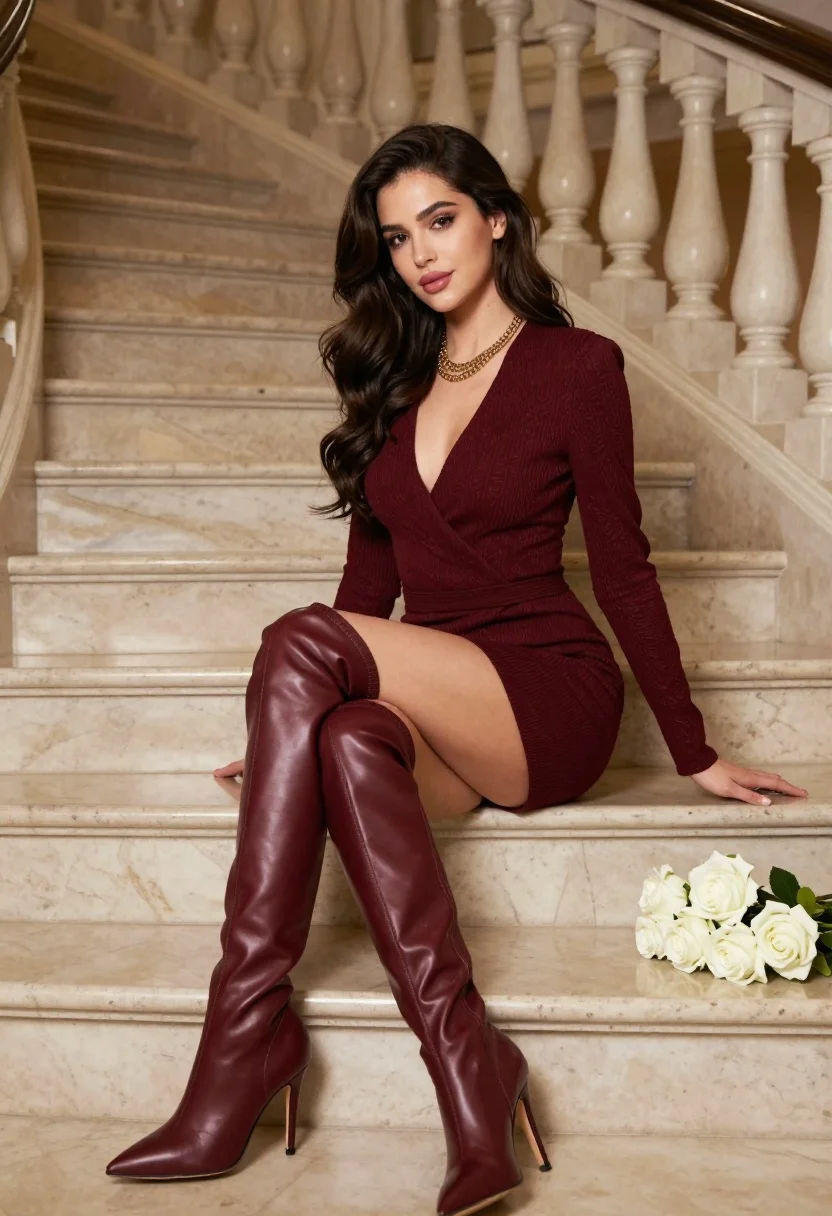
Woman in burgundy dress sitting on grand marble staircase with white roses
Prompt
A woman with long wavy dark hair sits gracefully on a grand marble staircase wearing a deep burgundy dress and matching thigh-high boots.

Subject: A woman with voluminous wavy dark brown hair, fair skin, defined eyebrows, and soft makeup featuring pink lips and subtle eye shadow.

Clothing: She wears a textured deep burgundy long-sleeved wrap dress with a plunging neckline and a gold layered necklace. Her footwear consists of matching high-shine burgundy leather thigh-high boots with pointed toes and stiletto heels.

Action: She sits on the steps with one leg crossed over the other, leaning slightly forward with her left hand resting on the step beside her while looking directly at the camera.

Environment: The setting is a luxurious interior featuring wide beige marble stairs with ornate balusters in the background. A bouquet of white roses lies on the steps next to her right side.

Lighting: Soft natural light illuminates the scene from the left, casting gentle shadows and highlighting the texture of her hair and clothing.

Camera: The shot is a medium close-up framed at eye level with a shallow depth of field that keeps the subject sharp while softly blurring the architectural background.

Style Details: High-resolution photography with warm color grading and a polished editorial aesthetic.
Description
This prompt is useful for creating luxury magazine editorials, high-end bridal lookbooks, and dramatic portraiture featuring rich jewel tones. The combination of 'deep burgundy dress' against the 'beige marble stairs,' coupled with 'soft natural light' and a shallow depth of field, directs focus entirely onto the subject's texture and pose while using the white roses to provide necessary visual contrast against the dark hair.
Suggestions
- Change 'deep burgundy dress' to 'oxblood velvet gown' for more dramatic material.
- Add 'chiaroscuro lighting' to enhance the shadows on the marble.
- Swap 'white roses' for 'dark red peonies' to unify the color palette.
Category
Tags
Brown HairBrunetteFair SkinFemalePortrait ShotRealistic
Date added
July 3, 2026
Added by
PromptDexter Team
Related Prompts
More prompts with similar categories and tags.
Young woman in rust suede coat seated in weathered architectural corridor
Close up portrait of woman in champagne gown with brown hair

Woman in rust gown posing on white step and repeat backdrop

Stylish young woman in denim shirt holding tablet indoors
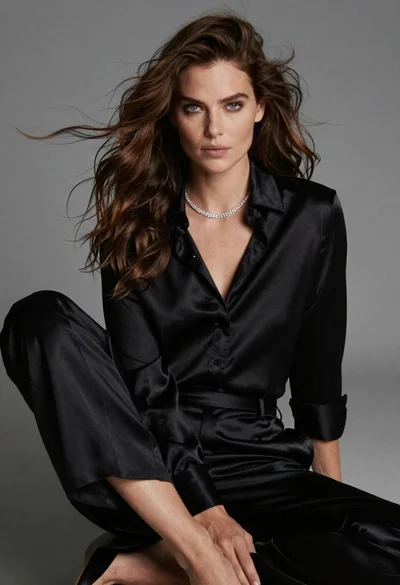
Fairskinned woman in black satin outfit seated for high fashion portrait

Young woman in black velvet dress looking over shoulder at event
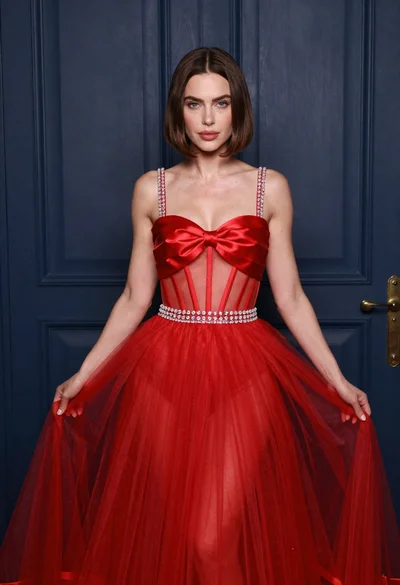
Woman in elaborate red gown standing before dark blue paneled door
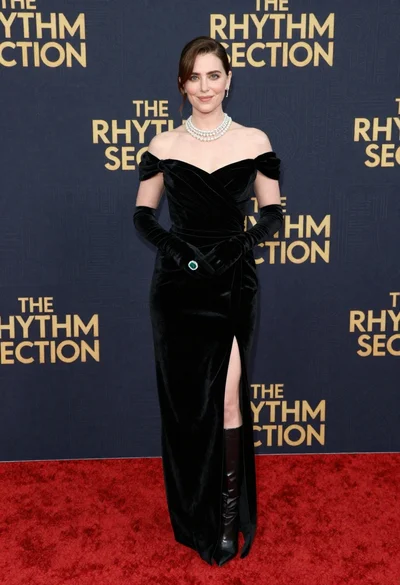
Glamorous woman in black gown posing on a red carpet premiere event
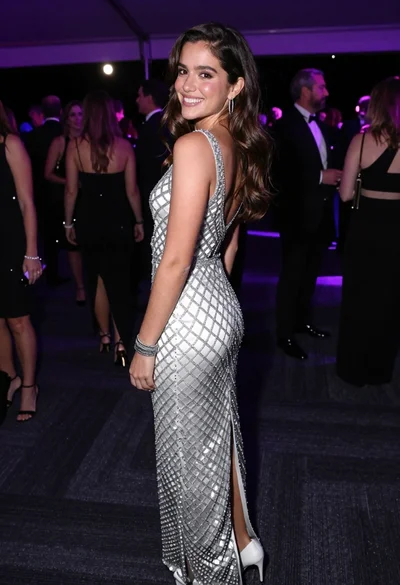
Smiling young woman in crystal gown looking over shoulder at indoor gala
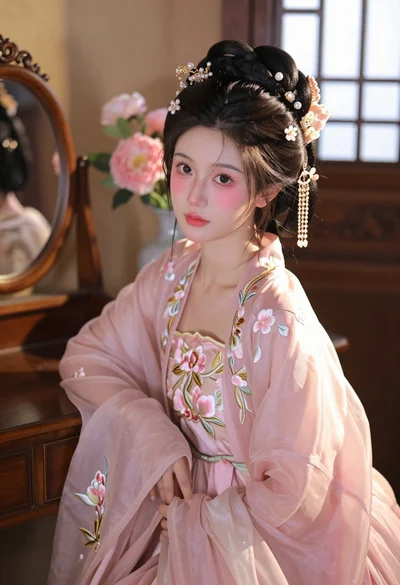
Young woman in pink hanfu gown seated near ornate vanity window