Glamorous woman in black gown posing on a red carpet premiere event
Prompt
A glamorous woman stands confidently on a red carpet at a premiere event.

Subject: A fair-skinned woman with her brown hair styled in an elegant updo, featuring soft makeup and a gentle smile.

Clothing: She wears a luxurious black velvet off-the-shoulder gown with a draped bodice and a high slit revealing tall black leather boots underneath. She is accessorized with long black opera gloves, a multi-strand pearl necklace, and a large emerald ring.

Action: She stands facing forward with her hands clasped in front of her waist, looking directly at the camera.

Environment: The setting is a red carpet event with a dark blue step-and-repeat backdrop featuring repeating gold text that reads "THE RHYTHM SECTION".

Camera: A full-body shot taken from a straight-on angle with a medium telephoto lens to compress the background and isolate the subject against the patterned wall.

Lighting: Bright, direct flash photography illuminates the scene evenly, creating sharp highlights on the velvet fabric and jewelry while casting minimal shadows.

Style Details: High-gloss photographic finish with vibrant color saturation, emphasizing the contrast between the deep black of the outfit and the bright red carpet.
Description
This prompt is useful for creating high-end celebrity event coverage, formal gala invitations, and editorial fashion spreads requiring dramatic contrast. The combination of 'bright, direct flash photography' and 'high-gloss photographic finish' ensures that the 'luxurious black velvet' catches sharp highlights on the gown and jewelry, which is crucial for conveying opulence against the vibrant red carpet.
Suggestions
- Change 'black velvet' to 'liquid silk' for a different sheen.
- Swap 'dark blue step-and-repeat backdrop' for 'deep burgundy step-and-repeat backdrop'.
- Adjust 'medium telephoto lens' to '85mm portrait lens' for more flattering compression.
Category
Tags
Brown HairBrunetteFair SkinFemaleFormal WearFull BodyPortrait ShotRealisticStudio
Date added
June 19, 2026
Added by
PromptDexter Team
Related Prompts
More prompts with similar categories and tags.

Woman seated on mid century chair wearing beige suit

Close up portrait of woman in champagne gown with brown hair
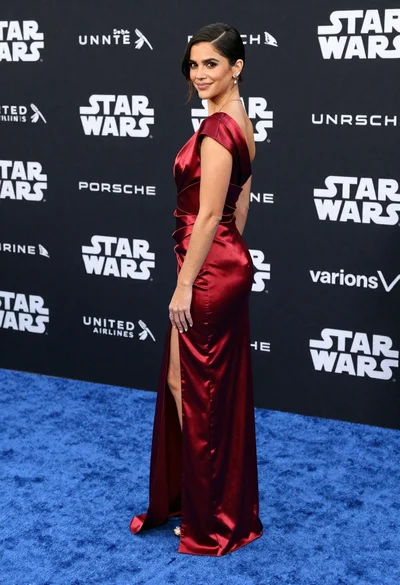
Woman in deep red satin gown standing on blue carpet at an

Close up portrait of blonde woman in champagne gown at gala
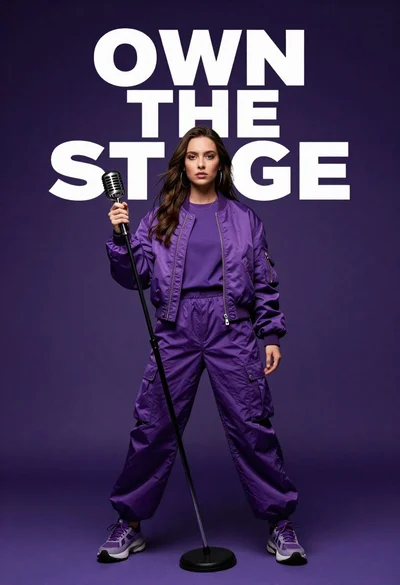
Singer in purple outfit with microphone against violet background

Smiling blonde woman in black dress at sports illustrated event backdrop
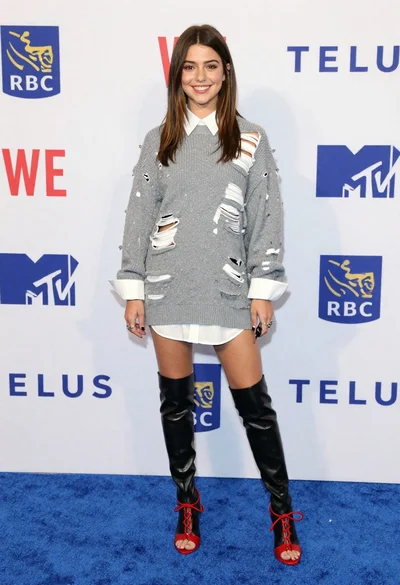
Young woman in distressed sweater dress on blue carpet at event
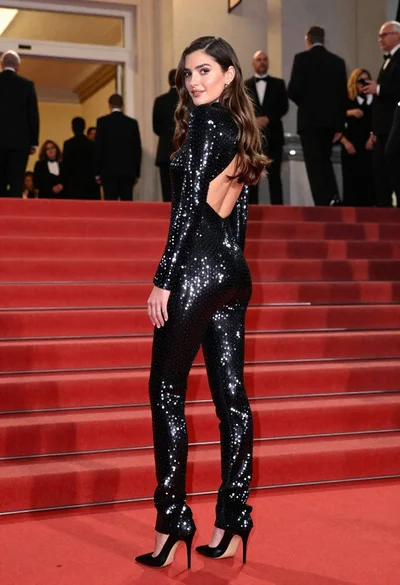
Glamorous woman in sequined jumpsuit on grand red carpet staircase
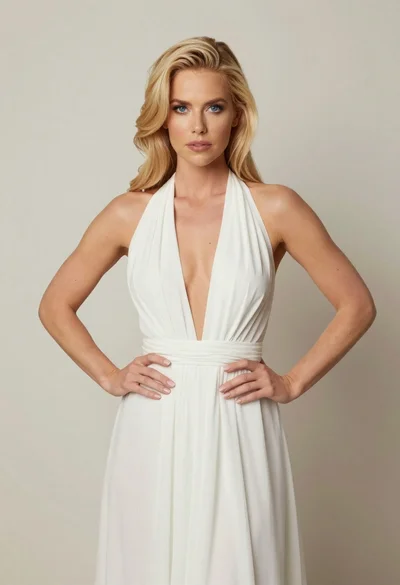
Blonde woman in white halter gown standing against a neutral studio wall

Fair skinned woman in black sequined outfit sitting elegantly indoors